

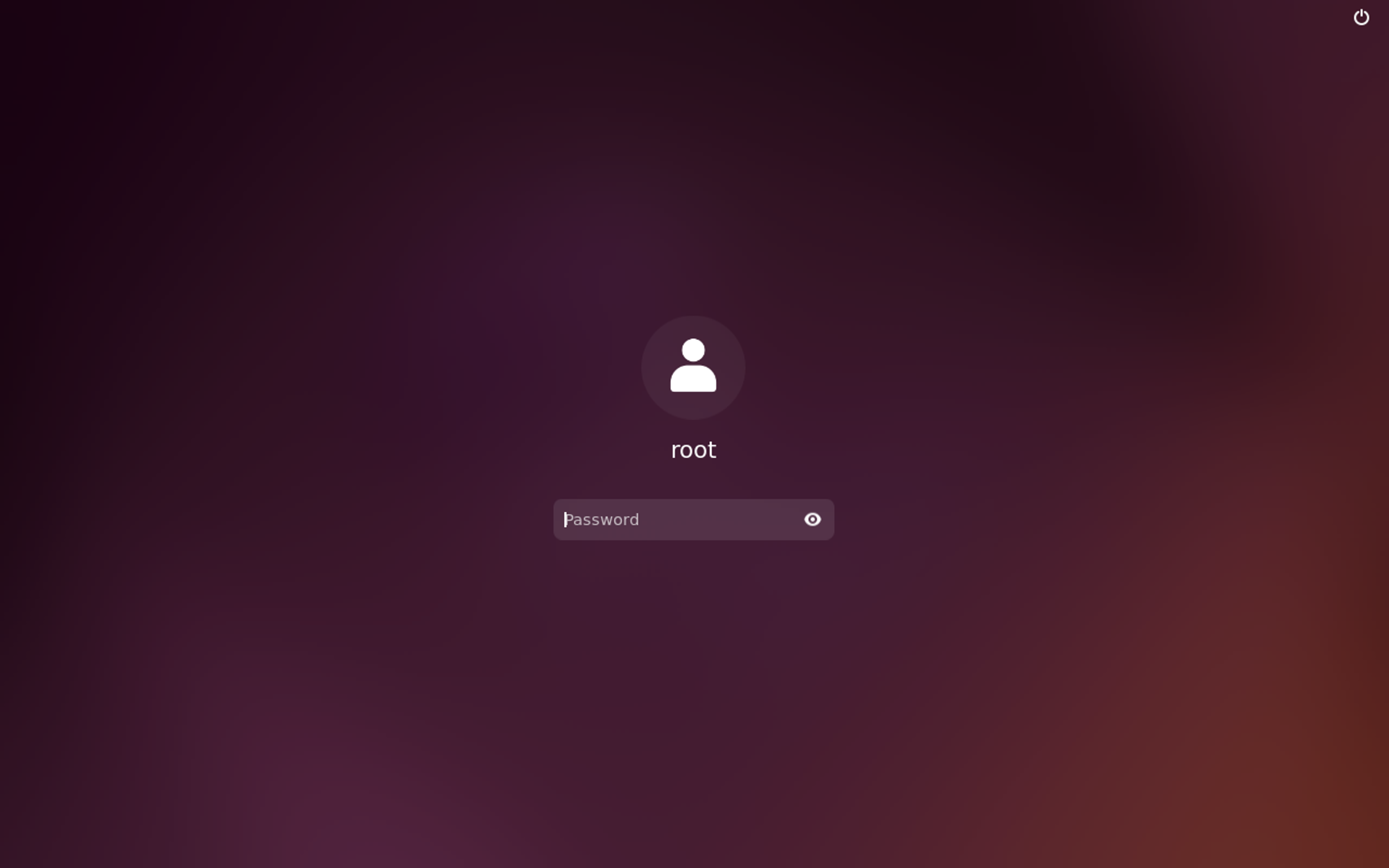
One of the most common questions new Ubuntu users ask is about the default root password. Here’s everything you need to know about Ubuntu’s root password, sudo privileges, and how to manage root access securely.
Understanding Ubuntu’s Root Account
Unlike other Linux distributions, Ubuntu does not set a default root password. Instead, it uses the sudo system for administrative privileges. This design choice improves security by:
- Preventing direct root login
- Maintaining an audit trail of administrative actions
- Reducing the risk of accidental system changes
How Ubuntu Handles Root Access
The Sudo System
sudo apt update
sudo -l
sudo -iFirst User Privileges
During installation, Ubuntu:
- Creates the first user with sudo privileges
- Adds this user to the sudo group
- Disables the root account login
Managing Root Access
1. Enable Root Account (If Needed)
sudo passwd root
sudo passwd -l root2. Add Users to Sudo Group
sudo usermod -aG sudo username
sudo adduser username sudo
members

getent group sudo
3. Configure Sudo Settings
sudo visudo
Defaults        env_reset

Defaults        mail_badpass

Defaultssecure_path="/usr/local/sbin:/usr/local/bin:/usr/sbin:/usr/bin:/sbin:/bin"
Security Best Practices
1. Password Policies
sudo apt install libpam-pwquality
sudo nano /etc/security/pwquality.conf
minlen = 12

minclass = 3

enforce_for_root
2. Sudo Configuration Hardening
sudo visudo
Defaults timestamp_timeout=15
Defaults timestamp_timeout=03. Audit Sudo Usage
sudo grep sudo /var/log/auth.log
sudo tail -f /var/log/auth.log | grep sudoCommon Tasks and Solutions
1. Reset Forgotten Sudo Password
mount -o rw,remount /

passwd username
2. Fix Broken Sudo Configuration
mount -o rw,remount /

visudo
3. Temporary Root Access
sudo -iroot
sudo command
root

sudo bash
Alternative Approaches
1. Using su Command
su -sudo su -2. Using Administrative Groups
sudo usermod -aG adm,sudo usernameTroubleshooting
1. Sudo Access Issues
sudo -lsudo whoami2. Password Problems
sudo passwd usernamesudo passwd -u usernamesudo passwd -S usernameBest Practices for Organizations
1. User Management
sudo adduser newadmin

sudo usermod -aG sudo newadmin
sudo deluser username sudo2. Access Control
username ALL=(ALL) /usr/bin/apt3. Monitoring
Defaults        log_output

Defaults        logfile="/var/log/sudo.log"
FAQs
Q: Why can’t I login as root in Ubuntu? A: Ubuntu disables root login by default for security. Use sudo instead.
Q: How do I find out my root password? A: Ubuntu has no default root password. The root account is locked by default.
Q: Can I enable root login? A: Yes, but it’s not recommended. Use sudo for administrative tasks.
Q: What if I forget my sudo password? A: Use recovery mode to reset your user password.
Security Considerations
- Password Management:
- Use strong passwords
- Change passwords regularly
- Don’t share sudo passwords
- Access Control:
- Limit sudo access
- Review sudo logs
- Remove unnecessary privileges
- System Monitoring:
- Check auth logs regularly
- Monitor sudo usage
- Audit user activities
It is important to remember that the root account in Ubuntu is deliberately disabled for security reasons. Using sudo is the recommended approach for administrative tasks.
More Articles from Unixmen