
This tutorial show you how to install proftpd server in Ubuntu . Proftpd is Highly configurable GPL-licensed FTP server software
How to install Proftpd in Ubuntu 10.x and 11.x
Answer:
sudo apt-get install proftpdDuring installation you can choose to install as an inetd service,or a standalone server. I read and followed the advice of installing as Standalone server

Backup the configuration file incase you mess something up!
sudo cp /etc/proftpd/proftpd.conf /etc/proftpd/proftpd.conf.originalOpen the config for edit
sudo nano /etc/proftpd/proftpd.conf Change your server name to whatever you like
ServerName "whatever.mydomain.com"Uncomment the line to restrict users to their home directory
DefaultRoot ~Save your changes and then restart the service
sudo service proftpd restartAnd you can put a custom message in any folder to have it displayed when accessed
sudo nano /home/username/.message

save and  exit

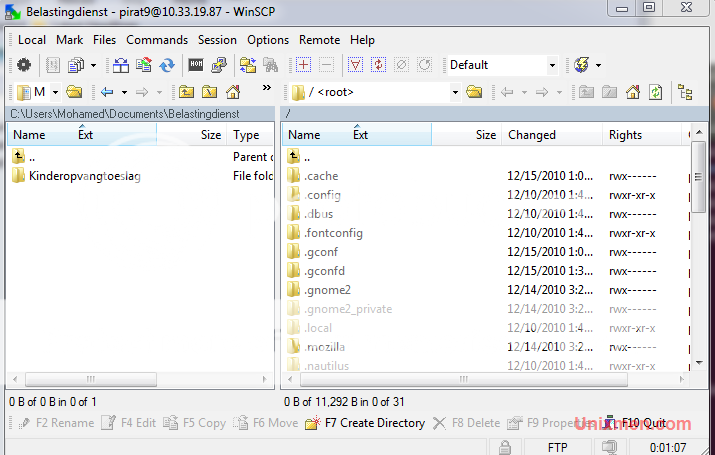
Now  connect from windows  ftp  client . winscp or  cuteftp or filezella


Connect  and  enjoy