

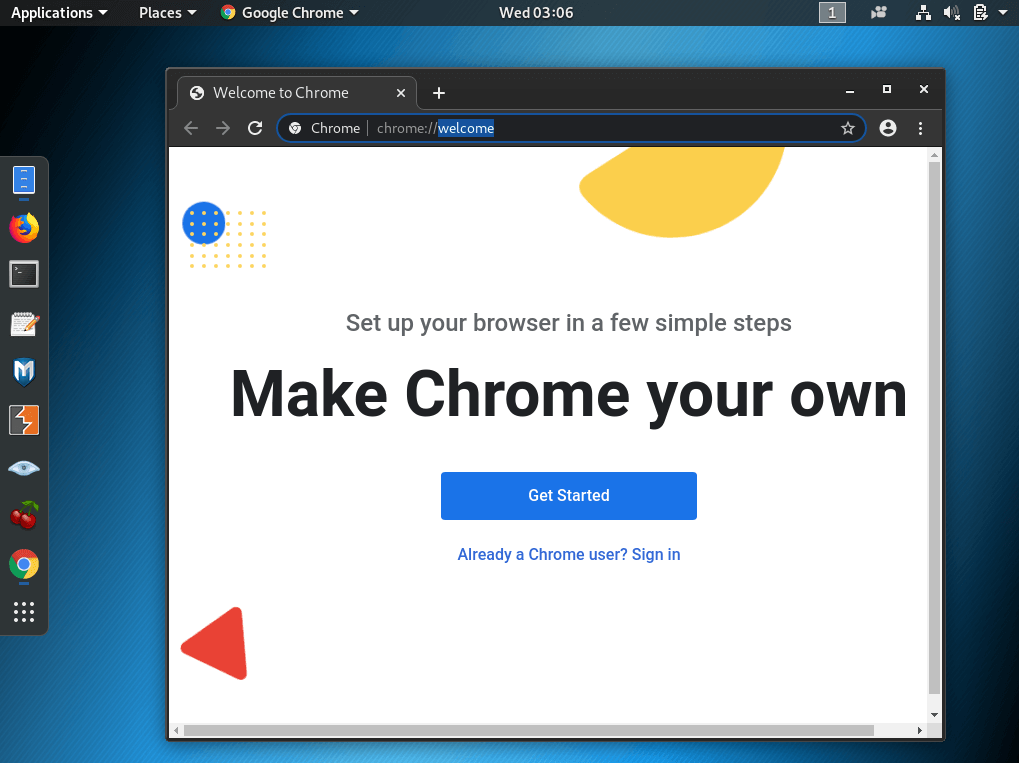
Are you looking to install Google Chrome on your Linux system? This article guide will walk you through everything you need to know about installing, configuring, and getting the most out of Chrome on Linux distributions.
Why You Should Use Chrome for Linux?
Google Chrome stands out as one of the most popular web browsers for Linux users, offering:
- Seamless synchronization with Google services
- Superior performance and speed
- Extensive library of extensions
- Regular security updates
- Modern, user-friendly interface
Installation Methods
Method 1: Using Package Managers
The simplest way to install Chrome on Linux is through your distribution’s package manager.
For Ubuntu/Debian:
For Fedora/RHEL:
<span class="token">sudo</span> dnf config-manager --set-enabled google-chrome
<span class="token">sudo</span> dnf <span class="token">install</span> google-chrome-stable
Method 2: Direct Download
- Visit the official Chrome download page
- Select “Download Chrome for Linux”
- Choose your package format (.deb for Ubuntu/Debian, .rpm for Fedora/RHEL)
- Follow your system’s package installer prompts
Optimizing Chrome for Linux
Performance Tips
- Enable Hardware Acceleration
- Navigate to
chrome://settings/system
- Toggle “Use hardware acceleration when available”
- Navigate to
- Manage Extensions
- Regular audit of installed extensions
- Remove unused ones to free up resources
- Clear Browser Data
- Periodically clean cache and browsing data
- Use
Ctrl+Shift+Delete
for quick access
Troubleshooting Common Issues
Audio Problems
- Check PulseAudio configuration
- Verify Chrome has necessary permissions
Display Issues
- Update graphics drivers
- Disable hardware acceleration if experiencing glitches
Memory Usage
- Enable tab discarding
- Use built-in task manager (
Shift+Esc
)
Advanced Features of Google Chrome on Linux
Chrome Flags
Access experimental features through
, including:
- Parallel downloading
- GPU rasterization
- Native file system API
Command Line Options
Launch Chrome with custom parameters:
google-chrome --disable-gpu <span class="token"># Disable GPU acceleration</span>
Security Considerations
- Regular Updates
- Keep Chrome updated through your package manager
- Enable automatic updates
- Privacy Settings
- Review and adjust privacy settings
- Consider using privacy-focused extensions
FAQs
Will Chrome run on all Linux distributions? A: Chrome supports most major Linux distributions, particularly those based on Debian, Ubuntu, Fedora, and openSUSE.
How do I update Chrome on Linux? A: Chrome updates automatically through your system’s package manager, or you can manually check for updates through the browser menu.
Can I sync my bookmarks from other devices? A: Yes, sign in with your Google account to sync bookmarks, passwords, and other settings across devices.
Similar Articles from Unixmen
Making Chromium/Chrome Default Browser In Openbox Environment



