


 LibreOffice is free, opensource office suite application, widely popular on Linux operating system. It is considered a best alternative for Microsoft Office platform. Millions of users all around the world use this wonderful application on daily basis to carry out their office related tasks. The awaited LibreOffice 4.4.4 is out now, this is maintenance release, so lot of bug fixes have been performed in this release, although no new features have been added, but as always, it is recommended to keep your software application on latest stable release. The development team for LibreOffice, The Document Foundation (TDF), announced around 70 bug fixes for this release.
LibreOffice is getting ready to announce their major release 5.0 in August this year, this next major release will have new features and its good to see that already reported bugs are being fixed in maintainace releases and we can hope to have LibreOffice 5.0 more stable and mature.
Upgrading LibreOffice to 4.4.4
Ubuntu Users can upgrade LibreOffice to new release easily, launch your terminal and run following command to add LibreOffice new release PPA to your package Manager.
[cc]sudo add-apt-repository ppa:libreoffice/libreoffice-4-4[/cc]
As soon as PPA has been added, run following command to update your package manager.
[cc]sudo apt-get update[/cc]
That’s all, run following dist-upgrade command to update your operating system to use new LibreOffice.
[cc]sudo apt-get dist-upgrade[/cc]
Sit tight, it should take a bit to complete, once done launch LibreOffice and starting using new release 🙂
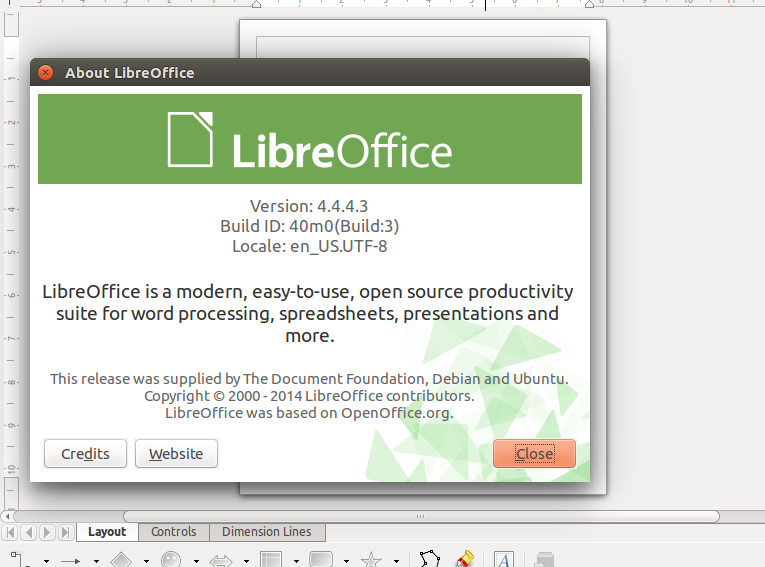
Conclusion
This release is a must upgrade for those looking for bug fixes in older version of LibreOffice. However, for all users, it is encouraged to install latest release and perform thorough testing so that if any issues or bugs, it may be fixed well in time and we should receive our favorite office suite app in more stable shape in upcoming releases.



