


Sublime Text is a sophisticated text editor for code, markup and prose.
In this tutorial we are going to use Fedy to install Sublime Text 3 in Fedora 20. If you don’t know what or haven’t installed Fedy on your system yet, follow our recent post about Fedy here.
After you have successfully installed Fedy.
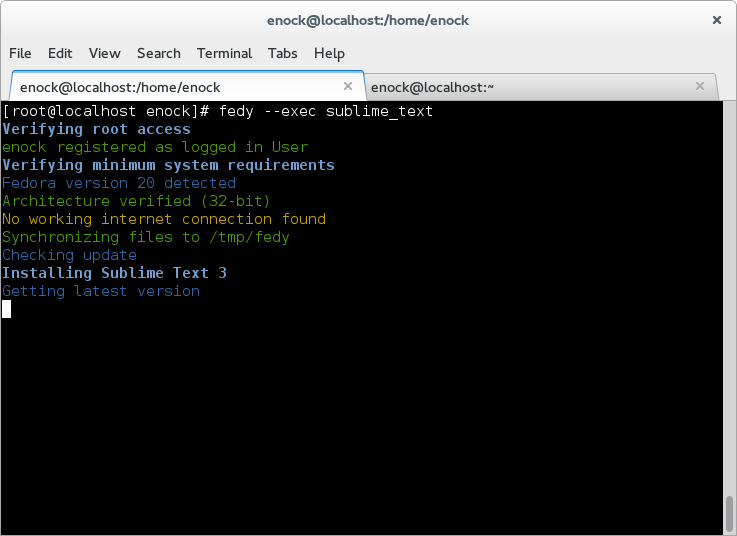
Open Terminal and run:
$ su
Password:
# fedy -exec sublime_text
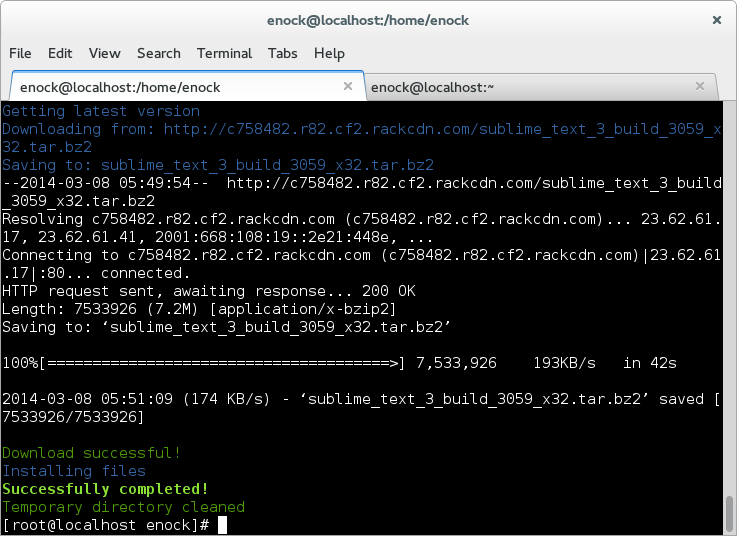
Installation completed successfully
 Launch Sublime Text 3 and start coding the next Linux distro that will rock the open source community 🙂
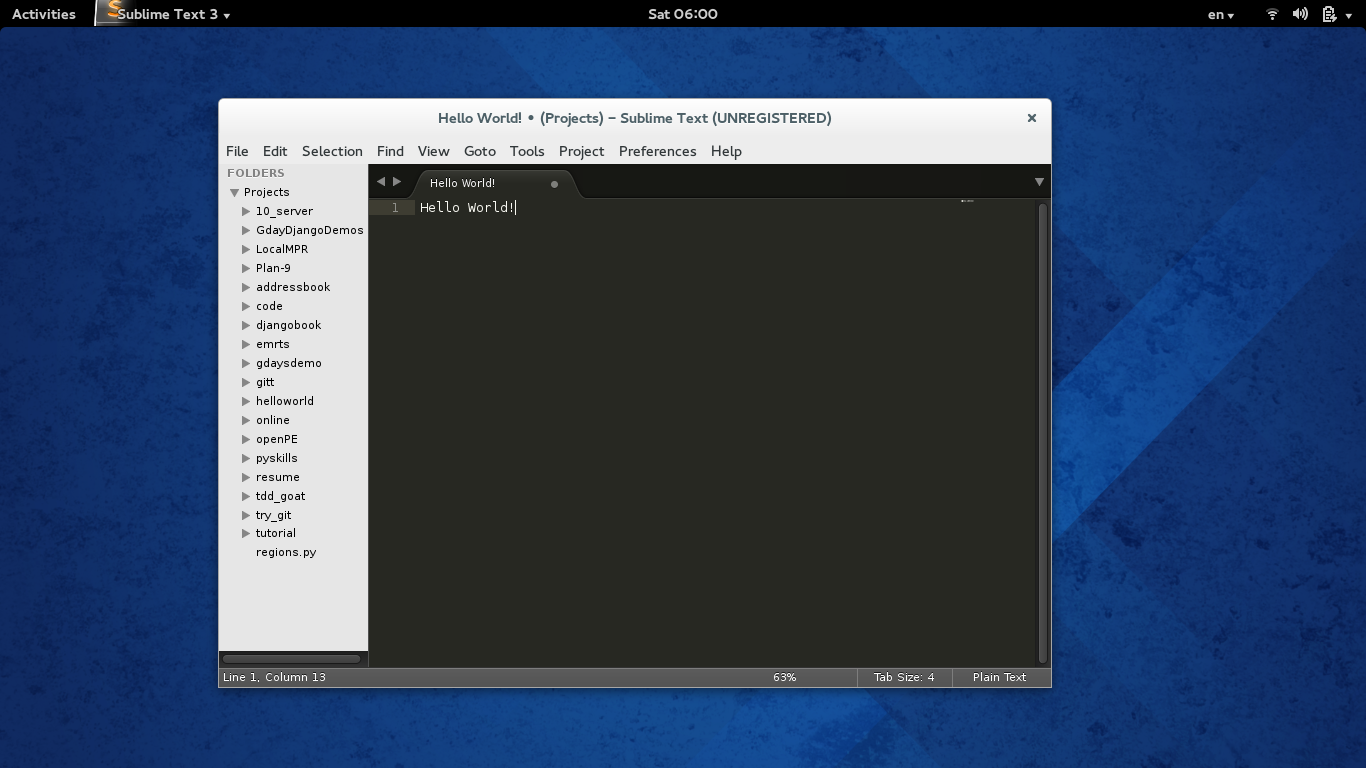
Enjoy!



