

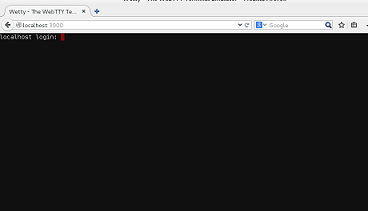
Wetty provides terminal access within web browser. It is a tiny utility that lets you run your terminal application within browser tab using both HTTP and HTTPS protocols. You can carry out all the operations you usually do on your terminal, in Wetty now. It uses hterm terminal emulator on the backend and uses websockets instead of Java Script. It is fast as compared to normal terminal and provides much better response time. Let’s see how we can install it on Ubuntu and CentOS operating systems.
Installing Wetty on Ubuntu 15.04 and CentOS 7
In order to install Wetty, we must have following component on our Linux system.
- Git
- Node.JS
- NPM
Installing Git:
For CentOS:
[cc] sudo yum install git [/cc]
For Ubuntu:
[cc] sudo apt-get install git [/cc]
Installing Node.JS
For CentOS:
[cc] sudo yum install epel-release [/cc]
[cc] sudo yum install nodejs [/cc]
For Ubuntu:
[cc] sudo apt-get install nodejs [/cc]
Installing NPM
For CentOS:
[cc] sudo yum install npm [/cc]
For Ubuntu:
[cc] sudo apt-get install npm [/cc]
Alright, all pre-requisits have been installed now. Run following command to clone Wetty’s GitHub respository to your local system.
[cc] git clone https://github.com/krishnasrinivas/wetty [/cc]
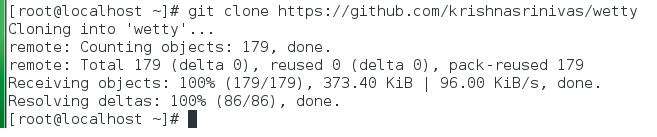
Now go into this cloned directory.
[cc] cd wetty [/cc]
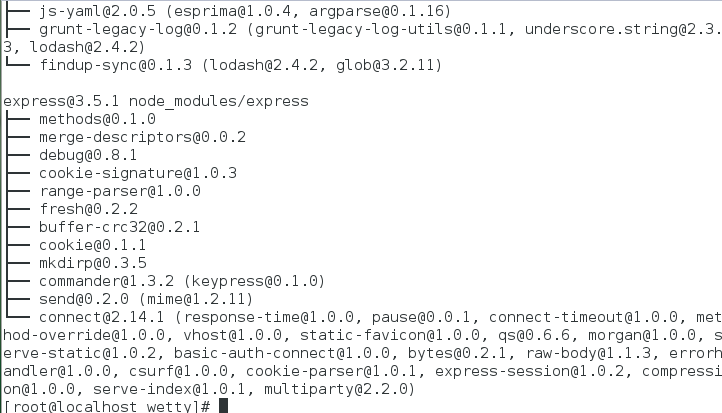
Install Wetty by using the following command here:
[cc] npm install [/cc]
This is how the successful install process should look like.
Running Wetty over HTTP:
Congratulations, Wetty has been installed successfully, now start it over HTTP by using the following command:
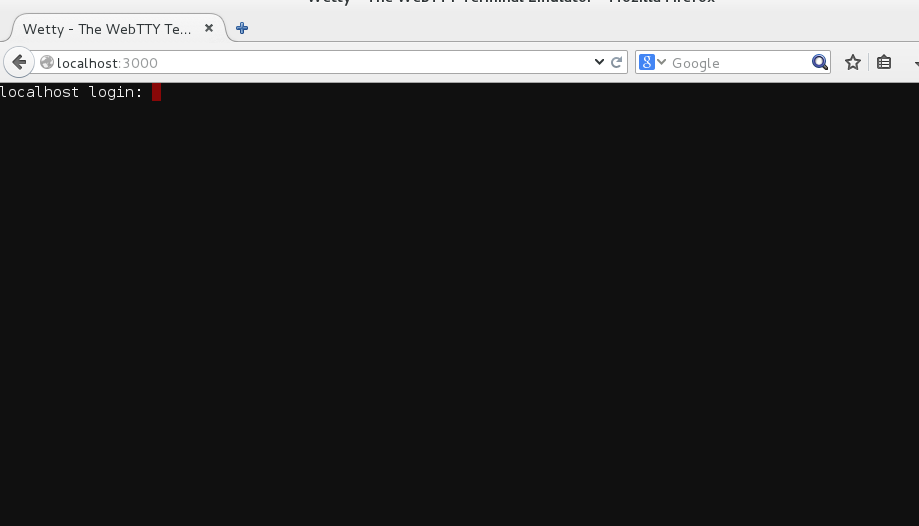
[cc] node app.js -p 3000 [/cc]
It will start Wetty on port 3000; Launch your web brower and load http://localhost:3000 ; here is your Wetty in action. Login with your SSH login credentials and start using this fast web terminal.
Running Wetty over HTTPS:
If your have a valid SSL certificate, you can start Wetty on SSL port by using the following command (Replace your SSL key Certificate names and paths in the following command).
[cc] node app.js –sslkey key.pem –sslcert cert.pem -p 3000 [/cc]
Conclusion
By using Wetty, you can work on your current system via SSH or can connect remote computers too. It is known for its speed, you can use this lightweight utility to better and quickly manage your Linux systems.



