

PlayOnLinux is a well known application which lets you run Microsoft Windows programs and games on Linux operating system. It uses renowned Wine application on the backend, and is considered a graphical frontend for Wine. Although Linux operating system comes with an awesome office application suite called LibreOffice, but some users still prefer to use Microsoft’s Office application suite. You can install it using PlayOnLinux utility. Here is how you can run Microsoft Office 2010 on Ubuntu 15.04 operating system.
Installing PlayOnLinux
First of all make sure to install PlayOnLinux on your Ubuntu system so we may use it to install Microsoft Office application suite. Since PlayOnLinux is based on Wine, so we will need to install Wine first before attempting to install PlayOnLinux. Launch your system terminal and run following command to install Wine.
[cc] sudo apt-get install wine [/cc]
Once Wine has been installed successfully, run following command to add public key for PlayOnLinux.
[cc] wget -q “http://deb.playonlinux.com/public.gpg” -O- | sudo apt-key add – [/cc]
Add PPA information for PlayOnLinux to your package manager.
[cc] sudo wget http://deb.playonlinux.com/playonlinux_precise.list -O /etc/apt/sources.list.d/playonlinux.list [/cc]
Run following command to update your package manager.
[cc]sudo apt-get update [/cc]
Install PlayOnLinux by using the following command:
[cc] sudo apt-get install playonlinux [/cc]
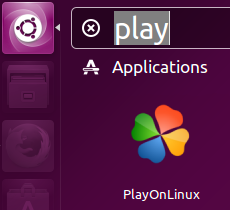
Congratulations, PlayOnLinux has been installed, you can launch it from Applications >> PlayOnLinux option.
Installing MS Office 2010 Using PlayOnLinux
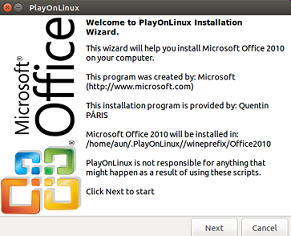
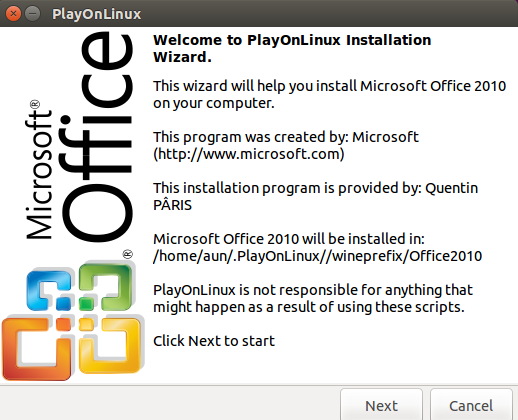
First of all make sure to download the installer file for Microsoft Office Application suite to your Linux system or have its DVD ready. Launch PlayOnLinux and from “Office” tab, click on “Microsoft Office 2010” option. Click “Next” from here.
Choose where the installation material for Microsoft Office resides.
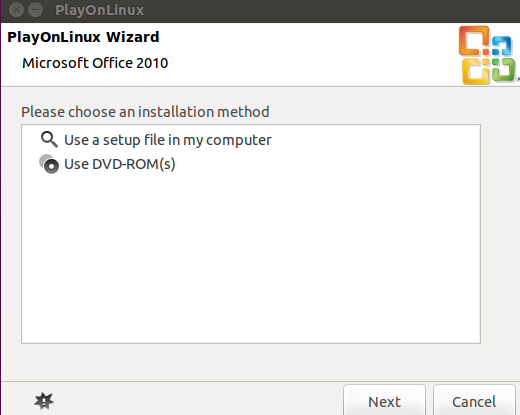
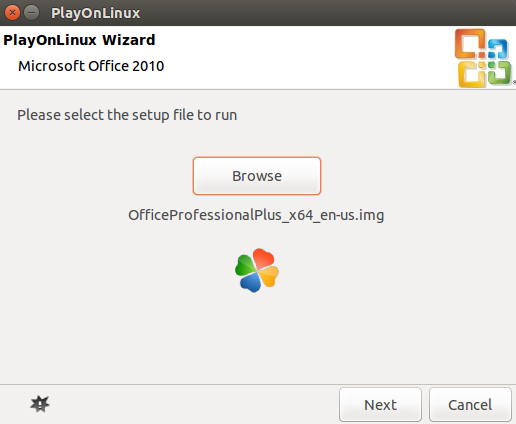
Browse to the location where office installer image is present.
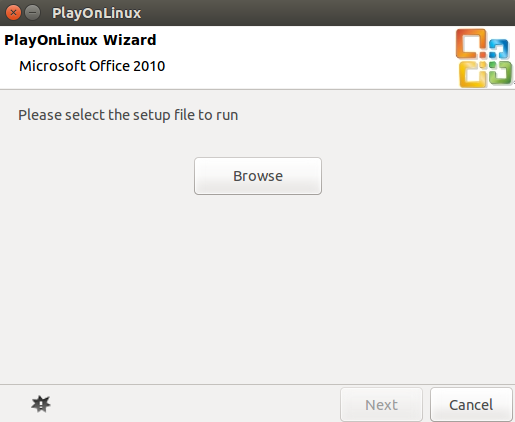
Click “Next” to initiate the installation process.
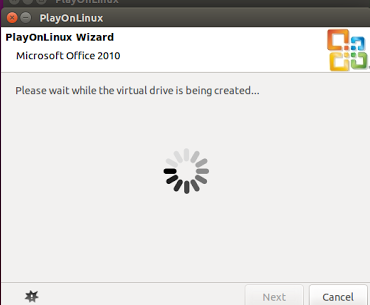
It will take few minutes to perform the installation; sit back and relax.
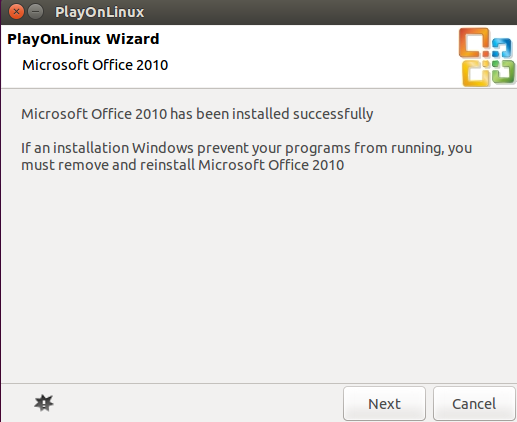
Congratulations, Microsoft Office has been installed successfully now.
Conclusion
Wine and PlayOnLinux has really revolutionized the way Microsoft Windows apps can be installed on Linux. It’s pretty easy to run windows programs and games on Linux now. For users migrating from Microsoft to Linux operating system, PlayOnLinux is a must-have utility.



