


By default usernames are not displayed on panel in Ubuntu 13.04 and 13.10, In this simple tutorial we are going to see how to show or hide username on unity panel.
1. Open Terminal (Ctrl + Alt + T)
2. Copy and Paste, Press Enter to run the command below:
enock@setho-ubuntu:~$ gsettings set com.canonical.indicator.session show-real-name-on-panel true
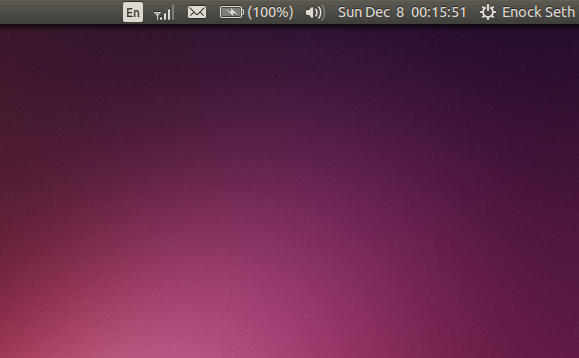
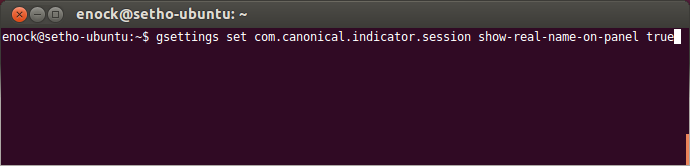 The above command displays your username on panel, as shown below:
 3. To hide username, replace true at the end of the first command with false
enock@setho-ubuntu:~$ gsettings set com.canonical.indicator.session show-real-name-on-panel false
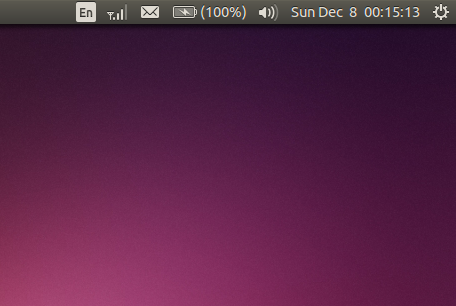
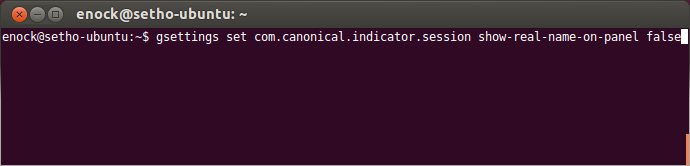 4. This hides username once again.
 Enjoy.



