


Guake is a drop-down terminal for GNOME and any other desktop. It aims to provide a quick-access terminal, that show/hide on screen with a simple key pressing.
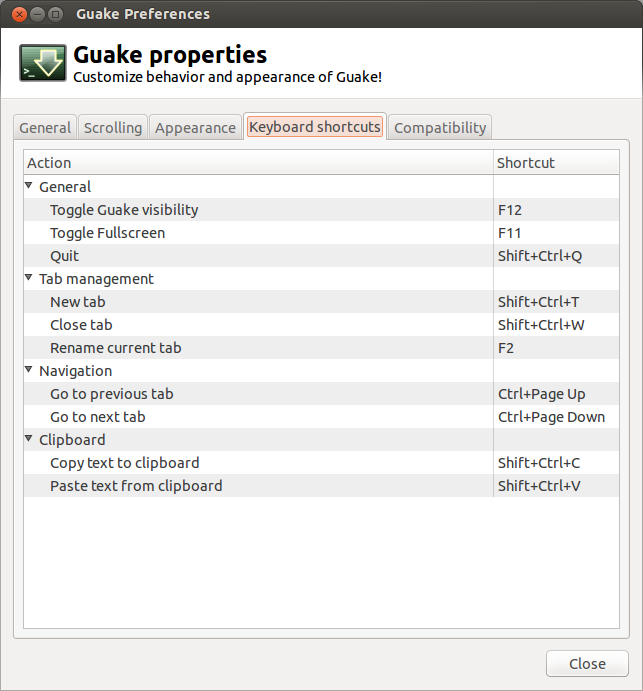
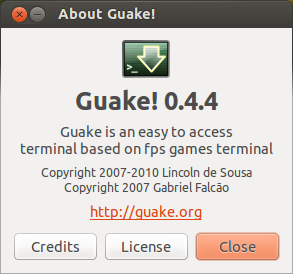 Guake is flexible to use with it’s keyboard shortcuts. You just need to press F12 to show/hide guake whenever you need it. Hope you are going to make Guake your friend.
Installing Guake
Open Terminal and run apt-get as root user on Guake.
$ sudo apt-get install guake
[sudo] password for enock:
Reading package lists... Done
Building dependency tree
Reading state information... Done
The following extra packages will be installed:
  libglade2-0 libvte-common libvte9 python-glade2 python-vte
Suggested packages:
  python-gtk2-doc
The following NEW packages will be installed:
  guake libglade2-0 libvte-common libvte9 python-glade2 python-vte
0 upgraded, 6 newly installed, 0 to remove and 195 not upgraded.
Need to get 644 kB of archives.
After this operation, 3,134 kB of additional disk space will be used.
Do you want to continue [Y/n]?
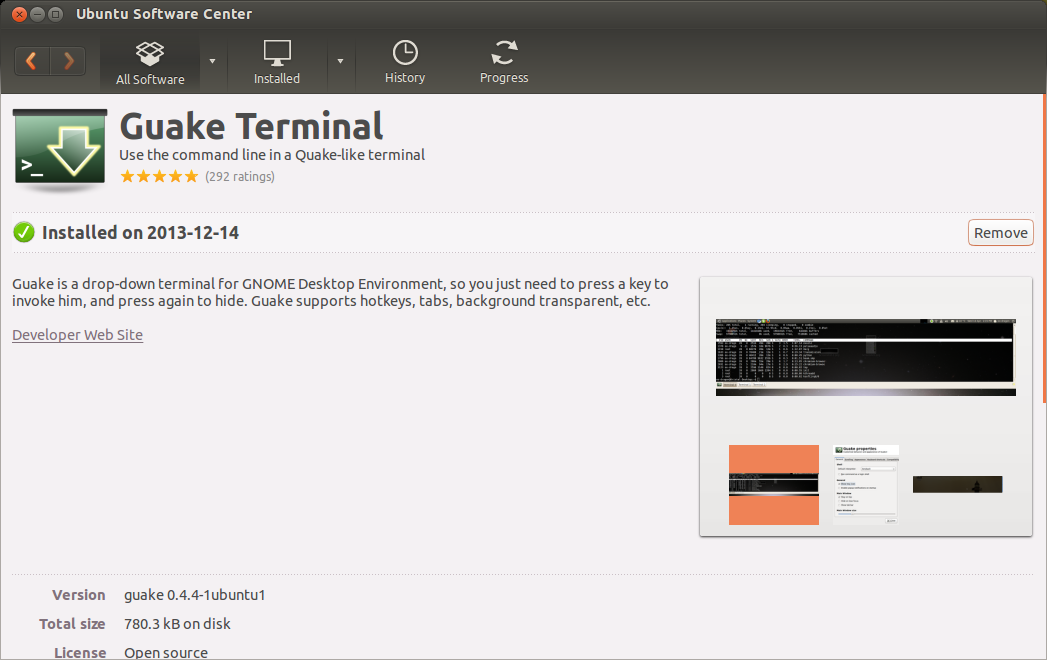
The latest version of Guake 0.4.4 is available in the default repository of Ubuntu, hence it can be gotten from Ubuntu Software Center as well.
 Launching Guake
Guake can launched from both Terminal and Dash by simply running
$ guake
OR Searching guake
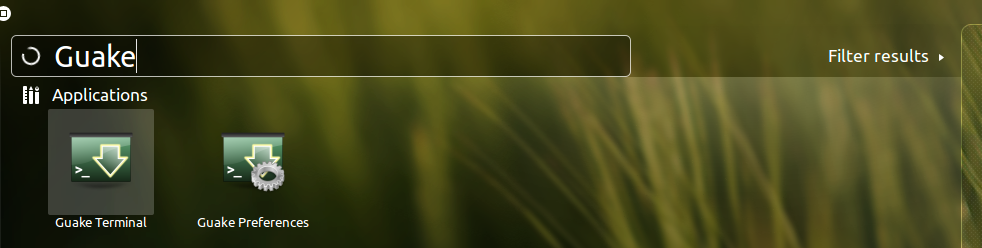
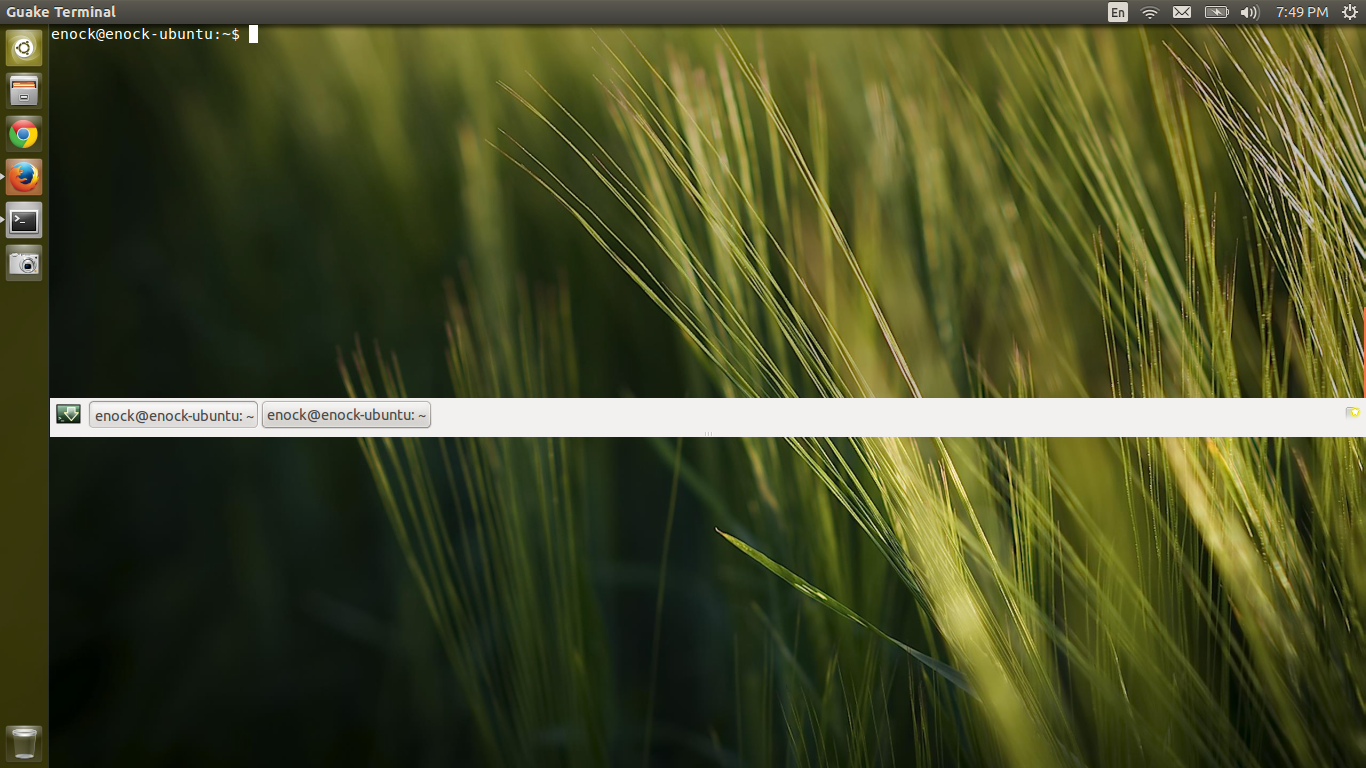
Figure below shows guake displayed with default transparency settings.
 Enjoy 🙂



