


As you may know Gwibber is an Open Source microblogging client for GNOME written in Python and GTK. It brings the most popular social networking web services such as Facebook, Twitter, Flicker, Qaiku etc to your desktop and gives you the ability to control how you communicate. The list of supported social networking services are given below.
–
–Identi.ca
–StatusNet
–
–FriendFeed
–Digg
–Flickr
–Qaiku
 Twitter
 Facebook
Gwibber gives combined stream of all your messages ans status and will automatically shorten URLs when they are posted. It has a buil-in search tool that supports saved searches. You can customize the Gwibber’s look and feel and also it has automatic spell checking feature. It has multicolumn user interface, so that you view multiple streams at once in the same window.
But from Ubuntu 13.04 onwards, Gwibber is dropped and does not come pre-installed on Ubuntu 13.04. Now it has been replaced with Friends App. It has the same functionality and features as Gwibber.
Install Friends App On Ubuntu 13.04
Friends App is available in the default repositories. You can install it from Terminal with command:
$ sudo apt-get install friends-app
Unlike Gwibber, it has a single Timeline window that shows all your status messages and tweets.At the first launch, you will be asked to add online accounts first.
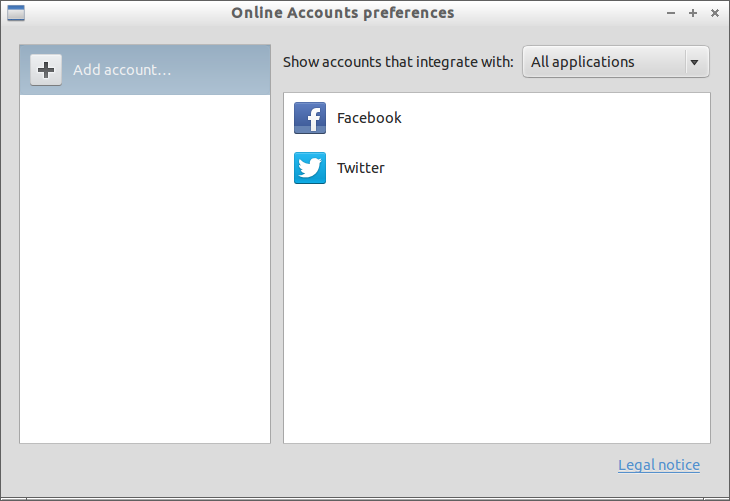
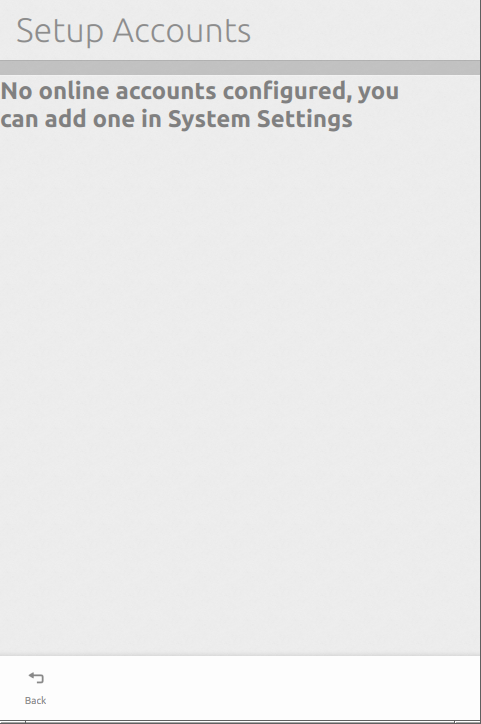 Also Friends App doesn’t has any Menu. To add the Social network account in Friends App, goto Dash -> System Settings -> Online Accounts or Menu -> Preferences -> Online Accounts. Enter your social network credentials.
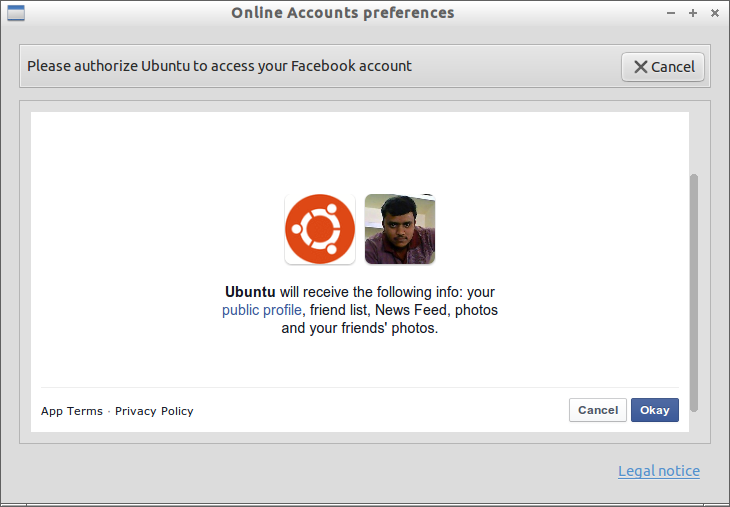
 Authorize Ubuntu to access your social network.
 Choose a password for login to Friends App. Now your social network account will be added to Online Accounts and Friends App.
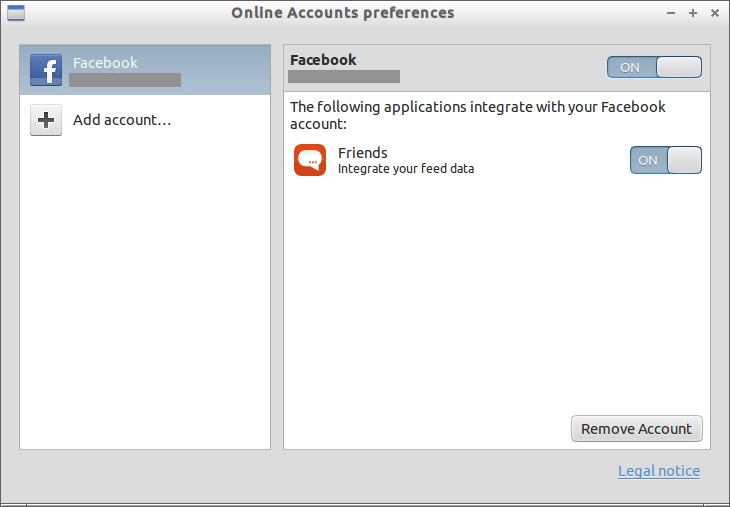 Now close and open Friends App to view your social network account wall. Your recent status messages, tweets will be shown in the Friends App home screen.
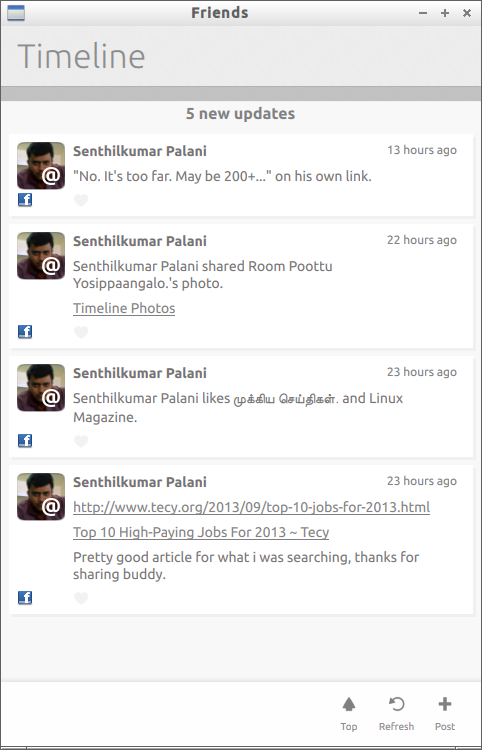 Post Updates
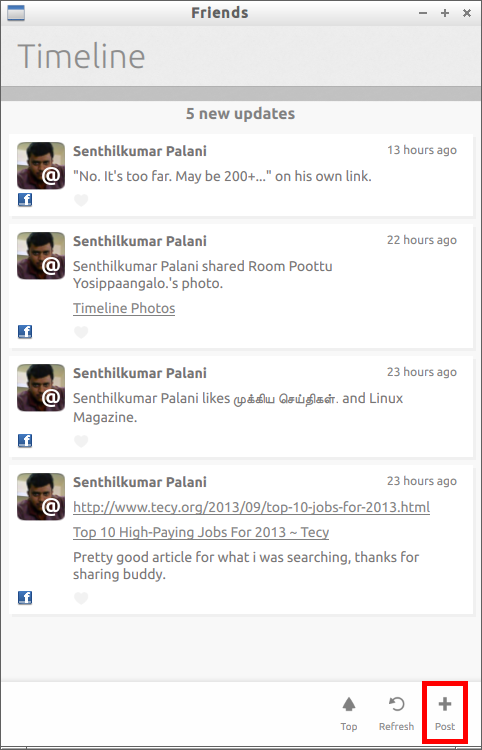
If you want to post a update to your wall, click on the Post button found in the bottom corner of Friends App.
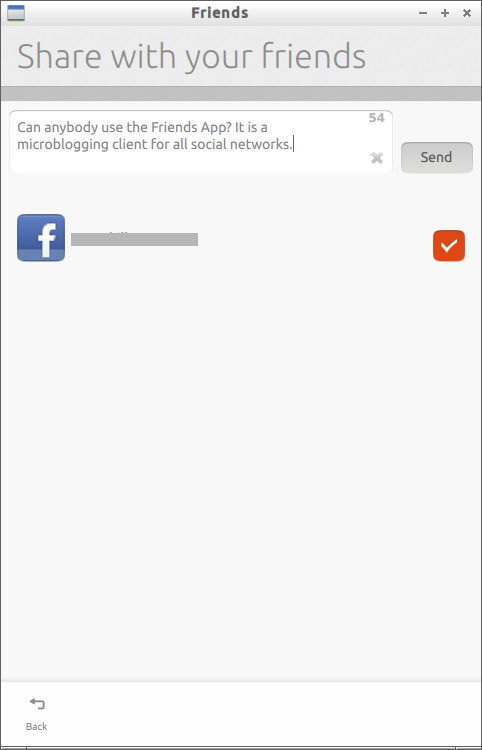
 Enter the status messages in the Compose window and hit Send button to post the status message. If you have more than one accounts you can choose to which social network you want to post.
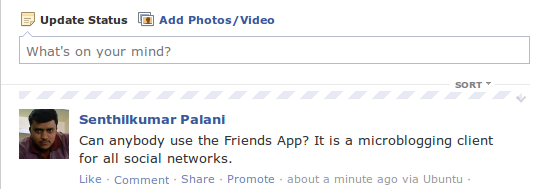
 The messages that you have sent from Friends App will be shown in your wall.
 That’s it. You don’t have to login to your social networks to view updates, messages, send/receive messages. All you have to do is install Friends App, open it and share the statuses.



