


What is Cryptkeeper?
Cryptkeeper is an encrypted folders manager, it allows users to mount and unmount encfs folders, to change the password and to create new crypted folders. It integrates with your preferred file manager.
What is Encfs?
EncFS is used to create or mount a virtual encrypted filesystem which stores encrypted data in the rootdir directory and makes the unencrypted data visible at the mount Point directory. The user must supply a password which is used to (indirectly) encrypt both filenames and file contents.
Install Cryptkeeper and Encfs On Ubuntu/Linux Mint
You can install them with command:
$ sudo apt-get install cryptkeeper encfs
Launch Cryptkeeper
After you installed cryptkeeper, open it up either from your Dash or Menu. The Cryptkeepr icon will be automatically placed in your Top menu or Task bar.
 Create an Encrypted Folder
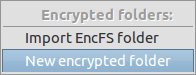
Click on the Cryptkeeper icon found in the top menu or task bar. Click on New Encrypted Folder.
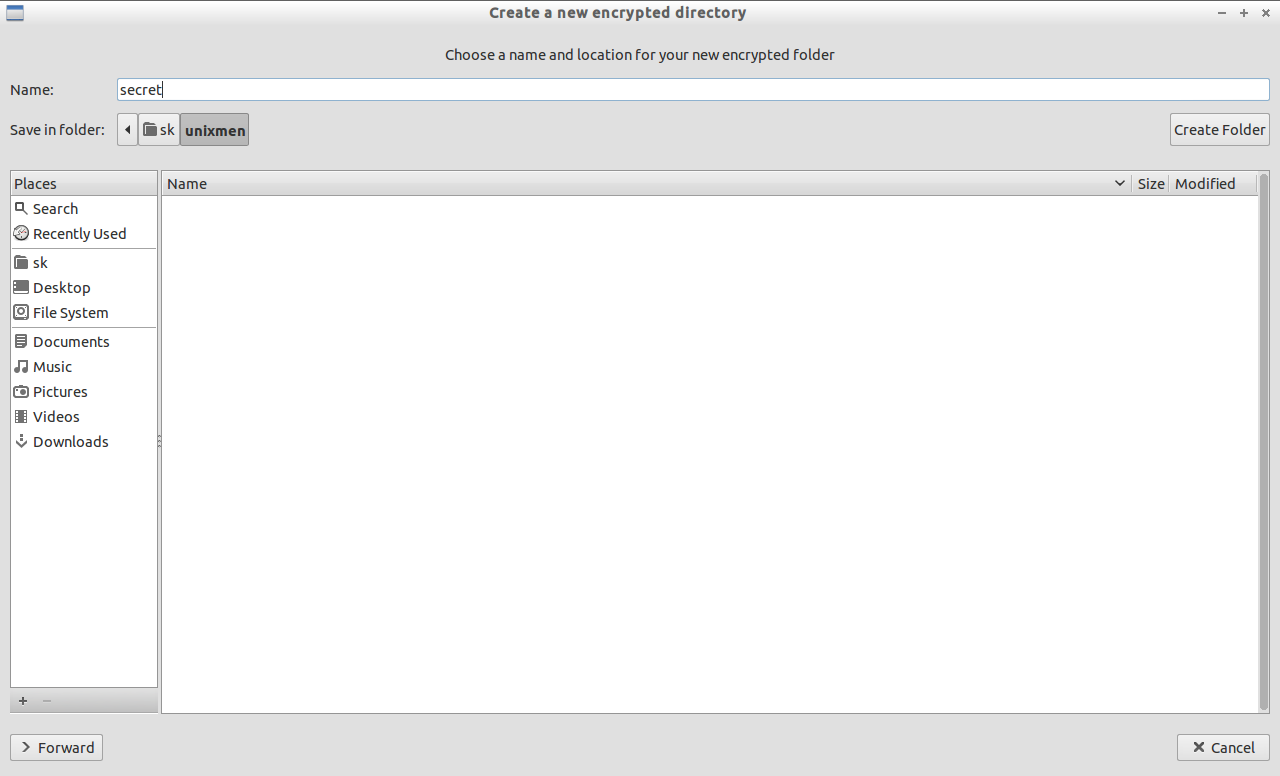
 Choose the name and location for your encrypted folder.
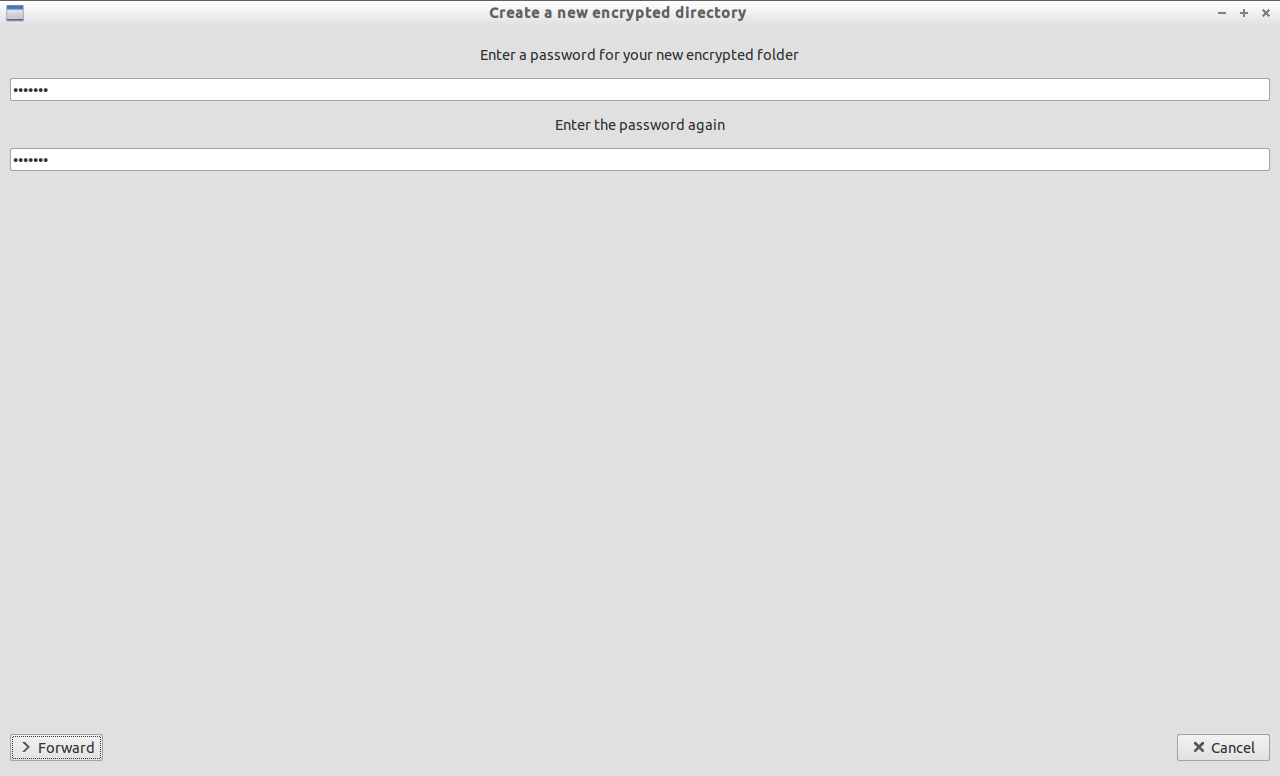
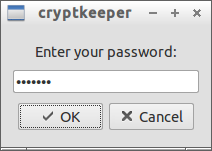
 Enter the password for your folder.
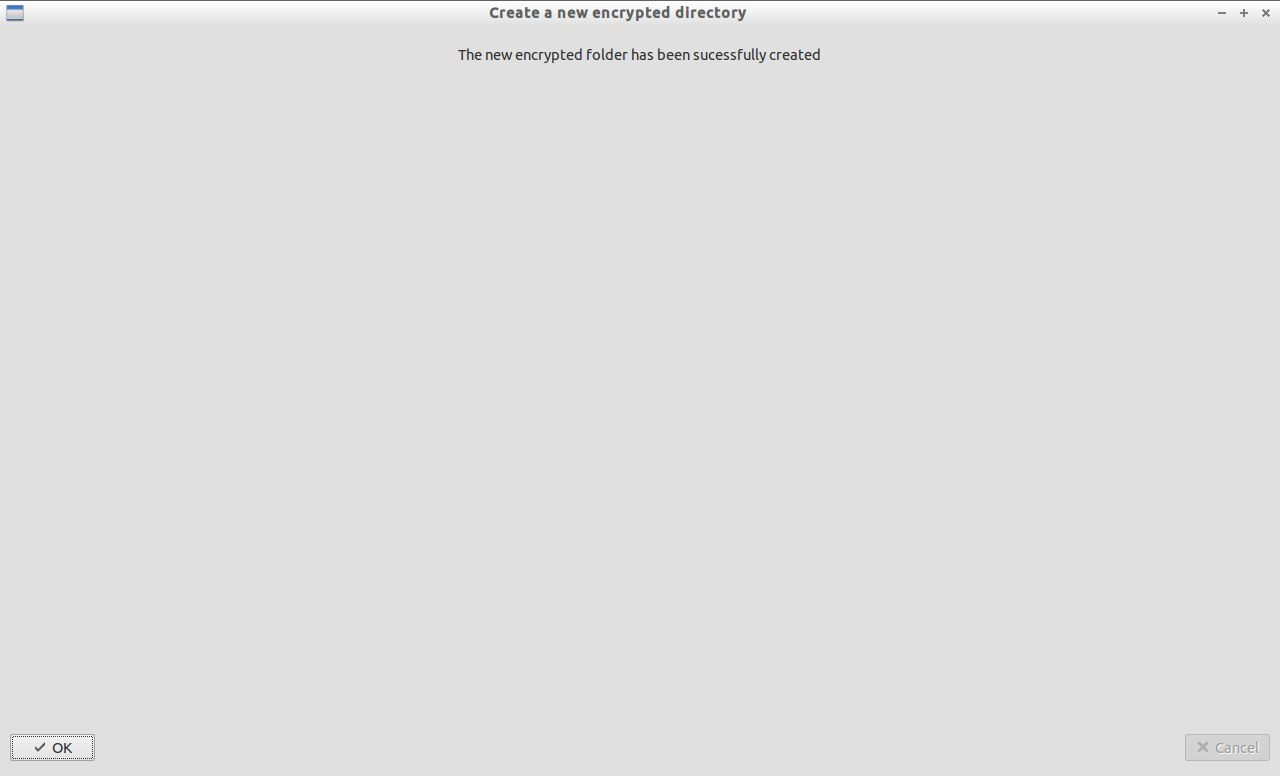
 Now your encrypted folder has been created.
 After you created the encrypted folder, it will be automatically mounted in your default file manager.
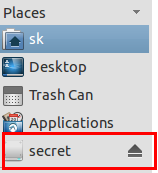 You can this folder to put your personal secret files and folders.
Unmount Encrypted Folder
After saving all your secret files, just unmount the folder with command:
$ sudo fusermount -u /home/sk/unixmen/secret
Now the files and folders that you saved in the encrypted folder are not visible anymore.
Mount Encrypted Folder
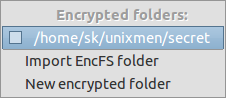
Click on the Cryptkeeper icon in the task bar and select the encrypted folder.
 Enter the password to unlock the folder.
 Now the encrypted folder is mounted back in the file manager. You can access, create, delete the files/folders as usual.



