

rollApp is an extension for FireFox browser that let’s you view and edit doc, xls, pdf, zip, rar and other 100+ types files directly in your browser. You can view and edit the files interactively without having to download them or without having to install any additional software’s while browsing on various websites.
Also this app will let you to save the edited files automatically to your Dropbox, Google Drive, Box and 4shared cloud storage. You don’t have to carry any software wherever you go. If you have a portable Firefox browser, then things will be lot easier to you. Just open the files you want to view or edit in the browser; make the changes and save them to your cloud storage.
Add rollApp extension to Firefox
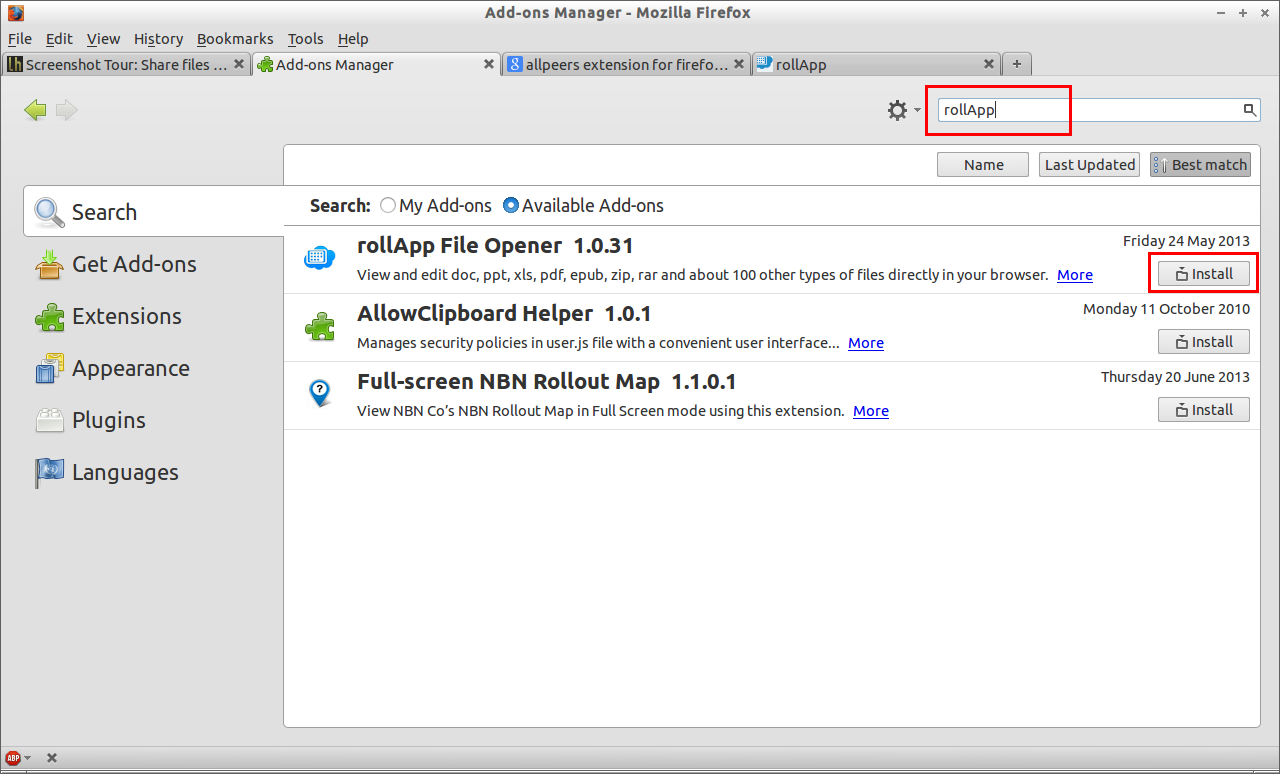
Go to Tools -> Add-ons. Search for the extension “rollApp” and install it.
Gettting started with rollApp
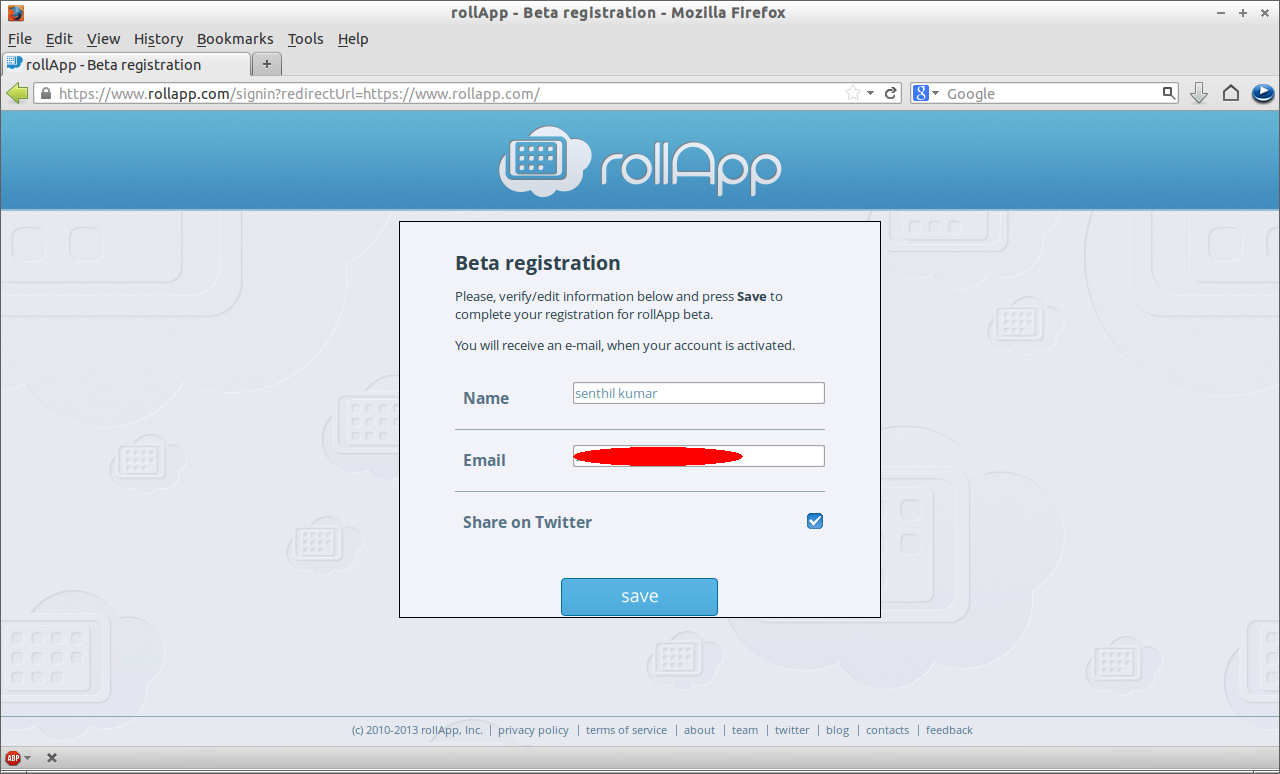
Go to https://www.rollapp.com and sign-up for a free account. You can log-in with your existing social network accounts such as Facebook, Twitter, LinkedIn etc. Enter the mail ID and click on Save.
 Click on Getting Started.
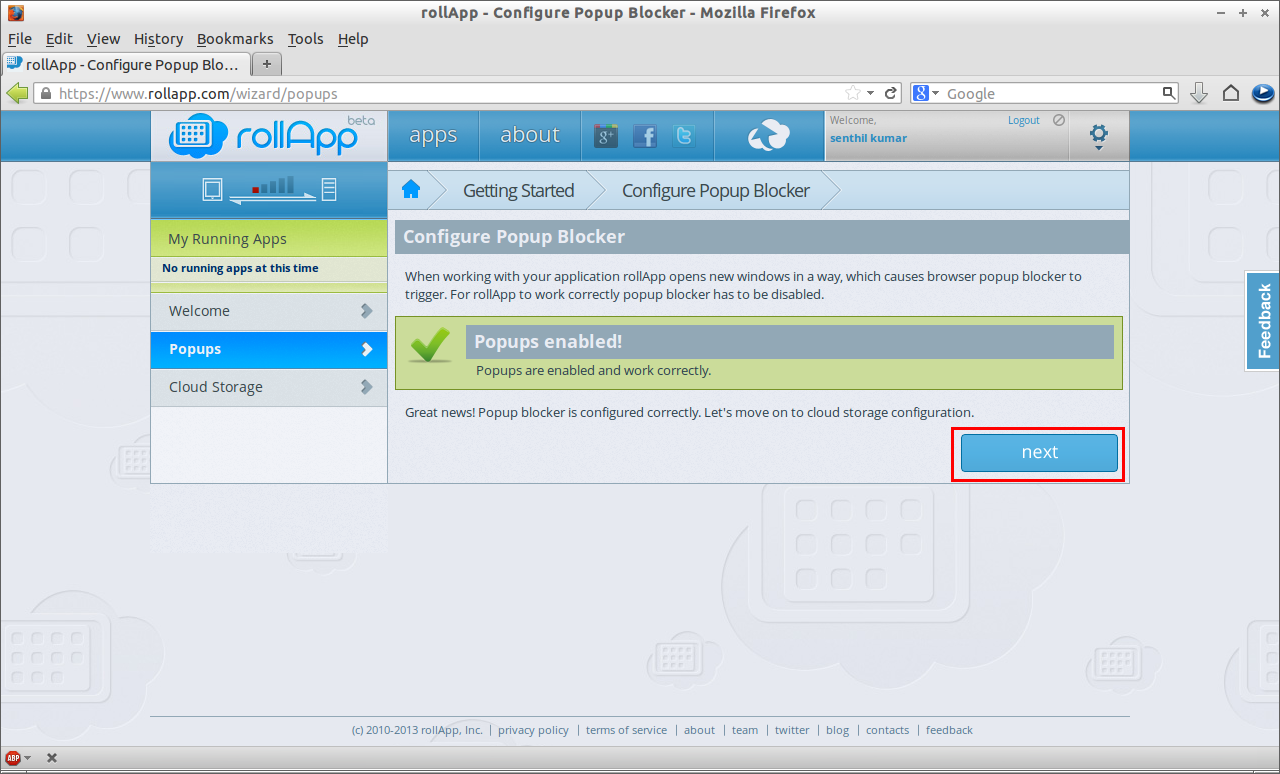
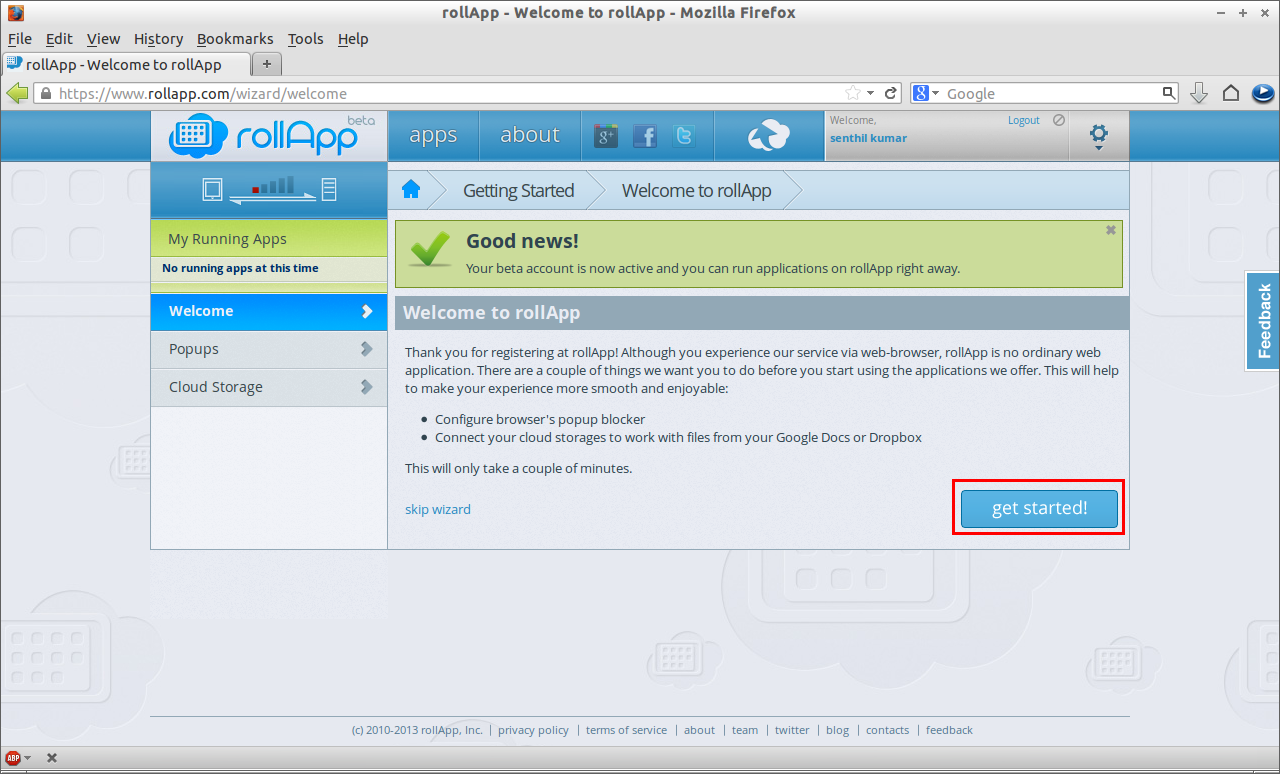 It will ask you to enable pop-ups if you have installed any pop-up blocking extensions. Click on Next.
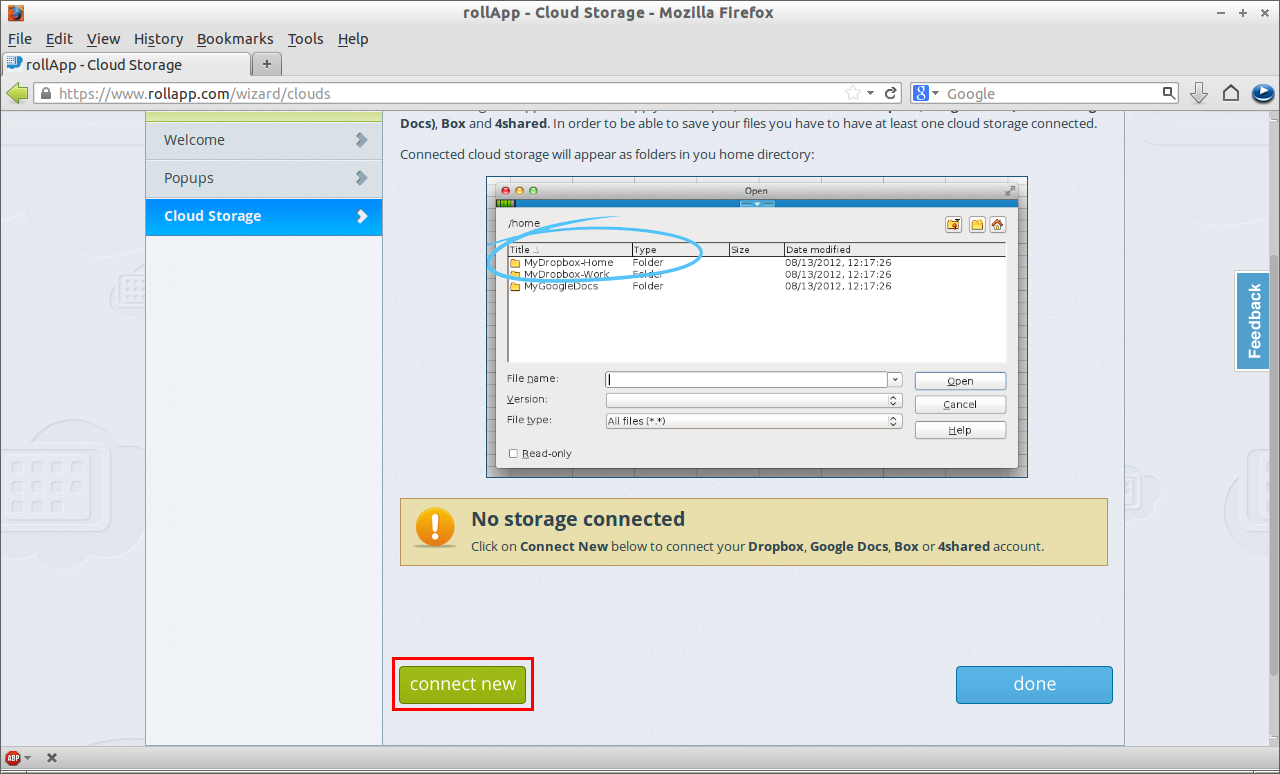
 Now connect your cloud storage.
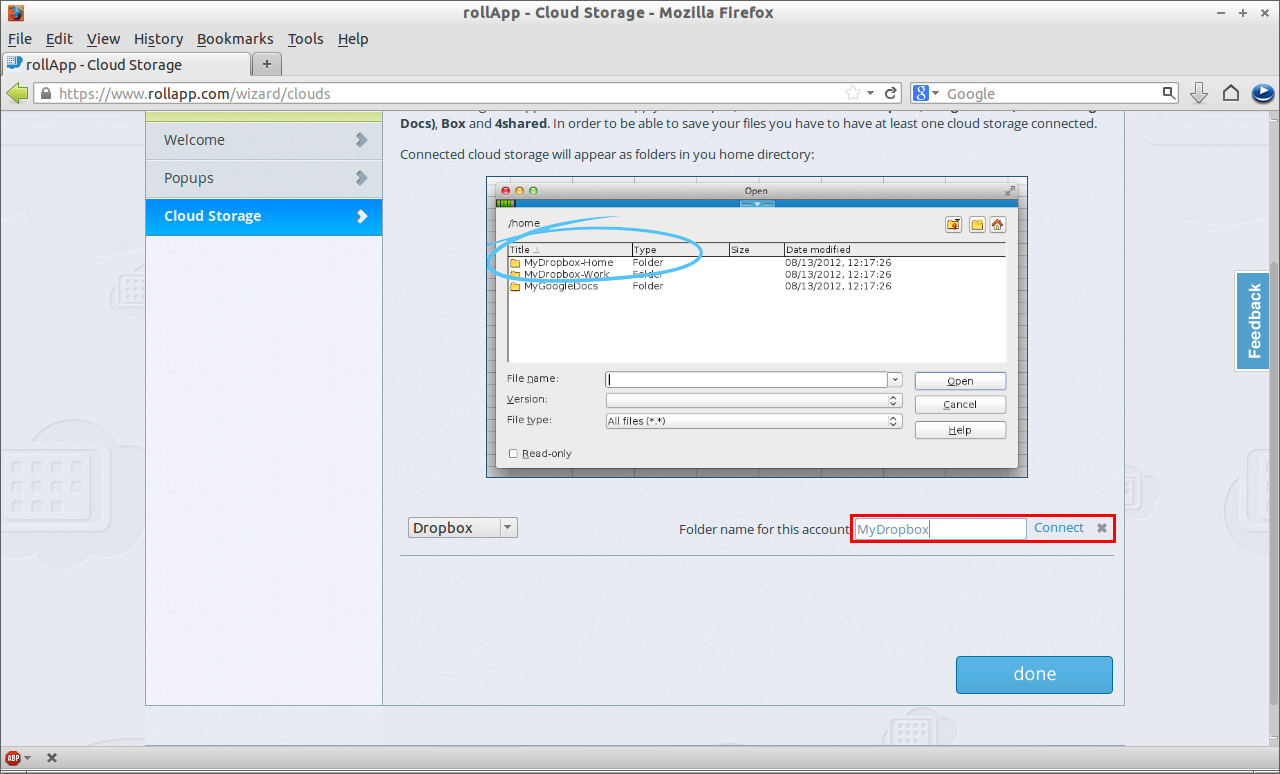
 Enter the folder name for this account and click Connect.
 You will be automatically redirected to Dropbox sign-in page. Enter your Dropbox account credentials and allow rollApp to authorize to your Dropbox account.
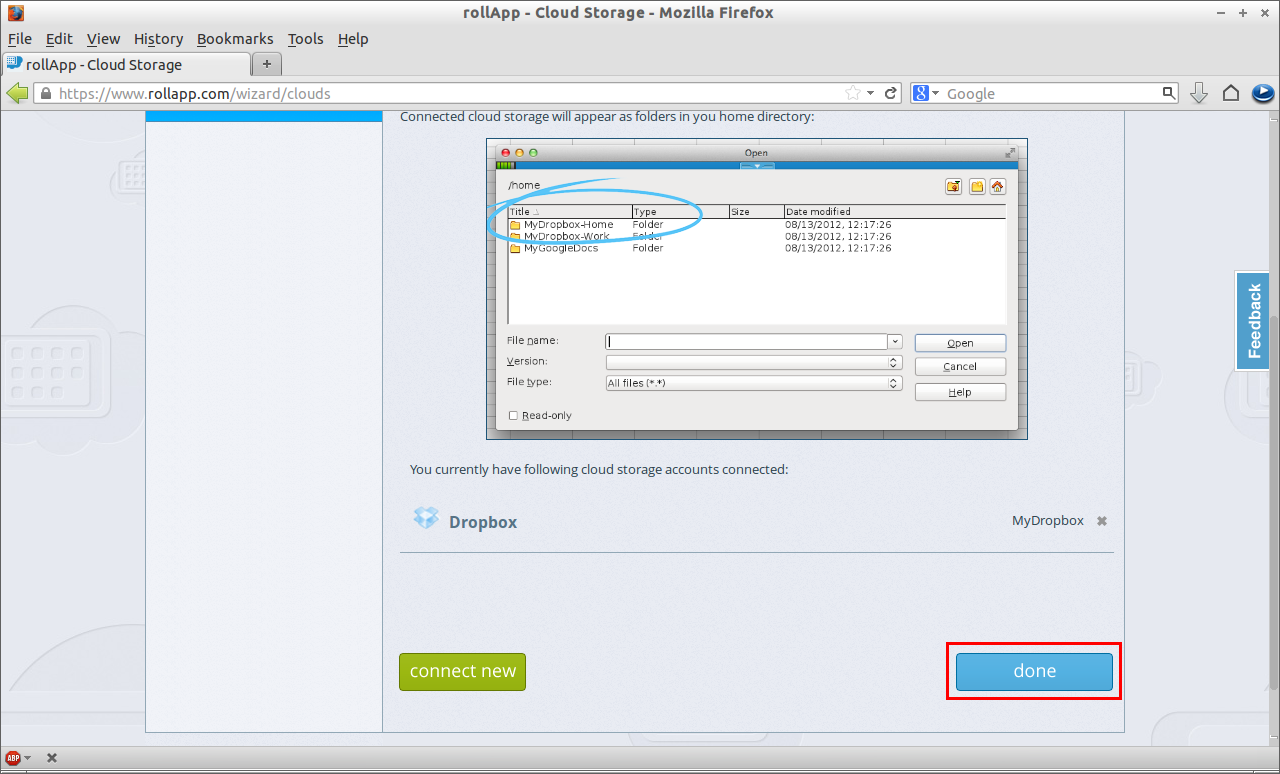
The Dropbox has been connected to rollApp now. Click on Done.
 Now you will be redirected to rollApp home page. In the left pane of rollApp home page, you will find many built-in software applications such Libreoffice Writer etc.
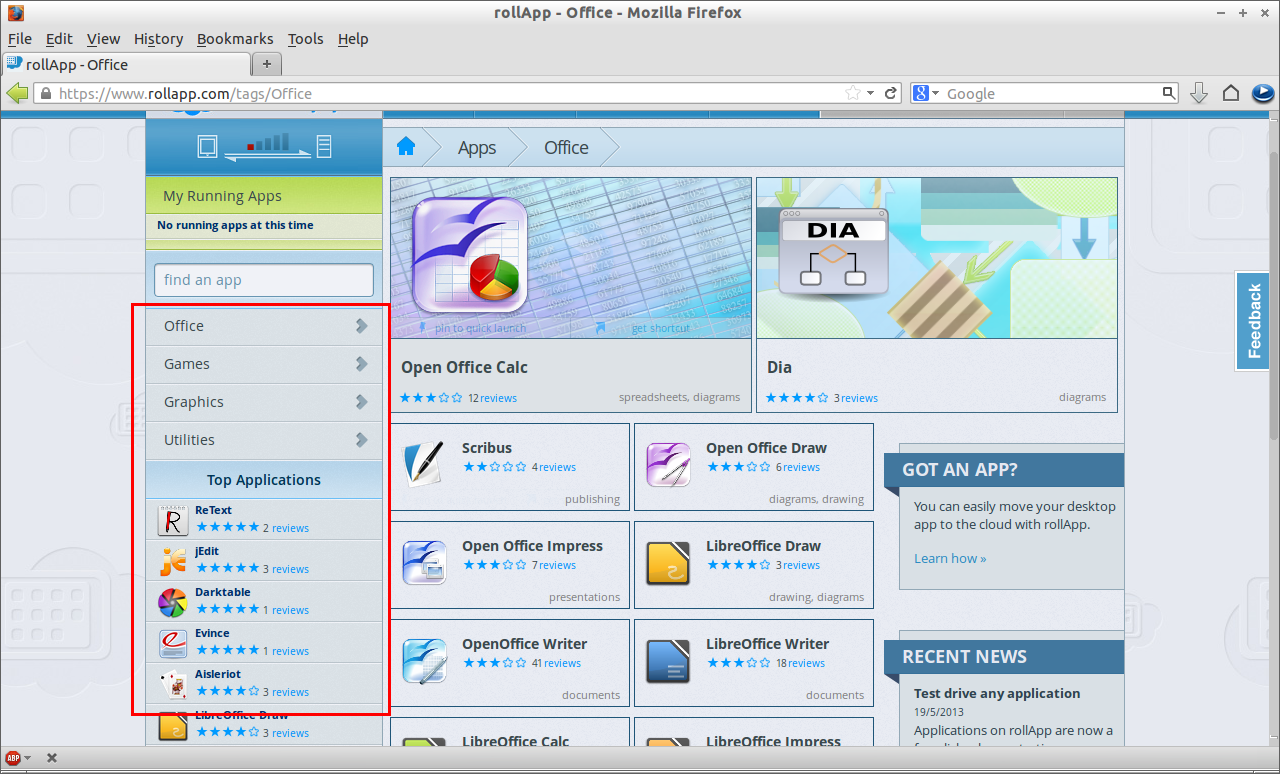 Click on any application to launch it. Also rollApp let’s you to create a shortcut or pin the application that you want to quick launch bar.
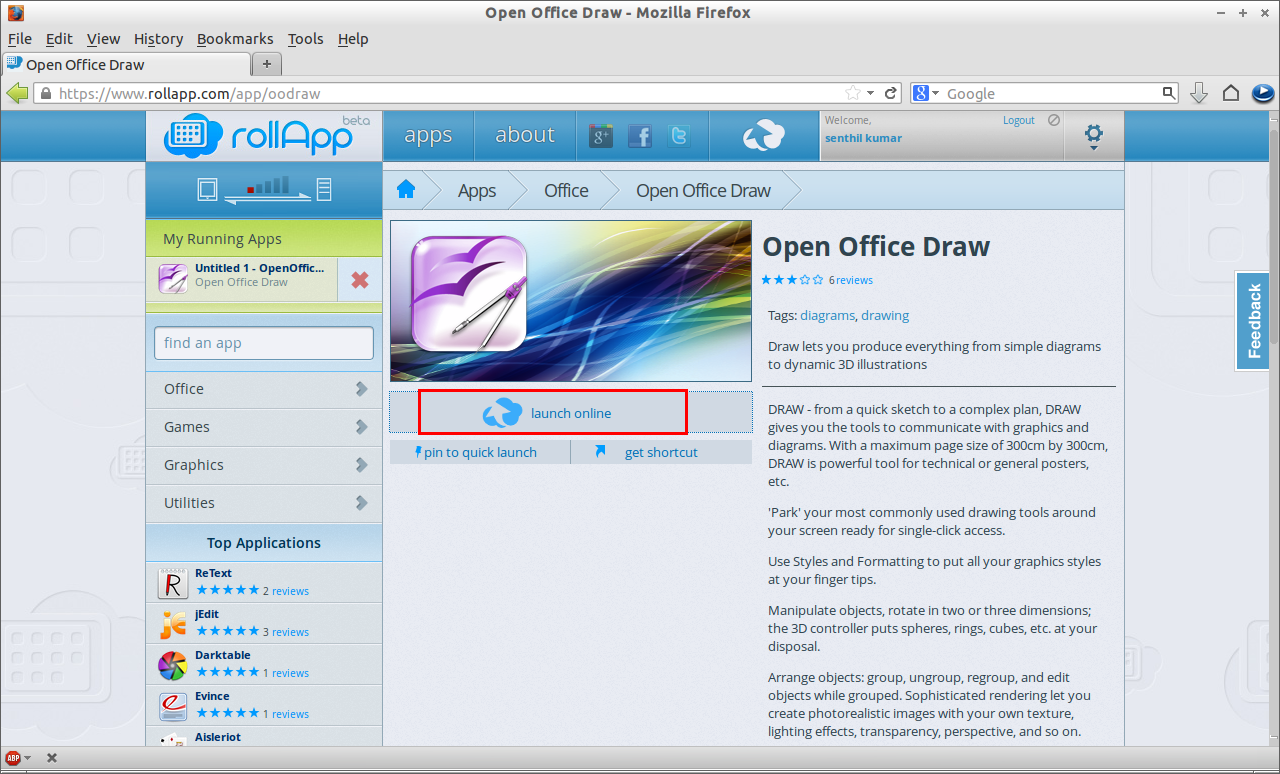 Now your application will be opened. Open or create a new file and make the changes and save them directly to your cloud storage.
Editing a document
Open a application. Here I am going to edit my Resume in LibreOffice Writer. Launch your LibreOffice Writer. Open a file to edit. You will be redirected to your Dropbox (or any other cloud storage that you have connected) home folder. Select the files you want to edit.
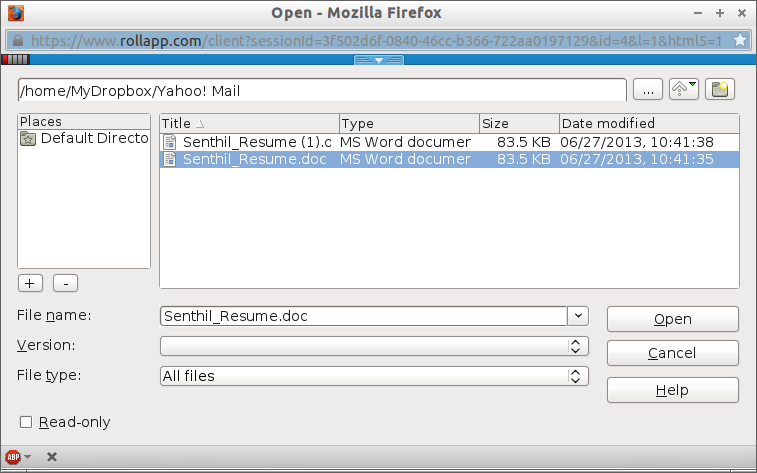 Edit the document and save it directly to your Dropbox.
As I mentioned before, you don’t need to install any software on your local system. Everything is done in the Firefox browser itself. Although a notable disadvantage is slow processing. Its dependent on your internet connection speed. Enjoy!



