Question: How to install Oralce 11g R2 Database server on Centos 6.x?
Answer:
1-Before to begin you have to download Some dependencies
yum -y install binutils compat-libstdc++-33 elfutils-libelf elfutils-libelf-devel glibc glibc-common glibc-devel gcc gcc-c++ libaio libaio-devel libgcc libstdc++ libstdc++-devel make sysstat unixODBC unixODBC-devel
2-adjust the sysctl.conf
in my case
[root@Oracle ~]# sysctl -p
net.ipv4.ip_forward = 0
net.ipv4.conf.default.rp_filter = 1
net.ipv4.conf.default.accept_source_route = 0
kernel.sysrq = 0
kernel.core_uses_pid = 1
net.ipv4.tcp_syncookies = 1
error: "net.bridge.bridge-nf-call-ip6tables" is an unknown key
error: "net.bridge.bridge-nf-call-iptables" is an unknown key
error: "net.bridge.bridge-nf-call-arptables" is an unknown key
kernel.msgmnb = 65536
kernel.msgmax = 65536
kernel.shmmax = 68719476736
kernel.shmall = 4294967296
Please change to the standard Oracle values
net.ipv4.ip_forward = 0
 net.ipv4.conf.default.rp_filter = 1
 net.ipv4.conf.default.accept_source_route = 0
 kernel.sysrq = 0
 kernel.core_uses_pid = 1
 net.ipv4.tcp_syncookies = 1
 net.ipv4.ip_local_port_range = 9000 65500
 fs.file-max = 65536
 kernel.shmall = 10523004
 kernel.shmmax = 6465333657
 kernel.shmmni = 4096
 kernel.sem = 250 32000 100 128
 net.core.rmem_default = 262144
 net.core.wmem_default = 262144
 net.core.rmem_max = 4194304
 net.core.wmem_max = 1048576
 fs.aio-max-nr = 1048576
3-add users and groups and permissions
# groupadd oinstall
#groupadd  oper
# groupadd dba
#/usr/sbin/useradd -u 502 -g oinstall -G dba,oper oracle
# passwd oracle
[root@Pirat9 ~]#vi /etc/pam.d/login
# add
session    required     pam_selinux.so open
 session    required     pam_namespace.so
 session    required     pam_limits.so
 session    optional     pam_keyinit.so force revoke
 session    include      system-auth
 -session   optional     pam_ck_connector.so
[root@Pirat9 ~]#vi /etc/security/limits.conf
 # add This  bellow
 oracle   soft   nproc   2047
 oracle   hard   nproc   16384
 oracle   soft   nofile   1024
 oracle   hard   nofile   65536
 [root@Pirat9 ~]#vi /etc/profile
 # add at the last line
 if [ $USER = "oracle" ]; then
 if [ $SHELL = "/bin/ksh" ]; then
 ulimit -p 16384
 ulimit -n 65536
 else
 ulimit -u 16384 -n 65536
 fi
 fi
Now Switch to a user Oracle
 [oracle@Pirat9 ~]$chmod 755 /app/oracle
[oracle@Pirat9 ~]$mkdir /app/oracle/app
[oracle@Pirat9 ~]$chmod 775 /app/oracle/app
[oracle@Pirat9 ~]$mkdir /app/oracle/oradata
[oracle@Pirat9 ~]$chmod 775 /app/oracle/oradata
[oracle@Pirat9 ~]$vi ~/.bash_profile
 # add this to oracle profile
ORACLE_HOME=/app/oracle/11.2.0.2/client
ORACLE_BASE=/app/oracle
TEMP=/app/tmp/ora
TMPDIR=/app/tmp/ora

export ORACLE_HOME
export ORACLE_BASE
export TEMP
export TMPDIR
export PATH

PATH=$PATH:$HOME/bin::$ORACLE_HOME/bin
umask 022
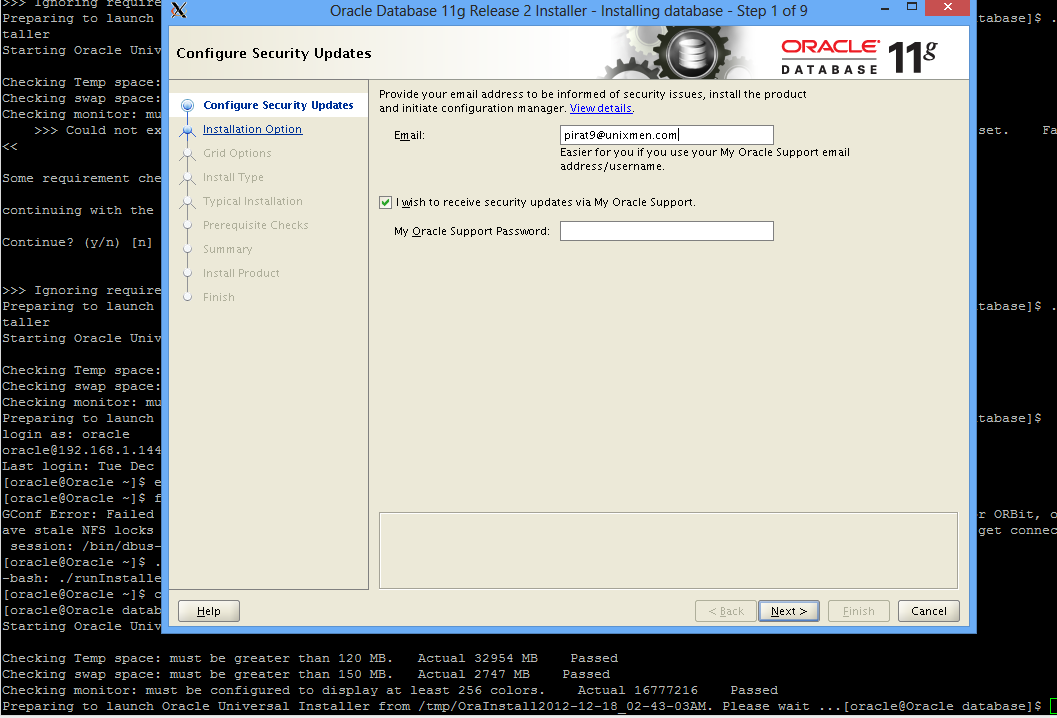
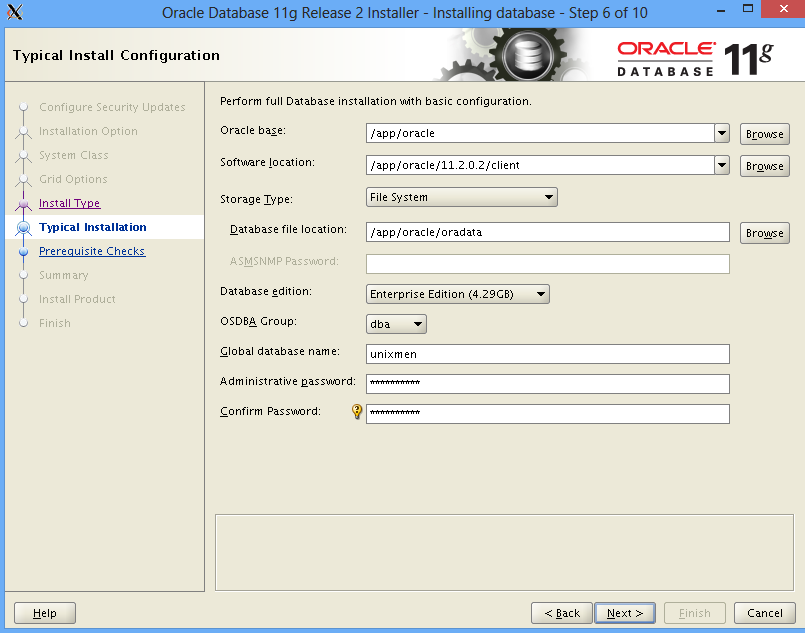
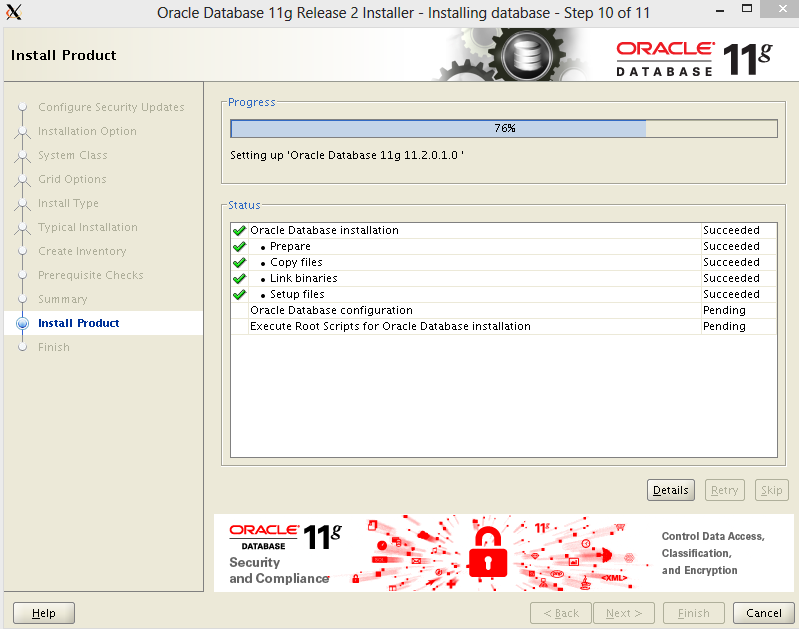
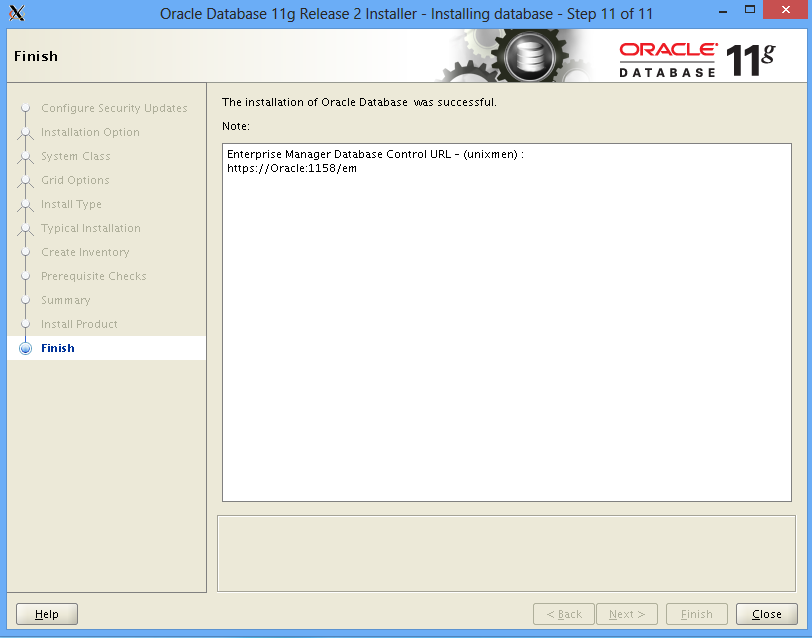
Now run the installer and enjoy