

Google Plus

GWoffice- A nice application that brings your google drive to your desktop

Written by M. Zinoune on . Posted in Linux Mint, Software, Ubuntu

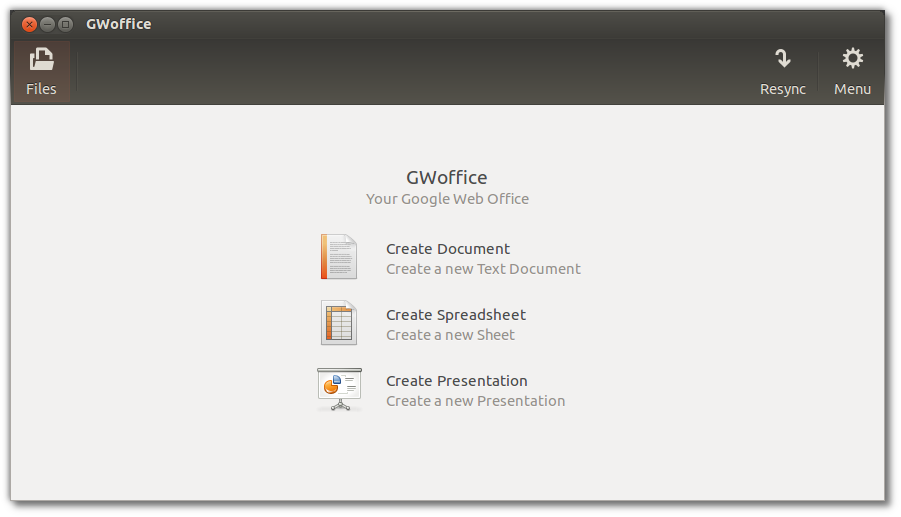
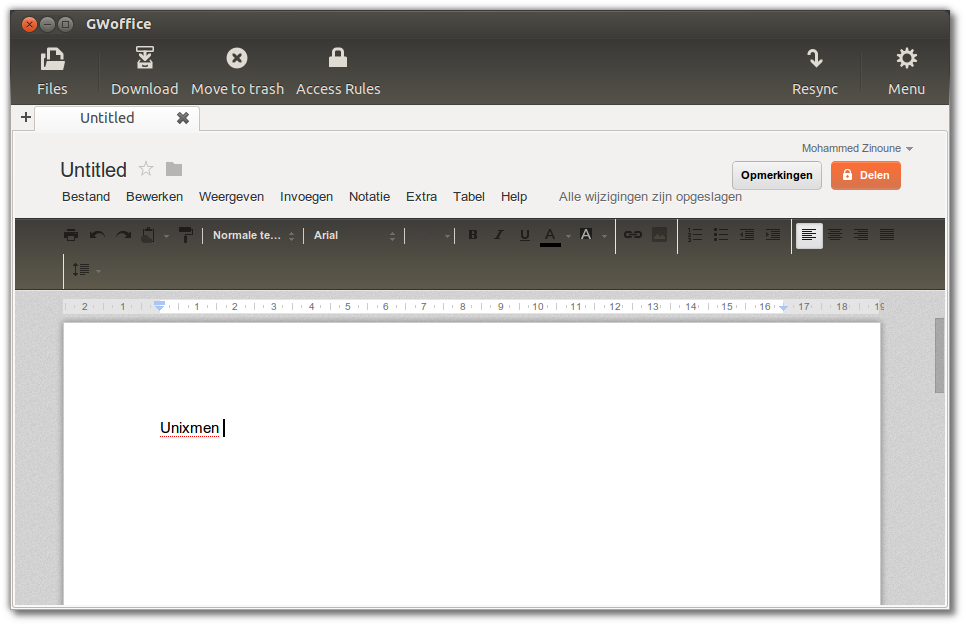
GWoffice (Google Web Office ) is a nice application that bring you google drive to  your desktop without using a web browser. It allows you to use google docs at it was installed in your computer by offering  a nice interface to its editing abilities,  also gives you basic syncing for offline use.

Some features:

- HUD support for any keyboard bound command
- theming according to the current Gtk+ theme
- shortcuts for quickly creating documents
- drop to upload (and edit, if you enable it..)
Installation in Ubuntu 12.04 / 12.10 and LinuxMint13

Open terminal and enter the following PPA:

sudo add-apt-repository ppa:tombeckmann/ppa
sudo apt-get update
sudo apt-get install gwoffice
VIA

For questions please refer to our Q/A forum at : http://ask.unixmen.com

  • shekar

    Any idea how to install this on Suse 12.1 ?

  • http://www.facebook.com/anthony.hologounis Anthony Hologounis Jr.

    Cool. working fine here on ubuntu 12.04

Like us on Facebook

This week Top Posts

Write for us

Recent Comments

Snake

|

Wow, great. That’s what i’m waiting for too. I want to make DC with LDAP ( Active Directory alternative) and SAMBA on Ubuntu. :-)

Blawer

|

Thanks!!!!!!!!!!!!!!!!!! you rules!!! all the other “help” in google are useless… yours was very helpful. Thanks again

piCool

|

Great ! we have another another master trick :-)

Yilmaz Ulugtekin

|

Just delete the space after the slash (/) it will work.

Pat L

|

I tried it and it works with a regular zip file, but if you password-protect the .zip file it does NOT work.

 
IDG Tech Network
Copyright © 2008-2013 Unixmen.com .
Maintained by Anblik .
