Firefox 16, a treat for developers http://t.co/cnd27CzT
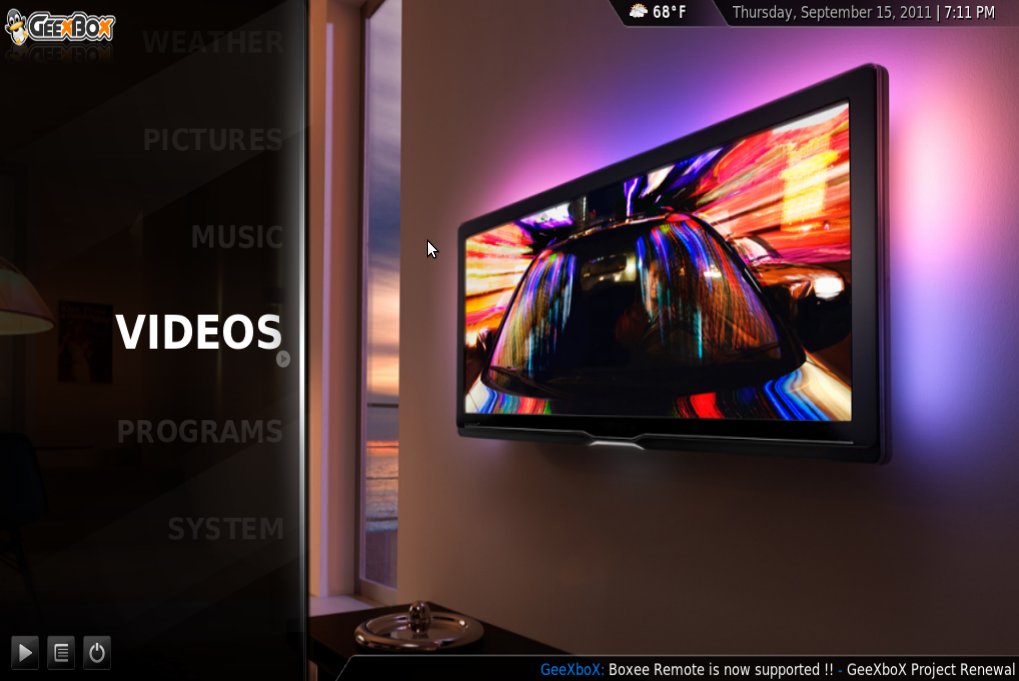
GeeXboX 3.0 comes with XMBC 11 and PRV!
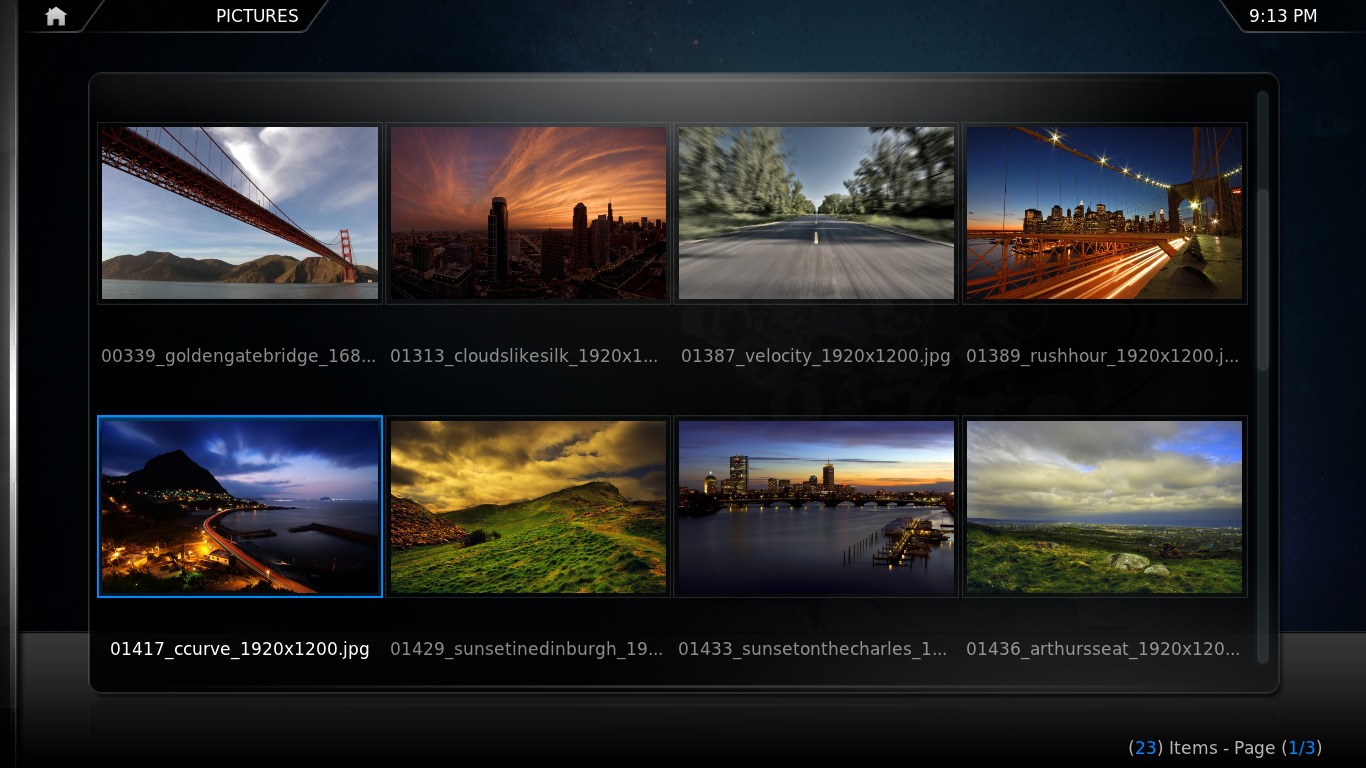
GeeXboX is a media center distribution that is built to transform your desktop or embedded device into a complete multimedia box. To achieve this, GeeXboX provides a full set of applications for the management and playback of audio, video and photographs.

Version 3.0 was released today bringing the new magnificent version of XMBC and also the long awaited PRV support. This means you can finally use GeeXboX to watch and record live TV too!
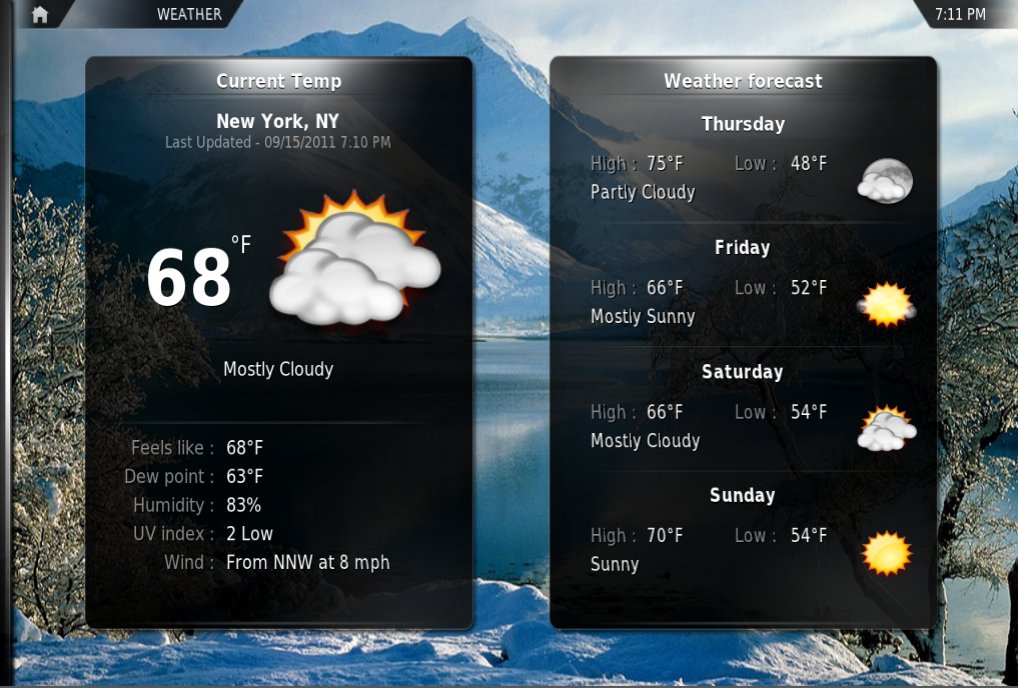
XMBC basically works as a frontend for GeeXboX, allowing users to easily manage, navigate and playback their media. Through XMBC, you can also change settings, browse the web, use media related on-line services that are integrated in the application and download extras like plugins and themes!
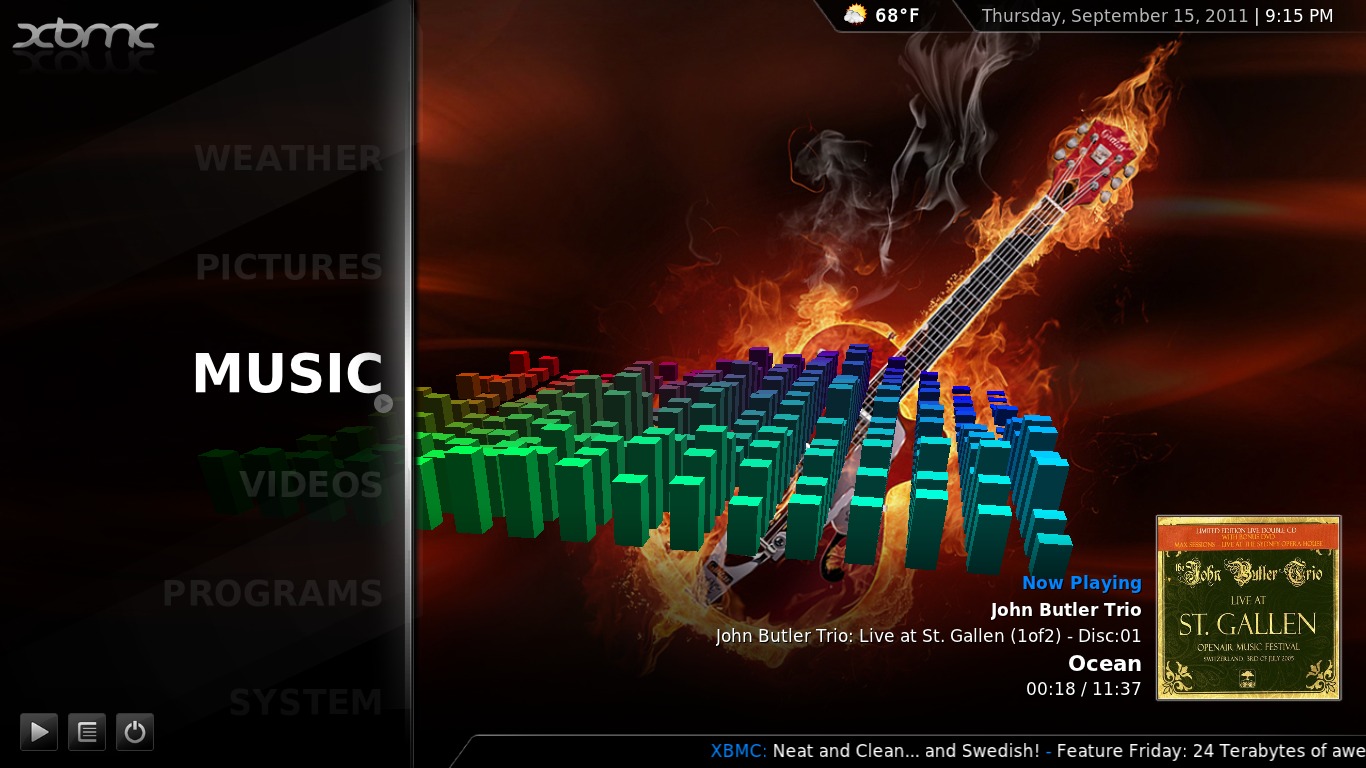
In version 3.0, you will also get PVR support for DVB Digital TV, to watch and record live TV and Improved remote control support. This is very important as this distribution can run in many remote controlled devices. The rest of new features include:
- - Support for Full HD videos on PandaBoard
- - Support for Full HD videos on Cubox
- - Improved HDD installation
- - Installation support for (U)EFI systems
- - Installation support for SSD’s
What about the system? That isn’t left behind either. GeeXboX 3.0 is using Linux kernel 3.4.4, Xorg 1.11.4, Mesa 8.0.3 and SystemD 188.
Support for audio and video drivers is more than heaping and I don’t suppose you’ll encounter any problems on this field. What is interesting to take a look at though, is what devices are supported…
- - 32 and 64 bit PCs
- - ARM TI OMAP4 Pandaboard (list of devices)
- - ARM nVidia Tegra2 Harmony (list of devices)
- - ARM Cubox (armada5xx) (list of devices)
- - ARM Snowball ux500 (list of devices)
If you are using an old PowerPC you can download GeeXboX anything before version 2.0 to transform your old Macintosh into a media center!
Check the download page to find what spin is the right one for you, and give a useful multimedia role to an abandoned/underused device, with this magnificent Linux distribution.

Like us on Facebook
This week Top Posts 
Top Things to do After Installing Ubuntu 13.04 ‘Raring Ringtail’ : Ubuntu 13.04 Raring Ringtail final is almost out. The final release it scheduled for release on Apri...0 comment(s) |
Install lamp with 1 command in Ubuntu 12.10, 13.04 Raring Ringtail & LinuxMint13 : Updated: 10/09/2012 :LAMP (Linux, Apache, MySQL and PHP) is an open source Web development platform ...0 comment(s) |
Howto: Upgrade to Ubuntu 13.04 Raring Ringtail from 12.04, 12,10 | Desktop & Server : Updated 05-04-2013: Ubuntu 13.04 Raring Ringtail will be released Soon, If you have ubuntu 12,10, 12...0 comment(s) |
Install and Configure Samba share in Ubuntu 13.04 Raring Ringtail , 12.10, 12.04| Howto : Updated 05-04-2013: One of the most asked features for Samba is a graphical user interface to help w...0 comment(s) |
How to use Remote Desktop in Ubuntu : Sometimes, we need to access our computer from other locations when we’re not at home and such. This...0 comment(s) |
Configure conky-Lua in Ubuntu (12.10 & 13.04 Raring Ringtail), Fedora, debian and LinuxMint | Howto Conky : Updated 05-04-2013: Conky is a free, light-weight system monitor for X, that displays any informatio...0 comment(s) |
Recent Posts
- How to find Default Gateway in Linux
- Setup Backup server using rsnapshot on RHEL / CentOS / Ubuntu / Debian
- How to disable/change default PDF viewer in Mozilla Firefox
- Dictionaries in Python
- How to Install uTorrent Client on Ubuntu/Debian/Linux Mint
- Lists in Python
- Argument Handling in Python
- Setup your own Wikipedia like website using MediaWiki
- Administer your Server using Ajenti Server Manager
- “Brand New” Unixmen Forum is Now Live!
Recent Comments


Ladi Oyekanmi
| #
Could you please assist in step by step on how to install nagios on solaris
Adhraa
| #
Greate tutorial :)
pigmej
| #
Just one thing:
What about pep8 in your python code ? How can you give ‘tutorials’ on quite popular website, of such a bad quality ?
Amit Rai
| #
I just renamed shared.xml and it logged in and created a new shared.xml.
DB Griffin
| #
Larry Page is not being completely honest! The manner in which the PRISM program/project works does not need access from company administrators or owners, so called “direct access”; the access to the information is already there. These tech company CEOs take for granted the actual intelligence of most end users of their products. All it takes is a little digging and reading to go from ignorant to informed on these things especially on exactly how the internet works/functions in the U.S.A. I find Larry Page’s remarks just as laughable as Al Gore’s claim to “inventing” the internet/world wide web!
If you, as an end user, are reading this post; I challenge you to research these matters yourself. It really is quite simple with all the “information sites” that exist on the web today ie Wikipedia, & other online encyclopedias that actually list source material, as well as highly respected tech sites and blogs that also list their source material. Be warned: this is only the tip of the iceberg and these tech CEOs know and understand this; they are scrambling in attempt to perform DAMAGE CONTROL to save the company and what little trust thay have left from their products end users/consumers.
Am I a skeptic? I believe someone has to be or needs to be at this point in time! If your not just a little skeptical of the government, tech companies, and the people that are in charge of these agencies and companies; you need to be, even if just a little skeptic. For your own personal protection and security! I know I was a part of this community for over 14 years!