


Computers have always been used as music playing devices. Big collections with thousand of songs coming from hundreds of different artists are easily organized using the right application. Many people nowadays, don’t even use a music player to listen to music because everything is on the internet, but music players have evolved offering better functionality and integration with internet music services. Time to get our hands on three of the most representative music players for the linux platform right now and see which one is the “biggest” player of all. The distribution I will be using is Fedora 16 64-bit.
————————————————————————————————————————————-
Compared Applications
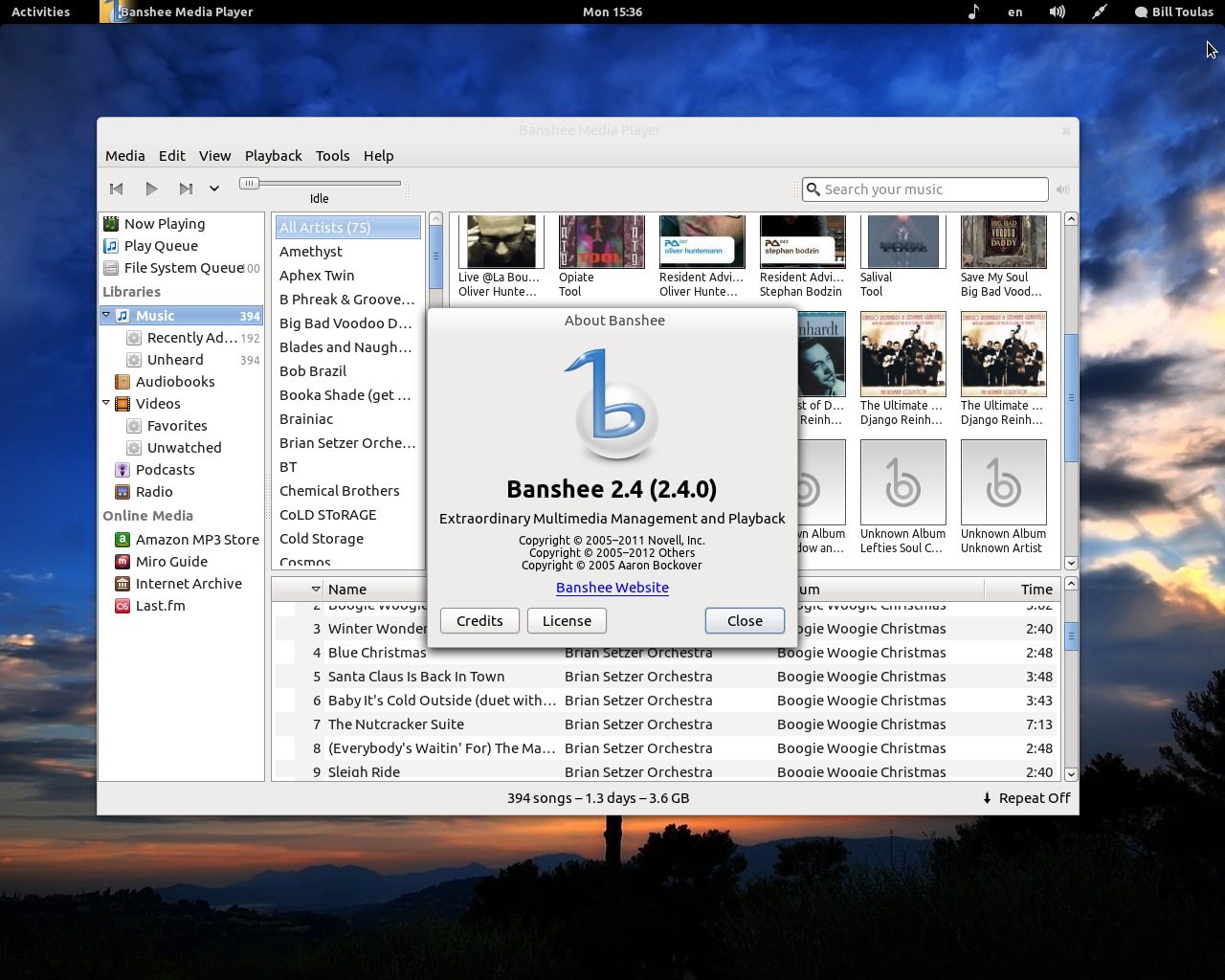
 Banshee is the “official” Gnome music player. It is a fully featured music player with wide support for media formats of all kinds. Banshee even supports the playback of video files, although we won’t test or give any points for that on this article. Banshee is multiplatform offering MacOS and Windows editions but the really stable and properly-working versions are available on linux only. For this article, I used the latest stable version 2.4.0 that was released last month.
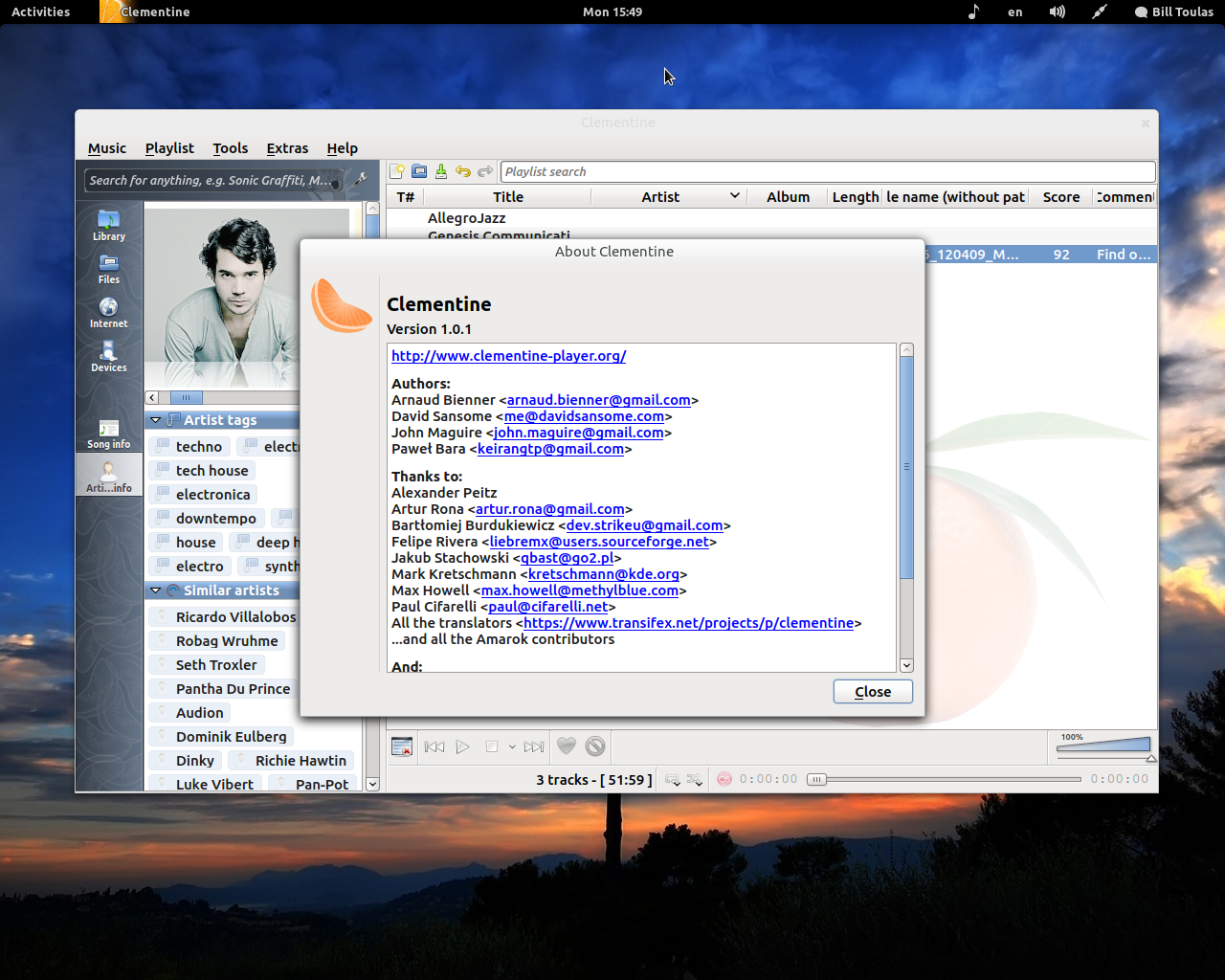
 Clementine is one of the many forks that poped-up after Amarok developers decided to destroy everything that was great in version 1.4 of the then popular music player. It represents an almost perfect idea of how a music player should work. Build upon the best Amarok branch, with many passionate fans, stable versions for all platforms and having released version 1.0.1 a few months ago, Clementine was bound to be a member of our compared trio.
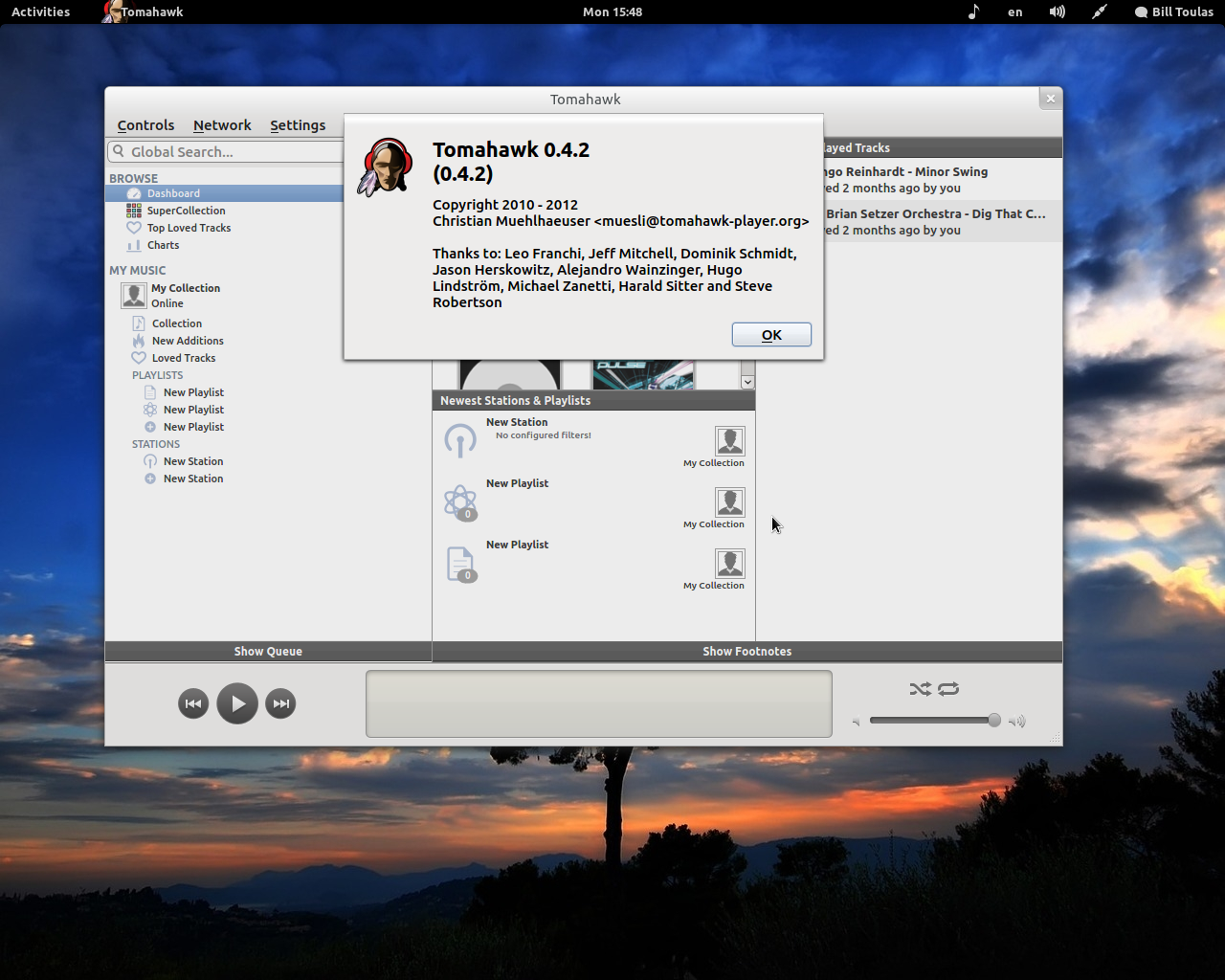
 I consider Tomahawk to be the underdog of this comparison because it is the youngest of all with almost one year of age. I decided to include Tomahawk player on this article because it is really representing the next generation of music players aiming to offer a fully internet collaborative music platform. I used the latest release available vn 0.4.2 and crossed my fingers for good results (because we all love supporting the underdogs).
————————————————————————————————————————————
GUI Design and Feel
Banshee – 2/5
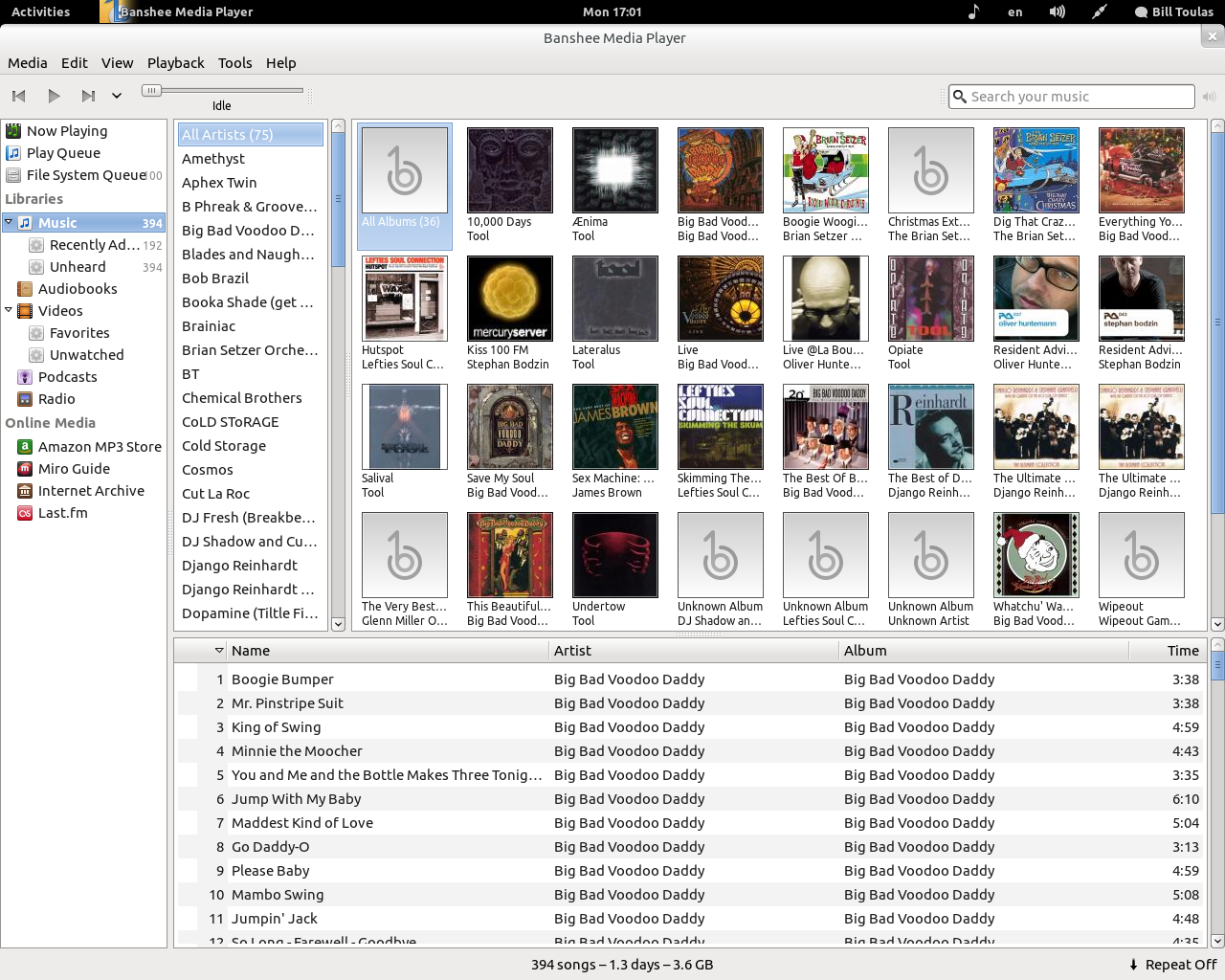
Banshee has both good and bad design elements. At first glance, everything seems to be confusing and a little bit “loose”. If you stay with Banshee and work with it you’ll see some examples of hard work and great attention to detail like the sliding info pop-ups for example. I can’t say the user interface is beautiful in general and I find the design of the stop/play buttons and progress bar awful.
Clementine – 3/5
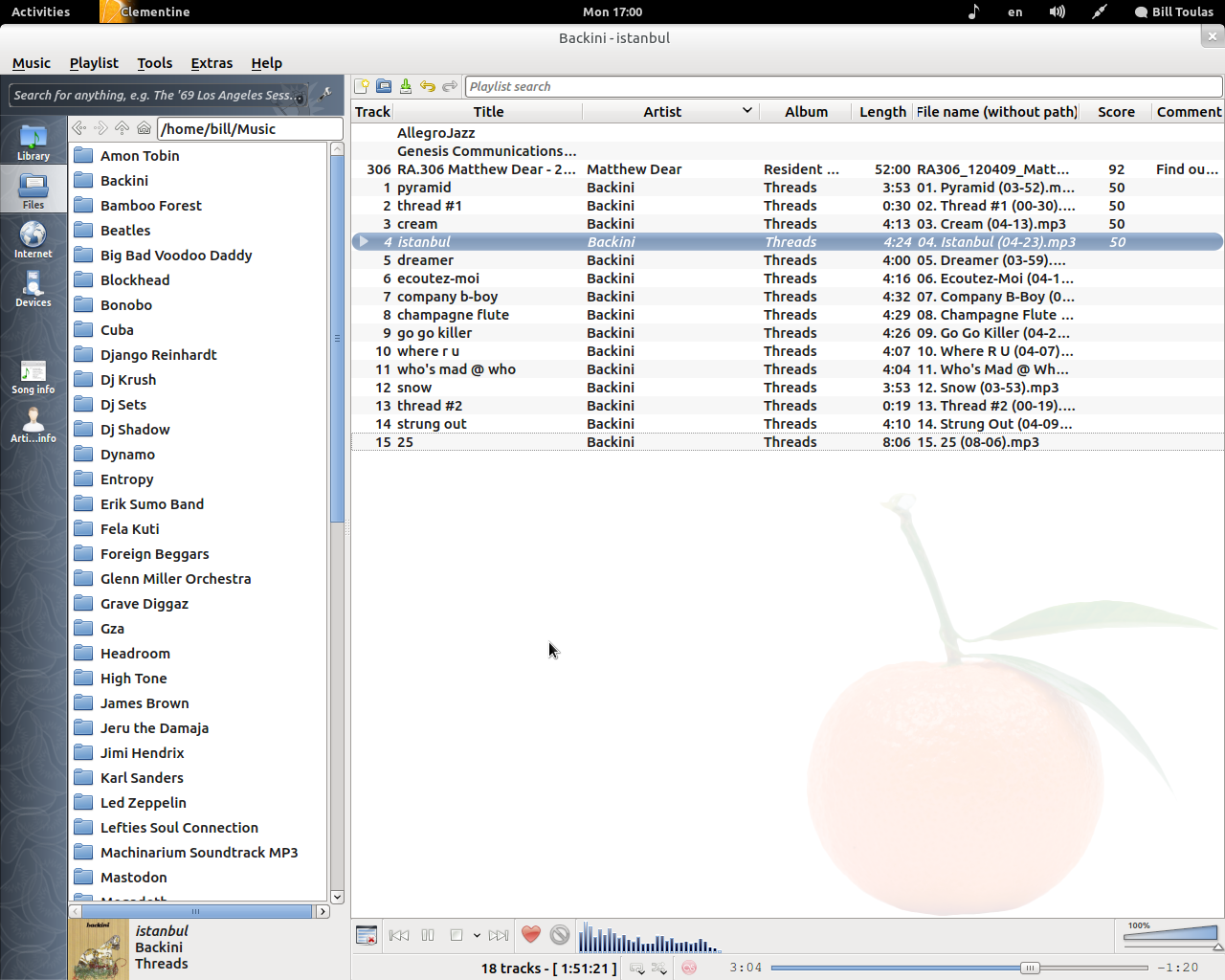
Clementine design seems to be a lot more consistent but still far from beautiful. It definitely will remind you of Amarok 1.4 but with a few more tweaks. There is one big thing that some people may find nice, while others may hate it and that is the stripe on the left. This stripe changes colors depending on what color of your system theme, but it may feel a bit out of place in some distributions and I feel the reason is this clementine pattern thingy. Clementine is generally a nice looking application.
Tomahawk – 4/5
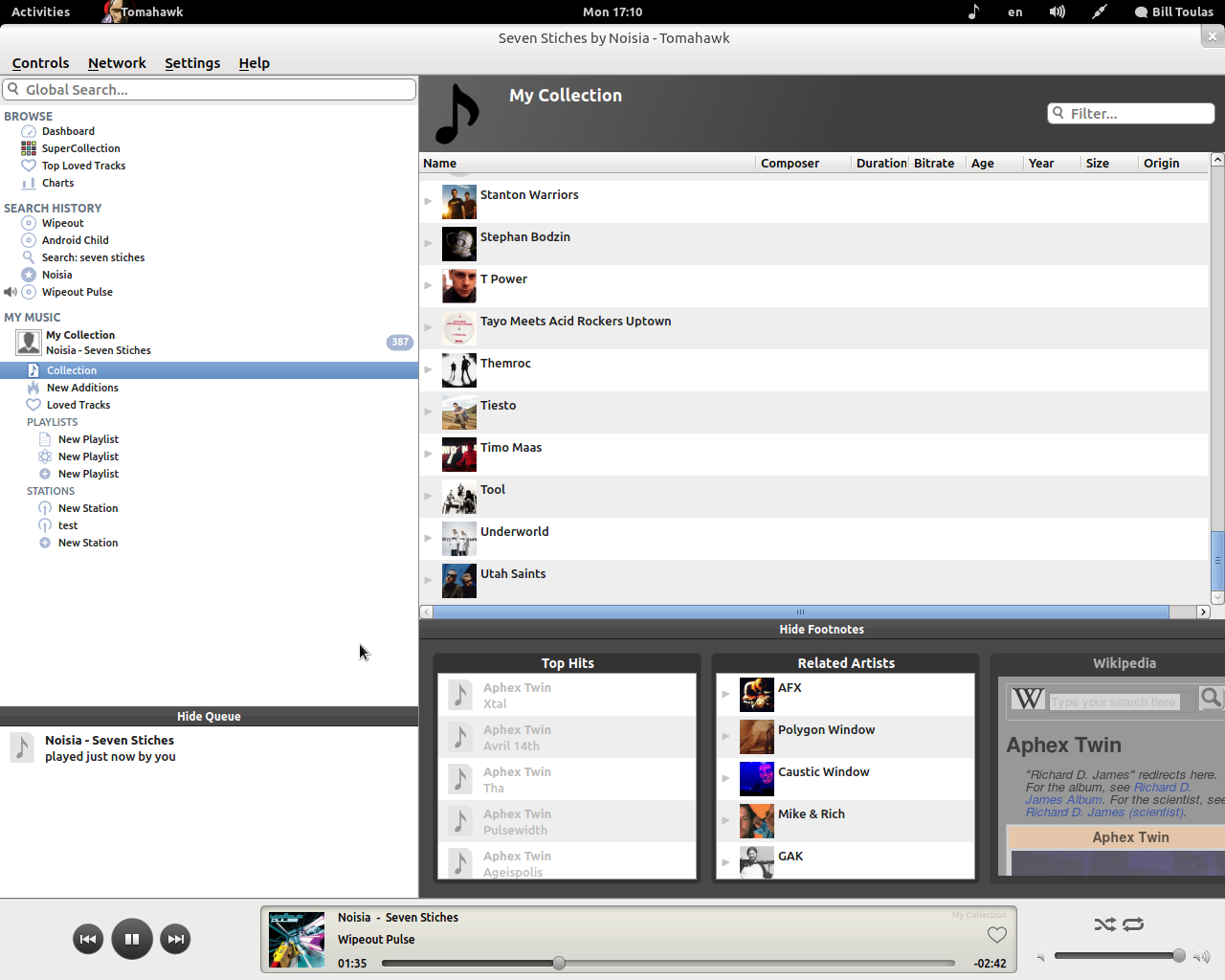
Tomahawk looks and feels much more modern than the other two. The design is very clear and mac-styled and if it wasn’t for some little things still missing (a visualizer on the progress bar), I would have given a 5 out of 5 for this design. Very nice!
————————————————————————————————————————————-
Functionality and Usability
Banshee – 3/5
What gives Banshee points to the usability of the application is that everything is on the left and even if you never used a music player before it is pretty obvious what you got to do to play some music. Your albums appear with big enough covers which is both helpful and nice for the eye and then you only have to double click something. What takes points away is that the playlist is hidden somewhere between where you were and were you are going to be on your next step which is the “now playing” naturally. Why brake these three things apart? Why can’t I browse my files and see my playlist at the same time?
Clementine – 5/5
What do you want to do? Do you want to search your collection alphabetically? Simple! Do you want to browse your files and folders instead? One click away! Do you want to listen to streaming radio? Right away! Do you want Clementine to automatically give score to your songs according to how long you listened to them and how many times you pressed the forward button? At your service! Do you want to blend all these and know exactly what is coming next while also browsing to find some more? There just isn’t any simpler, more ergonomic and generally better way to do it that the way of the Clementine!
Tomahawk – 4/5
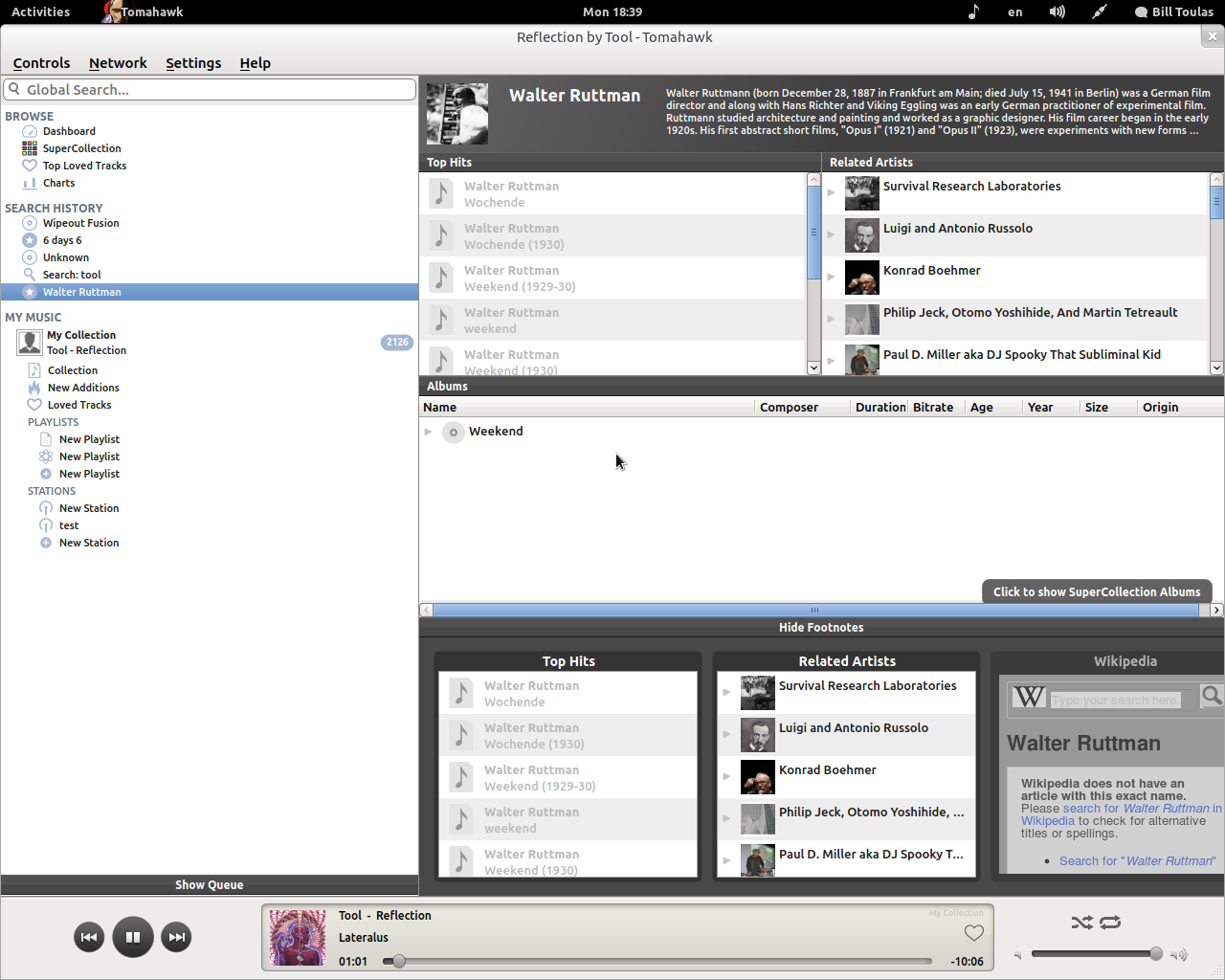
This player is definitely using the correct approach. The search is fast and dynamic, the results are beautifully given to you and you get to play your music right away. What is great about Tomahawk is that it will always be kind enough to search whatever you are looking for in the internet too, giving you integrated results but in a non-confusing kind of way. There are also nice filters to use in order to create playlists etc. The only thing missing is the file browsing. I know that music inside our hard disk is a remnant from the past for Tomahawk’s developers, but some people use it.
————————————————————————————————————————————-
Resource Consumption
(CPU used: Intel Core 2 Duo E7400 2.8GHz)
Banshee – 3/5
idle – 42.6 MB Ram
playing 320kbps mp3 – 104.9MB Ram, 4% CPU
Clementine – 2/5
idle – 30.8 MB Ram
playing 320kbps mp3 – 114MB Ram, 6% CPU
Tomahawk – 4/5
idle – 45.4 MB Ram
playing 320kbps mp3 – 66.4 MB Ram, 2% CPU
————————————————————————————————————————————-
Bugs and Stability
Banshee – 3/5
There are 1593 bugs on Banshee’s list. Banshee is generally much more stable than the previous versions that were very problematic. Things are not perfect and there are problems here and there, but the performance of the player is no longer randomly interrupted by the buggy behavior of the past.
Clementine – 5/5
I am using this piece of software daily for 3 months now. It never ever crashed or lagged in anything. And believe me I tried everything. The buglist counts almost 450 bugs.
Tomahawk – 1/5
This is version 0.4.2 so don’t expect things to work perfectly. When I first opened Tomahawk it crashed. Then it crashed again when I changed song for the first time. Then again when trying to enter my Google account. Don’t think that this player is not yet usable though. It did work for 2 hours without any problems at some point, but expect issues for sure. It still is quite unstable.
————————————————————————————————————————————-
Final Result
Banshee – 15/25
Banshee is a very good music player that evolves into a full multimedia application. There are stability problems and some design and usability inconsistencies, but I am sure they will be left in the past as the development of this project continues.
Clementine – 19/25
Clementine is the winner of this comparison. It is stable, smart, easy to use, and modern. Clementine is bound to chase perfection from now on and that means making it more beautiful to the eye and less resource thirsty.
Tomahawk – 17/25
Tomahawk may be still very immature, but it really deserves the “hope for the future” award. If everything goes well in the development of this project, we will see a magnificent music player in the near future. Right now the biggest problem seems to be instability in almost every sector which is natural and will be overcomed.



