Google Plus

LinuxMint12 KDE has been released! | Screenshots Tour

Written by M. Zinoune on . Posted in Linux distributions, Linux Mint, News

LinuxMint 12 KDE has been released, this edition comes with the latest and recently released KDE 4.7.4. This is the first release of Linux Mint using Hybrid ISO images. Traditionally, tools such as ‘Startup Disk Creator’ or ‘UNetbootin’ were needed to install Linux Mint via USB. With hybrid images, you can simply use the ‘dd’ command or a graphical front-end to make a bootable USB stick with no efforts which acts exactly like a live DVD.

Linux Mint 12 features the following upstream components: Ubuntu 11.10, Linux 3.0, KDE 4.7.4.

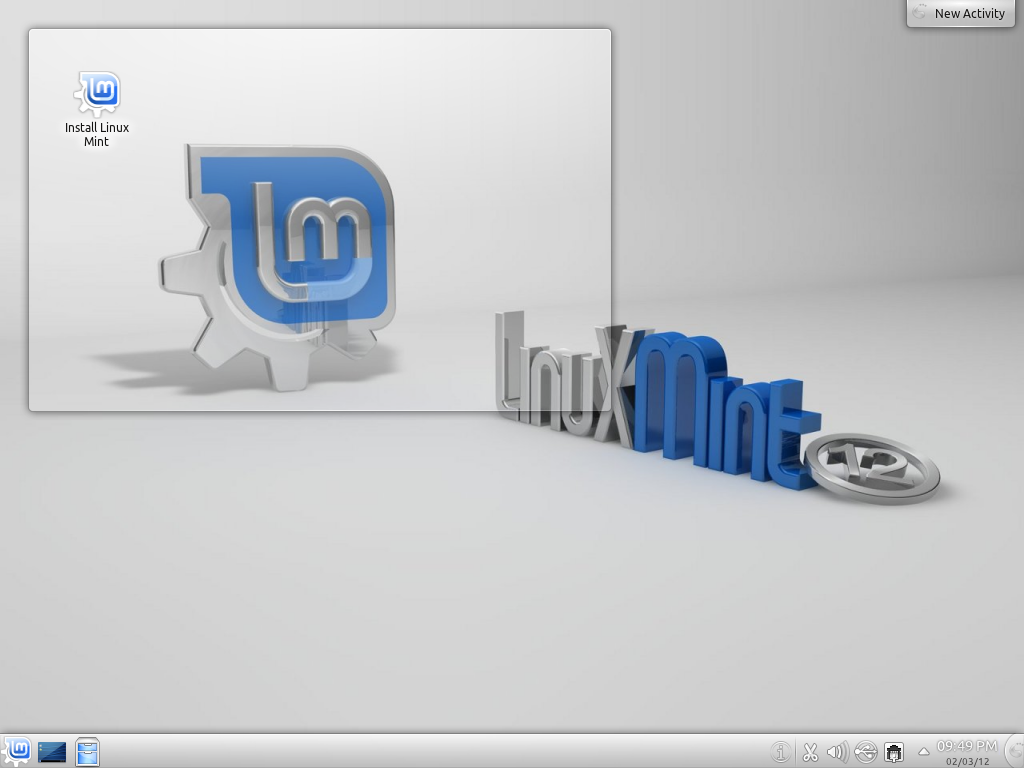
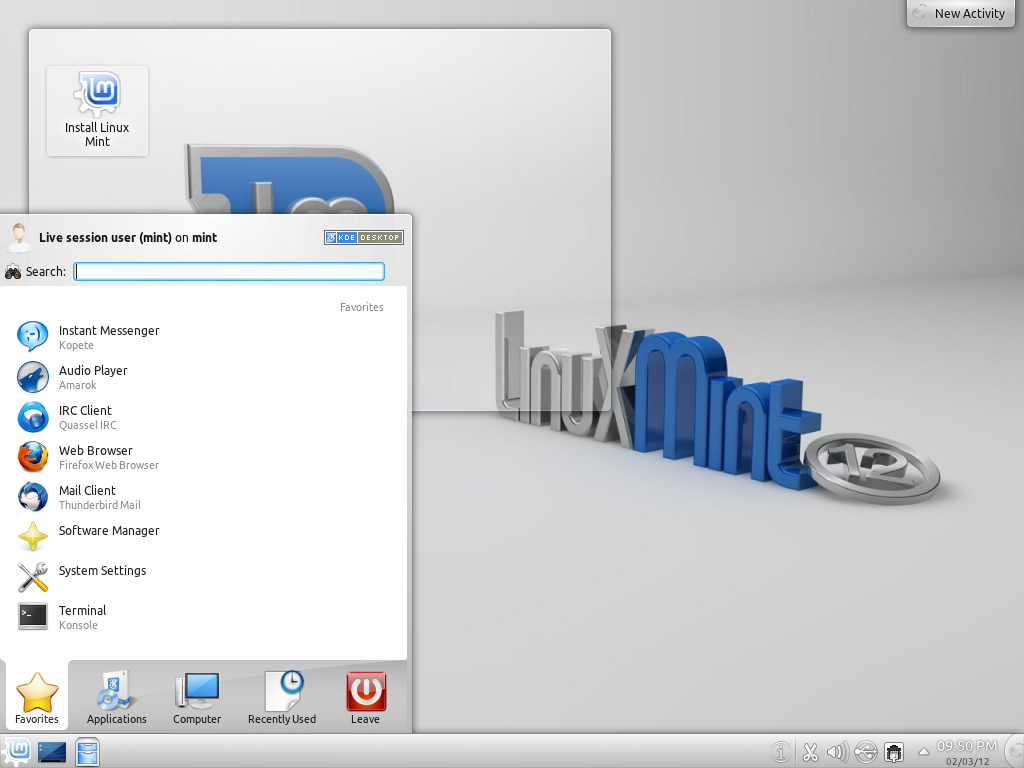
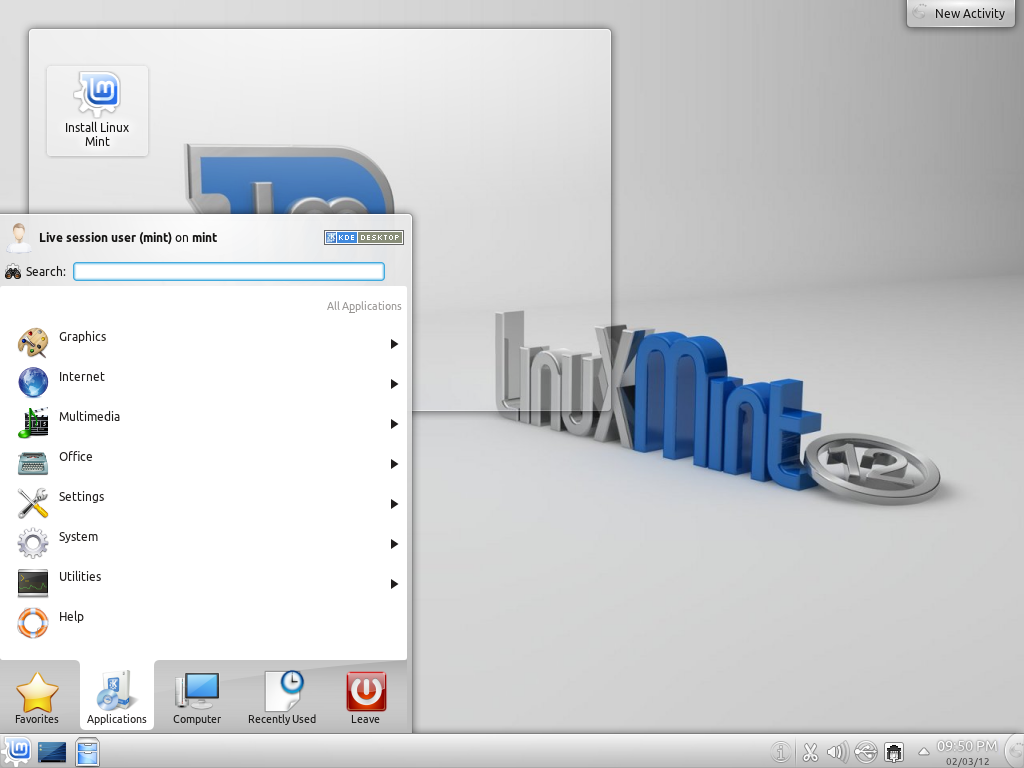
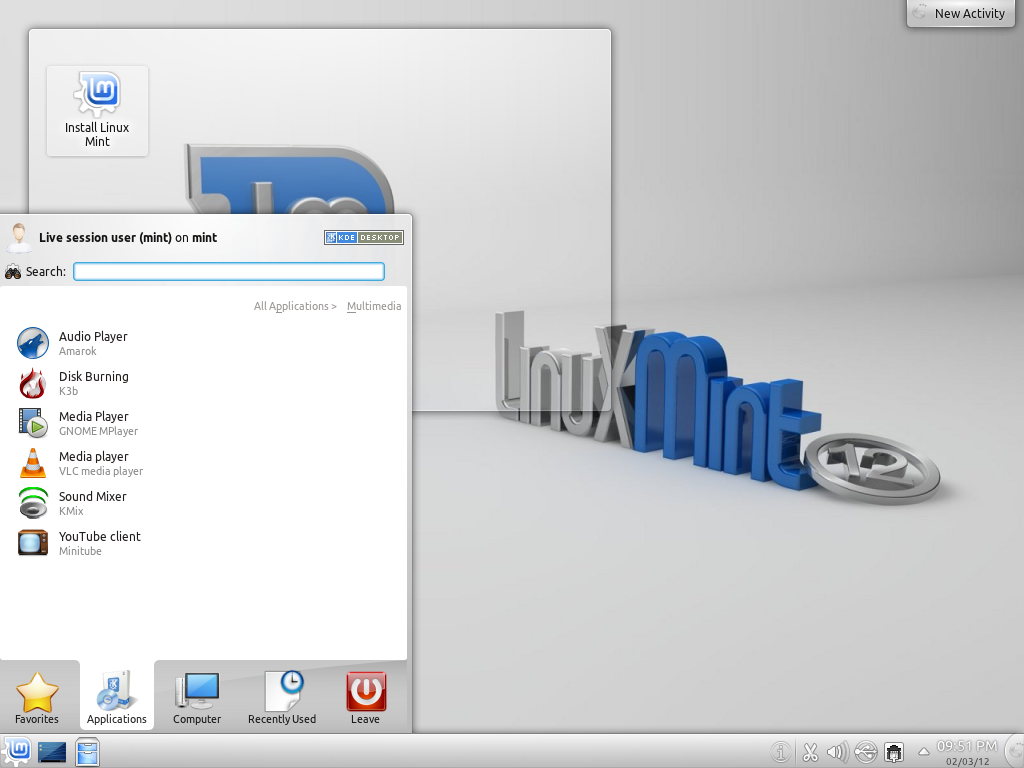
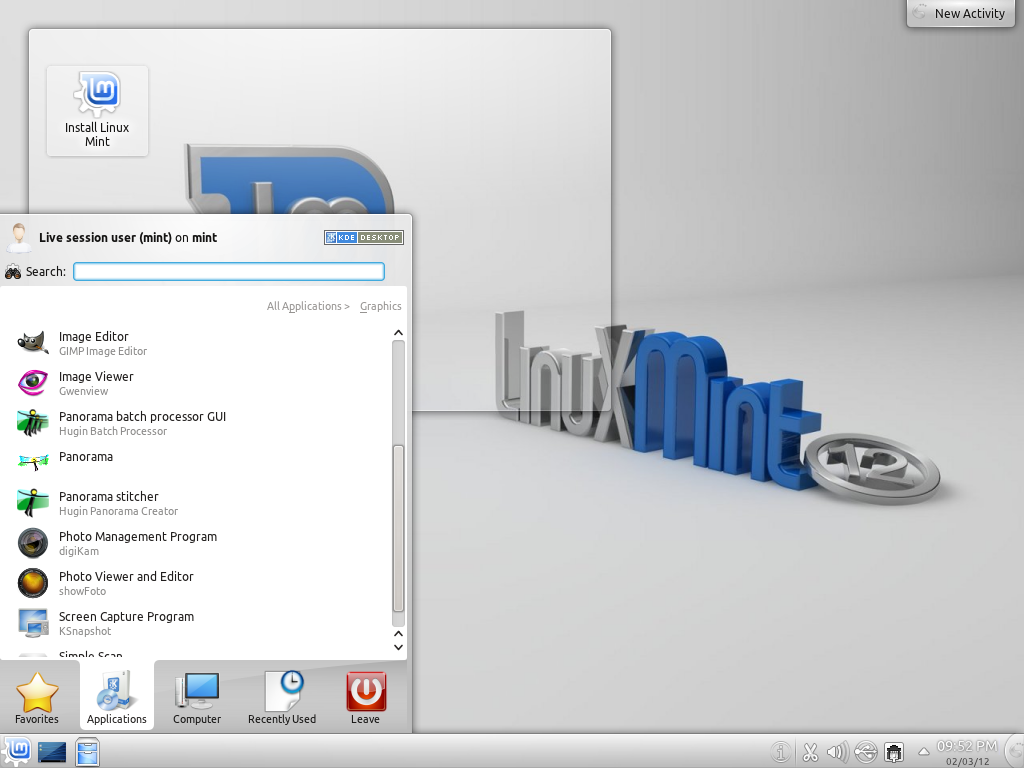
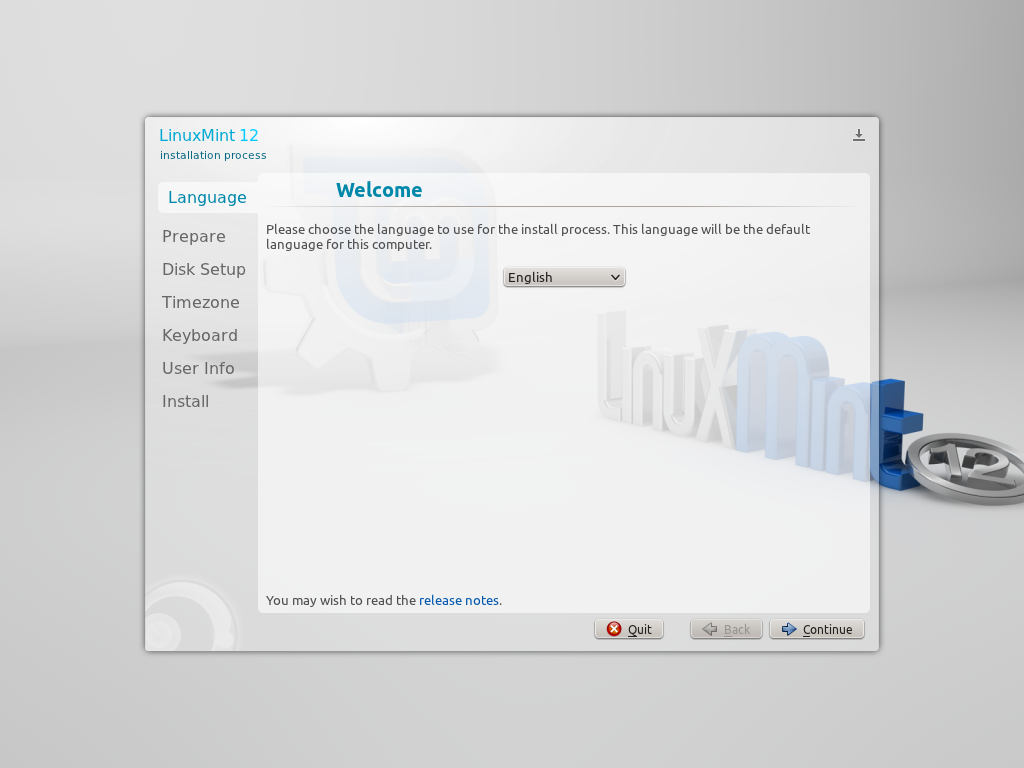
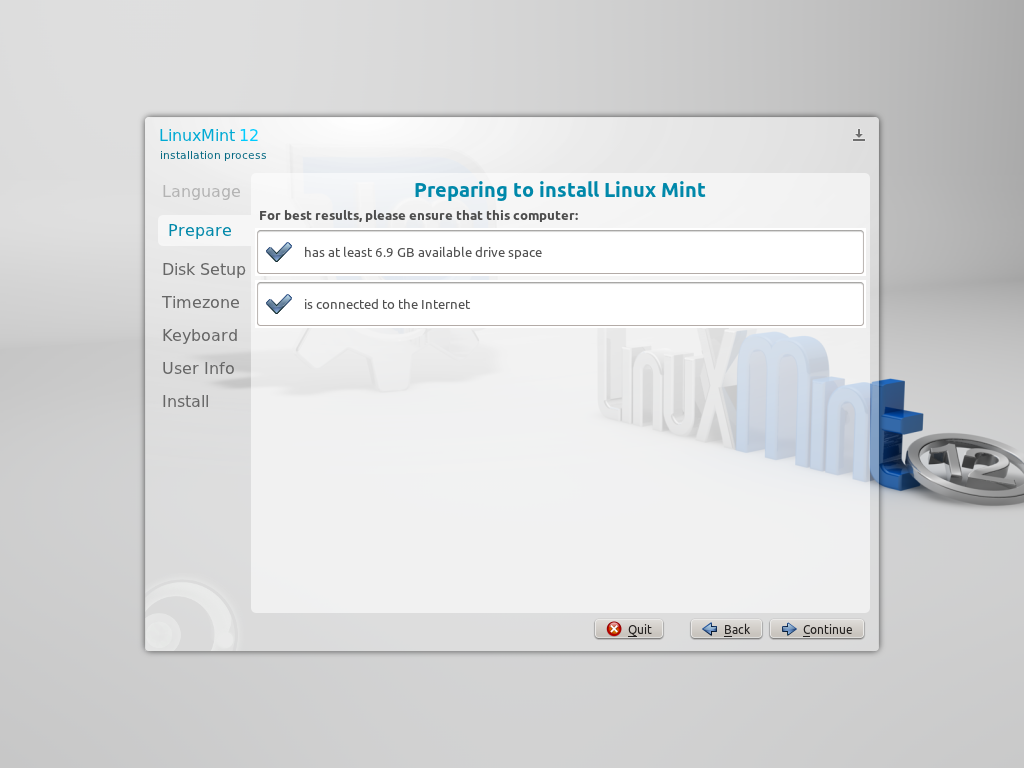
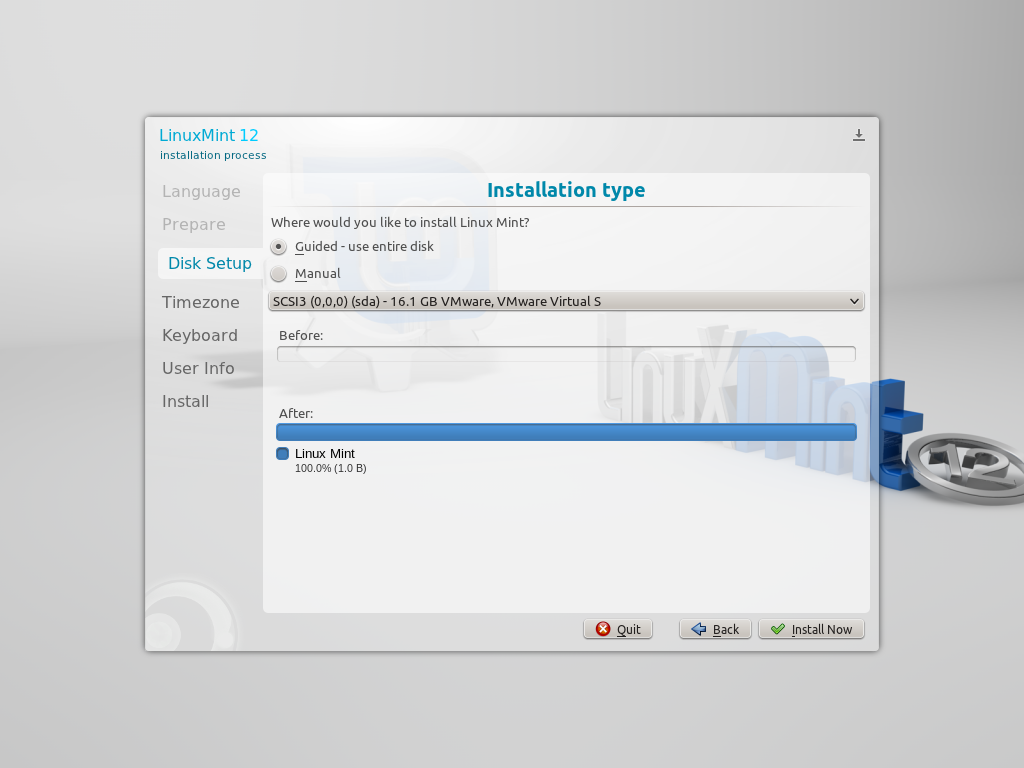
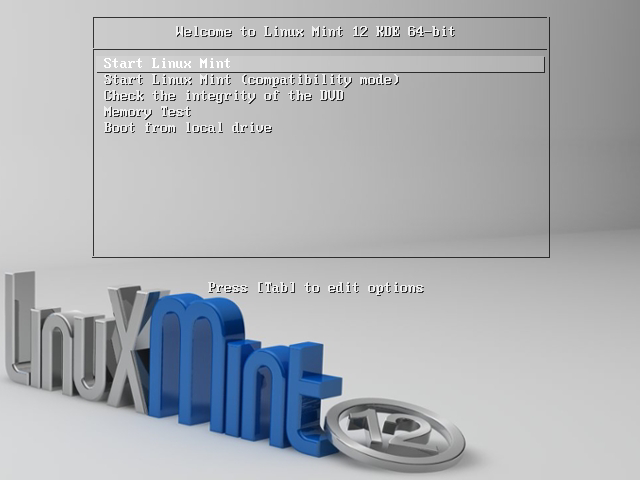
Here are some screenshots from this new edition of LinuxMint12 KDE
For questions please refer to our Q/A forum at : http://ask.unixmen.com

  • Maniatux

    According to these screenshots it’s kubuntu with a different wallpaper…
    And kubuntu alpha has kde 4.8

    • Bibi the horse

      Are you new at this?
      Kubuntu is a very vanilla KDE (nothing wrong with that as I hate most defaults and make the desktop my own)

      I dare you to take 3 KDE distros, change the icons so theyre the same, change the wallpaper and the themes so their the same and ask someone to tell you the difference.

      There are very, very little.

      The choice to make especially for a newbie is NOT the distro, its the desktop that corresponds to their tastes.

  • Hh

    OMG…the Fluxbox edition has to be coming soon.  Pleeeese.  All this waiting for the heavyweight Desktop Environment spins is giving me hairballs.

    • asdf

      You are flux/open/box guy? need customizable and light destkop? so stop wining about distro for newbies! ;) make you own desktop on top of debian or arch

Like us on Facebook

This week Top Posts

Write for us

Recent Comments

SK

|

Yes we can. What kind of help you need? We are doing outsourcing and technical support for Linux and Open source worldwide. To know more about the details visit here.

ClintB

|

After install as above, run shell script /opt/Citrix/ICAClient/wfica.sh manually and note lib errors still occur. I had the x64 motif loaded but had to manually install the x86 too. Got that from http://rpmfind.net/linux/rpm2html/search.php?query=libXm.so.4 Even after that, I still had to do a “yum install alsa-lib.i686 alsa-lib.x86_64″ to resolve any additional libasound.so.2 errors. Once those two lib issues were resolved, Citix Web Interface launched apps fine by telling browser to open launch.ica using /opt/Citrix/ICAClient/wfica.sh. Good luck Ernesto!

AD

|

I need some Help on Linux,can you guide me ?

Edson Carlos

|

In debian no found. I need link download install in linux debian

jacky can

|

You can actually unzip your secret archive by leaving out the -t option, instead using:

unzip newPhoto.jpg

 
IDG Tech Network
Copyright © 2008-2013 Unixmen.com .
Maintained by Anblik .