

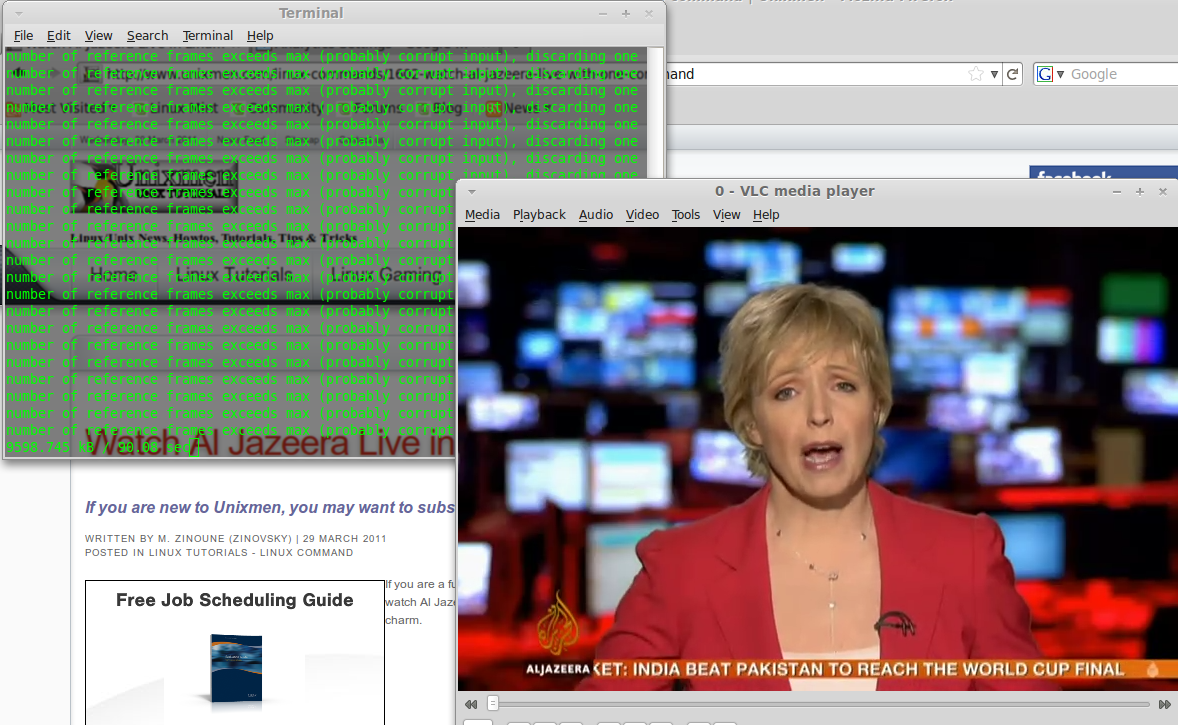
If you are a fun of Aljazeera News channel, this is a nice command that allow you to watch Al Jazeera live in your Linux desktop. I tested the command and is working like a charm.
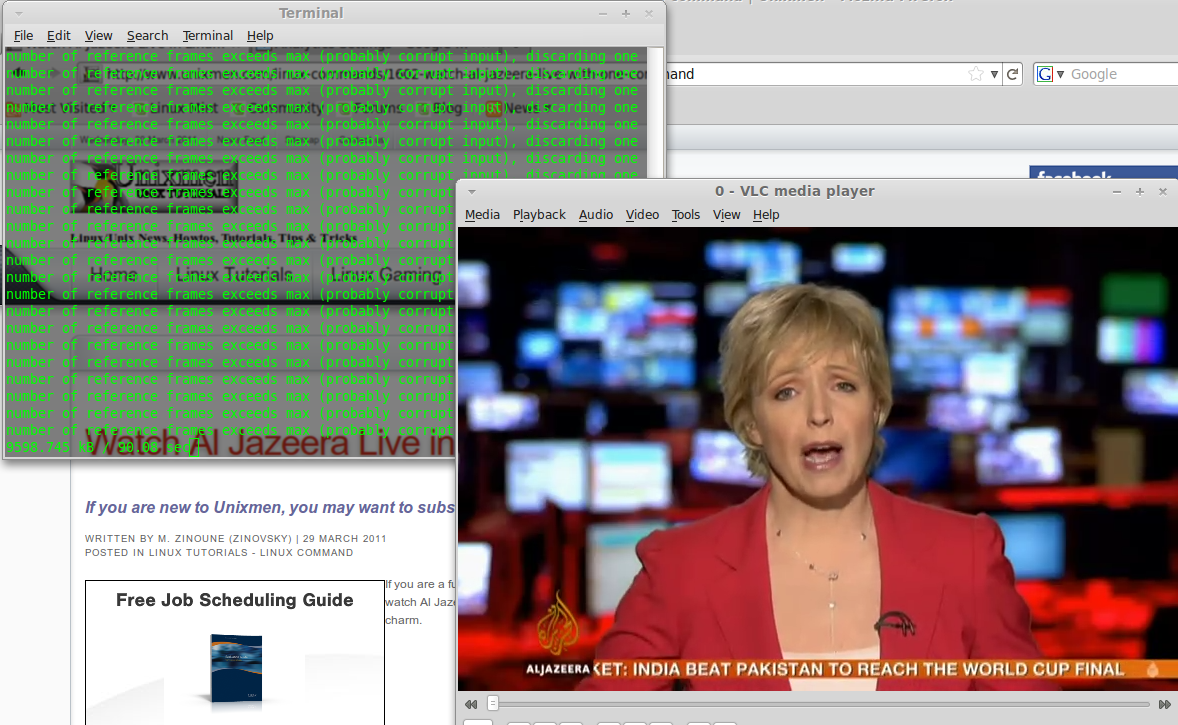
First check if you have rtmpdump installed, if not install it using the command :
sudo apt-get install rtmpdump
Now to start watching Aljazeera live, open terminal and enter the following command
To use Mplayer :
$ rtmpdump -v -r rtmp://livestfslivefs.fplive.net/livestfslive-live/ -y "aljazeera_en_veryhigh" -a
 "aljazeeraflashlive-live" -o -| mplayer -
To use VLC player :
$ rtmpdump -v -r rtmp://livestfslivefs.fplive.net/livestfslive-live/ -y "aljazeera_en_veryhigh" -a
"aljazeeraflashlive-live" -o -| vlc -
Enjoy 🙂
Useful Links: commandlinefu.com/
{module user9-footer}


