

Saidar is a nice command line tool that allow you to view system statistics through libstatgrab. Statistics include CPU, processes, load, memory, swap, network I/O, disk I/O, and file system information.
You can install Saidar in Ubuntu / Linuxmint and Debian using the following command:
sudo apt-get install saidar
When installed, you can run it by typing the following command:
saidar
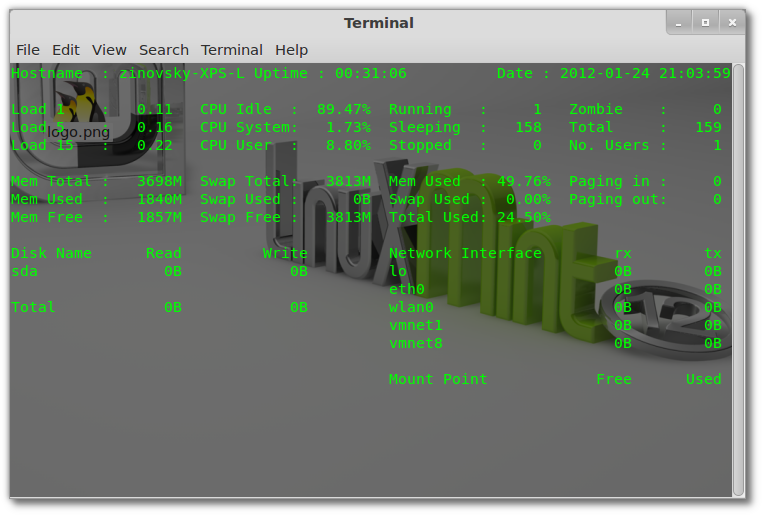
This is the example of output you will get:
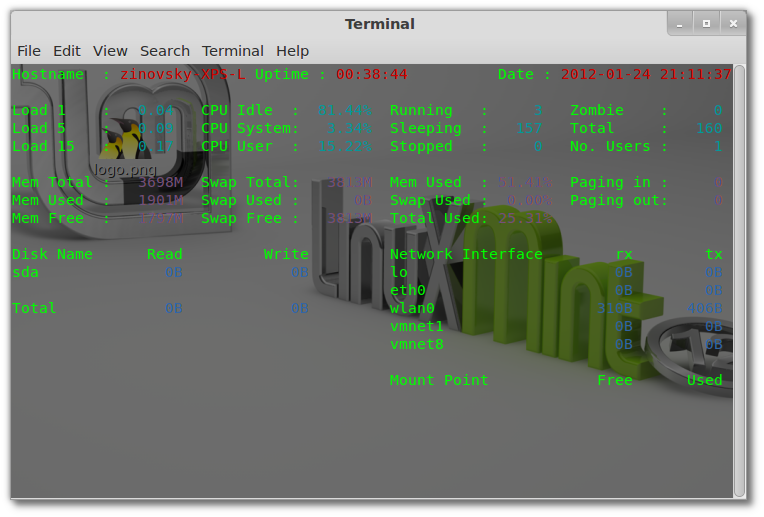
 To enable colored output, use the command:
saidar -c
 You can find more information about this tool in the man page by using the following command:
man saidar
If you want to download saidar man page as pdf, use the command:
man -t saidar | ps2pdf - saidar.pdf


