


In our busy life, we don’t have enough time to read all emails, blog posts, news and other web stuffs. So it would be better if it is possible to read them later in our leisure. Wouldn’t be nice if we have a chance to read them while we either offline or online and read them anywhere or any computer, tablet or mobile? Yes! it is possible to read instantly all the web stuffs, even if we don’t have internet connection.
Pocket, formerly known as Read It Later, is an extension that automatically syncs all web pages that you want to view later to your mobile phone, tablet or computer, even without an internet connection. It is an award winning extension and featured by many websites like New York Time, Washington Post, Lifehacker, Apple and more!
Features
– Save web pages to reading list to read when you have time.
– It supports offline reading mode, so that you can read web stuffs on any where and any device without having internet connection.
– Sync the list to all of your computers in home or office.
– Sync the list to Read It Later apps iphone, ipad, ipod, Android and more.
– After reading, you can bookmark them with your favourite bookmark service
– You can share the sync list with your friends.
– Click to Save Mode lets you quickly batch a reading list just by clicking on the interesting links.
– Text view strips away images, and layout from articles and presents them in an easy to consume way.
Install Pocket On Firefox
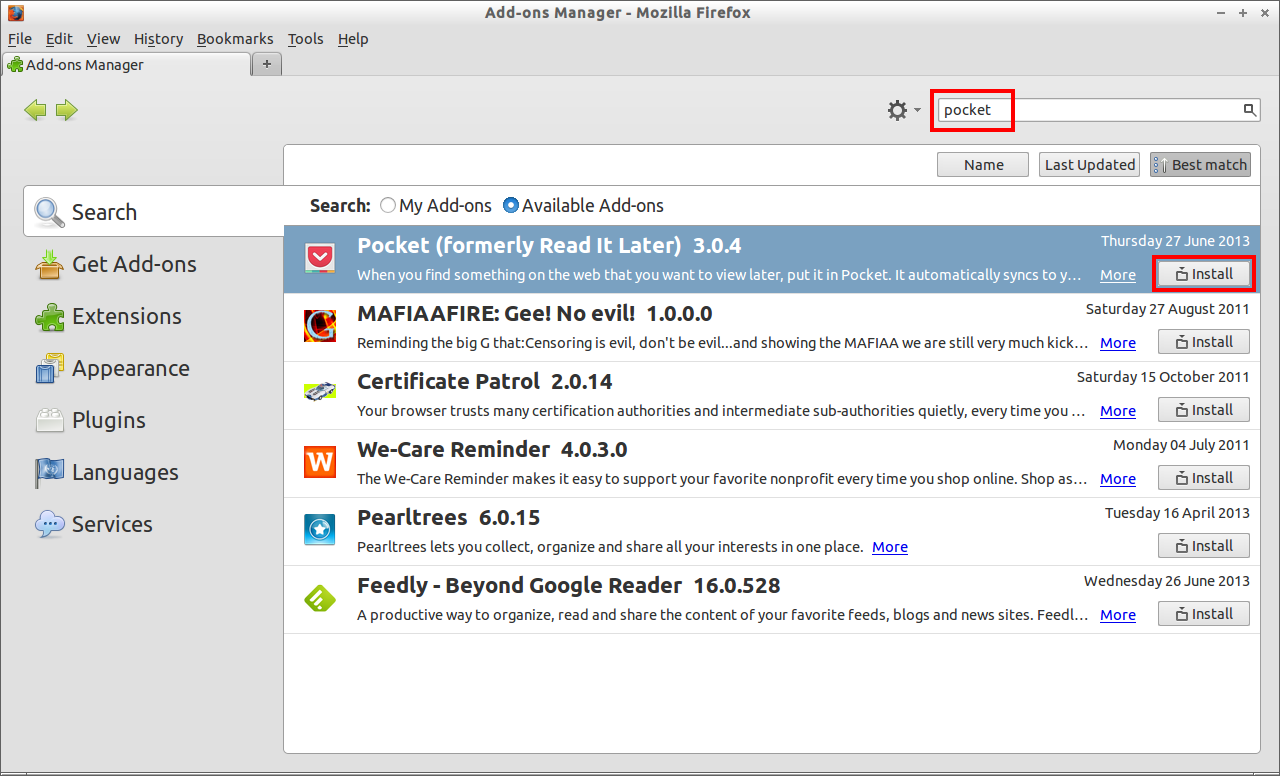
Go to Mozilla Firefox -> Tools -> Add-ons. Search for the Pocket add-on and click Install to add with firefox.
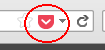
 The pocket add-on icon will be found in the top right corner add-on bar and next to the address bar of the browser window.
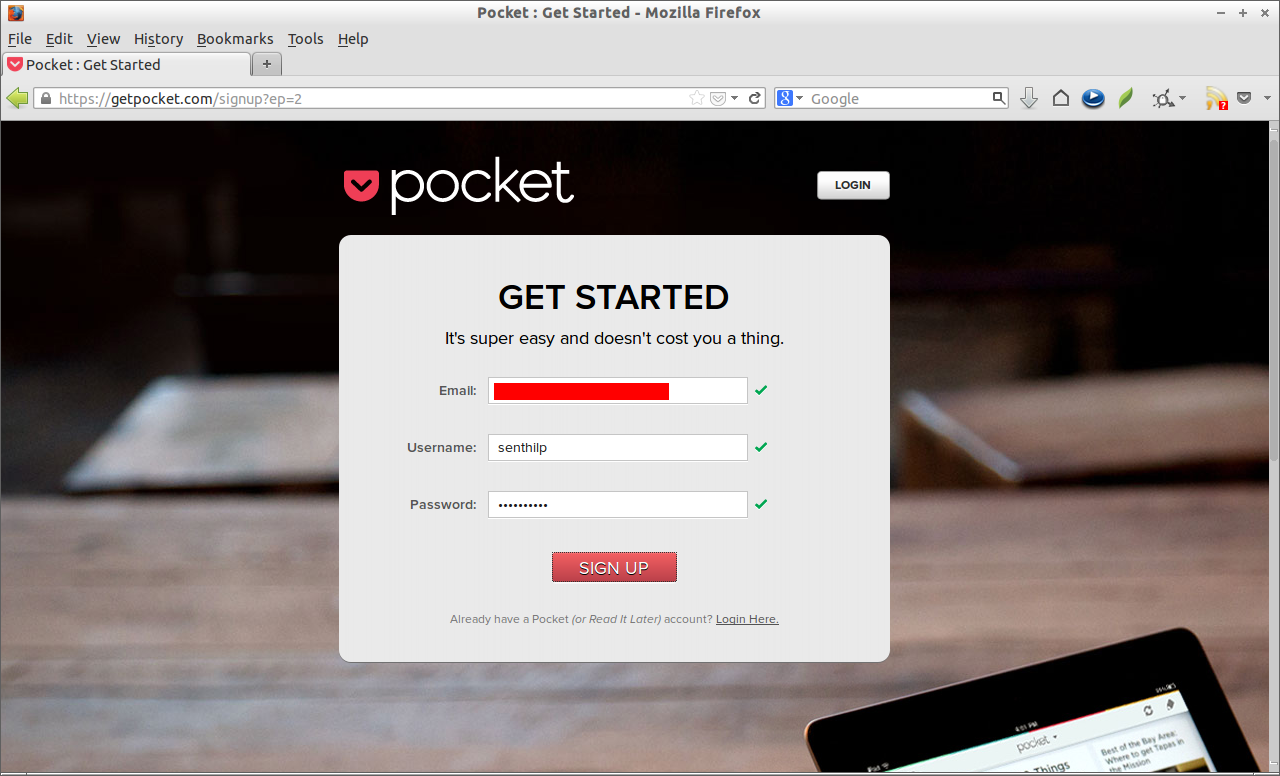
 Now create a free account in http://getpocket.com/ website. Click on the Sign up button. Enter the Email id, username and password of your choice.
That’s it. Now open any page, mail or blog post that you want to view later. Click on the Pocket icon on the top right corner of the firefox add on bar to login.
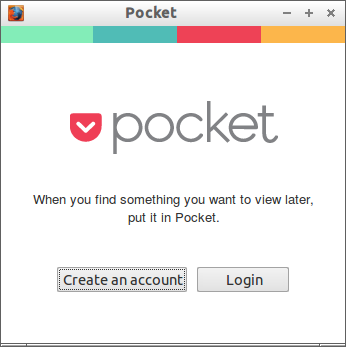 Enter the Pocket username and password.
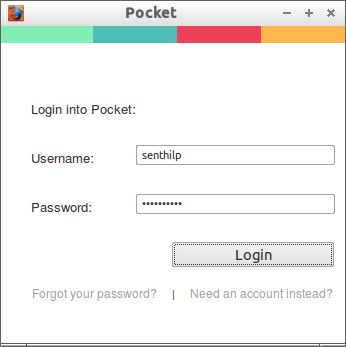 Now click on the Pocket icon next to the address bar to make the page read later. After clicking on the Pocket icon, it will turn to red colour as shown in the below screen shot.
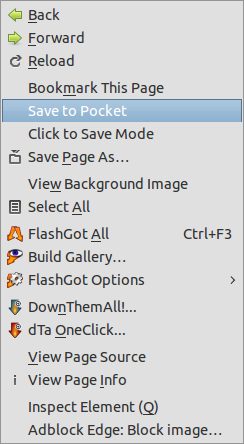
 The another easy method is save the pages directly from the Right click Context menu. The Pocket add-on lies in the Right click context menu. So Right click on the page that you want to view later and select Save to Pocket. That’s it. Now it will available for offline reading. Or just
 How do i make Pages Offline?
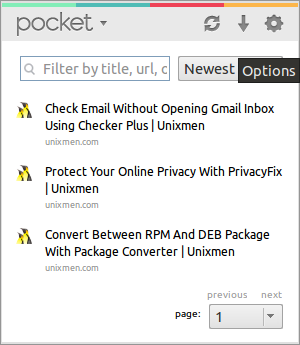
There is one more thing to do to view web pages offline. Click on the Pocket icon on the add on bar and go to Options by clicking on the Gear button.
 In the Options window, navigate to Offline tab and check the box denoted “Automatically make all saved pages available Offline”. And also make sure that you have checked the box “Download web view”.
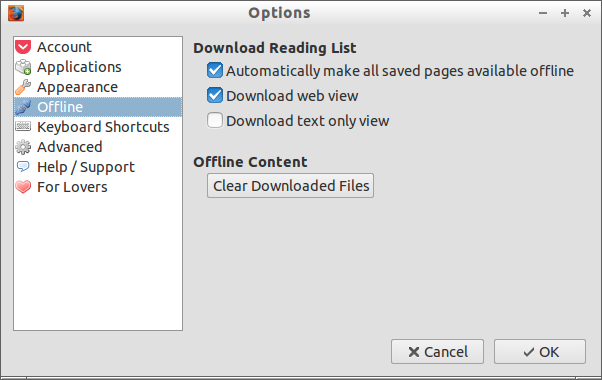 Click Ok to save settings. You good to go now!
View Web Pages Offline
After you put the web pages and mails that you want to read later in the Pocket, you can view them back using the Pocket icon in the top right corner of the add-n bar. Just click on the Pocket icon and click on the page that you want to view.
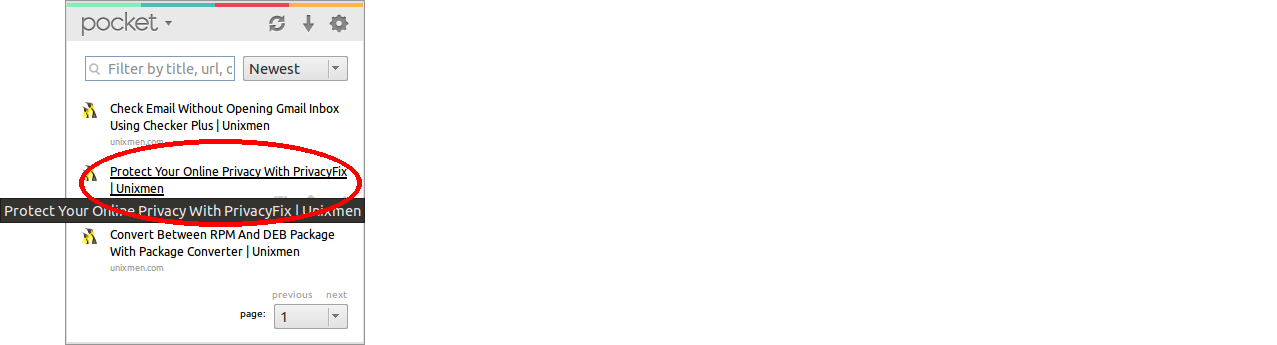
Now you’ll able to read web pages with Pocket add-on.
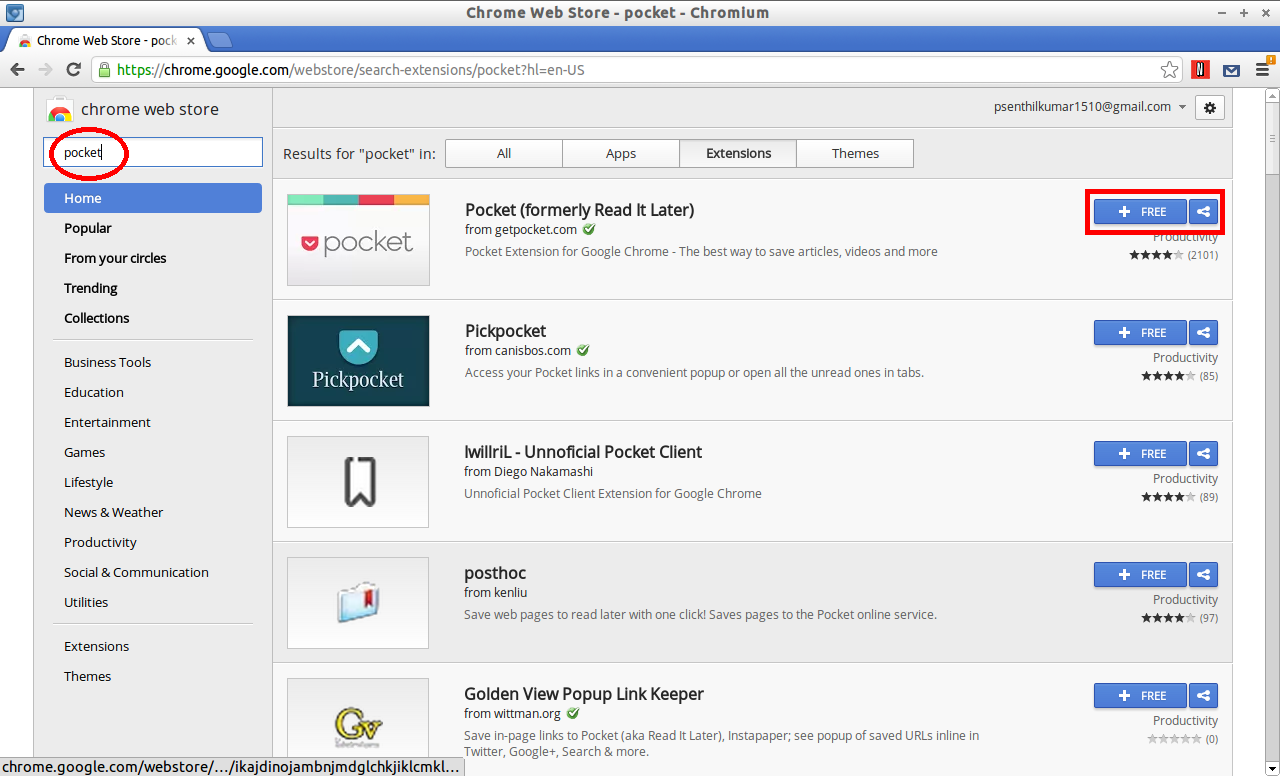
Install Pocket On Google Chrome
Pocket add-on is available on Google Chrome Web store. Add this to your chrome browser and rest of the procedure is same as like Firefox.
 In my personal experience, this add-on will be quite useful for one who travel often and don’t have much time to view all web items and it will make their internet life lot easier by allowing casual offline reading, even if they don’t have internet connection.



