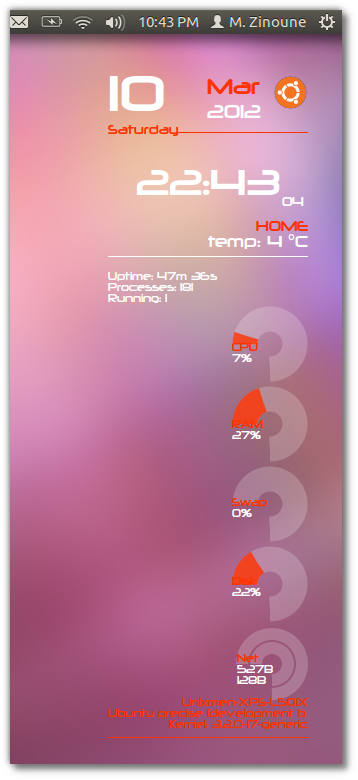
Conky-Lua next generation is a nice conky theme from the same author of Conky Lua. This theme is available for Debian, Fedora, LinuxMint, PCLinux, Opensue and Ubuntu. From my side i tested this conky theme in Ubuntu 12.04 LTS Precise Pangolin Beta1.
Installation and configuration:
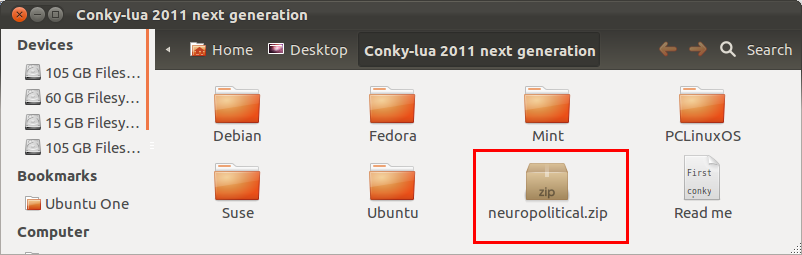
1- Download the package and extract it to your desktop
2- Unzip and install neuropolitical font
3- Now for installation and configuration of the conky-lua next generation theme, follow the steps in our previous post for conky-lua : Configure conky-Lua in Ubuntu (11.10 & 12.04), Fedora, debian and LinuxMint (You don`t need to do steps 3, 4 and 5)
Update: If you are using wireless, and you want to have Net working on conky, edit .conkycr and change eth0 with wlan0 (Thanks to Alius)