

HelloFax is a free(limited) fax service to send fax online. It has removed your need to own a fax machine. We can send and receive faxes via online to our friends and colleagues with HelloFax. You don’t have to spend time by waiting for a fax to arrive or for confirmation that it was sent. No fax machine is required, all incoming and outgoing processes will be done from your computer itself.
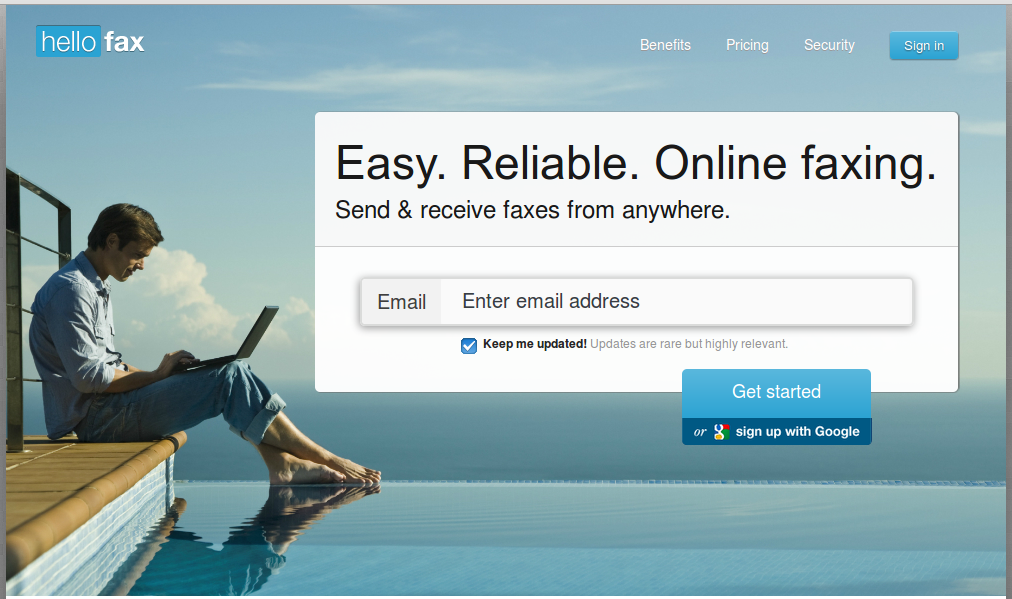 You can still send/receive faxes using the same fax number, the same way you always have been. If you don’t have a fax number, pick your area code and HelloFax will assign you a fax line. For sending/receiving faxes, you need to register to HelloFax website and leave your fax number to them and start receiving faxes electronically without any downtime or risk of losing any faxes.
How it works?
When somebody sent fax to you, the HelloFax deliver the faxes as PDF directly to your Inbox. To send faxes, login to HelloFax account, upload the fax document and click Send. Just Leave your Fax number to HelloFax. That’s it, the HelloFax team take care of the rest.
All transmissions are fully encrypted, so we don’t have to worry about data security. HelloFax is integrated with Google Drive, Dropbox, Box, SkyDrive and Evernote etc. So we can send, receive and manage faxes from the cloud services too.
HelloFax allows you to fax multiple recipients at once. Also you can edit and sign the faxes electronically if you need. The HelloFax service is available on 70+ countries, it may increase to many countries in near future. You don’t have to create a separate account for using HelloFax, just use your existing Gmail credentials to login to HelloFax.
Pricing
As i mentioned before, it is a free service with some limitation’s. The free plan comes with 5 free fax pages. When your fax exceeds more than 5 pages, it’s only 99 cents for faxes up to 10 pages and 20 cents for every page after. Please Note, this is just for sending faxes only. To receive faxes, you should pick one of the paid plans.
HelloFax offers 30 day’s trial period paid plans. If you change your mind or not satisfied within 30 days, you don’t have to pay. You can cancel the plan at any time. For complete list of HelloFax Plan’s i suggest you to visit here. What are you waiting for guys? Just head over to HelloFax website to send/receive faxes via online without fax machine.
Getting Started With HelloFax
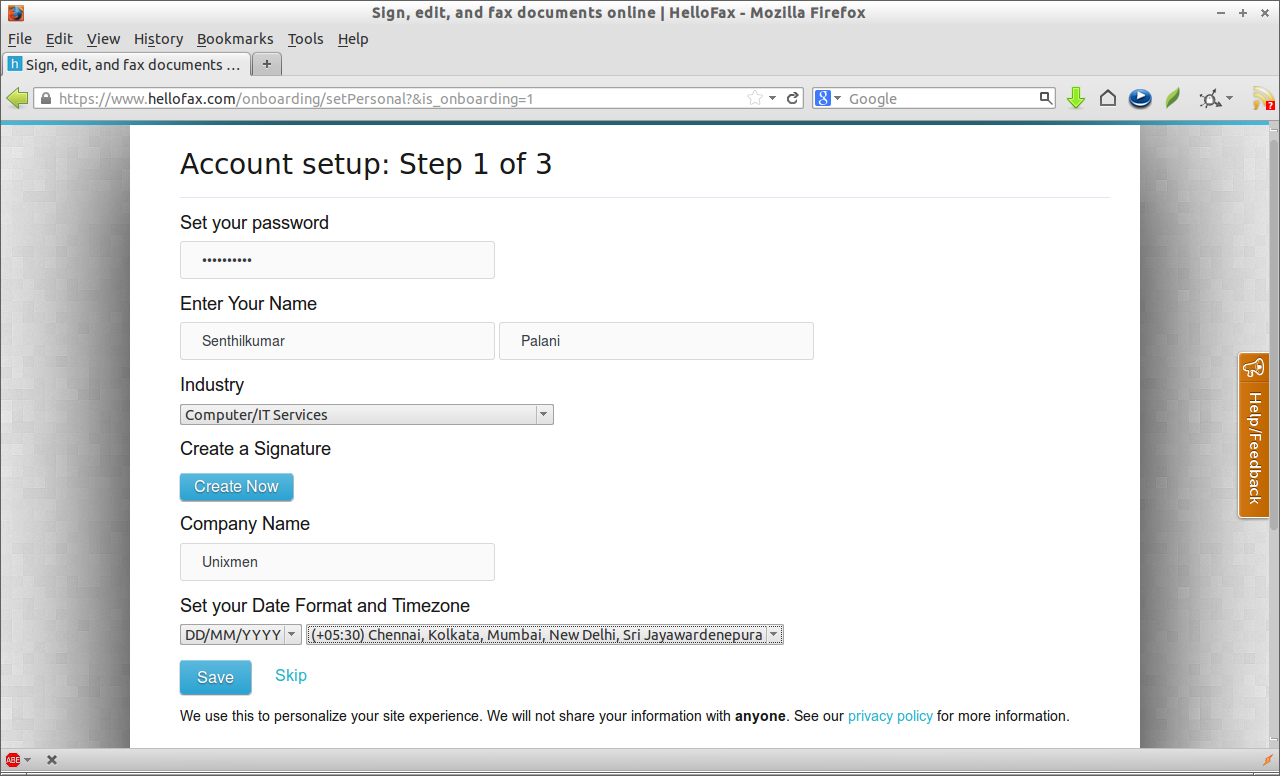
Go to HelloFax Website. Login with your Gmail credentials. At the first login, you will be asked to set a password. Enter the password of your choice. Then enter the first name, last name, Industry type, company name and time zone. These are optional, you can skip this step. Click save to continue.
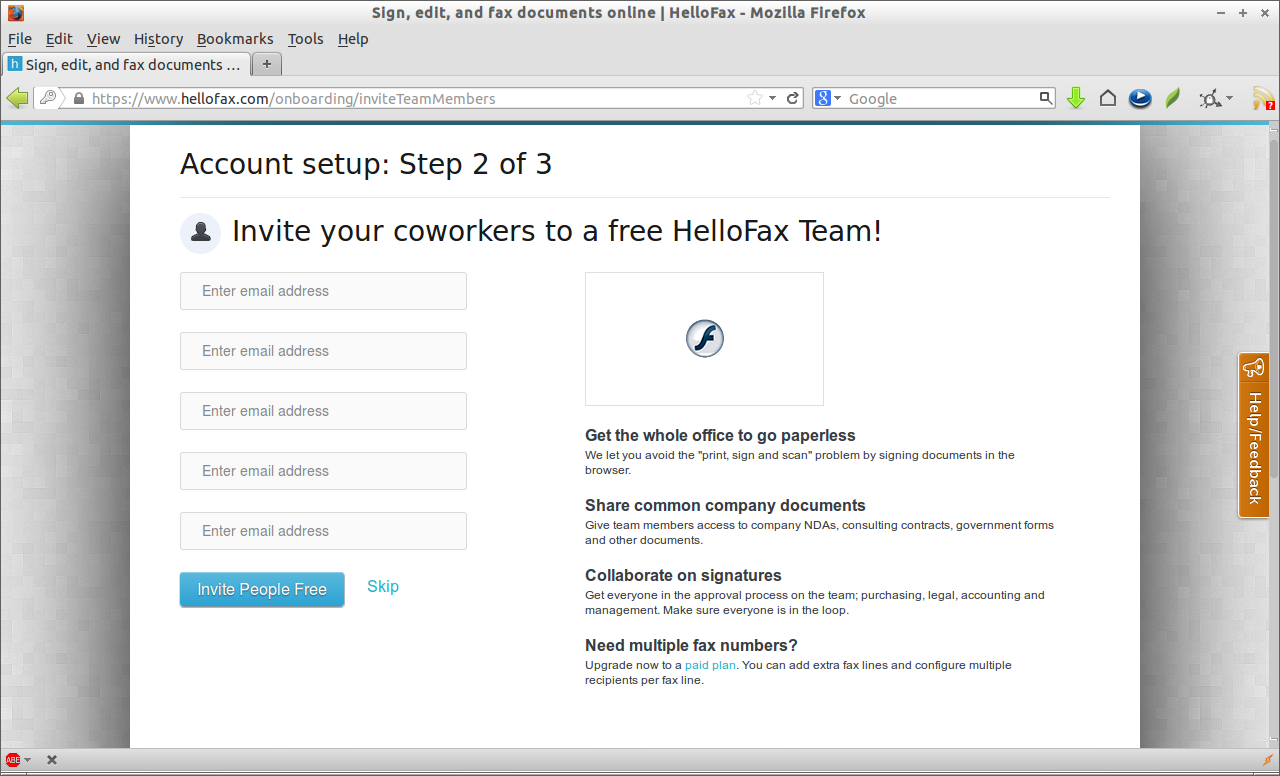
 In the next step, you will be asked to invite your co-workers to register and have a account in HelloFax. If you wish to join them, add their email addresses or just skip to go to next step.
 In the next step, if you want to receive faxes, you have to purchase a paid plan. I don’t need it right now, so i just skipped it now.
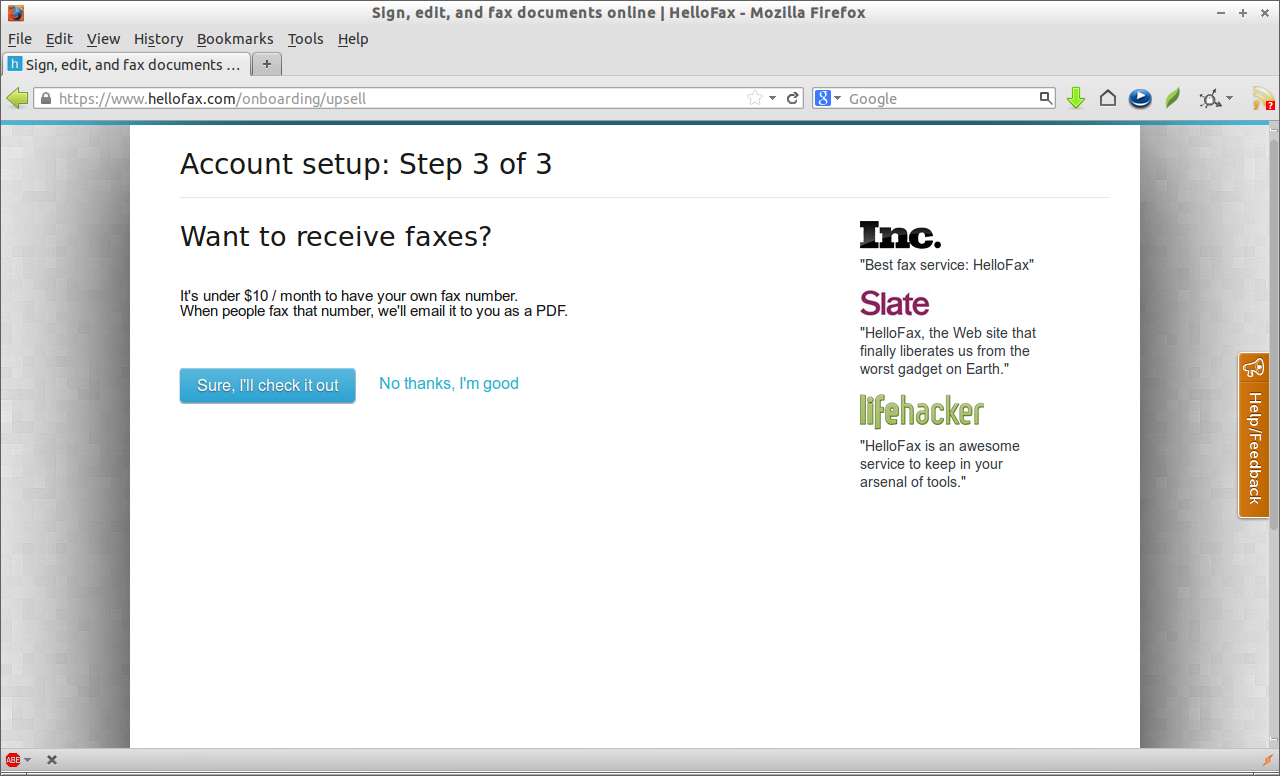 Now you will be redirected to a page where you can send/receive and manage faxes.
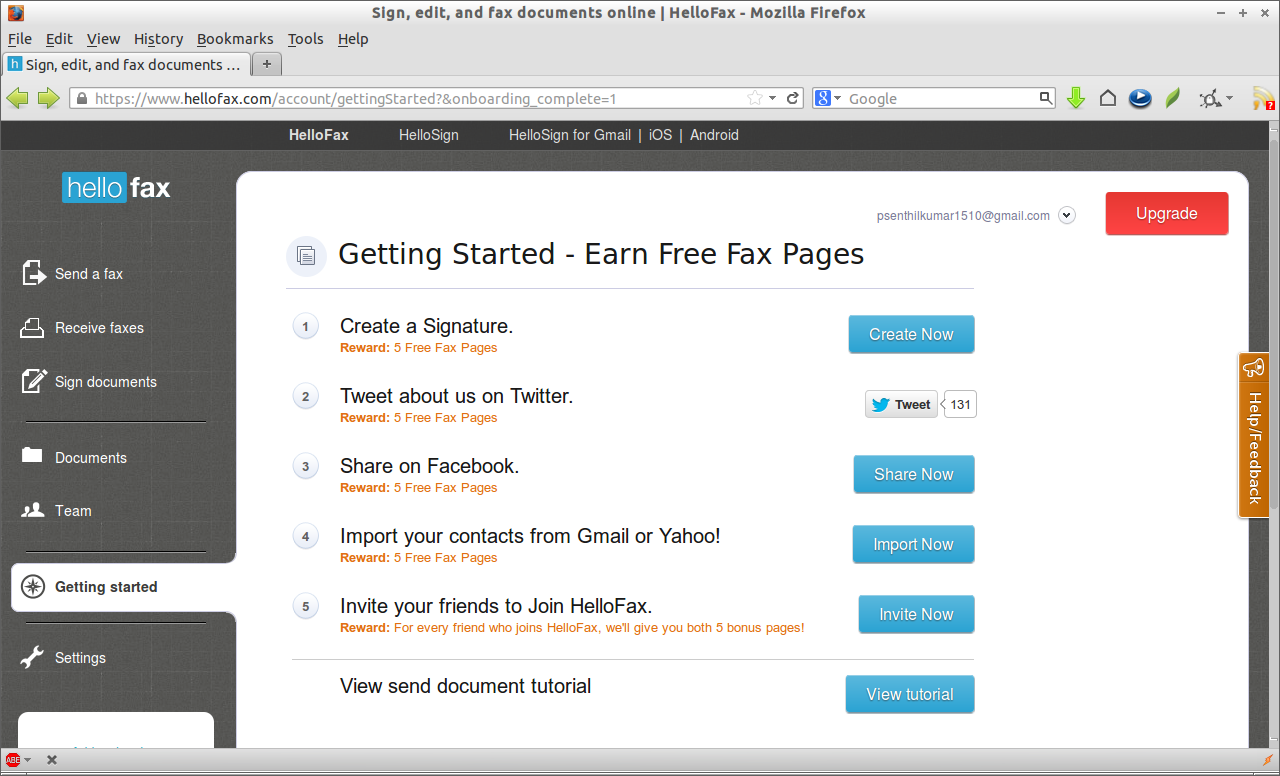 From here, you can do various things such as send/receive/manage faxes, insert/create signatures and import contacts from your existing Gmail or Yahoo accounts.
Send a Test Fax
Click on the Send a fax link in the above console. Attach the document you want to fax. Enter the recipient fax number or email id and click Send it now button. You can more recipients by clicking on the Recipient link.
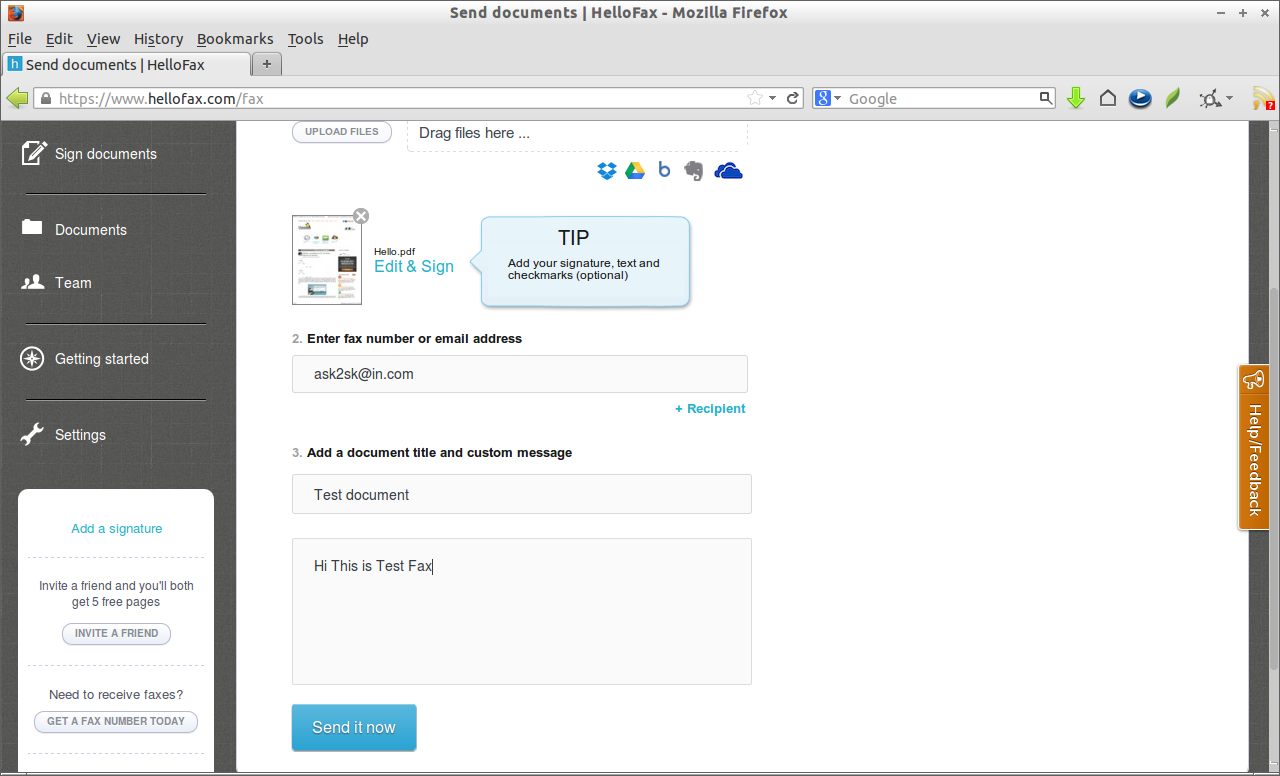 That’s it. Happy Faxing!!



