


Catfish is a Graphical front-end for command line search tools such as ‘find’ and ‘locate’. This GUI tool will be helpful for the beginners one who feel difficult using command line search tools.
Install Catfish On Ubuntu, Linux Mint
This tool is found in the official repositories of Ubuntu. So install it with command:
$ sudo apt-get install catfish
Launch Catfish
Open it up either from your Dash or Menu. Also you can fire it up from terminal with command:
$ catfish
The default interface will look like below.
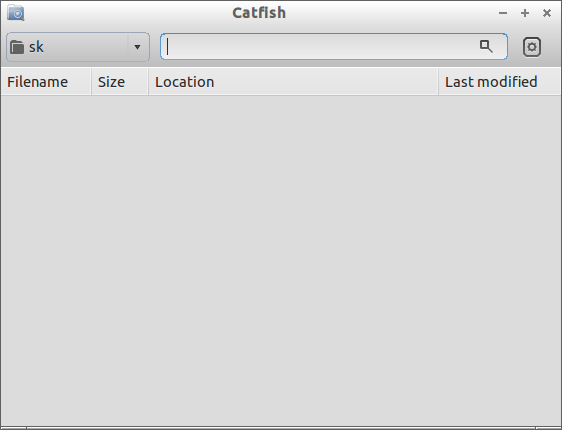 The catfish interface has left and right pane. In the left pane you can select the search location and in the right pane, enter the search keyword that you want to search in the selected directory. Also you can see a gear button in the top right corner. Click on this button to see some extra options such as Exact Match, Hidden files, full text search and Show Advanced Settings. Click on the respective option to narrow down your search.
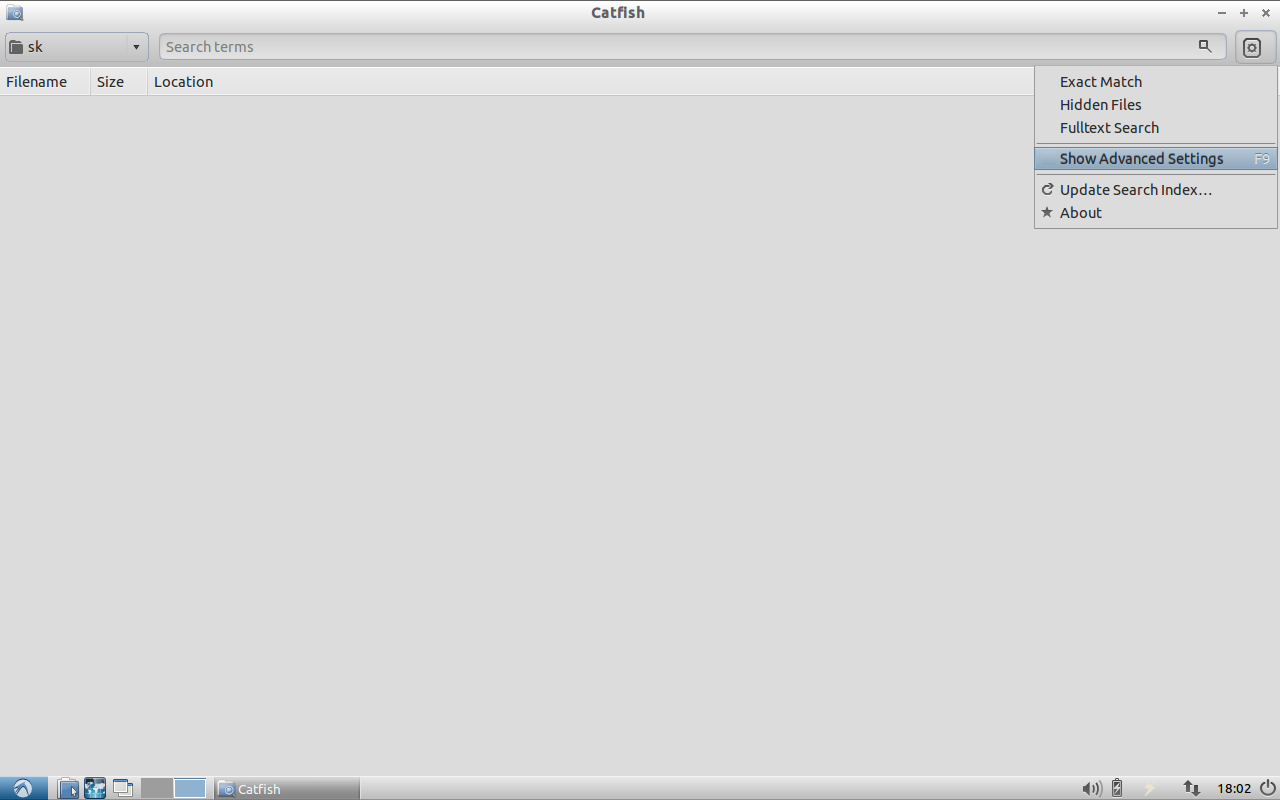 Advanced Settings
Click on the Show Advanced Settings button in the top right corner gear button. In the Advanced Settings page you can search files/folders according to the file types and Last modification time. If you want to search document files, select the Documents link in the left pane and enter the Keyword in Search for box. After that hit Enter button to start search.
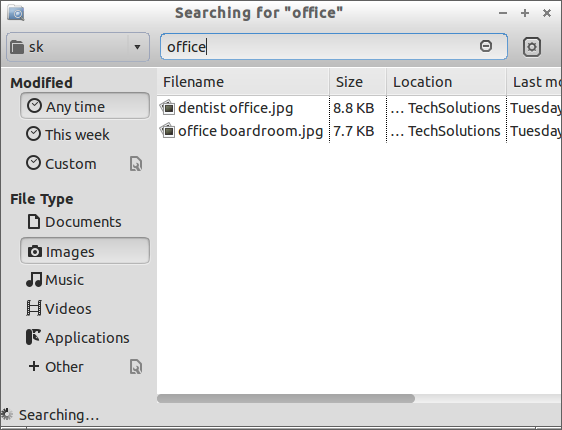 Once the search is completed, the results will be shown up. Right click on the search items and select Show in File Manger to navigate to the files/folders.
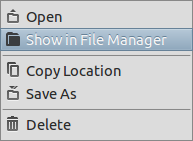 That’s it. Now your search items will be shown in your default File manager.



