Ubuntu 11.04 is a self-liberating Final Release for Canonical the Ubuntu developers. It nomenclatures as Natty Narwhal, an Arctic Whale and is a great gambit for Canonical, as they venture deep into new waters with their seminal Unity desktop while deep-freezing their traditional GNOME Desktop shell.
Developed around the Linux 2.6.38 Kernel, this version is definitely a step-forward as Ubuntu 11.04 is a single version for both desktop and netbooks. With Unity, offering what Ubuntu envisioned with GL graphics and 3D, all eyes are on Ubuntu 11.04 and the interface will have to deliver, as Ubuntu’s fortune will depend on it.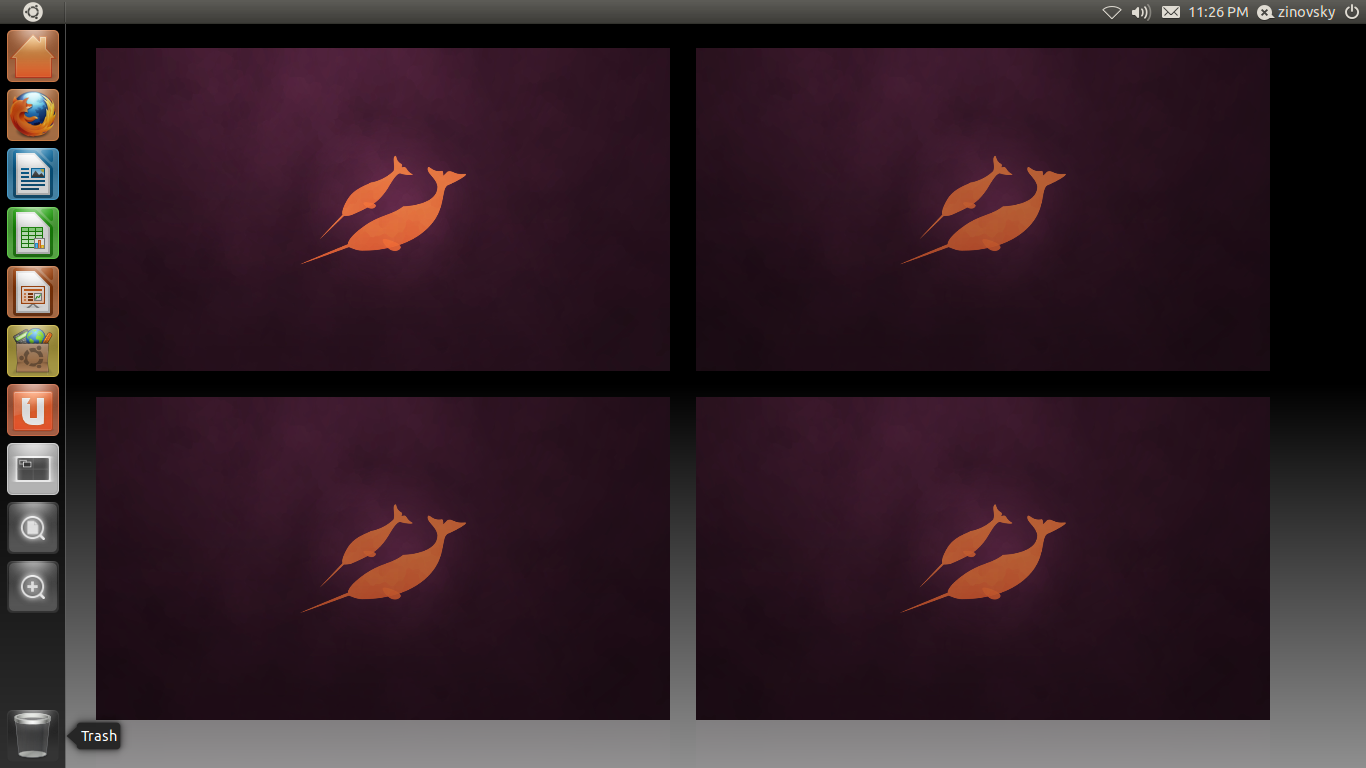
New Styling
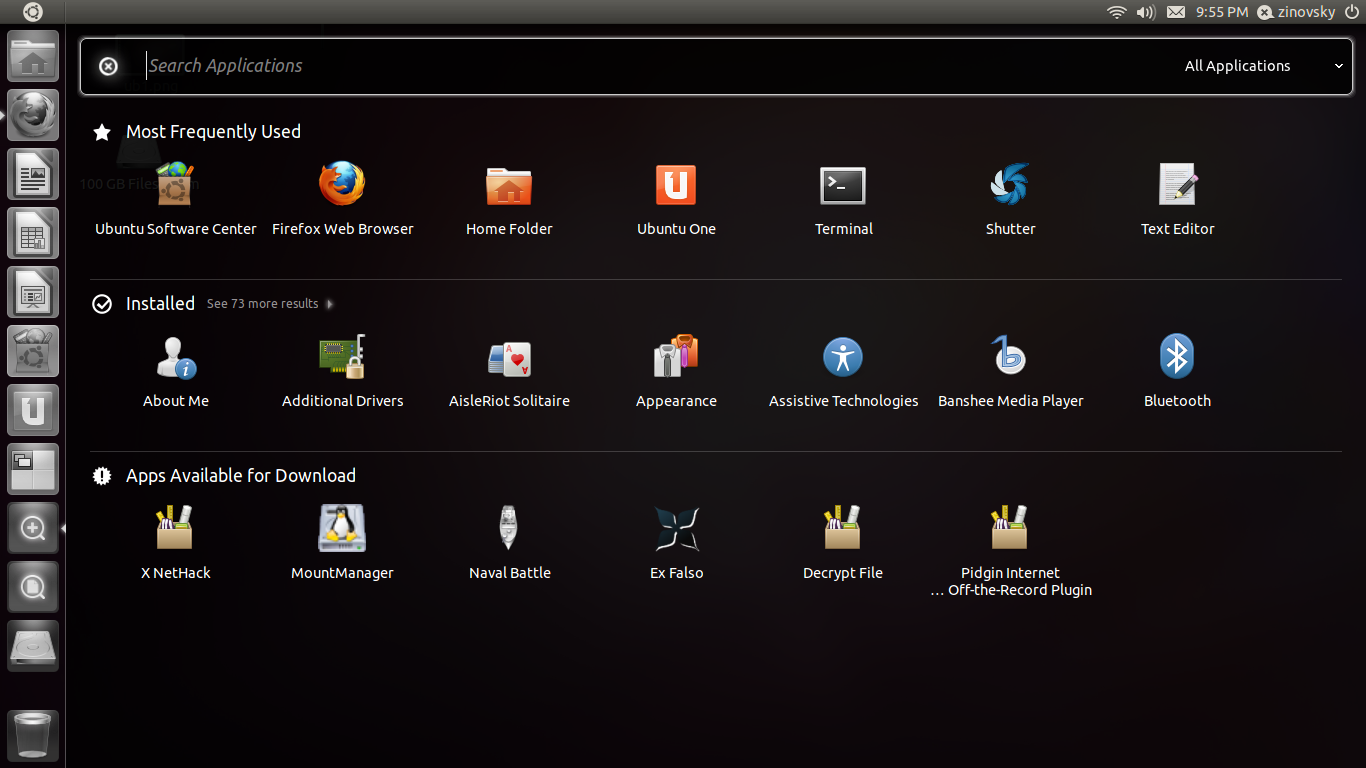
Ubuntu 11.04 on Unity is fundamentally redefined with new styling features in the launcher, the dash, the workspace becoming pleasing, elegant, cutting-edge designer wear for desktops. The Launcher is sleek, user-friendly with the application icons along the sides of the screen. The Dash allows extensive use of keyboard shortcuts for navigation and launcher activation. Searching files and programs with the Ubuntu button is definitely intuitive and shows up the search results instantly. Standard desktop-ware includes an App-store cloned Software Centre for Applications downloads, Firefox 4.0, Lc3.3.2 with Banshee 1.9.5 for music.
Some of the backend features
Commendable power features include the PowerNap 2.0 that allegedly lets the Linux server run with 14 percent lesser power. Hardware supports include redefined kernel and drivers for newer hardware and is certified for Intel’s new generation-WestmereEX, Xeon E7 which is the most powerful in the range as well as the low-end E3 processors like the Sandy Bridge-DT. While AMD’s Fusion CPU-GPU and Bulldozer core virtualized features is supported, Ubuntu Server 11.04 does not support the cutting-edge Valencia and Interlagos Opteron. The Python’s Cobbler commands great respect for building new systems/renovating currently running OS.
 Will Natty Narwhal gambit pay off for Ubuntu ?
 Will Natty Narwhal gambit pay off for Ubuntu ?
Natty Narwhal delivers on most features of open source software including high security, high compatibility, super-fast loading and great accessibility. Secondly, the compatibility features with a host of devices from mp3 to cameras, printers is not only well supported but fast as well. It truly liberates you from the CD installations and the frustrations of ‘setting-things-up’ routine of regular open source software.
The high interoperability-direct open, editing and sharing of MS docs/MS Word, bridges the gap between the high power performance of Open Source and the high performance of proprietary software such as MS Word for faster, stress-free work environments for non-developers who love the concept and the philosophy of open source.
Natty Narwhal future
Canonical is already gearing itself up for the Ubuntu 11.10, the Oneiric Ocelot and is addressing Long Term Support issues for its Cloud Platforms. Decisions on the right platform for 12.04 LTS are in the offing.
Presently Natty Narwhal offers two Cloud Architecture Platforms(thanks to RackSpace), OpenStack and Eucalyptus but with the Budapest Ubuntu Developer Summit in May, the lead on which of these two will remain officially a part of Ubuntu team and which will remain community driven will surely be determined.