


SparkleShare is a free, Open Source collaboration and file synchronization tool. It allows you to sync and share files instantly with GIT repositories and you can view the data wherever you go. Unlike Dropbox and other cloud services, you can store the files/folders on your own server, or a hosted solution like GitHub or Gitorious. You can choose where to store the file/folders that you want to sync. So you don’t have to worry about the data security and privacy. You are the master of your own data and you don’t have to depend on any third party free/paid cloud services.
It is quite good and suitable in the following cases:
– Frequently changing project files, like text, office documents, and images
– Tracking and syncing files edited by multiple people
– Reverting a file to any point in its history
– Preventing spying on your files on the server using encryption
It isn’t that good in the following cases:
– Full computer backups
– Storing your photo or music collection
– Large binary files that change often, like video editing projects
Best of all, it is a cross-platform and it is available for Windows, Mac OS X and Linux.
Install SparkleShare on Ubuntu
First add the git-core repository.
$ sudo add-apt-repository ppa:git-core/ppa
Add the Sparkleshare PPA with command:
$ sudo add-apt-repository ppa:rebuntu16/sparkleshare+unofficial
Update the software sources list.
$ sudo apt-get update
Install Sparkleshare with command:
$ sudo apt-get install sparkleshare libmono-posix4.0-cil
Launch Sparkleshare
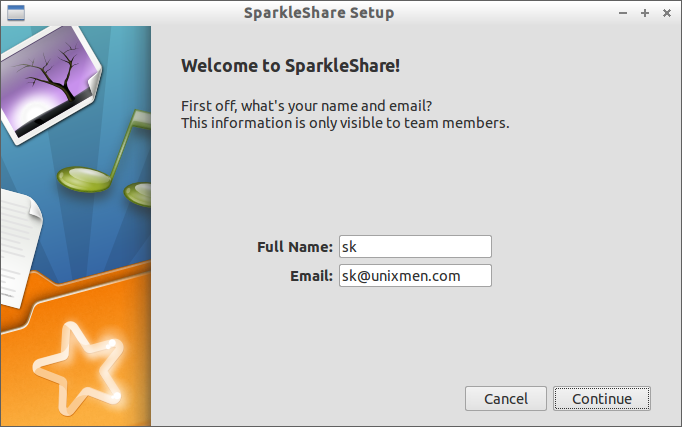
Open it up either from Dash or Menu. The first look of SparkleShare will be as shown below.
Enter the name and mail-id and click continue.
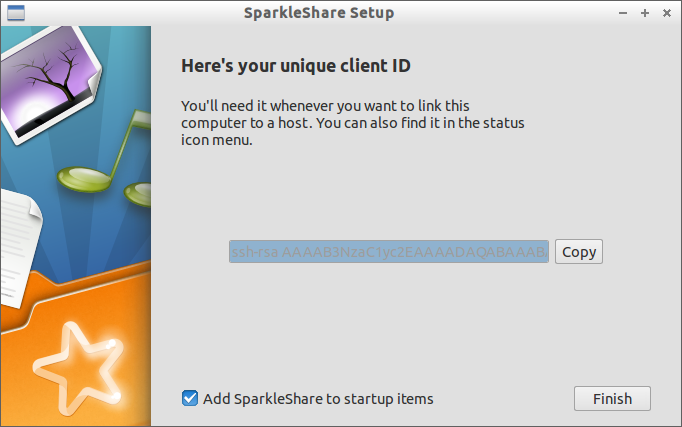
 After a couple of clicks, you will have your unique client ID. You will need this code whenever you to link your computer to host. Also you can find the host in the status bar icon.
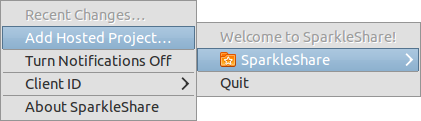
 Click on the Sparkleshare icon in the taskbar. Go to Sparkleshare -> Add hosted project.
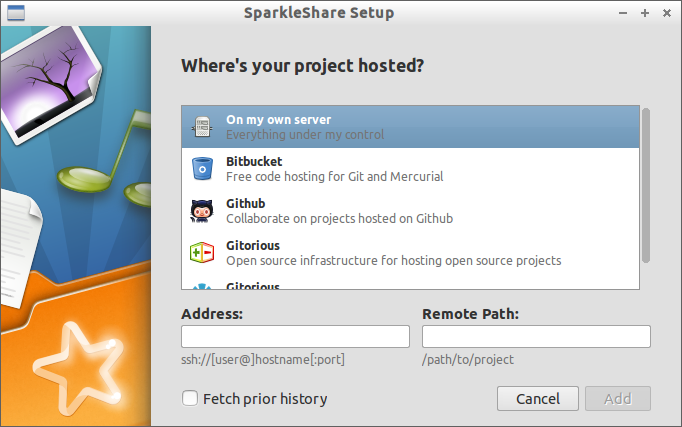
 The following screen should appear. Select the location of your hosted project. Here i wish to add from my own server. Enter your server address and remote path. Click Add to sync your project.
 That’s it! Now you’re in business. You can access your project with peace of mind, just like the way you use in Dropbox.



