We all know that we can’t practically work on our Linux systems without some console knowledge, so without further ado, I’m going to discuss some of the top  Linux console utilities. Here are the top 3 console utilities that you should try for your Linux system.
Guake
Have you felt the need to use a terminal, but thought that you aren’t too smart to switch windows?
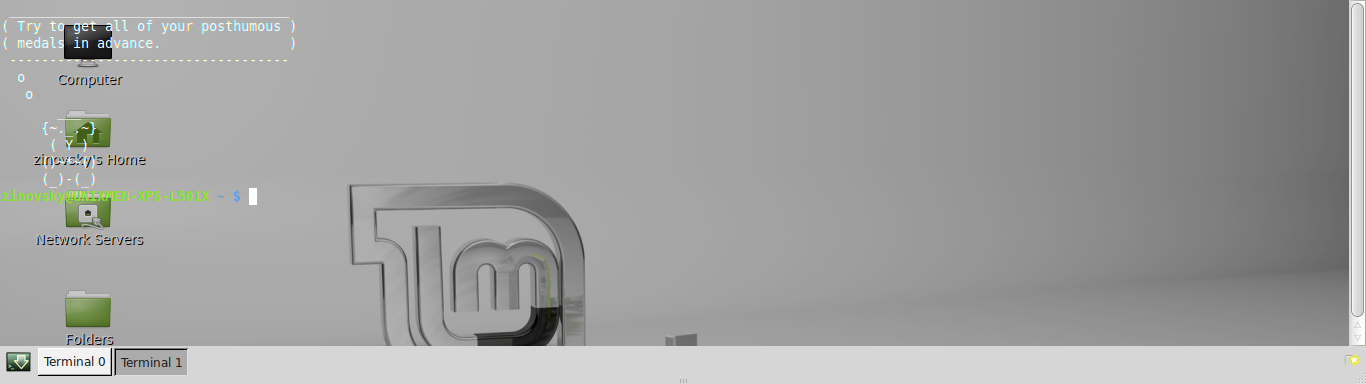
If you needed a drop down console utility that looked cool, the Guake will be your thing. It is semi-transparent and looks good. It can easily be used instead of the typical shell programs, and it is always ready for service. You want to work fast and you want to have fun- you want Guake. It uses almost the same concepts of Tilda and Yakuake, but it takes the good parts of both and merges them into one application.
Terminator
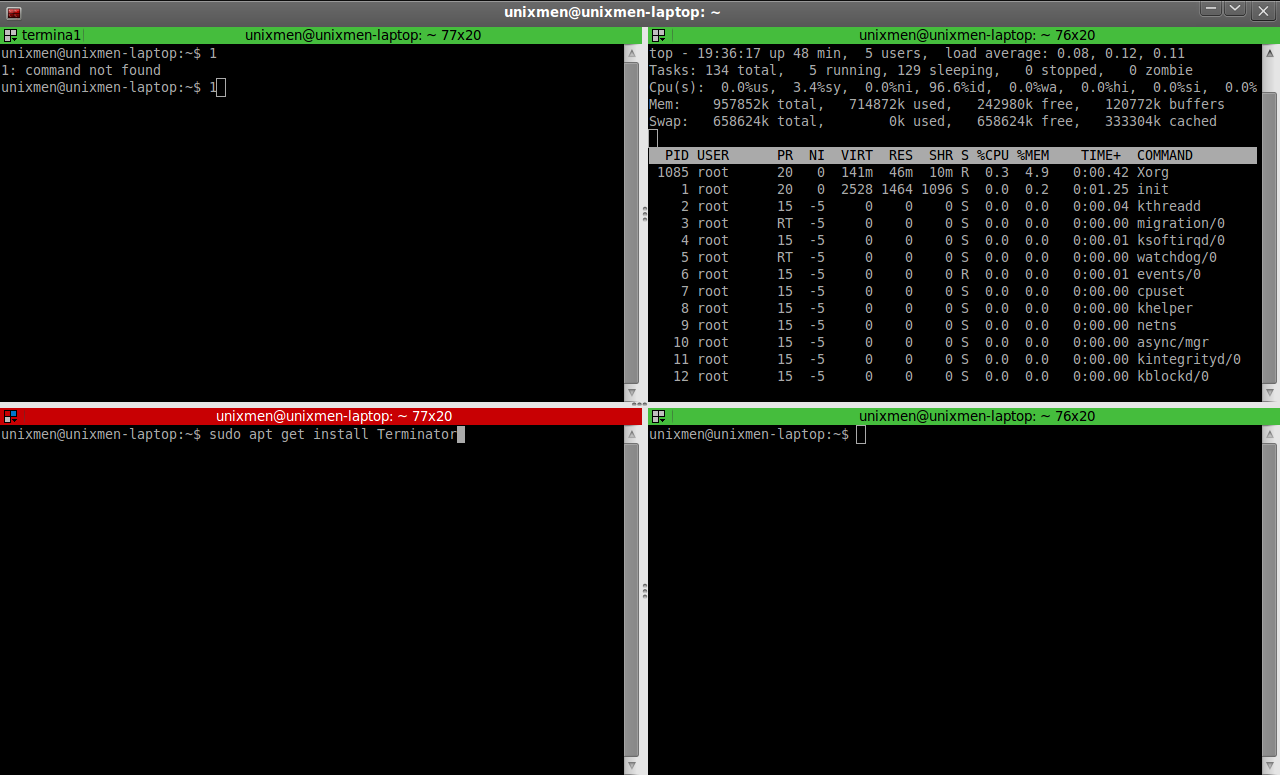
This one is a terminal utility to allow you free management of layouts of multiple windows in one single frame. So if you want to view your workspaces without any obstructions, you need Terminator. And since you can easily manage the layouts, your console is completely administered by you.
It is GPL cross platform emulator and has some pretty cool features that you will not get anywhere else. It has automatic logging, drag n drop, and search features. It will give you multiple tabs, portability across other operating systems, unlimited scrolling back options, and lots more features as well.
Yakuake
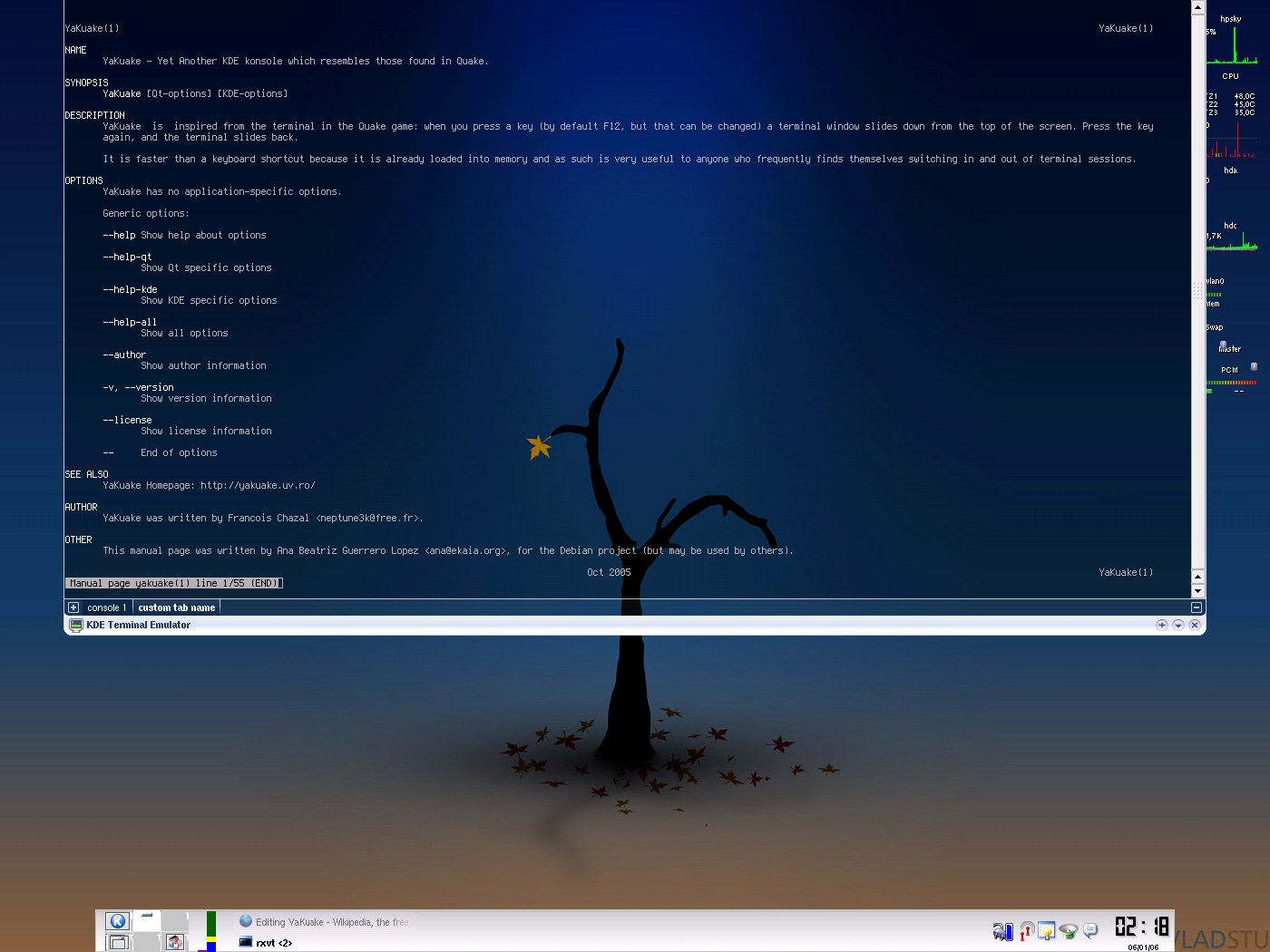
It is a drop down emulator for your console. It is based on KDE Konsole utility. It rolls down smoothly from the screen top, and gives a tabbed interface. Its dimensions are also easily configurable and it offers many skins. Plus it has a cool DCOP/DBus interface. You would need to tweak it a bit to make it suit your requirements. For more productive work and comfort, you have to customize it. You can tailor its themes, keyboard shortcuts, console hide timeouts etc. One thing that you will like about Yakuake is that it is very dynamic in nature and it adapts easily to your requirements.