

Raspberry Pi is a tiny-sized single-board computer that costs only 30 Euros. Due to its high demand, the Rasberry Pi Foundation had to restrict purchases of the Raspberry Pi to one per customer. However, things seems to have changed since yesterday, both of their manufacturing partners have been working at building capacity and from now on 4000 Raspberry Pis are being made every day.
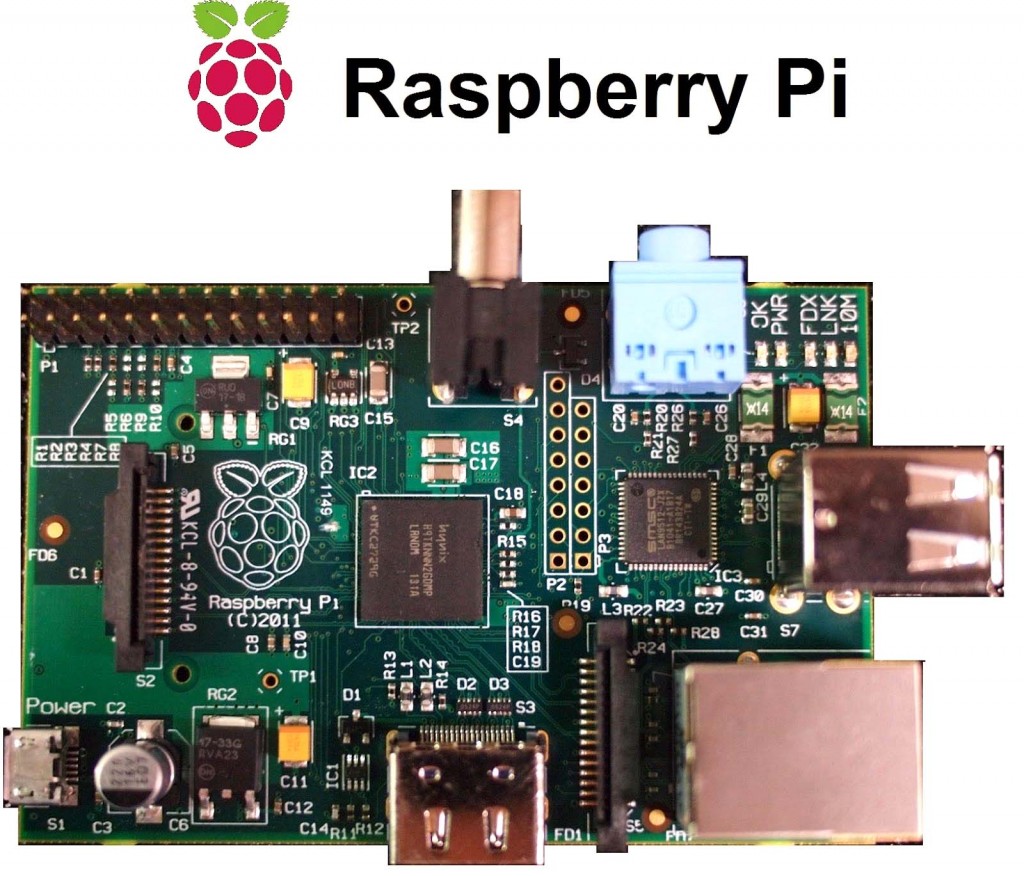
Taking a closer look to its specifications, there is an ARM11 CPU running at 700MHz (currently there is overclocking potential up to 1GHz – follow this link), a Broadcom GPU capable of playing 1080p using MPEG-4 AVC high profile decoder and a 256MB SDRAM module. Regarding to output connectivity, you will find: HDMI port, Composite RCA and the most common 3.5mm jack. The onboard storage of Rasberry Pi is provided via an SD Card. Last but not least there will be a camera add-on for the device available in October.
The Foundation provides Debian and Arch Linux ARM images available for download. Also planned are the tools for supporting Python as the main programming language using QtonPI SDK. I admit, that all these, may sound very experimental and unstable to you, but just in case you want to play on the safe road, now there is an officially recommended distribution from the Foundation, called “Raspbian” (repository).
“Raspbian is a free operating system based on Debian optimized for the Raspberry Pi hardware. An operating system is the set of basic programs and utilities that make your Raspberry Pi run. However, Raspbian provides more than a pure OS: it comes with over 35,000 packages, pre-compiled software bundled in a nice format for easy installation on your Raspberry Pi.“
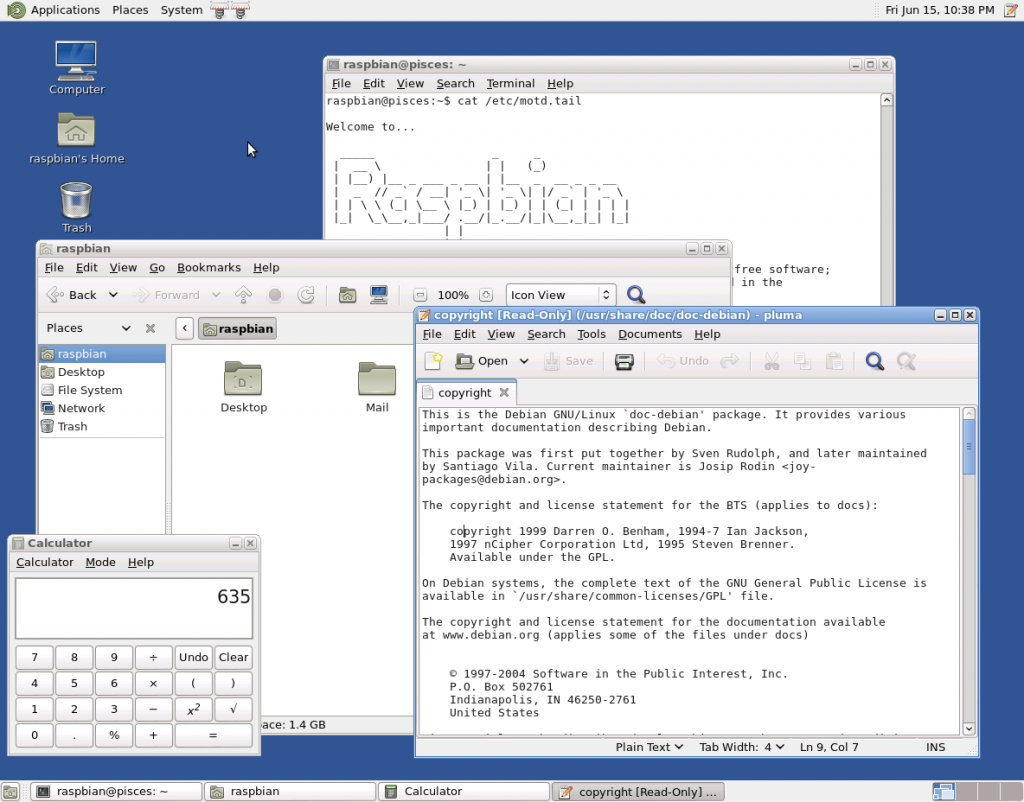
This sounds very promising since you combine Linux, portability and optimization, altogether into your hand. Notably, that Raspbian is the first official image to take full advantage of the Raspberry Pi’s floating point hardware and amongst other things, much faster web browsing. No mistake here that Raspbian is still under active development with an emphasis on improving the stability and performance of as many Debian packages as possible. Before you ask, let me tell you that the default desktop enviroment is the lightweight LXDE. All in all, Raspbian is light, fast and pre-optimized – in other words, it is the best distribution for your Rasberry Pi to use.
To install Raspbian you need any FAT32 formatted SD Card and the Wheezy Raspbian image file (1.8GB). If you are new to Linux, then visit the Beginners section of Raspberry Community otherwise you can always buy the pre-installed SDCard (the lazy way). If you are interested in buying your own Rasberry Pi, please visit the following links:
Have fun and share your experience with us 🙂



