

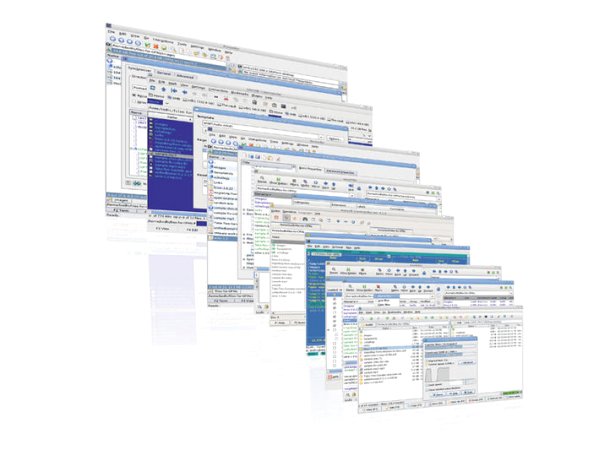
It’s true that Linux desktop allows you to customize it, change background, themes fonts & icons, add widgets and effects etc… But the most significant change in terms of functionality is File Manager. That been told, today we are going to introduce you an alternative solution to Nautilus, Konqueror and Thunar, called PCMan.
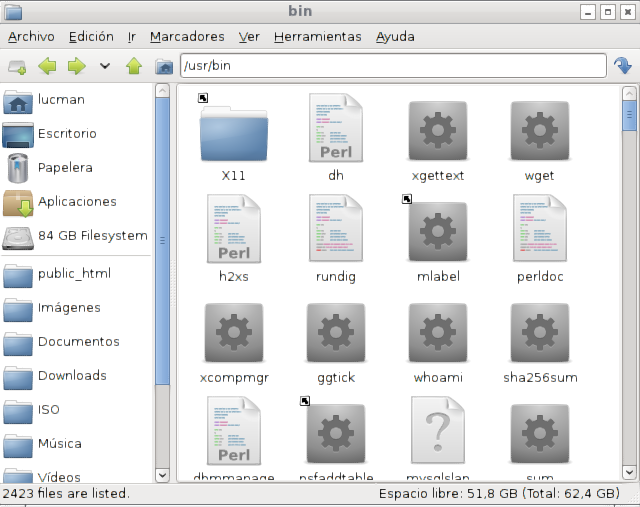
PCMan file manager is intended for those who don’t need much functionality, whether using an old machine or a modern PC, what you want is a lightweight, quick and responsive desktop. After trying XFCE Thunar, may be the best choice out here, but It really lacks something most users desire, especially something like tabbed-browsing. The goal of PCMan file manger is to fill the gap between lightweight and full-featured file managers, in order to build not a powerful, but a good enough file manager for your Linux desktop.
After all, if UNIX has told us something, that must be “one program had better do one thing, and do its best. So, let the file manager be the file manager, not a combination of web broswer, media player, CD burner, web apps and anything you can think of.
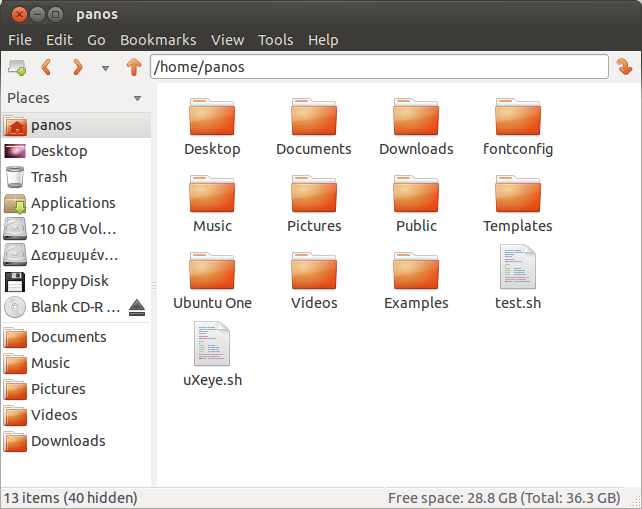
PCMan comes with the interface of Firefox, Windows Explorer, and nautilus, trying to aggregate their useful parts. Furthermore, most hotkeys are compatible with Firefox, so users can get used to it easily. Files can be easily dragged to other tabs in the same window. Also you can open related folders in the tabs of the same window without making the task bar over-crowded, and keep your desktop cleaner.
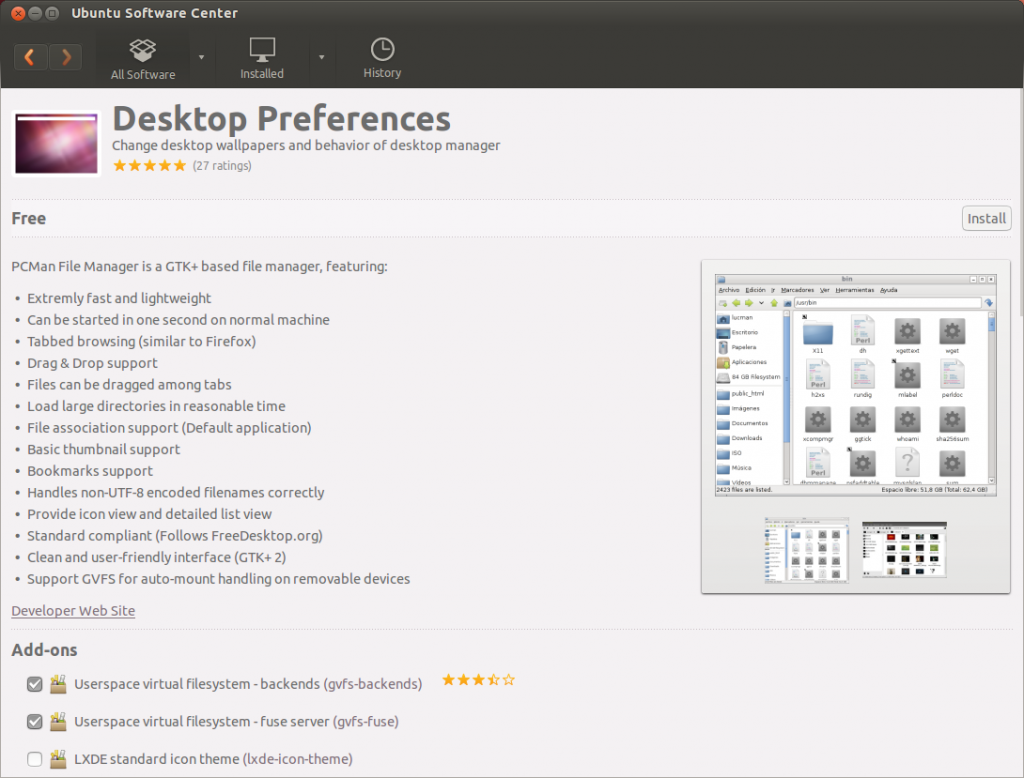
In order to install PCMAN in Ubuntu, you are going to launch the Ubuntu Software Center and search for Desktop Preferences. If you want to replace your current file manager in Ubuntu with PCman, follow this guide.
In case you are not using Ubuntu, feel free to compile it from sourceforge.
[youtube]M3yvbeJ0vEg[/youtube]
Currently the project is still under development and there is still much work to be done. However, I use PCMan as my default file manager.



