

Few days ago, Pardus 2011 was released, Major features in this release are: the latest Linux kernel 2.6.37 provides an up-to-date hardware support; the bootsplash technology used in Pardus 2009.2 is replaced by the new Plymouth engine; YALI, the  installer of Pardus, gained LVM/RAID and UUID support; Pardus 2011 comes with the latest KDE 4.5.5; Kaptan, the desktop customization tool, now optionally captures your picture and sets it as your avatar in KDE; GNOME NetworkManager 0.8.2 is now the default networking back-end; all GTK+ applications are rendered with Oxygen style; LibreOffice is the default office suite; Mozilla Firefox 4.0 beta 9 is the default web browser.”
About Pardus Linux
“Pardus is a Linux based, free software licensed national operating system developed by TUBITAK/UEKAE. Pardus comes with just one CD, containing all the drivers and internet tools, office set, multimedia players, editors, games and many other applications aiming at meeting all the desktop needs of a informatics-literate computer user; is easily installed and even easier to use.
Pardus has a full support for Turkish, can be installed in 12 different languages and can run in more than 60 languages. Pardus is used by hundreds of thousand of users around the globe, not to mention many public organizations, government entities, non-governmental organizations, universities, and private businesses.”
Pardus has a range of unique features, such as Mudur, a start-up framework of Pardus to speed up the boot process. PiSi, an efficient package management system with a user-friendly graphical interface, and Kaptan Desktop – an application aimed at helping you set up your Pardus environment.
-
PiSi package management
PiSi (Packages Installed Successfully as Intended, /ˈpiːsiː/) is the package management system of Pardus. It is the primary tool for installing, upgrading and removing software packages. PiSi stores and handles the dependencies for the various packages, libraries, and COMAR tasks. “Pisi” is a Turkish word meaning “kitty”, intended as a pun on the distribution’s name.
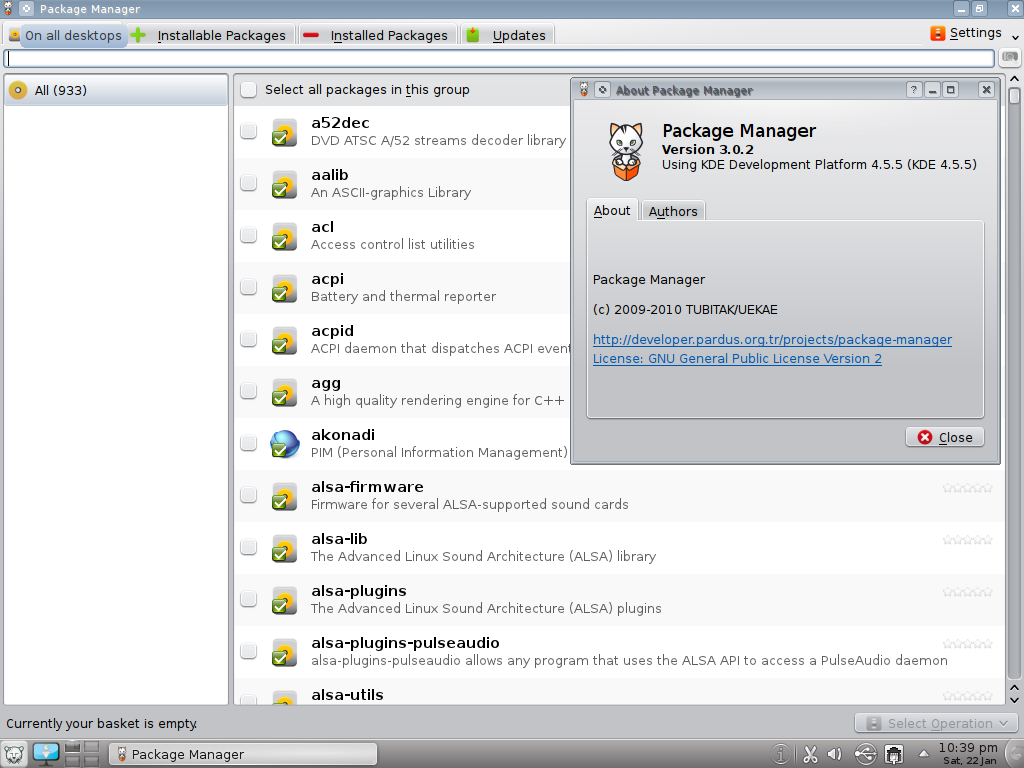
In Pardus, to install a package from terminal, you need to use pisi install command :
pisi install Package_name
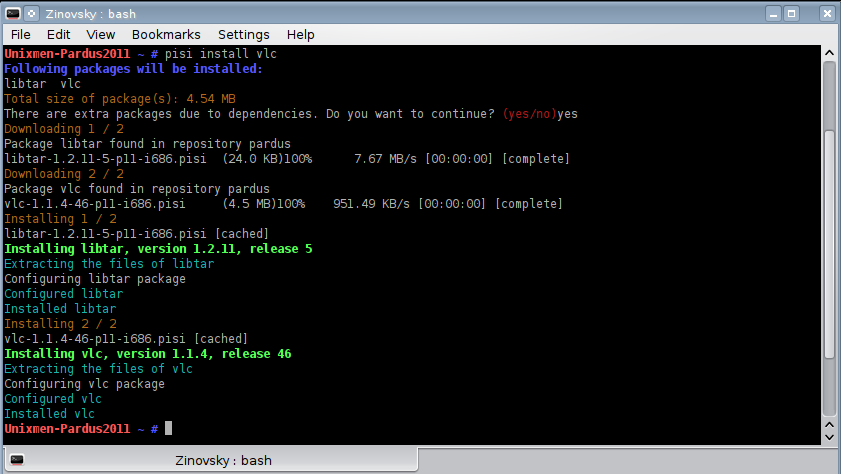
To update the repository you type:
pisi update-repo
For more info about using pisi, open terminal and type
pisi help
-
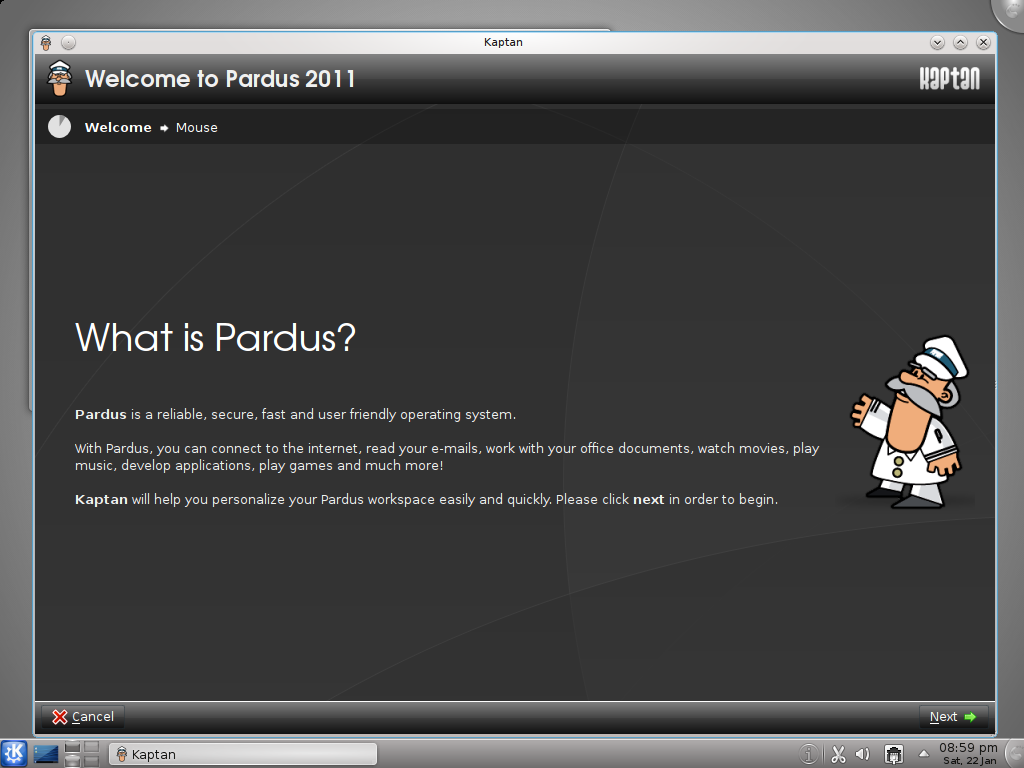
Kaptan Desktop
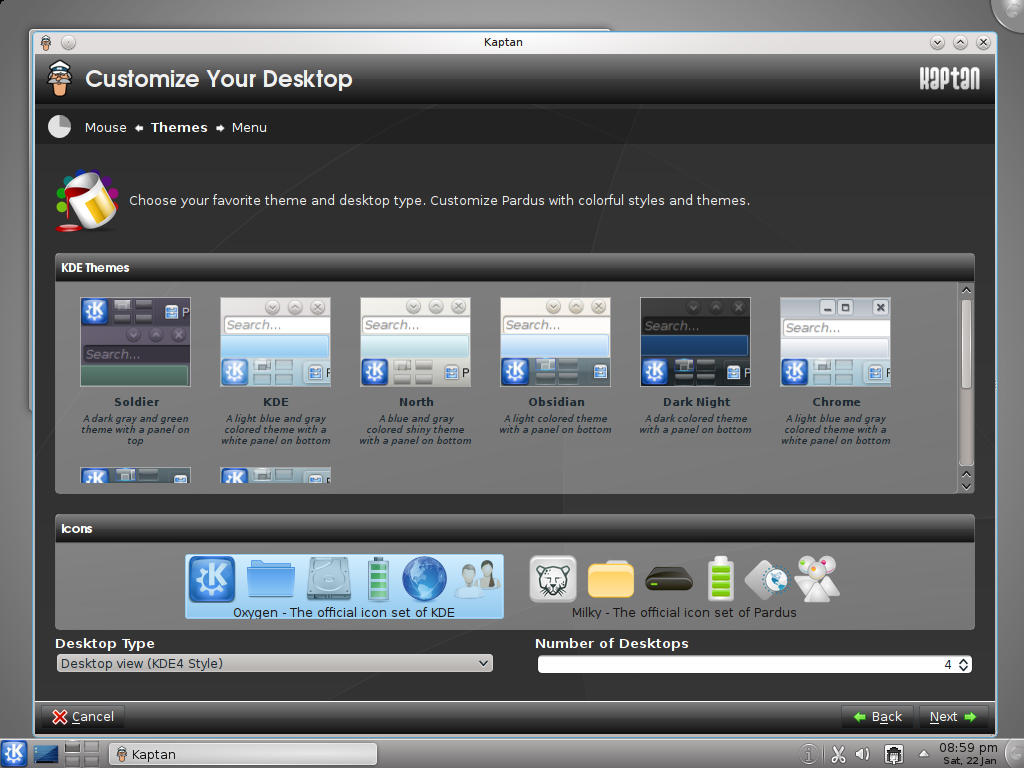
Kaptan Desktop is an application aimed at helping you set up your Pardus environment. So the first time you run Pardus you get Kaptan welcome screen inviting you to customize your Desktop, it gives you the possibility to choose the theme, icons, wallpaper, Menu and more.
Download Pardus2011
Download Pardus2011 from the following links:
Pardus-2011-i686.iso (1,103MB)
Pardus-2011-x86_64.iso (1,122MB)
Pardus-2011-Live-i686.iso (1,256MB)
Pardus-2011-Live-x86_64.iso (1,276MB).
Pardus2011 Screenshots tour
{yoogallery src=[/images/stories/linux/distros/pardus2011/] width=[200]}


