

This is a nice collection of iconsets for your Linux Desktop, so if you are a fun of changing default themes of your Linux Distribution, then this post is for you. I tried to collect the nicest and most updated icons themes existing in this moment, i included also a detailed howto install the themes for Ubuntu/ LinuxMint and Fedora based distributions.
I tested the icon themes in Ubuntu 12.04 Precise Pangolin Beta1, icons did work just fine.
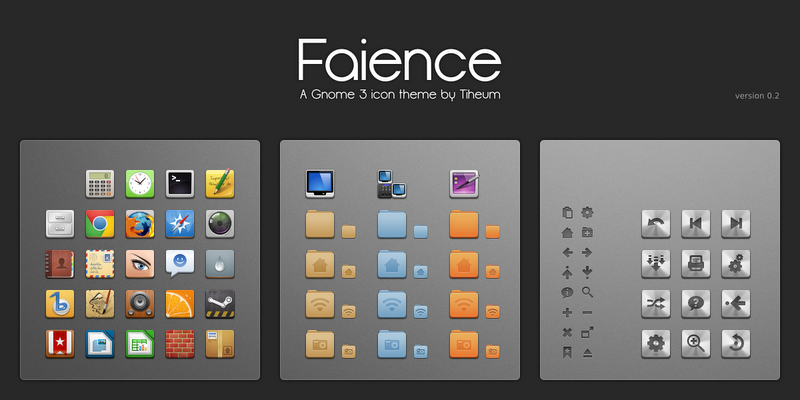
1- Faience:
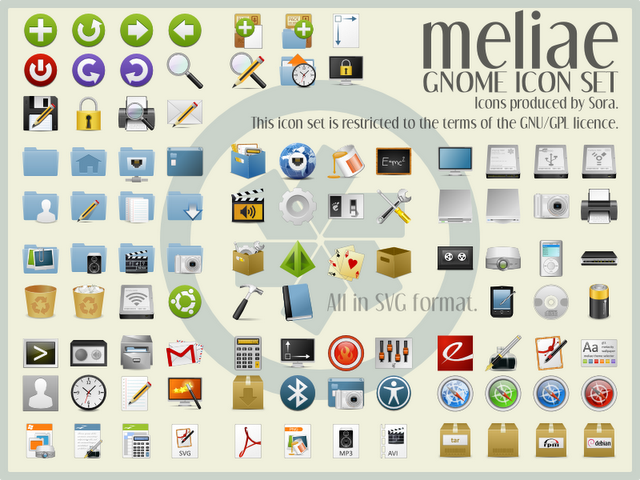
2- Meliae Iconset theme
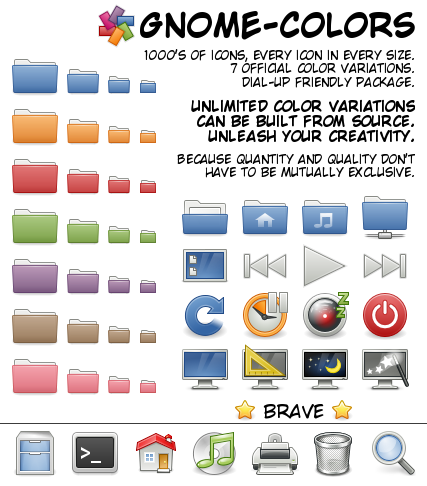
3- Gnome Colors
Ubuntu users, use the following PPA:
sudo apt-get install ppa:gnome-colors-packagers/ppa
sudo apt-get update
sudo apt-get install gnome-colors
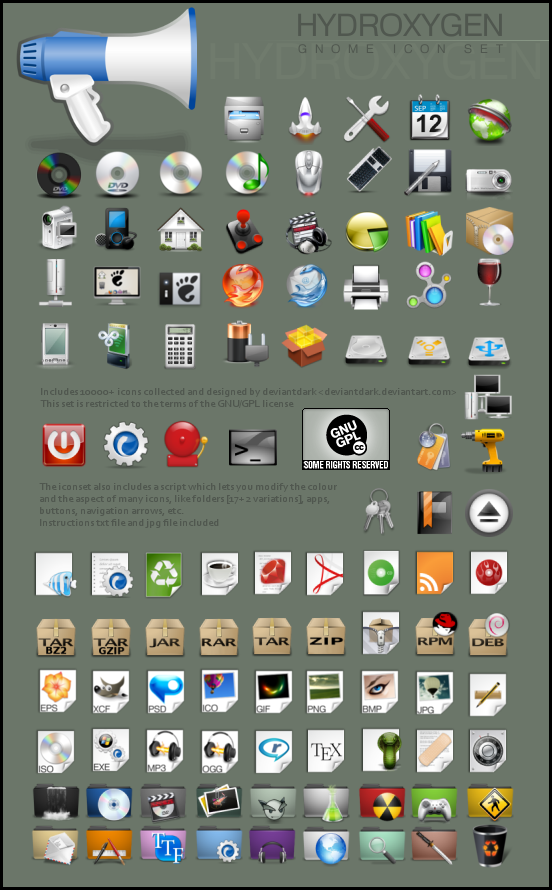
4- Hydroxygen_iconset
5- Humanity Icons Colors Version
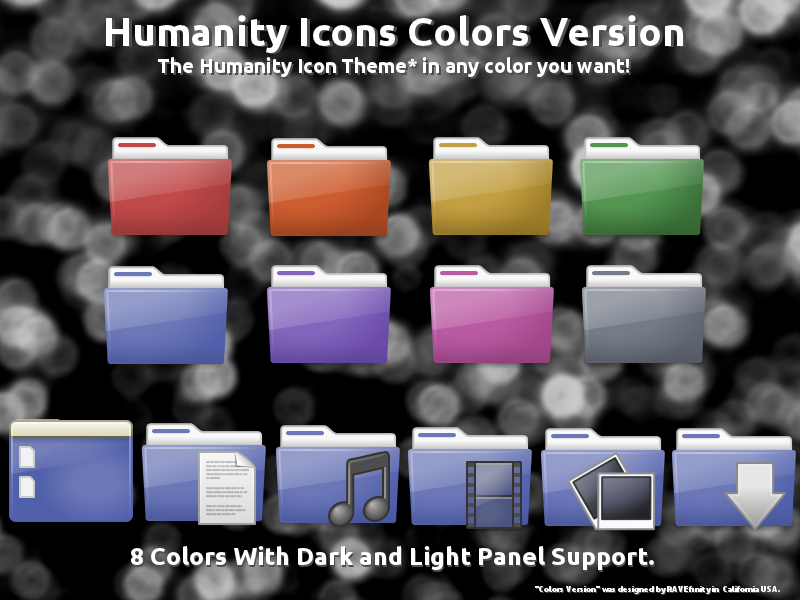
For Ubuntu & LinuxMint use the following PPA:
sudo add-apt-repository ppa:ravefinity-project/ppa
sudo apt-get update
sudo apt-get install humanity-colors
6- Vibrant Icons
7- Awoken 2.4 (PPA Ubuntu)
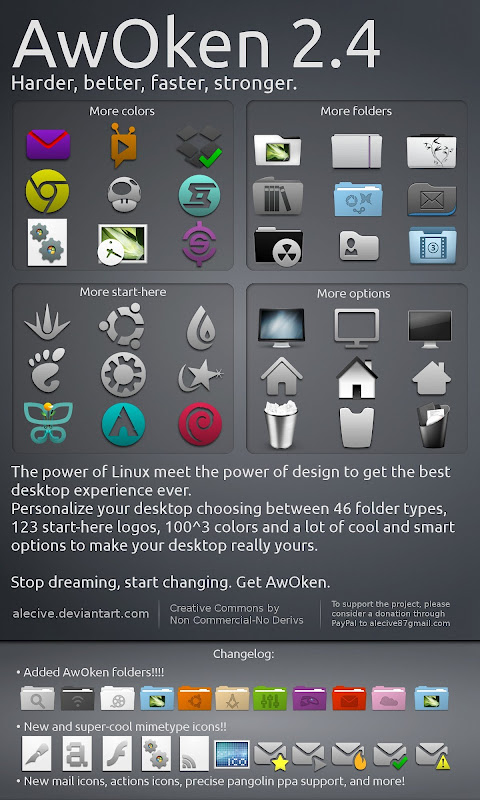
8- AdriX icon theme
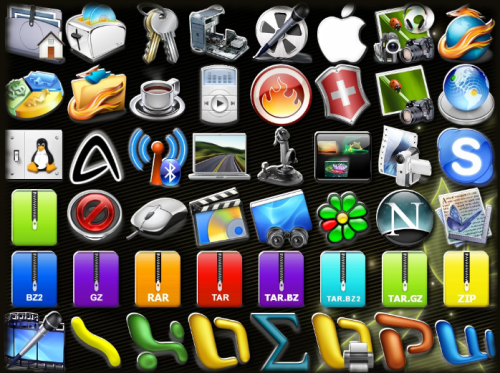
9- Faenza Icons:
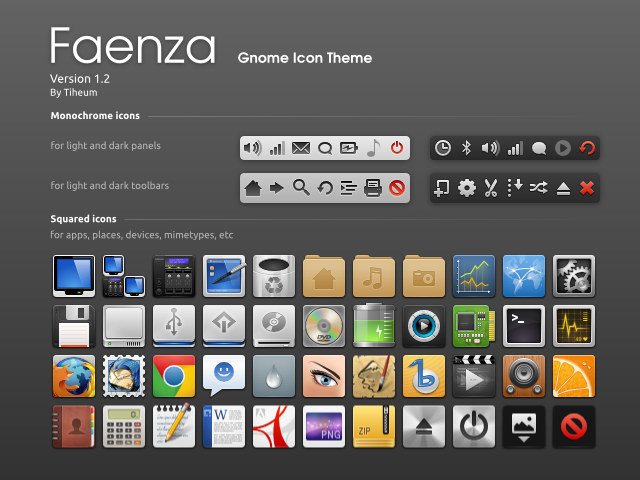
PPA for Faenza icons for Ubuntu:
sudo add-apt-repository ppa:tiheum/equinox
sudo apt-get update
sudo apt-get install faenza-icon-theme
How to install and activate the new icons? (detailed for newbies 🙂
1- Download and extract the icons :
- cd the directory where you downloaded the icons
- Now extract directly to /usr/share/icons, example Adrix icons theme us
sudo tar xvjf AdriX-gnome.tar.bz2 -C /usr/share/icons/
If the archive is tar.bz use this command (Change icons-theme-name withe the name of the downloaded file):
sudo tar -xvzf icons-theme-name.tar.bz -C /usr/share/icons/
For icons with PPA use the PPA above to install them.
2- Activate the icons:
You need to install Gnome Tweak Tool, use the following command:
sudo apt-get install gnome-tweak-tool
– For Fedora and other rpm based distro, as root type the following command:
yum install gnome-tweak-tool
3- Now open Gnome tweak tool and under theme choose the icon you want
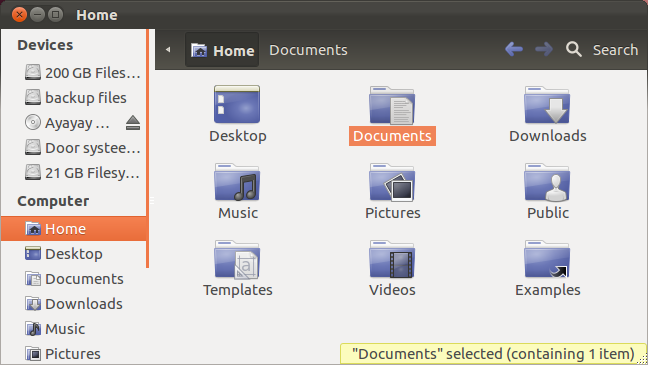
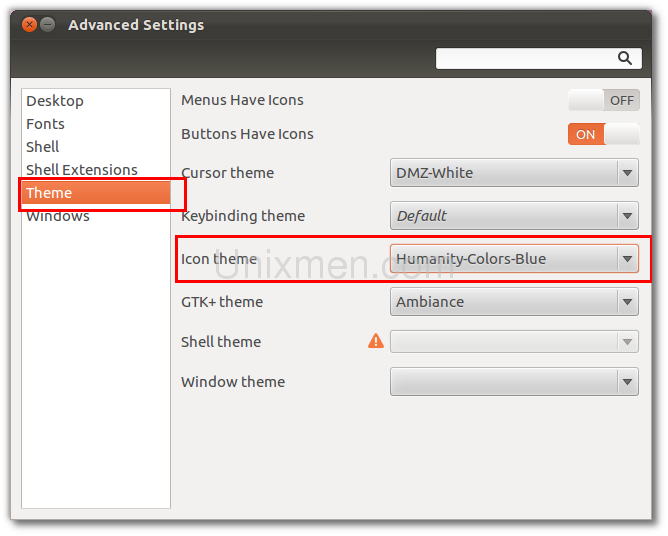 I installed humanity icons theme and chosed the blue ones, this how does it looks.
For Ubuntu users, if you want more icons themes, use the following ppa, it contains a large number of icon themes. For a complete list check launchpad
sudo add-apt-repository ppa:webupd8team/themes
List of themes in this PPA can be found in this link : https://launchpad.net/~webupd8team/+archive/themes
Finally, if you know any nice icon-sets, please share it with us in comments, we will add it to the post. Thanks


