Firefox 16, a treat for developers http://t.co/cnd27CzT
MyUnity 3.0 comes with a new Interface and ubuntu12.04 support | PPA Ubuntu
My Unity 3.0 has been released, the new release comes with a completely redesigned interface and built-in support for the upcoming Precise Pangolin release.
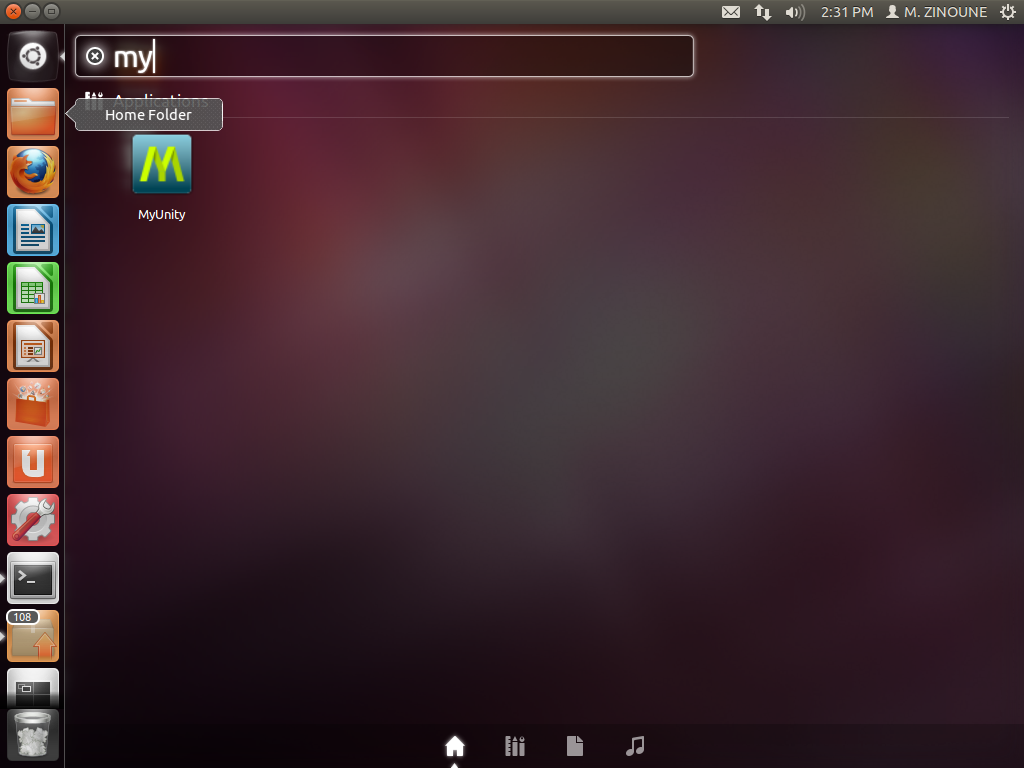
What`s new in MyUnity 3.0:
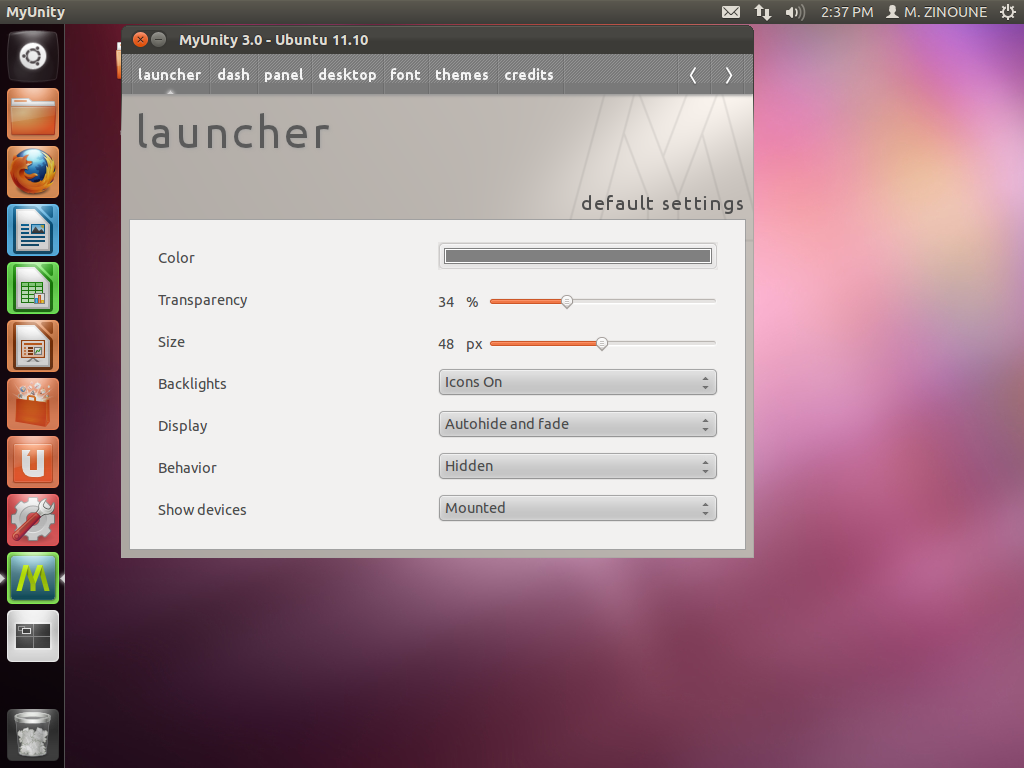
· Change Unity Launcher color;
· Change Unity Launcher transparency;
· Change Unity Launcher size;
· Change Unity Launcher backlight;
· Change Unity Launcher display mode;
· Change Unity Launcher behavior;
· Show mounted devices on the Unity Launcher;
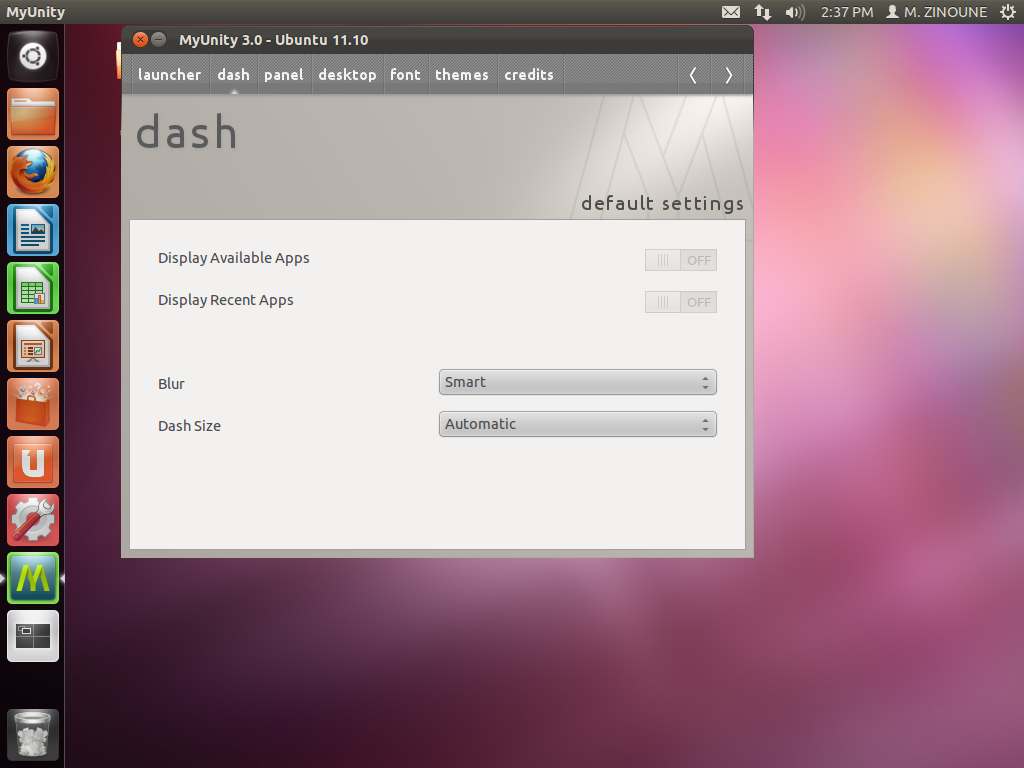
· Display available and recent apps in Unity Dash;
· Change Unity Dash blur;
· Change Unity Dash size;
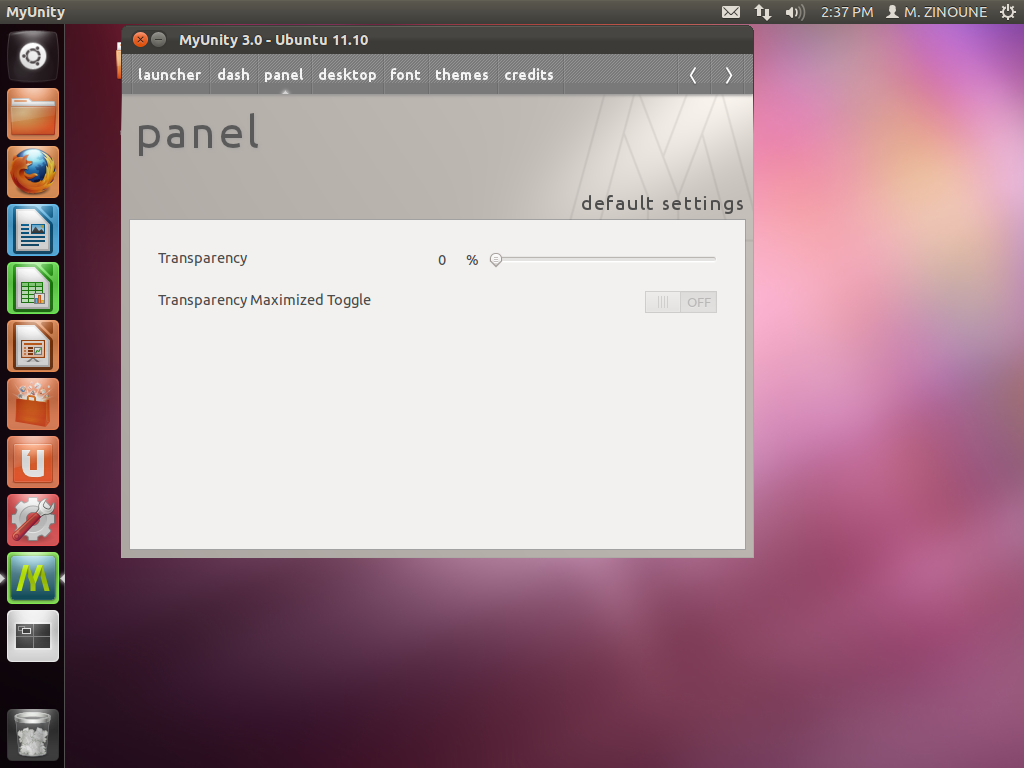
· Change Unity Panel transparency;
· Show Home icon on desktop;
· Show Networking icon on desktop;
· Show Devices icon on desktop;
· Show Trash icon on desktop;
· Activate “Show Desktop” icon on Unity Launcher;
· Setup icons on Panel Menus;
· Setup Windows animations;
· Setup the number of desktops;
· Change the window title font;
· Change the document font;
· Change the desktop font;
· Change the system font;
· Change the monospace font;
· Change font hinting;
· Change font antialiasing;
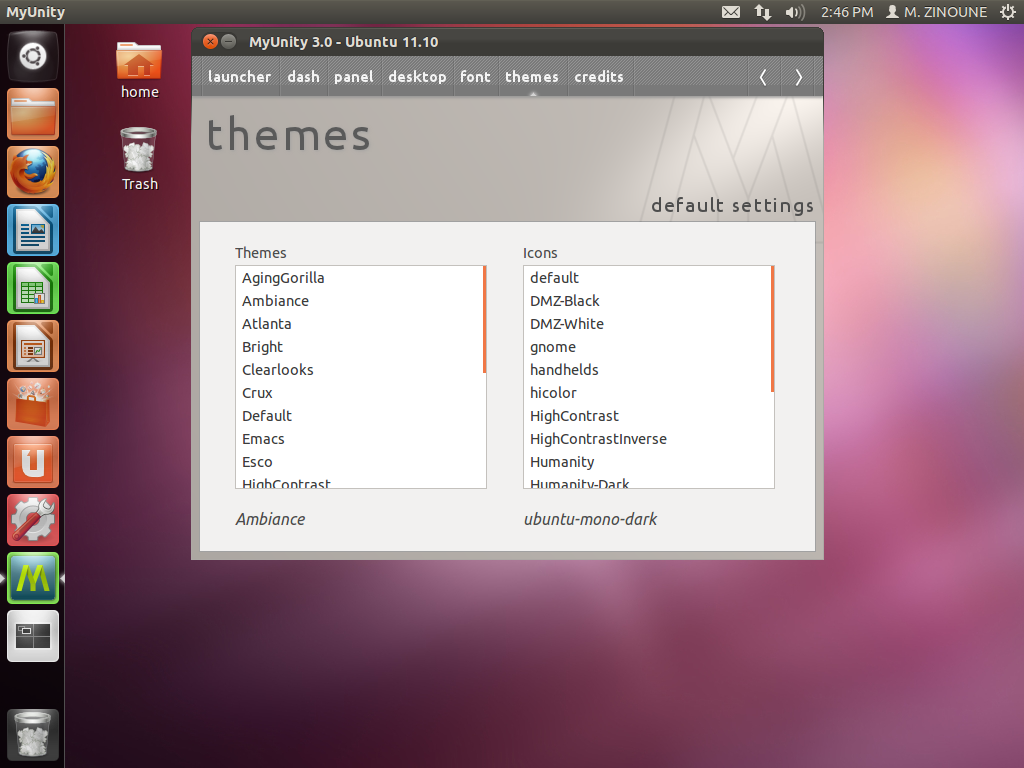
· Change the system theme;
· Change the system icons.
Installation in Ubuntu:
For Ubuntu 11.10 use the following ppa to install MyUnity:
sudo add-apt-repository ppa:myunity/ppa sudo apt-get update && sudo apt-get install myunity
For Ubuntu12.04 you can install MyUnity 3.0 using the following command or from the software center:
sudo apt-get install myunity

-
-
-
-
-
http://twitter.com/bnleez
Like us on Facebook
This week Top Posts 
Top Things to do After Installing Ubuntu 13.04 ‘Raring Ringtail’ : Ubuntu 13.04 Raring Ringtail final is almost out. The final release it scheduled for release on Apri...0 comment(s) |
Howto: Upgrade to Ubuntu 13.04 Raring Ringtail from 12.04, 12,10 | Desktop & Server : Updated 05-04-2013: Ubuntu 13.04 Raring Ringtail will be released Soon, If you have ubuntu 12,10, 12...0 comment(s) |
Install lamp with 1 command in Ubuntu 12.10, 13.04 Raring Ringtail & LinuxMint13 : Updated: 10/09/2012 :LAMP (Linux, Apache, MySQL and PHP) is an open source Web development platform ...0 comment(s) |
Scan Your Home Network With Nmap : Who should read this article? Everyone who is interested in computer security and computer networkin...0 comment(s) |
Configure conky-Lua in Ubuntu (12.10 & 13.04 Raring Ringtail), Fedora, debian and LinuxMint | Howto Conky : Updated 05-04-2013: Conky is a free, light-weight system monitor for X, that displays any informatio...0 comment(s) |
How to use Remote Desktop in Ubuntu : Sometimes, we need to access our computer from other locations when we’re not at home and such. This...0 comment(s) |
Recent Posts
- Secure File from Removal in Linux and Unix
- How to Install Nginx on FreeBSD 9.x
- Create a Launcher in Ubuntu Using Bash
- Scan Your Home Network With Nmap
- Steganography- Hide Your Files Inside An Image in Linux
- Unix/Linux File Recognition. Did You Know?
- Migrate from MySQL to MariaDB in FreeBSD
- Connect Your Android Galaxy Tablet to Ubuntu via USB
- ElementaryOS Beta 1 and 2 Comparison and Review
- Introduction to the Linux Command Line
Recent Comments


Snake
| #
Wow, great. That’s what i’m waiting for too. I want to make DC with LDAP ( Active Directory alternative) and SAMBA on Ubuntu. :-)
Blawer
| #
Thanks!!!!!!!!!!!!!!!!!! you rules!!! all the other “help” in google are useless… yours was very helpful. Thanks again
piCool
| #
Great ! we have another another master trick :-)
Yilmaz Ulugtekin
| #
Just delete the space after the slash (/) it will work.
Pat L
| #
I tried it and it works with a regular zip file, but if you password-protect the .zip file it does NOT work.