


I am writing this article under considerable strain, as by tonight Linux shall be no more the same. I can bear the torture no longer; by the time you have read this hastily scrawled web page you may guess, though never fully realize, why it is that I must forget or vanish.
I come from the old Unix families of the dark shell, near the depraved mountains, hidden beneath the shadow of the alpha moon. Some say, we are evil spirits and black-hearted inhabitants, full of anger and pain. Though I was always remembered as the lonely one, a harmless boy, until today. You may keep reading this article, but I need to warn you, every syllable you let your eyes wander over gets you into more and more trouble. You are in mortal peril my friend, on the verge of unleashing terror, no sane man would be able to withstand. You’ll go indifferent because you wouldn’t do one simple thing, and that is stop reading this article. STOP NOW !
Thy have been warned.
It doesn’t matter whether you are feeling safe in your home or work’s office. My friend, you should power off your monitor right now or you will regret the consequences. No God or any salesman of faith could help you then. So, stop reading now. Are you still reading? Oh, my dear…
You think it is some silly joke?
You think I am playing or fooling around? Naaaah, you selfish being, there is no time, nor even time for a kernel compilation! Please, I beg you to stop reading or you will end up as dead as a these Zombies from a Valve’s game Left 4 Dead :/
Still there ? Okay, I give up… you ‘re doom-ed.
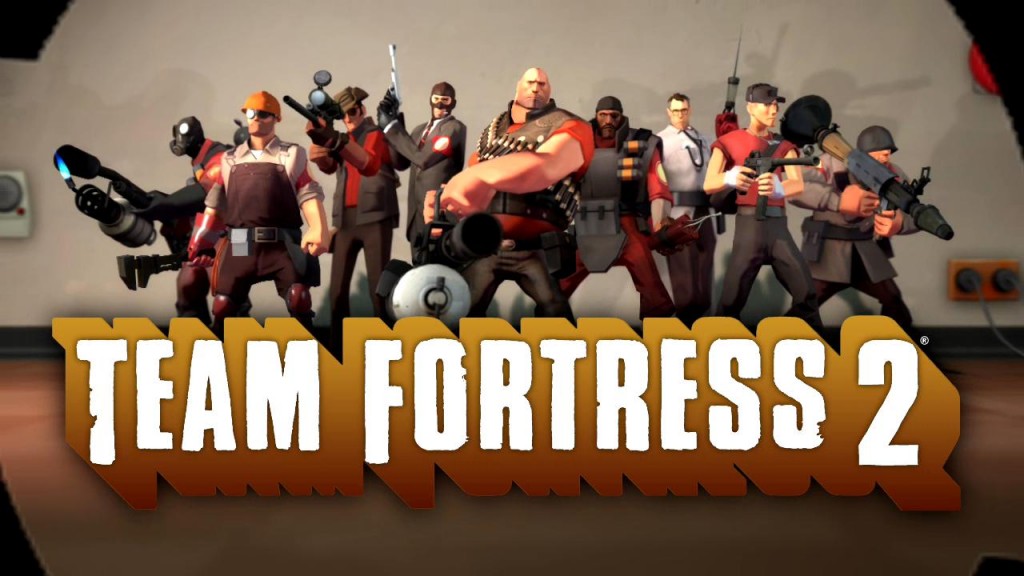
All it began at July 16, 2012, when the American video game company called Valve made this glorified statement: Steam’d Penguins. For those who don’t know who Valve is, they are the company who brought Half-Life, probably one of the best First-Person-Shooting games ever. Counter-Strike, Team Fortress, Day of Defeat, Left 4 Dead and DOTA 2 are some samples of their kick-ass titles. Even the most powerful tool for gamers, the Steam, is a another Valve’s work. So, what’s this excitement all about ?
Because all these titles it’s going to be supported in Linux via Steam! It’s no myth, no rumours, no hype, nor whispers… it’s true and really happening. At last, gamers will delete their dual boot Windows 7 partition, and there will be times to play Skyrim and Call of Duty into your Ubuntu without fear. No wine errors or Cedega tricks. This time it’s official and supported by Valve’s Linux team.
No mistake here, Ubuntu will be the first step for Steam under Linux, while more distros will catch up later.
“This doesn’t mean that Ubuntu will be the only distribution we support. Based on the success of our efforts around Ubuntu, we will look at supporting other distributions in the future.”

Currently, VLT (Valve Linux Team) is working for the fully-featured Linux client of Steam. In order to have some first gaming results, they have already ported Left For Dead:2 in Ubuntu 12.04 and right now they are working upon framerate improvements.
“The goal of the Steam client project is a fully-featured Steam client running on Ubuntu 12.04. We’ve made good progress this year and now have the Steam client running on Ubuntu with all major features available. […] Over the last few months, excellent progress has been made on several fronts and it now runs natively on Ubuntu 12.04. We’re working hard to improve the performance and have made good progress. Our goal is to have L4D2 performing under Linux as well as it performs under Windows.”
So, all in all, let’s wrap things up and see what we are expecting from Valve in the nearest future:
- 1) getting the Steam client onto Linux with full functionality
- 2)optimizing a version of L4D2 running at a high frame rate with OpenGL
- 3) porting additional Valve titles
Eventually, it’s certain that this project will draw much more attention to the nVidia and AMD Radeon drivers community. To all the Linux gamers out there, please stay tuned ’cause the best is yet to come!



