Firefox 16, a treat for developers http://t.co/cnd27CzT
Lightweight Portable Security (LPS)-A Linux distro from the US Department of Defense
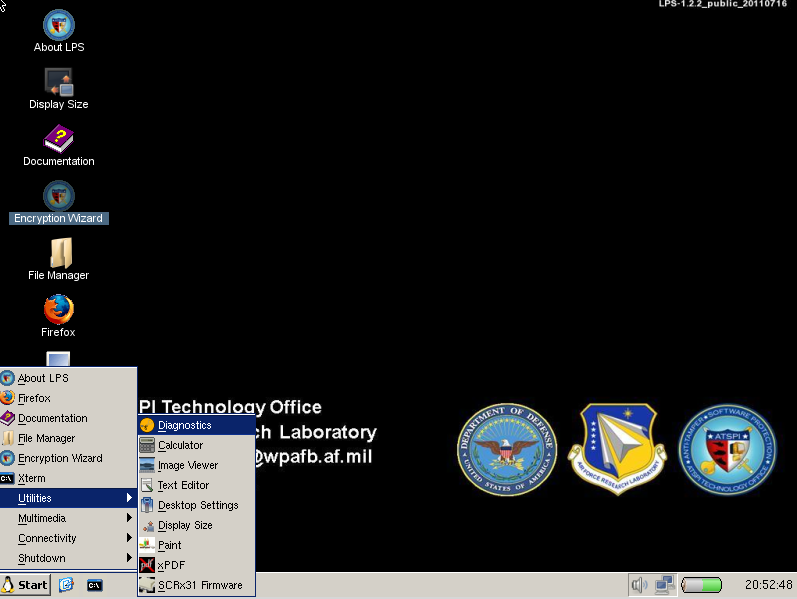
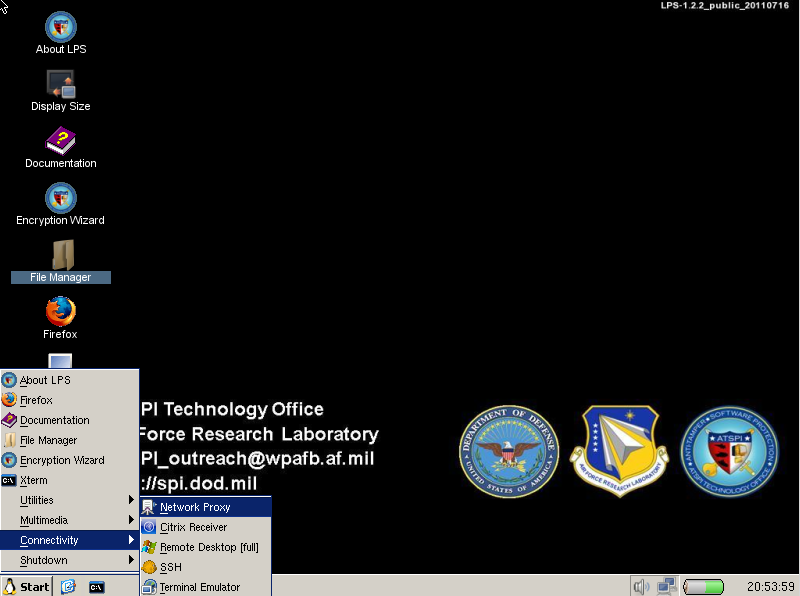
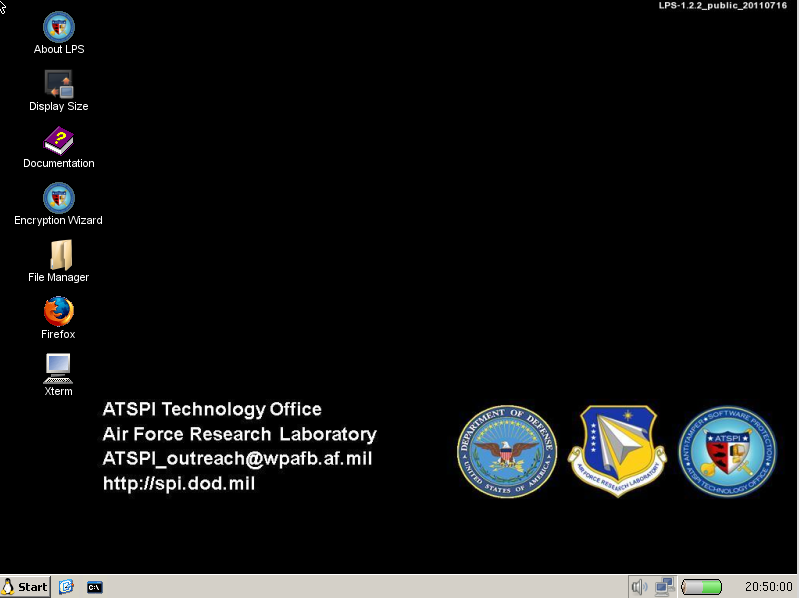
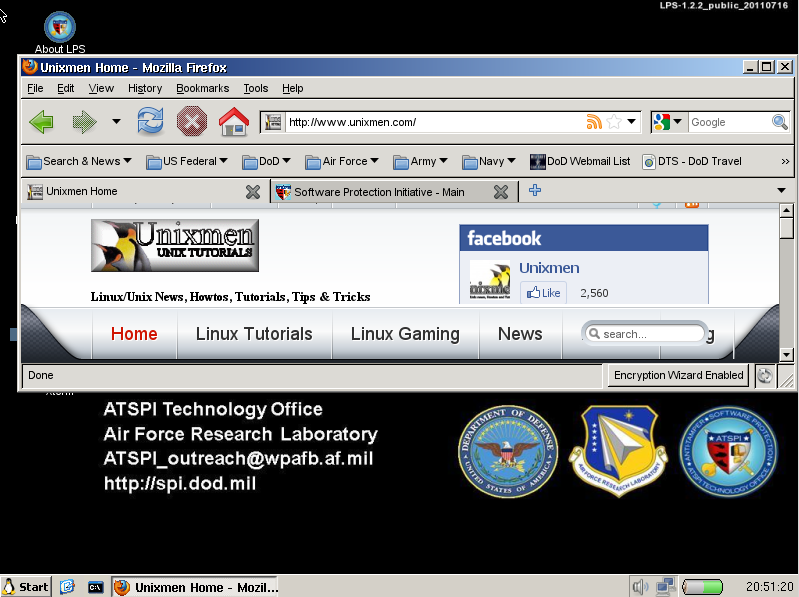
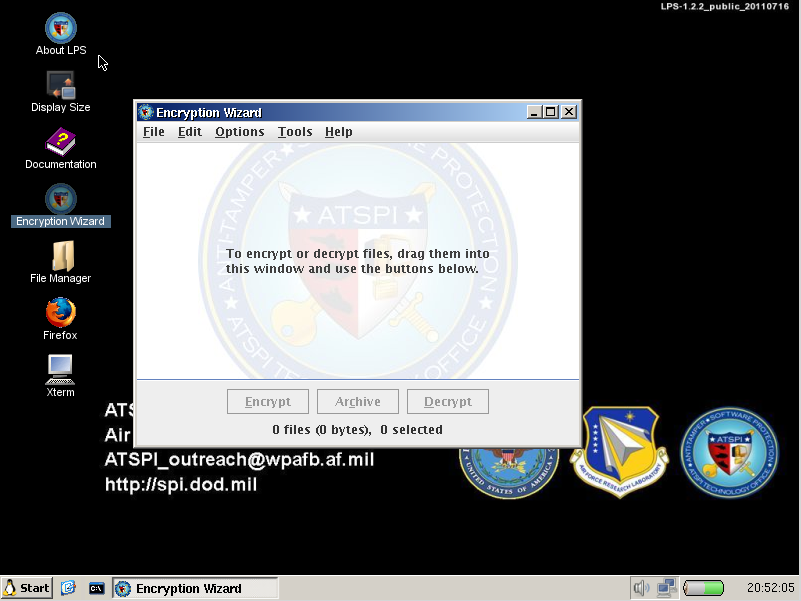
Lightweight Portable Security (LPS), created by USA’s Department of Defence, is a small Linux live CD focusing on privacy and security, for this reason, it boots from a CD and executes from RAM, providing a web browser, a file manager and some interesing tools. LPS-Public turns an untrusted system into a trusted network client.
As i said before, the Lightweight Portable Security distribution was created by the Software Protection Initiative under the direction of the Air Force Research Laboratory and the US Department Of Defense. The idea behind it is that government workers can use a CDROM or USB stick to boot into a tamper proof, pristine desktop when using insecure computers such as those available in hotels or a worker’s own home. The environment that it offers should be largely resistant to Internet-borne security threats such as viruses and spyware, particularly when launched from read-only media such as a CDROM. The LPS system does not mount the hard drive of the host machine, so no trace of work activity can be written to the local computer.(1)
A new maintenance release was announced earlier this week and is accessible via the web. Changes: fixed a problem with iMac Radeon video drivers; fixed problem with trackpad not working on older MacBooks; Rdesktop – enabled compression to improve performance, fixed problem with cursor control keys not working properly; updated NVIDIA display driver to version 275.09.07; added UVC USB web camera support; added minicom 2.4 as a serial port terminal emulator under the Communications menu; updated Firefox to 3.6.19; updated DOD Configuration add-on to 1.3.1; updated Gmail S/MIME add-on to 0.5.2; updated Flash to 10.3.181.34.”
Download the LPS-Public ISO image, version 1.2.2 (16 July 2011)
Download LPS from this link if the above is not working.
Usefull Links: http://www.spi.dod.mil/lipose.htm
(1) Linux Journal
{module user9-footer}

-
http://www.jollyk.com
-
http://enteryoursiteURL...
-
-
-
-
-
-
-
-
-
http://enteryoursiteURL...
-
-
-
-
-
http://enteryoursiteURL...
-
-
-
-
http://enteryoursiteURL...
-
http://www.mynitor.com
-
http://enteryoursiteURL...
-
-
-
http://tmblr.net
-
-
-
Pingback: Lightweight Portable Security (LPS)-A Linux distro from the US … | What is Linux
-
-
-
-
Like us on Facebook
This week Top Posts 
Top Things to do After Installing Ubuntu 13.04 ‘Raring Ringtail’ : Ubuntu 13.04 Raring Ringtail final is almost out. The final release it scheduled for release on Apri...0 comment(s) |
Install lamp with 1 command in Ubuntu 12.10, 13.04 Raring Ringtail & LinuxMint13 : Updated: 10/09/2012 :LAMP (Linux, Apache, MySQL and PHP) is an open source Web development platform ...0 comment(s) |
Howto: Upgrade to Ubuntu 13.04 Raring Ringtail from 12.04, 12,10 | Desktop & Server : Updated 05-04-2013: Ubuntu 13.04 Raring Ringtail will be released Soon, If you have ubuntu 12,10, 12...0 comment(s) |
How to use Remote Desktop in Ubuntu : Sometimes, we need to access our computer from other locations when we’re not at home and such. This...0 comment(s) |
Configure conky-Lua in Ubuntu (12.10 & 13.04 Raring Ringtail), Fedora, debian and LinuxMint | Howto Conky : Updated 05-04-2013: Conky is a free, light-weight system monitor for X, that displays any informatio...0 comment(s) |
Install and Configure Samba share in Ubuntu 13.04 Raring Ringtail , 12.10, 12.04| Howto : Updated 05-04-2013: One of the most asked features for Samba is a graphical user interface to help w...0 comment(s) |
Recent Posts
- Unix/Linux File Recognition. Did You Know?
- Migrate from MySQL to MariaDB in FreeBSD
- Connect Your Android Galaxy Tablet to Ubuntu via USB
- ElementaryOS Beta 1 and 2 Comparison and Review
- Introduction to the Linux Command Line
- A Secure Password
- Linux Kernel 3.10. It’s BIG!
- Monitoring Users Activity Using psacct or acct Tools in Linux
- Run Your Own Social Network Using elgg on RHEL / CentOS and Scientific Linux
- Getting Debian 7.0 ‘Wheezy’ Up and Running
Recent Comments


Bjarni
| #
Excellent, thanx!
Ambiton
| #
Thank you very much Chris :)
Lolman
| #
in cmd
Oliver
| #
Do you think that it works on a Macbook Air 1,1?… ohh and, it must be installed in a different partition than Mac OS X, right?… can´t have i installed only Ubuntu on my hard drive?
Brandon Hawkins
| #
thanks