

Question: Howto-Install Tomcat in Centos /Fedora the Easy way?
Answer:
The installation is easy, you need to install Java and then Tomocat, to do that open terminal and as root type the following commands:
yum -y install java
yum -y install tomcat6 tomcat6-webapps tomcat6-admin-webapps
– Finally we can launch Tomcat 6:
#/etc/init.d/tomcat6 start
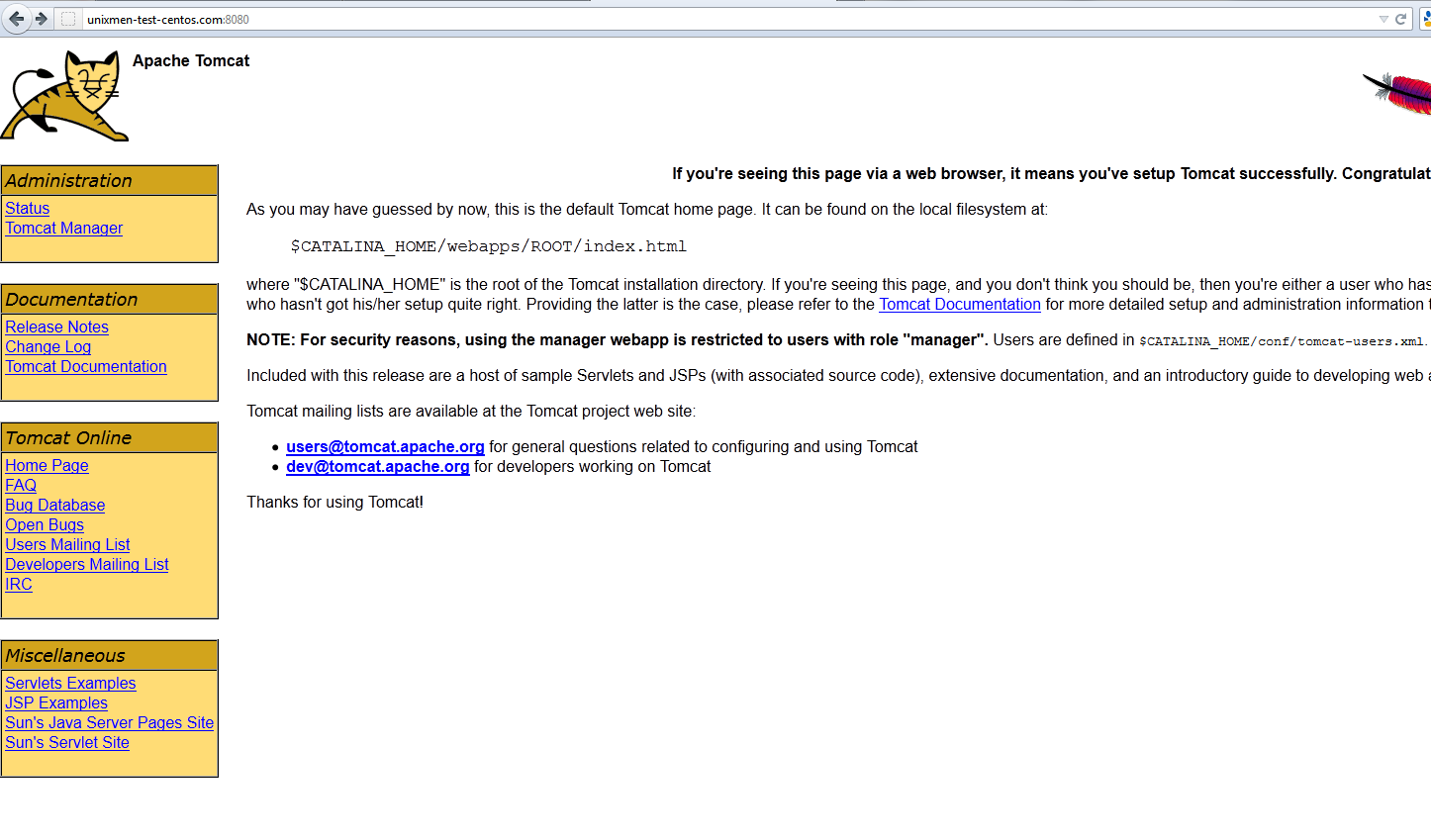
– To connect to Tomcat, just browse to port 8080 (default) on the server, for example:
http://ip:8080/
– Where to find the important config fils and directories ?
/etc/tomcat6 (this is where the main tomcat config files reside)
/usr/share/doc/usr/share/tomcat6
/usr/share/tomcat6/bin/usr/share/tomcat6/conf
/usr/share/tomcat6/lib
/usr/share/tomcat6/logs
/usr/share/tomcat6/temp
/usr/share/tomcat6/webapps
/usr/share/tomcat6/work
/var/cache/tomcat6
/var/cache/tomcat6/temp
/var/cache/tomcat6/work
/var/lib/tomcat6 (this is where you will add and/or change most of your files)
/var/lib/tomcat6/webapps
/var/log/tomcat6
/usr/share/doc/usr/share/tomcat6
/usr/share/tomcat6/bin/usr/share/tomcat6/conf
/usr/share/tomcat6/lib
/usr/share/tomcat6/logs
/usr/share/tomcat6/temp
/usr/share/tomcat6/webapps
/usr/share/tomcat6/work
/var/cache/tomcat6
/var/cache/tomcat6/temp
/var/cache/tomcat6/work
/var/lib/tomcat6 (this is where you will add and/or change most of your files)
/var/lib/tomcat6/webapps
/var/log/tomcat6
– Change Default port !!?
Find server.xml in /etc/tomcat6 and change port from 8080 to other unused port
<Connector port="8080" protocol="HTTP/1.1" connectionTimeout="20000" redirectPort="8443" />
save the new config and restart tomcat
– Make admin password for Tomcat
Edit /etc/tomcat6/tomcat-users.xml and add the following
<?xml version='1.0' encoding='utf-8'?><tomcat-users> <!-- <role rolename="tomcat"/> <role rolename="role1"/> <user username="tomcat" password="tomcat" roles="tomcat"/> <user username="both" password="tomcat" roles="tomcat,role1"/> <user username="role1" password="tomcat" roles="role1"/> --> <role rolename="manager"/> <role rolename="admin"/> <user username="admin" password="admin" roles="admin,manager"/> </tomcat-users>
Please post any question you have at http://ask.unixmen.com. Thanks


