Google Plus

How to install Gnome3 in Ubuntu 11.04 Natty via PPA

Written by M. Zinoune on . Posted in Ubuntu

Everybody knows that Ubuntu11.04 has Unity as default desktop, with the arrival of Gnome 3, many users want to test this in Ubuntu11.04 Natty. In this quick post will show you how to install Gnome3 on Ubuntu11.04 Natty.
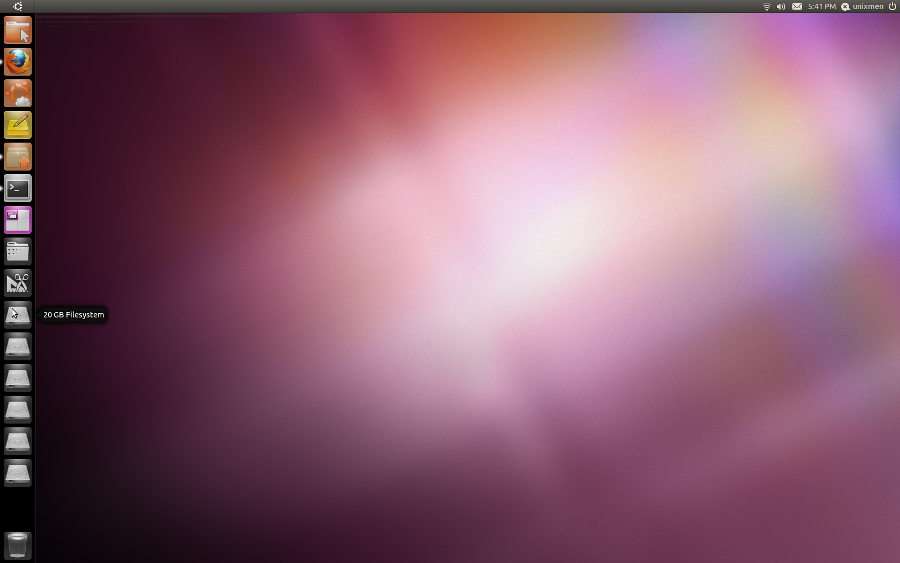
ub-unity1

Default desktop of Ubuntu11.04

Note that this PPA will not work in earlier releases of Ubuntu.

Installation of Gnome3 in Ubuntu 11.04 Natty

THERE IS NO DOWNGRADE PATH. THIS HAS NO WARRANTY, AND IT COULD SERIOUSLY MESS THINGS UP.

1) Obtain a clean, fresh installation of the latest 11.04 Natty Narwhal
beta. Perform all applicable updates.

2) Configure the system to NOT login automatically. This is needed so that you can choose what kind of session you want. If you do not do this, you will still be stuck with unity. This can be changed under system>preferences>login screen.

3) Add the UGR Repositories:

 sudo add-apt-repository ppa:ubuntugnometeam/gnome3
sudo add-apt-repository ppa:ubuntugnometeam/ppa-gen
sudo apt-get update

4) Install UGR

 sudo apt-get dist-upgrade
sudo apt-get install ugr-desktop-g3 gnome-shell
sudo apt-get upgrade

5) Reboot. You should see “GNOME 3″ and “GNOME shell” as a session
option in the login screen.

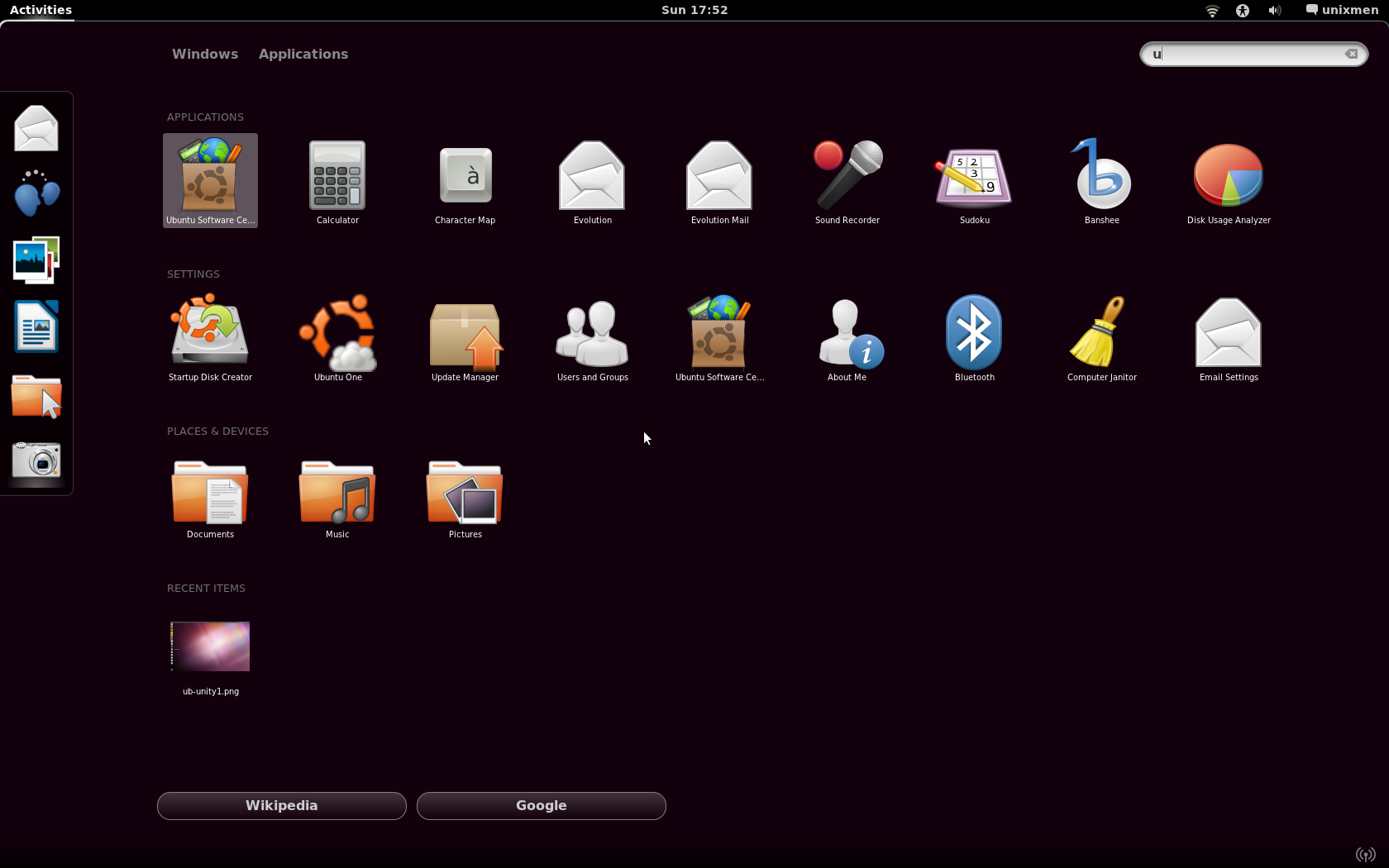
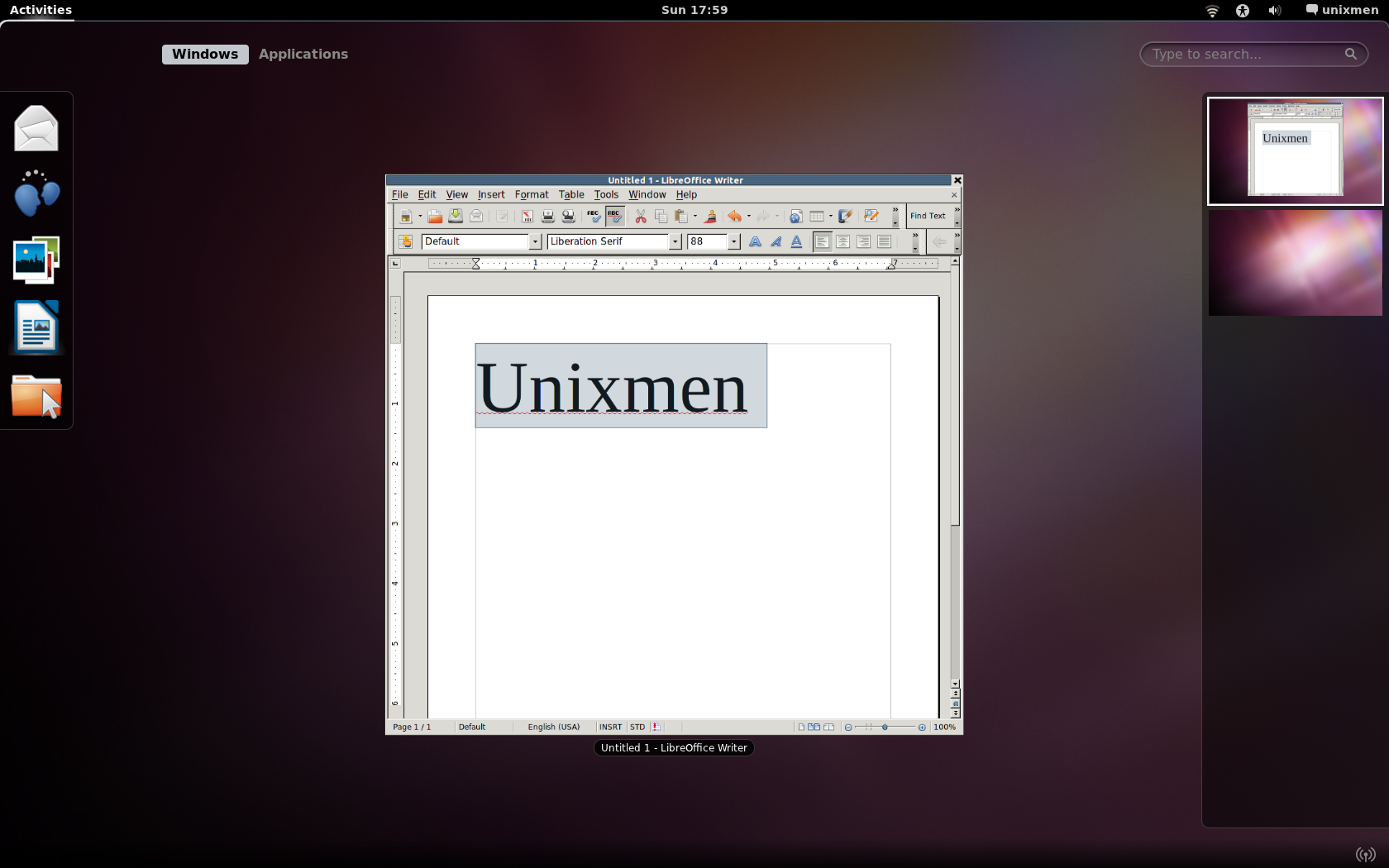
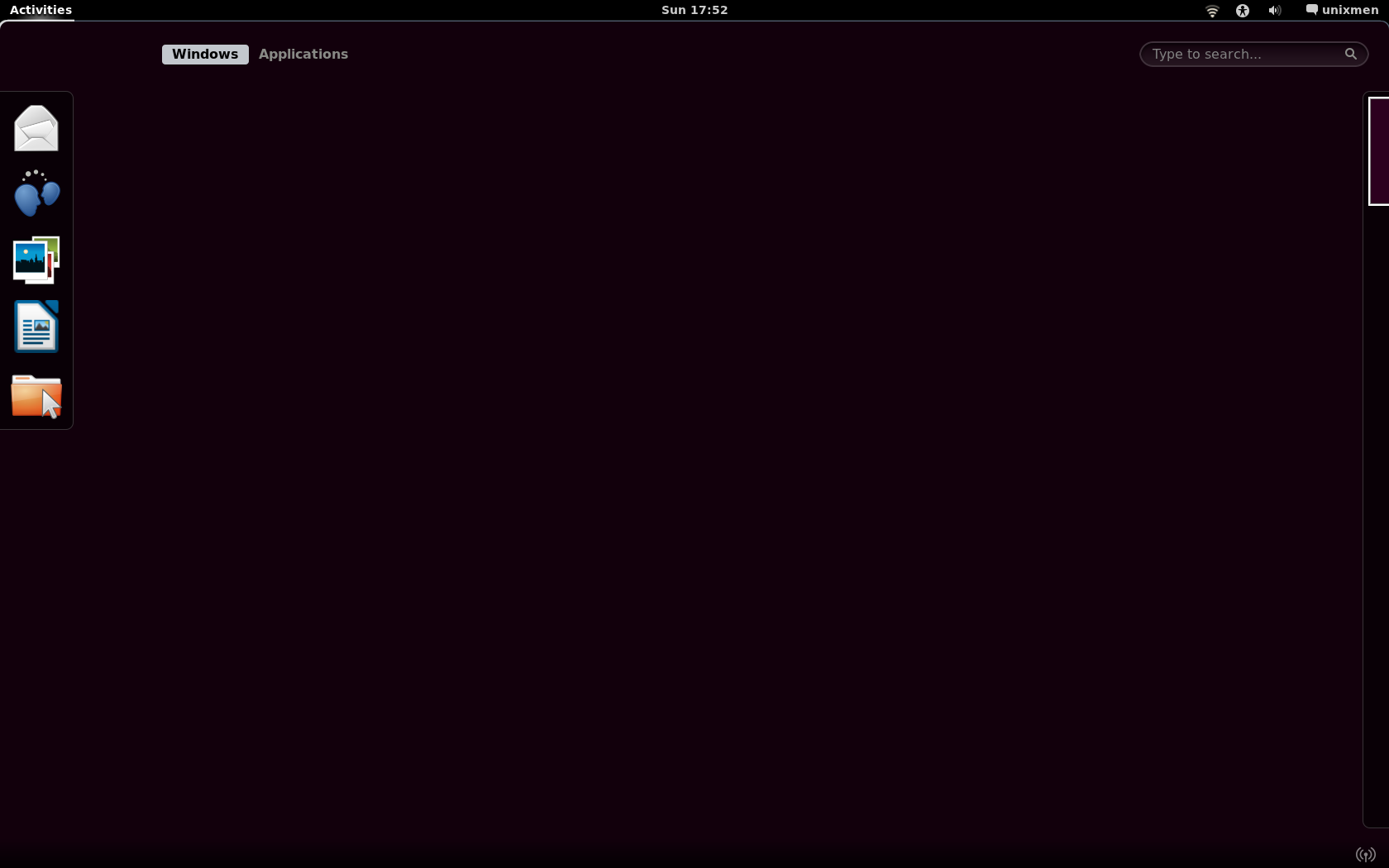
after the installation is done, restart your session.
Ub4

ub3

Screenshot-1

Usefull Links: lffl.org, gnome3

{module user9-footer}

For questions please refer to our Q/A forum at : http://ask.unixmen.com

  • Hik

    First line should be like this:
    sudo add-apt-repository ppa:ubuntugnometeam/gnome3

    …instead of:
    sudo apt-add-ppa repository: ubuntugnometeam/gnome3

    Secind line:
    sudo add-apt-repository ppa:ubuntugnometeam/ppa-Jan

    …returns:
    Error reading https://launchpad.net/api/1.0/~ubuntugnometeam/+archive/ppa-Jan: HTTP Error 404: Not Found

    Well, something is wrong.

    • http://enteryoursiteURL... zinovsky

      Sorry was a typo, is corrected. You may try now
      I tested everything few hours ago and worked fine.

  • Ken Walker

    I have 11.04 beta installed. Right now on boot I can choose between Unity and Classic Ubuntu. Will this add a further choice on boot or will it replace the Classic Ubuntu choice?

  • Ken Walker

    First line in second set should be, at least that is the nearest package name that apt-cache search ugr shows

    sudo apt-get install ugr-desktop-g3

  • Ken Walker

    Hmm. Got it done and it doesn’t work. I tried it on a eee netbook. The login choice for Unity vanished. Both Ubuntu and Ubuntu Classic choice produce a failed to load error. Glad I didn’t try this on my desktop.

    • Zinovsky

      When you got the login screen, Try to login with Gnome3 or Gnome-shell, For me worked from the first try without any issues.

  • neeraj

    tried this, however theme does not display nicely as you can see in third screenshot for libreoffice or in nautilus.How to do away with this ?

  • Sonja

    I followed the instructions, but something broke. :) I can’t boot into Ubuntu anymore.

    gtkwarning could not open display warning.swarn(str(e), _gtk.warning)

    What should I type in grub shell to go back to before Gnome3 or to fix this problem?

  • Sonja

    This is what happens when I turn on my computer now: http://i.imgur.com/TSVxw.png

    How to fix0r? :)

  • Sonja
  • kansasnoob

    Sweet, you provide a way to break machines w/o the warnings! Look here:

    http://ubuntuforums.org/showpost.php?p=10660251&postcount=73

  • http://enteryoursiteURL... 23dornot23d

    This is an initial demonstration, with only the minimum parts to make
    things somewhat work. Scope will only include a main metapackage and
    gnome-session, and all other parts will be direct from the GNOME3 ppa.
    Not intended for production machines.

    This is intended to be installed on a fresh install of the latest natty
    beta. DO NOT install this on a production machine,

    [color=red]THERE IS NO DOWNGRADE
    PATH. THIS HAS NO WARRANTY, AND IT COULD SERIOUSLY MESS THINGS UP.[/color][b][/b][size=large][/size]

    1) Obtain a clean, fresh installation of the latest 11.04 Natty Narwhal
    beta. Perform all applicable updates.

    2) Configure the system to NOT login automatically. This is needed so
    that you can choose what kind of session you want. If you do not do
    this, you will still be stuck with unity. This can be changed under
    system>preferences>login screen.

    3) Add the UGR Repositories:
    sudo add-apt-repository ppa:ubuntugnometeam/gnome3
    sudo add-apt-repository ppa:ubuntugnometeam/ppa-gen
    sudo apt-get update

    4) Install UGR
    sudo apt-get dist-upgrade
    sudo apt-get install ugr-desktop-g3 gnome-shell
    sudo apt-get upgrade

    5) Reboot. You should see "GNOME 3" and "GNOME shell" as a session
    option in the login screen.

    Providing Feedback
    Your feedback is essential to this project. Join the ugr-testing team
    on launchpad, and file bug reports for any problems you notice. Most
    bugs should be filed with the ugr-meta package.

    • zinovsky

      Thanks

  • http://enteryoursiteURL... 23dornot23d

    Here is the link to a page that may get you back if things do go wrong or you are not happy with the setup …….

    [url=http://techstroke.com/installuninstall-gnome3-ubuntu.html]here[/url]

    This – I also think should be added to this webpage as well as a the warning that it is in development and can break your system …..

  • http://www.Tech-hack.at.ua Akshay

    can anyone tell me what is the need of installing as i think GNOME is available on Ubuntu 11.04 beta…..

    Also what’s the need of using command line installation as we can do all these stuffs from SYNAPTICS PACKAGE MANAGER.

  • Ben

    Personally I like gnome 2 way more.

  • http://dev.whiterock-studios.com/ TwistedFires

    I really don’t know why, I installed everything successfully and everything looks good, but the windows don’t refresh, they only refresh when I access the main gnome menu.

    It’s strange really, is everyone having the same problem as me?

  • http://www.alaaubuntu.blogspot.com SnookerZnooker

    [size=large][color=yellow][u][b]How to install Photoshop cs5 for prefect way On ubuntu 11.04 without you commit any errors to make lost your data and Operating System " ubuntu 11.04"[/b][/u][/color][/size]

  • Daniel

    As far as the disclaimer at the top about "it could seriously mess things up" is soooo true. I tried this lastnight, then spent the rest of the night reinstalling Ubuntu!

  • http://www.ras.su ras.su

    here fixes for this howto

    http://ugr.teampr0xy.net/install

  • teloris

    is it also works on maverick (10.10) ??

  • http://www.bestfinance-blog.com LanaWaters

    The mortgage loans seem to be very useful for people, which would like to organize their own organization. By the way, that is not hard to get a short term loan.

  • http://www.bestfinance-blog.com TiaCarr20

    Do you understand that it’s the best time to receive the loan, which can make your dreams come true.

  • http://www.bestfinance-blog.com ClarkeAudra

    I had got a dream to begin my own business, but I didn’t earn enough amount of cash to do it. Thank God my dude suggested to use the personal loans. So I used the secured loan and made real my old dream.

  • http://www.bestfinance-blog.com Joy28Barnett

    Following my own analysis, millions of persons in the world receive the home loans at different creditors. Thus, there is a good chance to receive a student loan in every country.

  • ma3cs

    To install this PPA:

    sudo add-apt-repository ppa:gnome3-team/gnome3
    sudo apt-get update

    conform:

    http://www.ubuntuupdates.org/ppa/gnome_3

  • ma3cs

    To install this PPA:

    sudo add-apt-repository ppa:gnome3-team/gnome3
    sudo apt-get update

    conform:

    http://www.ubuntuupdates.org/ppa/gnome_3

  • steng

    i have Ubuntu 11.10 newly installed , how do i change to classic desktop,

    please don’t say to go to "system>preferences>login screen"

    because i can find "system" :-)

    thanks

Like us on Facebook

This week Top Posts

Write for us

Recent Comments

SK

|

I am working on it. Stay tuned. Thanks for the comment.

adriana rizzati

|

You are right, I saw them just now and they are awesome!

SK

|

Thanks for the comment Abdullah. Stay tuned with us always.

Abdullah Musazai

|

Thank you for such a great service you always do, hope you gain more power and more energy to work more & more

Dominik Bauer

|

thx a lot!

 
IDG Tech Network
Copyright © 2008-2013 Unixmen.com .
Maintained by Anblik .