GLX-Dock 2.3 beta is released, this new beta version of ex cairo dock comes with many new features, a System Monitor applet, a logout applet, Better layout for the menus, slider is much faster, 2 new themes are also available: Japan-2 and MeeGo.
GLX-Dock is now built on top of libgldi (for GL Desktop Interface), which will also be used for another project: GLX-Desklet. Having a minimalistic core ensure better stability and performances, and less bugs.
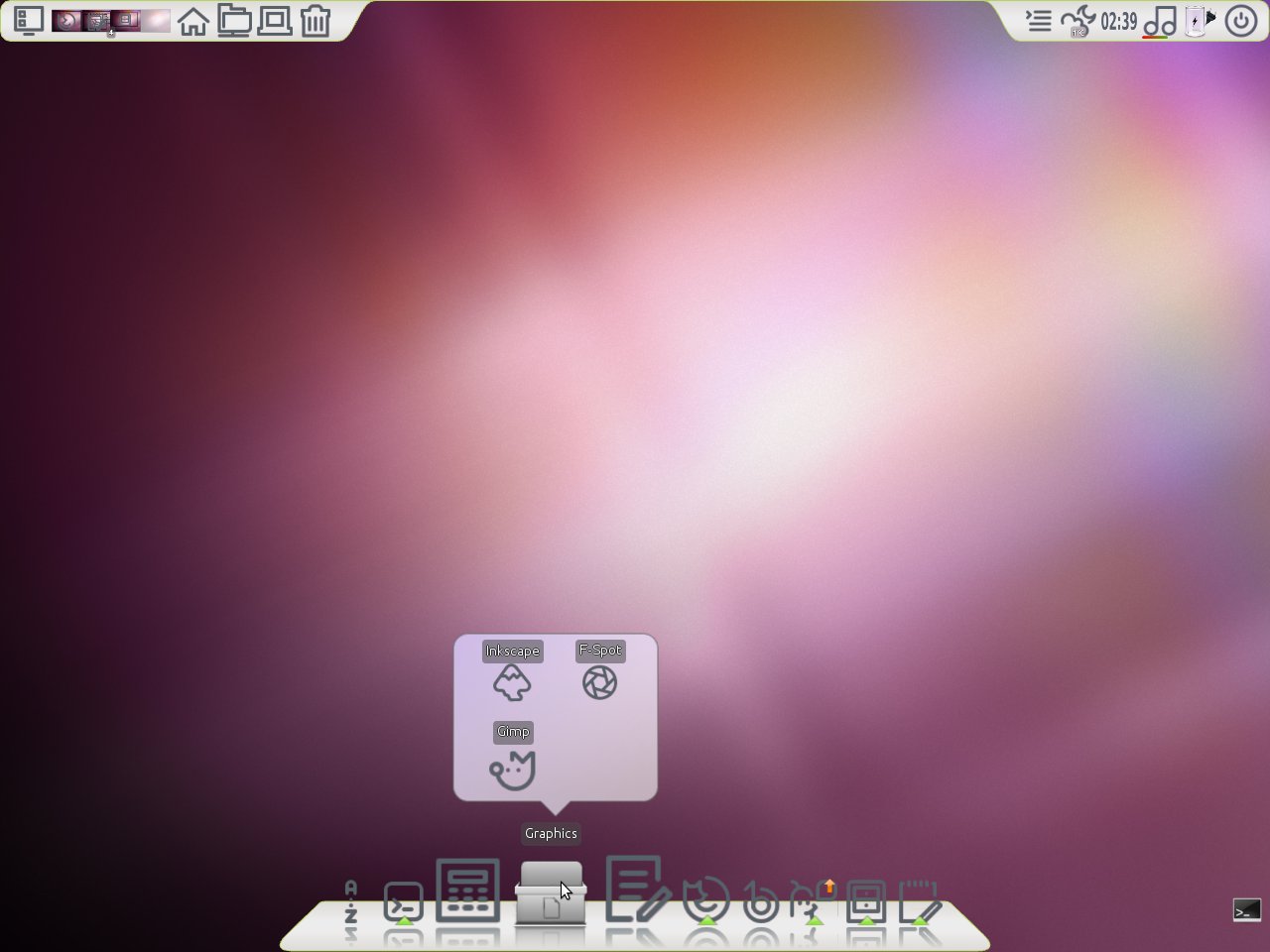
Of course a lot of new features come along with this new version:
– The System-Monitor applet can now monitor CPU’s temperature and fans speed.
– The Logout applet now warns you when the computer needs to be restarted.
– The menus have a better layout and if you lock the dock, most of entries are hidden.
– The Slider is much faster to load a huge number of images.
– A unified icon settings window helps configuring all the launchers/applets/docks/desklets in a short time.
{youtube}OkuLxELQJwE|500|400{/youtube}
To install GLX-Dock in Ubuntu and LinuxMint:
sudo add-apt-repository ppa:cairo-dock-team/weekly
sudo apt-get update
sudo apt-get install cairo-dock cairo-dock-plug-ins
If you want to try the new plugin extras, copy the following command to terminal (only with Beta release) :
cd ~/.config/cairo-dock && rm -r third-party && bzr checkout --lightweight lp:cairo-dock-plug-ins-extras third-party
Useful Links: http://www.glx-dock.org/
{module user9-footer}