

Google Plus

Burg-manager 1.1.0 is released!

Written by M. Zinoune on . Posted in Software

Burg-manager 1.1.0 is released, this a bug fix release that comes with these 2 changes : Fixed script to add menuentry relative to iso to boot to 50_iso file,  added separated burg installer script.
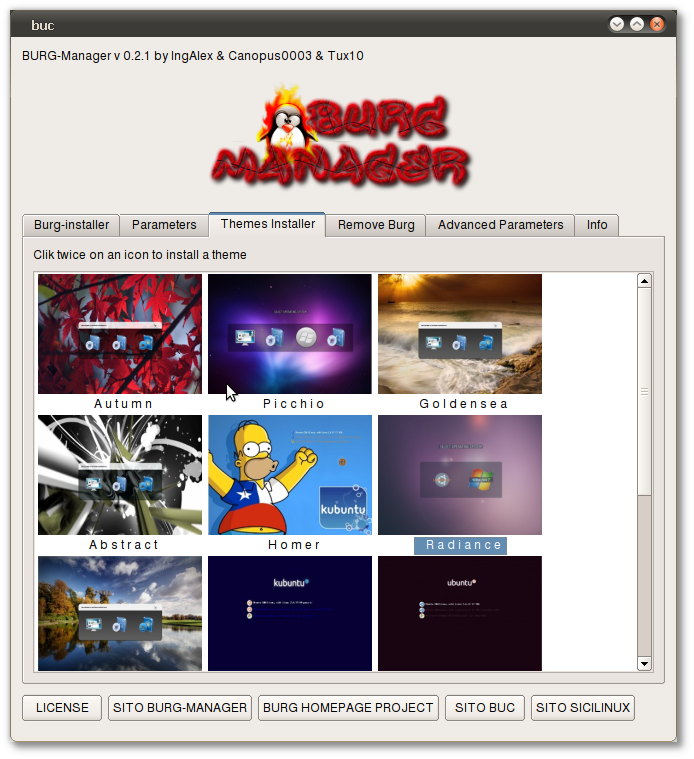
 

“Burg-manager is an intuitive interface that simplify installation and configuration of burg bootloader. Burg-manager allows to install Burg and many beautiful themes from a big gallery.

For more info about Burg-Manager and for installation steps, please check our previous post.


{xtypo_download}Download :

i386       Burg-Manager 1.1.0  32.bit
amd64   Burg-Manager 1.1.0 64bit{/xtypo_download}
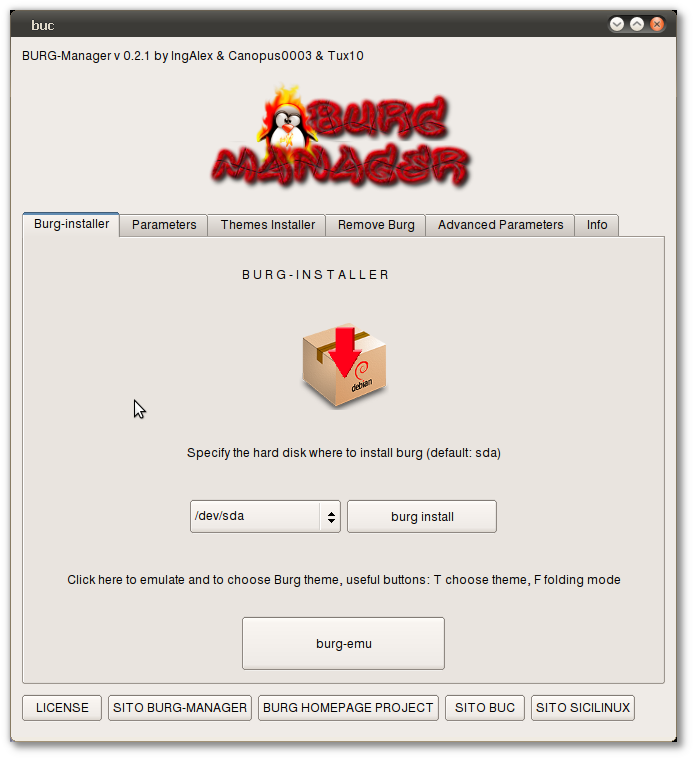
Screenshot from previous version

{module user9-footer}

For questions please refer to our Q/A forum at : http://ask.unixmen.com

  • Basico

    I have this error message from Ubuntu Software Center

    Dependency is not satisfiable: buc (>= 0.5.2)

    ???

    • Zinovsky

      You need to install Buc first, follow the installation instructions for Ubuntu in [url=http://www.unixmen.com/software/1072-burg-manager-install-and-configure-burg-the-easy-way][b]this post[/b][/url]

  • Basico

    I answer to myself:

    First you have to install buc. Read installation guide. http://www.sourceslist.eu/blog/linux-blog/burg-manager-installing-and-configuring-burg-has-never-been-so-easy/

  • Basico

    Great! thanks. Maybe is better to delete my second message because your guide is easier.

Like us on Facebook

This week Top Posts

Write for us

Recent Comments

Pat L

|

I tried it and it works with a regular zip file, but if you password-protect the .zip file it does NOT work.

SK

|

Yes we can. What kind of help you need? We are doing outsourcing and technical support for Linux and Open source worldwide. To know more about the details visit here.

ClintB

|

After install as above, run shell script /opt/Citrix/ICAClient/wfica.sh manually and note lib errors still occur. I had the x64 motif loaded but had to manually install the x86 too. Got that from http://rpmfind.net/linux/rpm2html/search.php?query=libXm.so.4 Even after that, I still had to do a “yum install alsa-lib.i686 alsa-lib.x86_64″ to resolve any additional libasound.so.2 errors. Once those two lib issues were resolved, Citix Web Interface launched apps fine by telling browser to open launch.ica using /opt/Citrix/ICAClient/wfica.sh. Good luck Ernesto!

AD

|

I need some Help on Linux,can you guide me ?

Edson Carlos

|

In debian no found. I need link download install in linux debian

 
IDG Tech Network
Copyright © 2008-2013 Unixmen.com .
Maintained by Anblik .