Firefox 16, a treat for developers http://t.co/cnd27CzT
Browsing the internet with a Jet!
Ever since Costantine Apostolou started the development of JetBrowser, I wanted to evaluate it in terms of speed and responsiveness. Is this browser a jet or a wreck?
Another unstable version of JetBrowser was released a few days ago, and since it’s been some time since the initiation of development, I believe that now is a good time to check this browser and see how fast and compatible it really is.

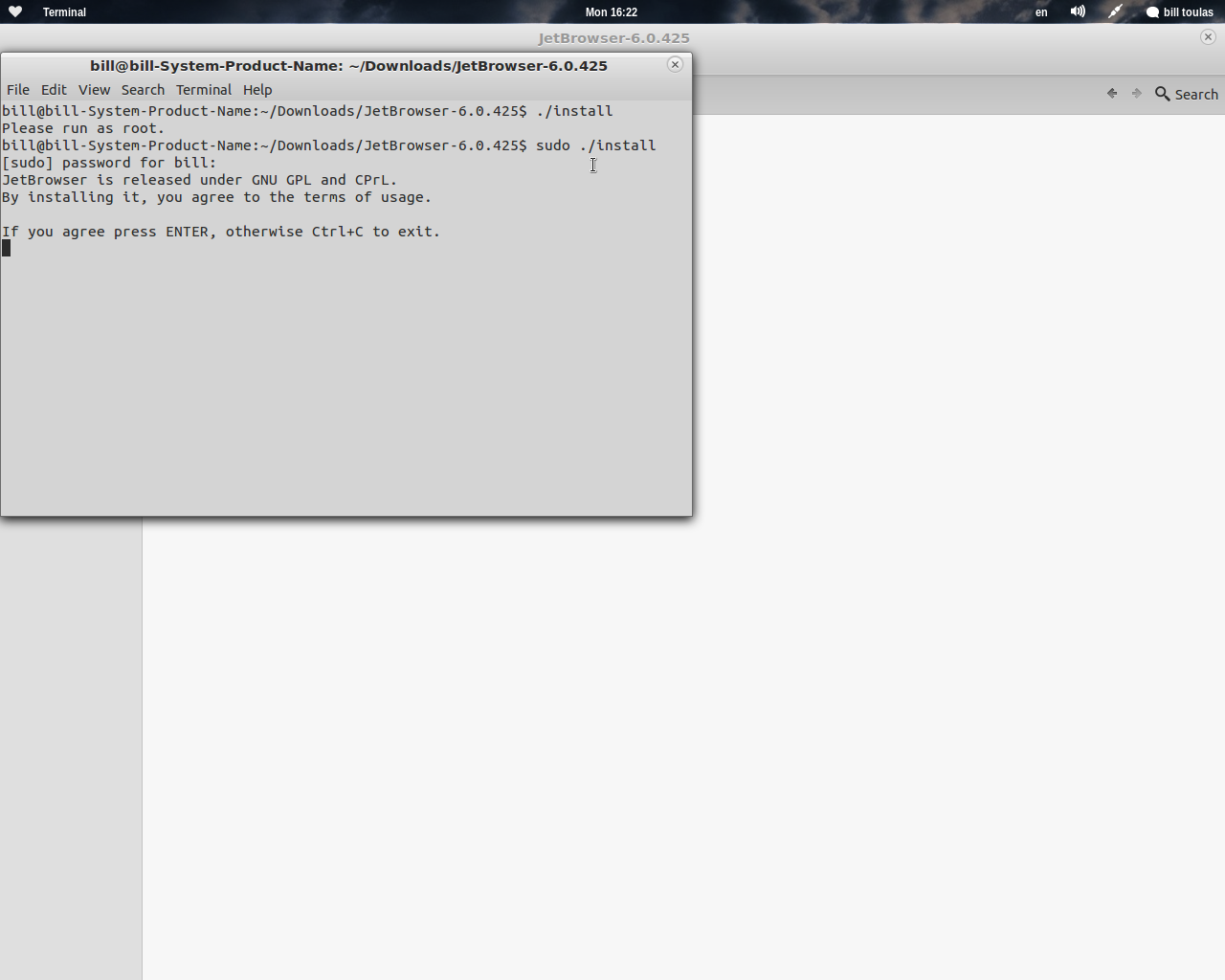
It all begins with installing, and since you won’t find JetBrowser on your default repositories, you will be happy to see that the installation is as simple as opening the install file and pressing the enter button.
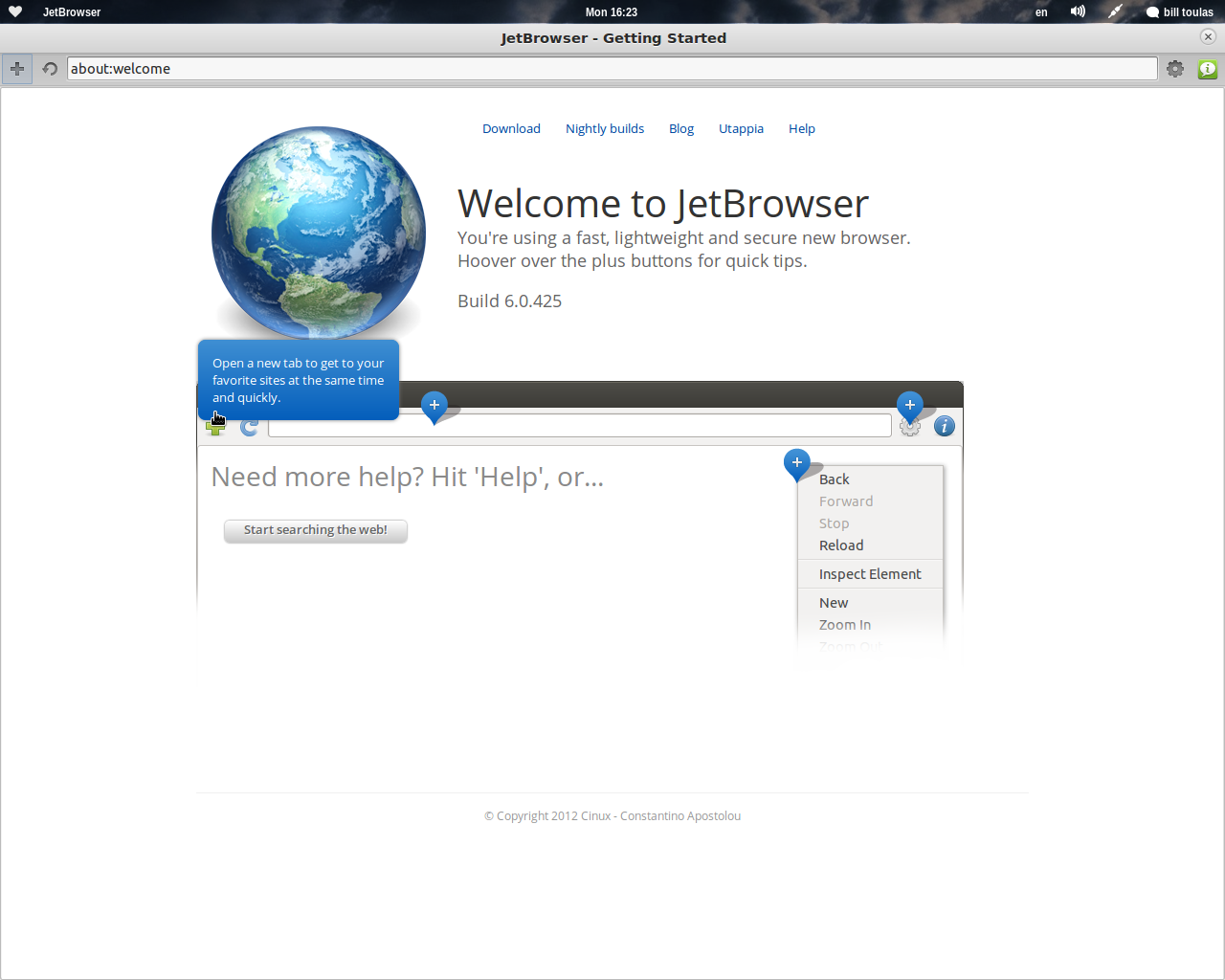
Getting started, JetBrowser is much more user friendly than I expected. On the main screen, all functions are explained for easier understanding of the new ways things work here.
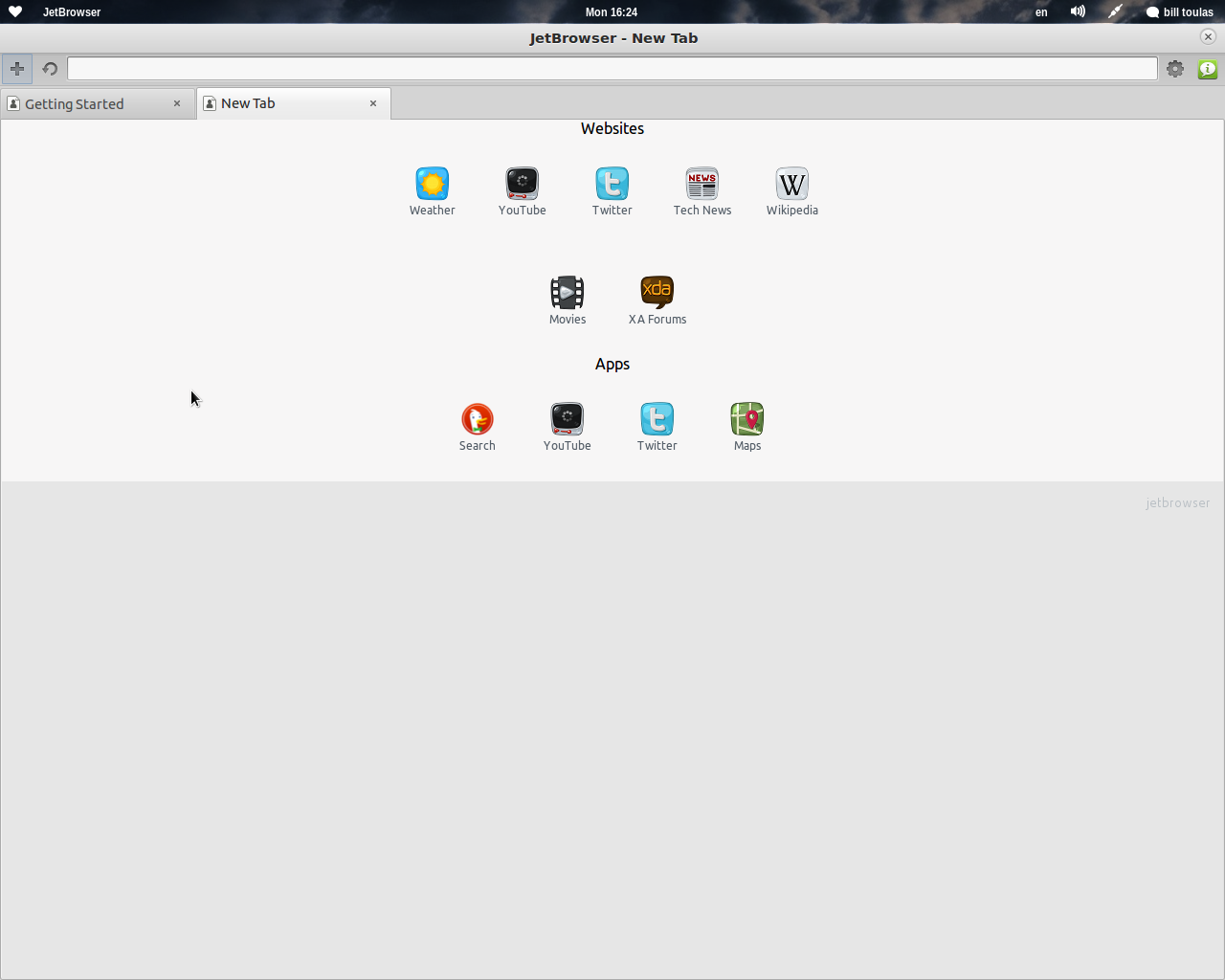
I then opened a new tab and was happy to see that I had some very interesting choices that included some popular websites and some useful applications. The very useful ability of adding your own favorite websites is not implemented yet, but will soon be.
While JetBrowser is very much usable right now, you must keep in mind that is under heavy development and there are many things that need finishing, polishing, or even implementation. Constantine is fixing bugs every day listening to the user feedback and requests like the “back button” that I and many others asked for and will be implemented soon.
The reason for writing this article though, is not to see if JetBrowser is stable, or feature-rich enough to work with every day. The aim is to determine if this browser lives up to its name, and to see how fast and compatible it is right now. To do this I compared it to the most popular lightweight champion, the Midori browser! (Midori 0.4.3 was used)
———————————————————————————————————————————-
Opening time
Midori: 0.468 sec
JetBrowser: 0.264 sec
———————————————————————————————————————————-
RAM Use

Midori: 110MB opening unixmen.com website. Stabilizing at 120MB after single-tab browsing for 5 minutes
JetBrowser: 105MB opening unixmen.com website. Stabilizing at 115MB after single-tab browsing for 5 minutes
———————————————————————————————————————————-
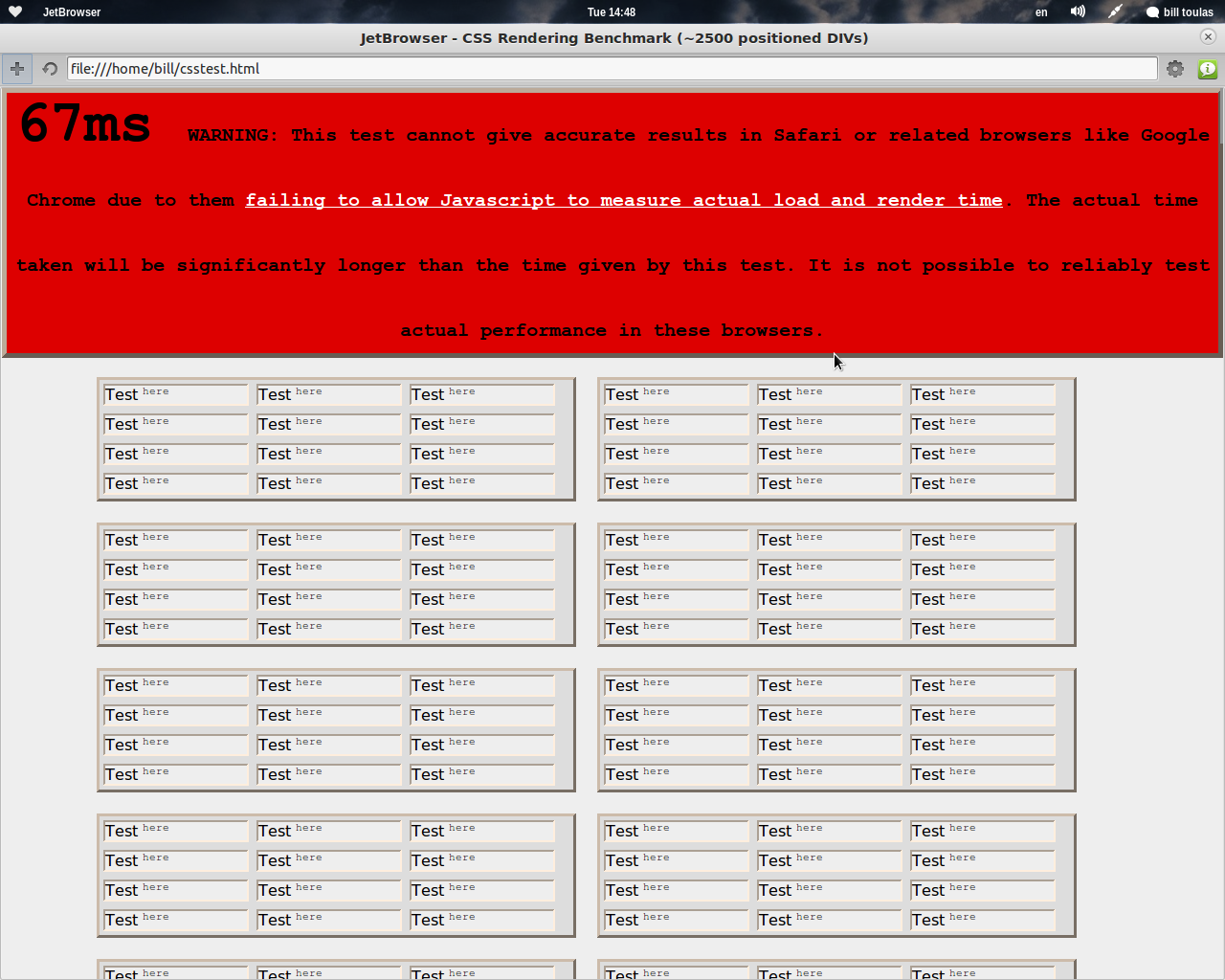
CSS testing
Midori: 120 ms
JetBrowser: 67 ms
Taking in to account the warning the you can see on the following screenshot, maybe this test is not very much valid, but I give you the results anyway…
———————————————————————————————————————————-
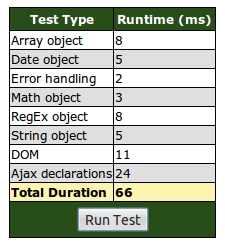
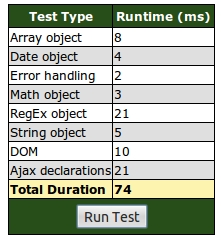
Javacript Bench
Midori: 74 ms
JetBrowser: 66 ms
———————————————————————————————————————————-
Compatibility
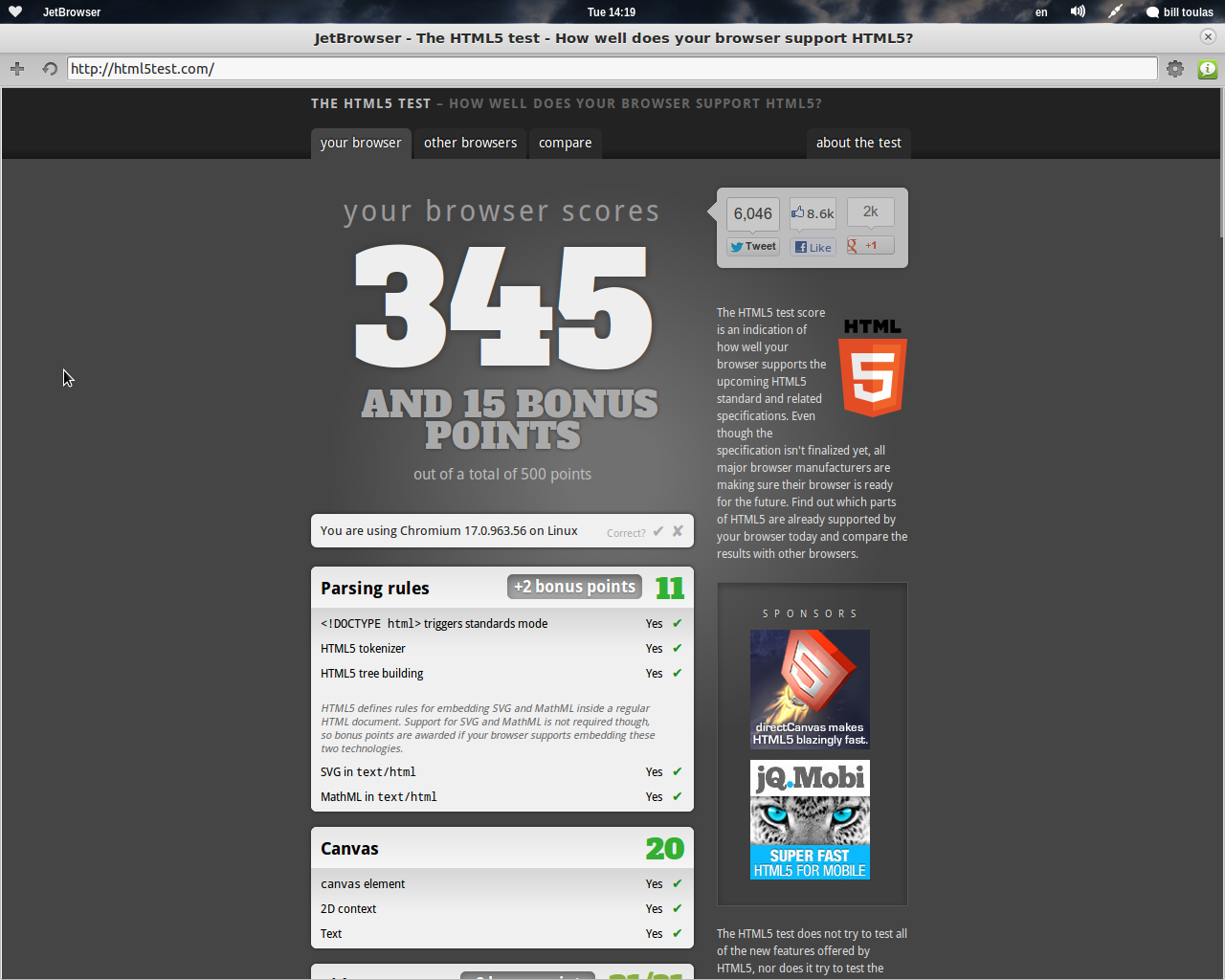
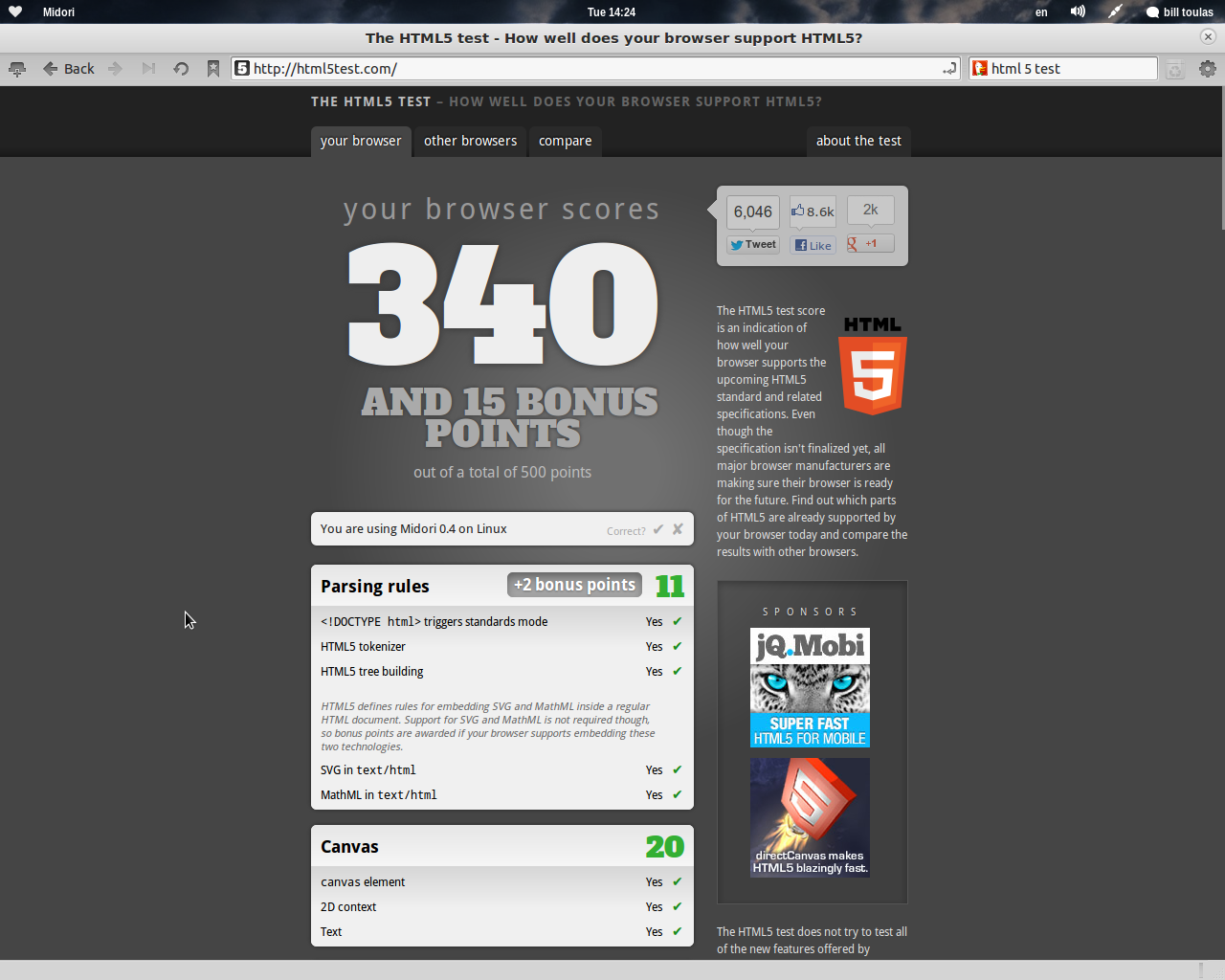
Both browsers scored 100% on acid 2 and acid 3 tests as expected. A little difference showed up when I tested HTML 5 compatibility. I suppose JetBrowser will score better as the time passes on this one, same way as Chrome does.
Midori: 340 points + 15 bonus points
JetBrowser: 345 points + 15 bonus points
———————————————————————————————————————————-
Conclusion
I believe that it is quite clear that JetBrowser is performing very well although it is still not a very mature project. The compatibility status of the browser that derives from its basis is quite good too.
This is a project lead by a person who is friendly to the users, loves to hear feedback and is open to work on new features that users ask for, so why not give JetBrowser a try, and send some feedback to Constantine?
I am sure that soon, we will have an amazingly light and fast, yet very powerful browser in our hands…

-
http://www.osarena.net
-
-
http://twitter.com/frank_rice
-
Like us on Facebook
This week Top Posts 
Top Things to do After Installing Ubuntu 13.04 ‘Raring Ringtail’ : Ubuntu 13.04 Raring Ringtail final is almost out. The final release it scheduled for release on Apri...2 comment(s) |
Install lamp with 1 command in Ubuntu 12.10, 13.04 Raring Ringtail & LinuxMint13 : Updated: 10/09/2012 :LAMP (Linux, Apache, MySQL and PHP) is an open source Web development platform ...0 comment(s) |
Howto: Upgrade to Ubuntu 13.04 Raring Ringtail from 12.04, 12,10 | Desktop & Server : Updated 05-04-2013: Ubuntu 13.04 Raring Ringtail will be released Soon, If you have ubuntu 12,10, 12...0 comment(s) |
Install and Configure Samba share in Ubuntu 13.04 Raring Ringtail , 12.10, 12.04| Howto : Updated 05-04-2013: One of the most asked features for Samba is a graphical user interface to help w...0 comment(s) |
Configure conky-Lua in Ubuntu (12.10 & 13.04 Raring Ringtail), Fedora, debian and LinuxMint | Howto Conky : Updated 05-04-2013: Conky is a free, light-weight system monitor for X, that displays any informatio...0 comment(s) |
How to use Remote Desktop in Ubuntu : Sometimes, we need to access our computer from other locations when we’re not at home and such. This...0 comment(s) |
Recent Posts
- Lists in Python
- Argument Handling in Python
- Setup your own Wikipedia like website using MediaWiki
- Administer your Server using Ajenti Server Manager
- “Brand New” Unixmen Forum is Now Live!
- How To: Disable or Enable Guest Account in Ubuntu 13.04
- Setup Your Own YouTube Like Website Using ClipBucket
- Retroshare: A Next Generation Secure Communication and File Sharing Platform
- How to Block Ads on Your Web Browsers Using Privoxy
- Basic mplayer Usage from Command-Line
Recent Comments


Anders Jackson
| #
As I understand it so do VLC use same encoders as ffmpeg. And yes, there are less code that can break when you use command line instead of a graphical UI.
And may I ask what mono has to do with VLC? *facepalm*
Anders Jackson
| #
Just some thoughts about Java.
OpenJDK7 are now THE Java implementation and Oracles are just one more of the reimplementations. So you should not need to install Oracles version.
And you really don’t need to remove the OpenJDK7 installation to also have Sun Java JDK 7. Just run
sudo update-java-alternatives –list
and select which java you want to have as default java of all that is installed.
And if you want to run a program with one special version, check manpage for java-wrappers how to do that.
man java-wrappers
so you can run java program rasterizer like this:
JAVA_FLAVOR=openjdk rasterizer
JAVA_ARGS=-Xmx80m rasterizer
JAVA_BINDIR=/usr/share/
etc
Anders Jackson
| #
Yes, it is. If you are a “5 years old schizophrenic kid” who can’t restrict what effects to use and what to not use. It’s actually usefull, if you can restrain yourself.
Anders Jackson
| #
Agree with BA. You should teach how to remove telnetd from your servers, and tell them to use SSH instead.
And explain that telnet is not secured. It’s easy for anyone to see what you type in clear text or MIM-attacks.
Or you might want to add a kerberos version of telnetd and se to it that it denies any try without kerberos authorization.
The tool telnet is usefull, for example to explain how SMTP protocoll or HTTP-protocoll works by making the user be the client (mail client or web client).
But you do not need to install telnetd for that.
Anders Jackson
| #
Can you resolve that name on your machine?
$ getent hosts server.example.com
192.168.0.10 server.example.com
Where this should be your IP-address and then all aliases for that machine (where you obviously change DNS name to your own. ;-)