

Sabayon 6 has been released, This is the latest of the ‘out-of-the-box’ distros and is a Gentoo-based Linux distribution. Created by Fabrio Eruculinai, it is named  after an Italian dessert, Zabaione.
This stable release also conforms to the characteristics of giving users the capability to use any and every package that catches their fancy and explore. Where it also delivers is, with the concept of operability as it will be easy to get the whole distro up and working and users do not need to
slave around for weeks, seeking information on how to break it in.
If something has to be said about Sabayon, are its incredible integrative features. You will never fail to run the latest of packages and have a satisfying experience and not disappointed with striving to let it work. As always, its out-of-box, philosophy to work, increases the number of applications to be used on it. Another interesting fact, is own self-configured operating system to explore.
Sabayon 6 is the new definition for workspaces. It has the captivating looks, it has the best hardware locating features as well as any number of native, latest software packages as well as additional repository software.
It is distributed as GNU GPL licensing and supports IA-32 as well X86-64
Some of the features
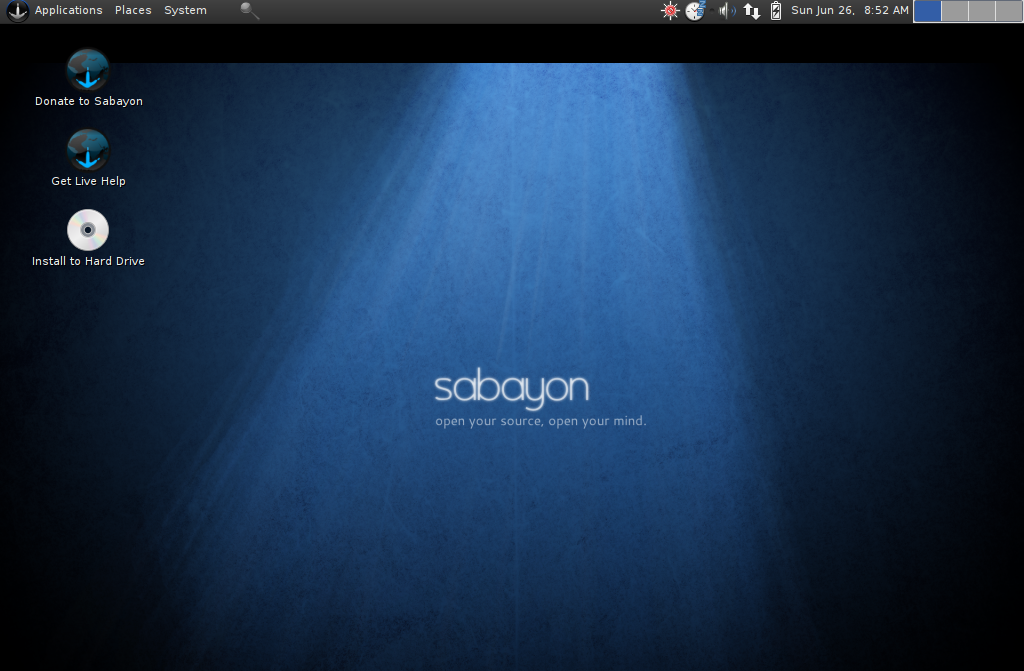
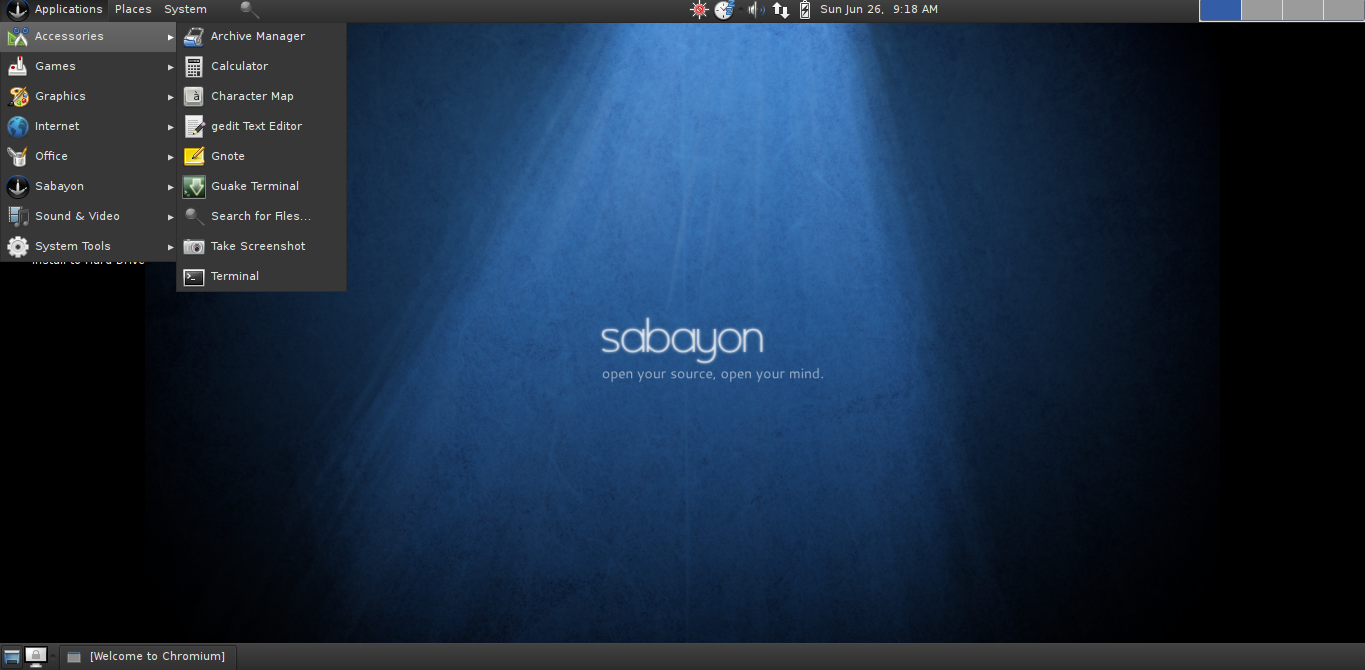
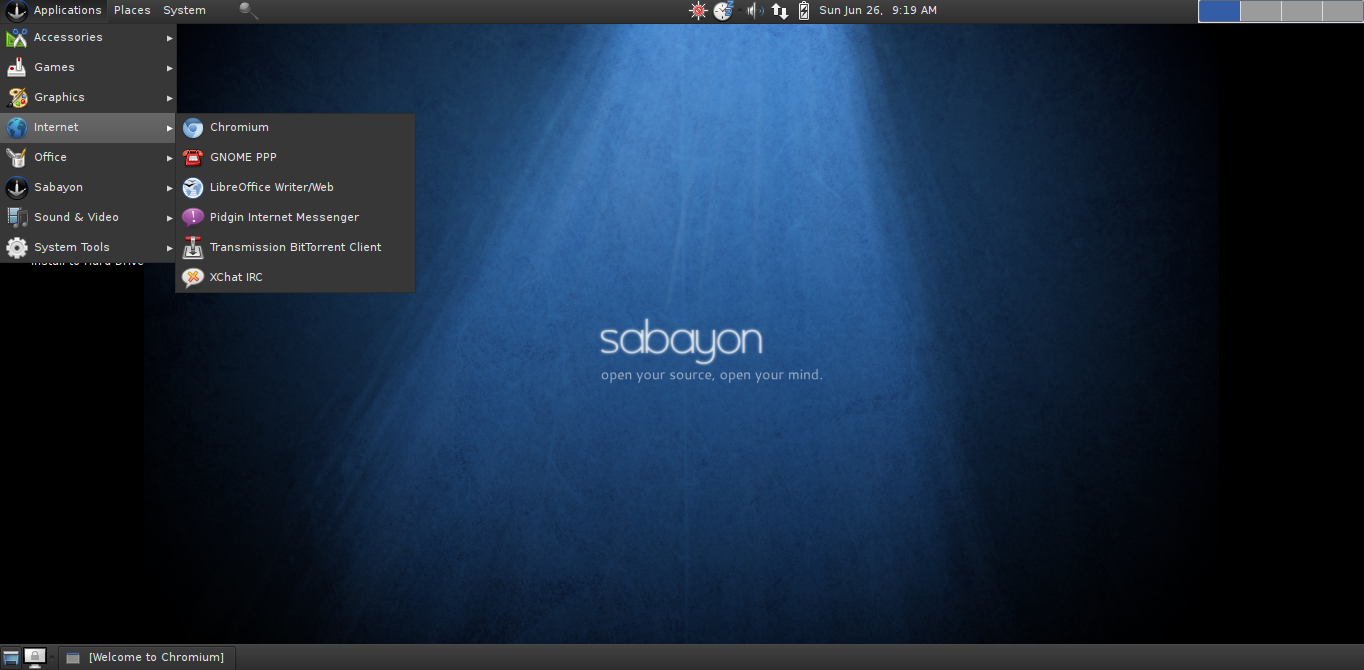
It comes without GNOME 3 and retains GNOME 2 with latest 2.32.2, while KDE is also upgraded to 4.6.4. Other bundled packages include the GRUB 1.99, LibreOffice 3.3, GCC 4.5.2, PYthn 2.7, Xorg 1.10 and Iced Tea6 when used with Java. The browser available with this release is the Chromium instead of Firefox as default and also has Entropy 1.0_rc10 as the package manager.
Special Features
One feature with Sabayon 6 is the capability of kernel switching. It is also to split both AMD and the NVIDIA graphics drivers to create greater userspace as well the kernel modules. This is feature is provided for seamless migration from one kernel to the next as well as seamless processing. This is to allow for easy reinstall of either kernel or for manually installing kernel or upgrading to latest kernel.
The best part of all these features is that they can even be used to run inside the Windows. It has over a thousand applications. A jpeg-turbo library for faster JPEG as well image rendering. With Btrfs filesystems are natively supported and there is some new and amazing artwork, boot music intro and a Ubuntu’s ufw firewall.
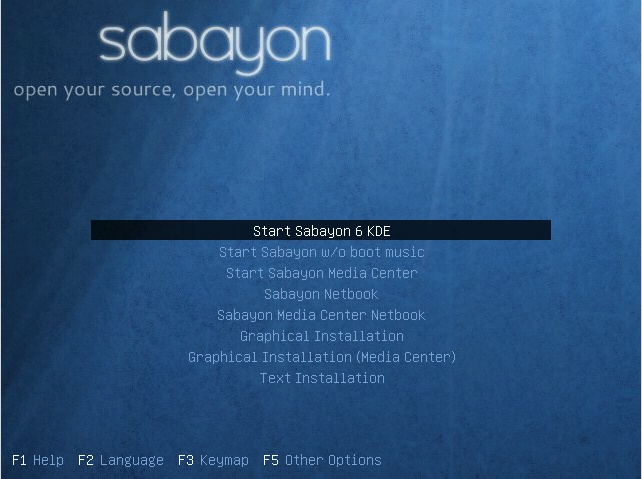
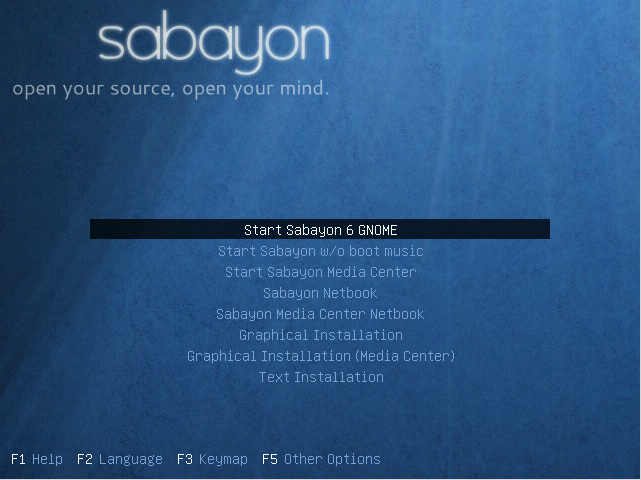
Sabayon supports KDE, GNOME, LXDE, Xfce as well Enlightment desktop environments. This is a must try distro for those who want to explore new packages and want to have a great experience exploring it.
{module user9-footer}


