Google Plus

A collection of nice themes for Gnome and Ubuntu | 01-10

Written by Mel Kham on . Posted in Software

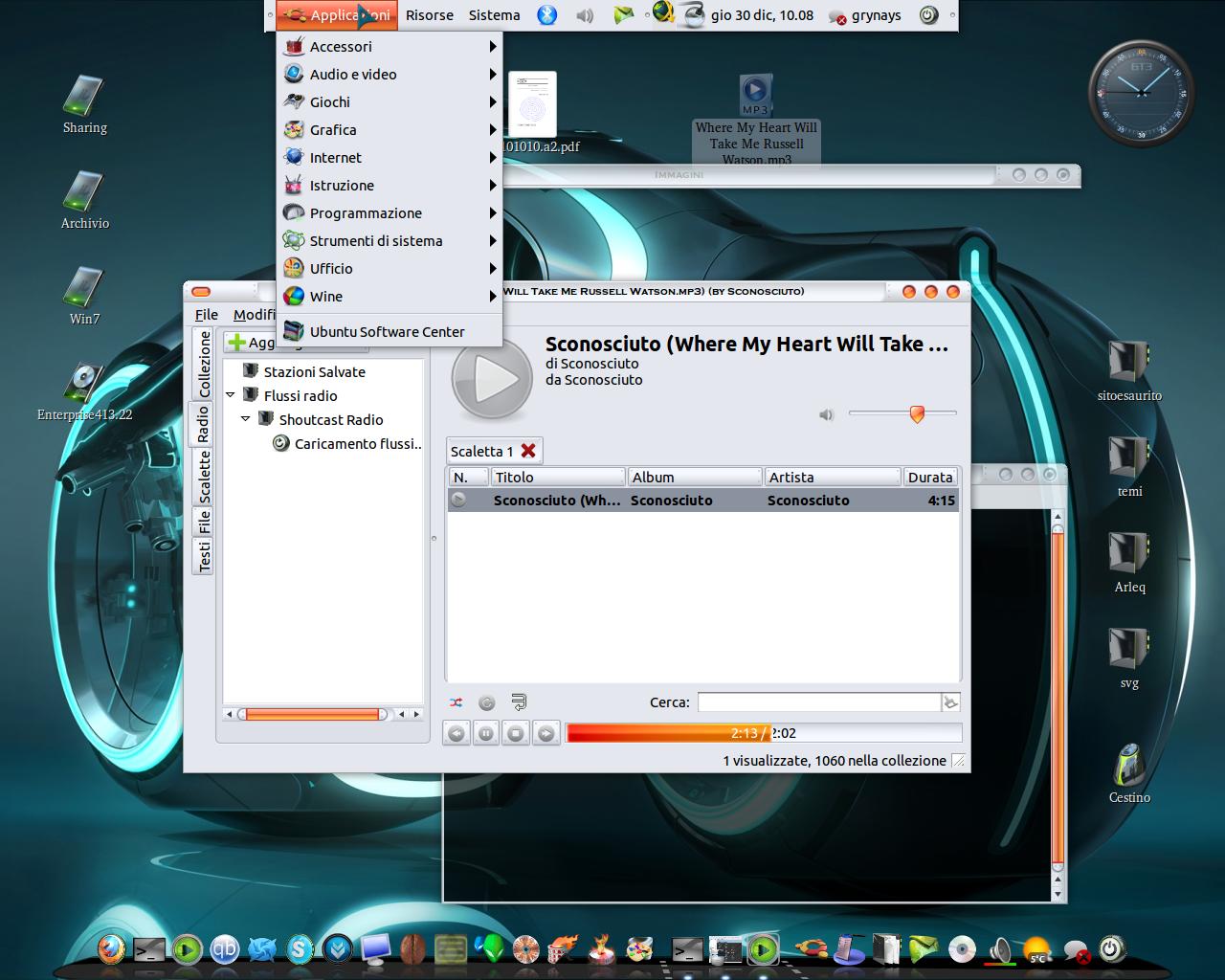
This a nice collection of themes for Gnome . These themes works Great in most Linux os with a Gnome desktop e.g Ubuntu, LinuxMint, Fedora, and more. If you missed our collections from previous months, you can find them in this link.


1- SoftGreen
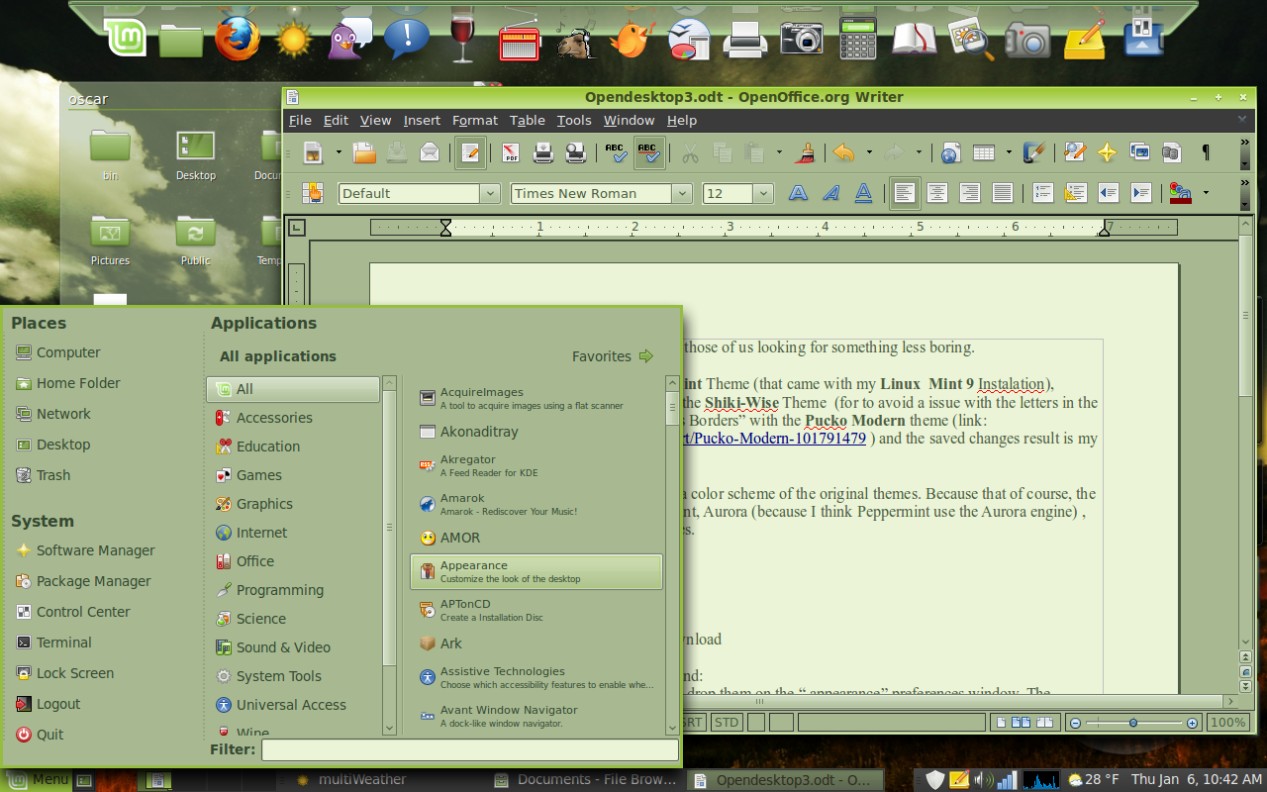
screengreen


2-Atolm

Important: murrine, pixbuf and equinox gtk engines need to be installed if you want to use this theme. Check this post for more info


3-Orta:


This theme can be installed in Ubuntu and LinuxMint via PPA:

sudo add-apt-repository ppa:nikount/orta-desktop
sudo apt-get update
sudo apt-get install orta-theme

To install the emerald decorators :

sudo apt-get install orta-emerald-decorators

To install the Xfwm4 decorators :

sudo apt-get install orta-xfwm4-decorators


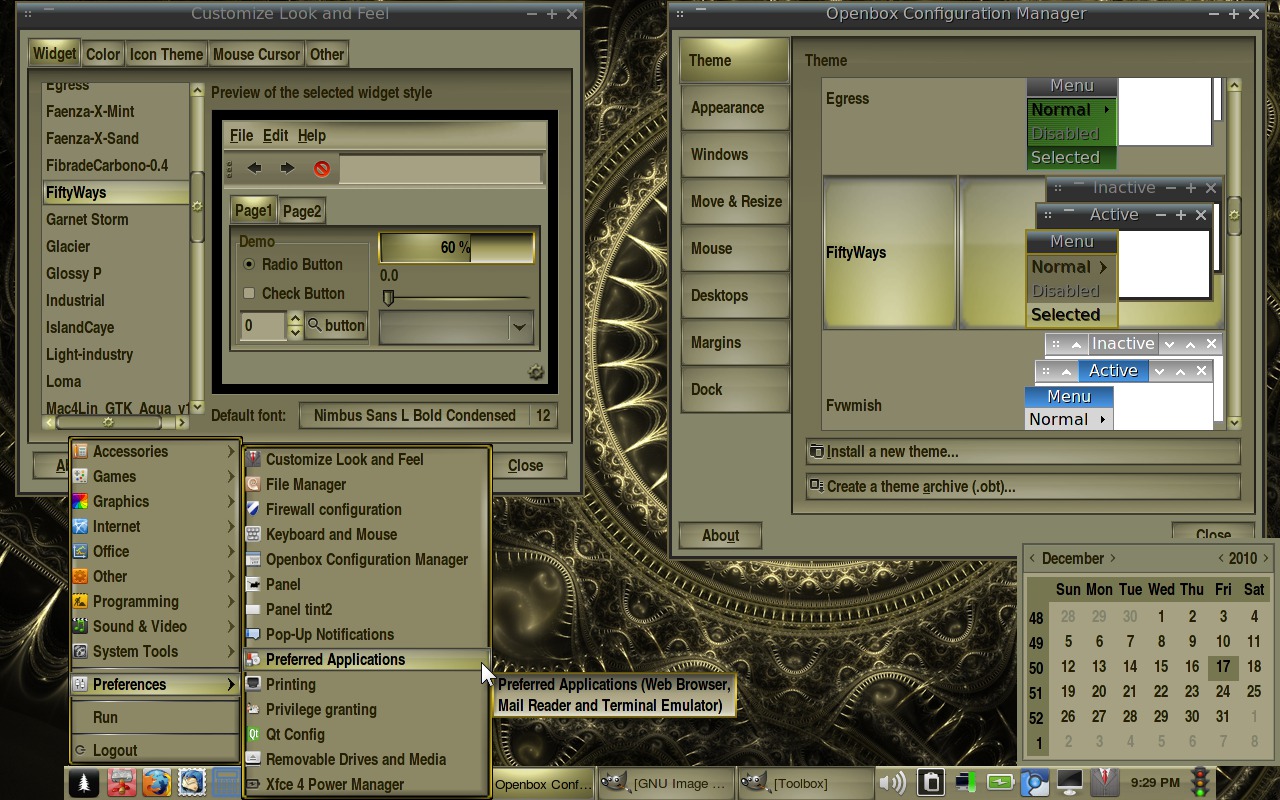
4- FiftyWays


fiftyways


5- Aluminum-Alloy

Aluminium-Alloy


6- Elementary-borderless 0.2.5
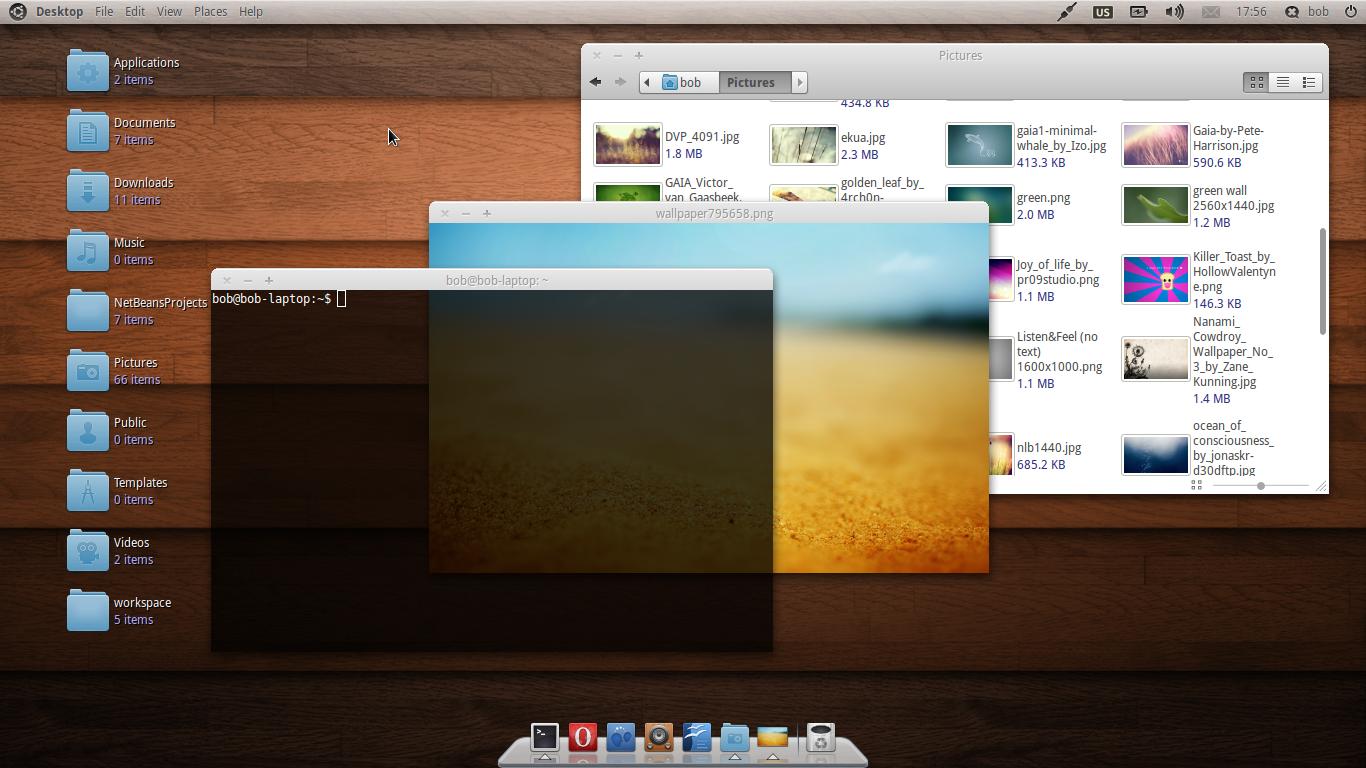
 

borderless_elementary


7- Your New Aesthetic


8- Panaroid


{module user9-footer}

For questions please refer to our Q/A forum at : http://ask.unixmen.com

Mel Kham

Founder of Unixmen, Living in Amsterdam. Am working in my free time to help people to understand the Opensource and to explain them in easy way how to make the fist steps to the the light. Working day and night with my Co-founder Zinovsky to keep this website live even with less resources.
  • http://all-tech-thoughts.blogspot.com CMD

    7 is a bit OSX but it is the least ugly, the rest are hideous!

  • http://www.bestfinance-blog.com PauletteNixon29

    The mortgage loans seem to be useful for guys, which are willing to start their own career. As a fact, it’s very easy to get a college loan.

  • Paulo

    I am looking for a window theme like the blue clealook theme, to use with 11.10, instead of the morbid unix black borders.
    Thanks

Like us on Facebook

This week Top Posts

Write for us

Recent Comments

Nova

|

I wonder if there is a way to create your own themes.

Red Adaya

|

Thank you! This worked for me!!!

SK

|

Andrew look into your httpd.conf file at line no 350. There might be a syntax error.

andrew

|

hello I have this error

[root@cloud html]# /etc/init.d/httpd restart

then this appears

Starting httpd: httpd: Syntax error on line 350 of /etc/httpd/conf/httpd.conf: without matching section.

plz tell how to fix this.

 
IDG Tech Network
Copyright © 2008-2013 Unixmen.com .
Maintained by Anblik .