


Google Plus

Howto- Install LAMP server in Fedora 17

Written by Mel Kham on . Posted in Fedora, Linux tutorials

LAMP (Linux, Apache, MySQL and PHP) is an open source Web development platform that uses Linux as operating system, Apache as the Web server, MySQL as the relational database management system and PHP as the object-oriented scripting language.

In this post i will show you the steps to install LAMP server in Fedora 17 “Beefy”

1- Install Mysql Server

yum install mysql mysql-server

Start and Enable Mysql service

systemctl start mysqld.service
systemctl enable mysqld.service

Make  Mysql password  with  :

mysqladmin -u root password [your_password_here]

Check the connexion  to the databae server with:

mysql -h localhost -u root -p

2- Install HTTPD and  PHP

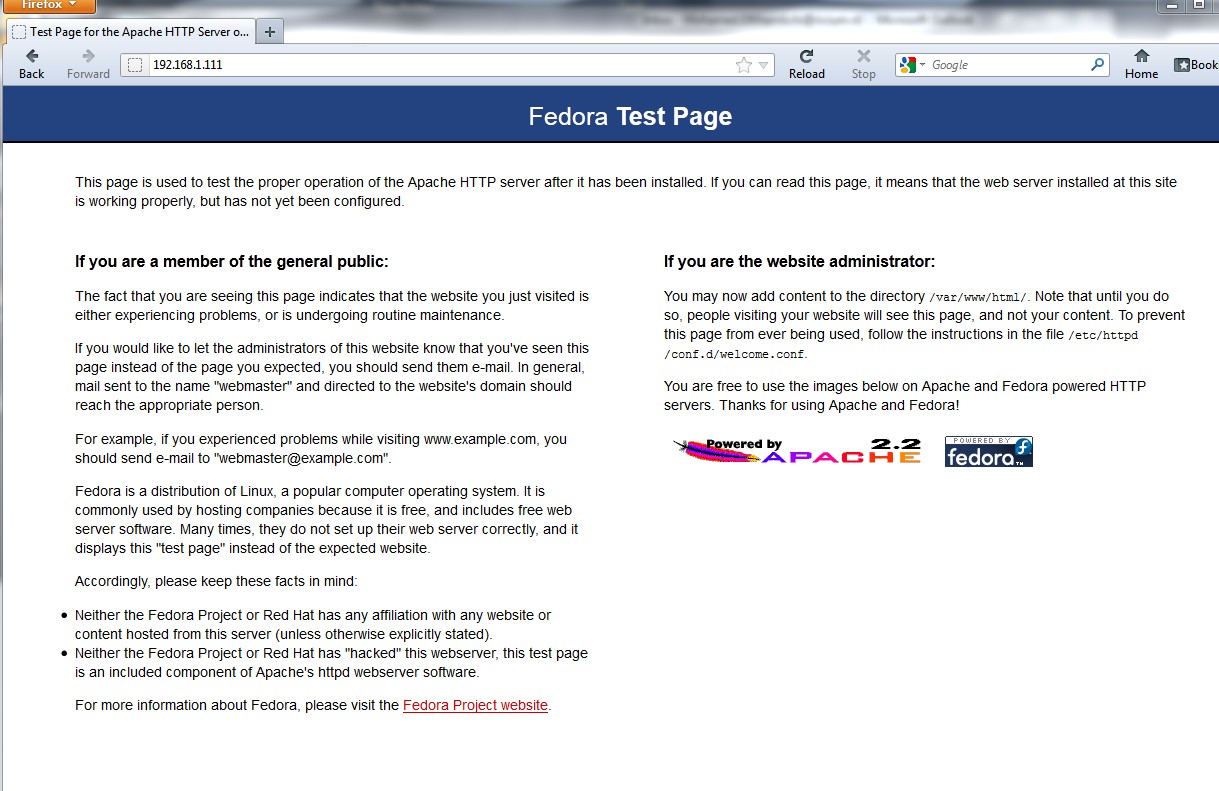
a- Install Apache (httpd)

to install  Apache  Server:

yum install httpd php php-common

Start  and  enable  httpd  service

/etc/init.d/httpd start
# OR #
service httpd start
chkconfig --levels 235 httpd on
 b-  Install  PHP Modules

 yum install php-pecl-apc php-cli php-pear php-pdo php-mysql php-pgsql php-pecl-mongo php-sqlite php-pecl-memcache php-pecl-memcached php-gd php-mbstring php-mcrypt php-xml

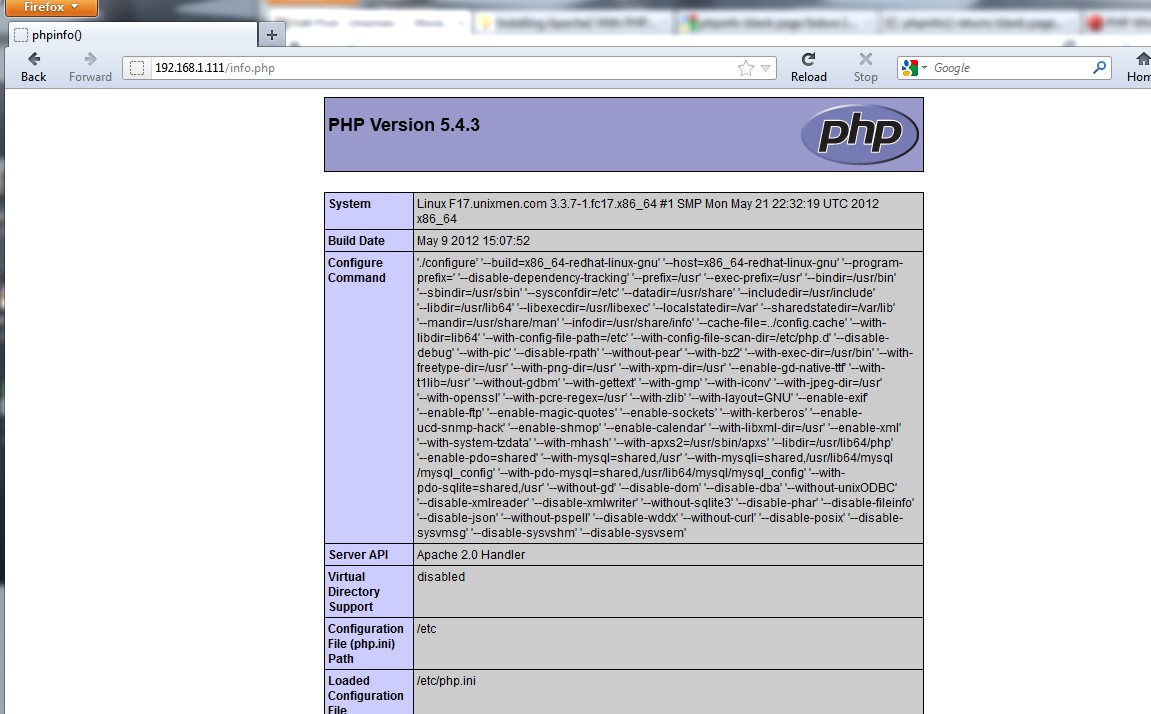
Check php  page:

vi /var/www/html/info.php  and  add

<?php
phpinfo();
?>

save and    open browser to check   : http://ip/info.php
 3- Install PhpMyAdmin

yum install phpmyadmin

restart  Apache:

service  httpd restart

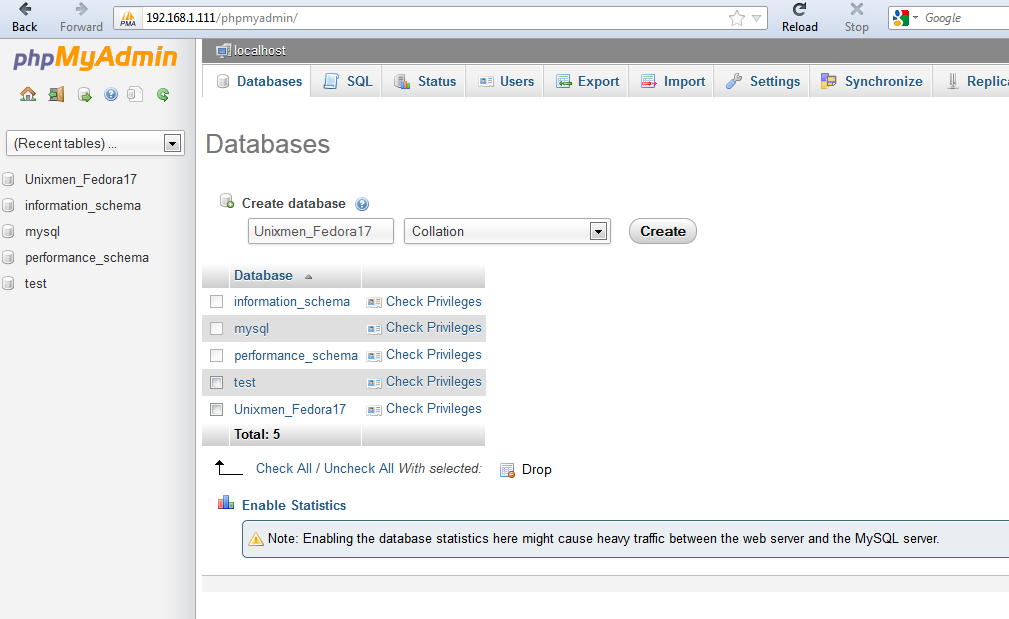
Check  the  phpmyadmin page

http://ip/phpmyadmin
For questions please refer to our Q/A forum at : http://ask.unixmen.com

Mel Kham

Founder of Unixmen, Living in Amsterdam. Am working in my free time to help people to understand the Opensource and to explain them in easy way how to make the fist steps to the the light. Working day and night with my Co-founder Zinovsky to keep this website live even with less resources.
  • http://www.openplus.in/jokes.php openplus

    It will better to install Xampp on fedora 17 , whether 32 bit or 64 bit, the easy to install xampp for novice user can be found here
    http://www.cellguru.co.cc/2012/05/easy-way-install-xampp-on-64-bit-linux.html

    • http://www.facebook.com/alfonso.rodriguez.arias Alfonso Rodriguez

      That link DOES NOT WORK. Do not click on it.
      Besides, the tutorial is excelent. Kudos !

  • JaySuzz

    best how to yet. every step worked for me. thanx a bunch.

  • Guest

    thanks.
    it works !! so easy (I’m a beginner)
     

  • Jesús Velasco Campos

    thanks!

  • Thanks

    i appreciate the help
    thank you

  • Pankaj singh

    Thanks sir

  • Dani

    Thanks !!!!

  • Kiran9551

    I am getting an error message bash Input/output error

  • Bradley Clifford

    Cool beans! A little more manual than Ubuntu but really, Its not like I install a LAMP stack everyday on the same machine. Thanks!

  • kamal

    that was real cool !! no problems at all. Perfect to the point.
    It would be great if you can add default settings for securing as well. like removing the anonymous users from mysql. and setting permissions for Apache/PHP.

  • Joh

    many thanks from Korea

  • mm

    thanks wel informed simple and effective article

  • j4m0r3

    Very simple, clear, working !

  • vmslkcvks

    pls tell me how to uninstall php and mysql…i m using fedora 17…plassss

    • r2lee2

      yum remove mysql
      yum remove php

  • sami

    short and useful tutorial… this works well in linux fedora 17… thanks

  • Daniel Eck

    Instead of “Make Mysql password with:”
    mysql -h localhost -u root -p
    I would suggest doing:
    mysql_secure_installation
    It provides a TUI to set a root password, remove anonymous access, disable remote login as root, remove test db and flush priv’s too. (Something you SHOULD do immediately.)

    Also, fix typo @ Check the connexion to the databa*s*e server with:

    Tnx for the time-saving post!

  • Sudev Ambadi

    Thanks man !

  • Andy_Avantgardian

    i’m not a beginner but i always forget these commands. Thanks for the info!

  • soumik
  • lfm

    Pretty cool, thanks. Only minor change is that httpd uses systemctl on FC17.

  • fernando

    The best …

Like us on Facebook

This week Top Posts

Write for us

Recent Comments

Edson Carlos

|

In debian no found. I need link download install in linux debian

jacky can

|

You can actually unzip your secret archive by leaving out the -t option, instead using:

unzip newPhoto.jpg

DragonFartOutLoud

|

it went to china.

DragonFartOutLoud

|

great review! i’ve been using it as my main OS since Beta 1 release. its been a awesome ride so far :)

jet li

|

i try the method, and i unzip the image contain zip secret, i dont find the file that i was hide, where it go? and how to open it? :s

 
IDG Tech Network
Copyright © 2008-2013 Unixmen.com .
Maintained by Anblik .
