Firefox 16, a treat for developers http://t.co/cnd27CzT
Puzzle Moppet | Friday Game
It’s been some time since we featured a puzzle “Friday Game” so I decided to present to you Puzzle Moppet this week. This game was “opened” recently and is now available free of price due to the lack of sales and interest in the game. Is Puzzle Moppet a game that simply sucks, or is it all a marketing failure from the developer side?

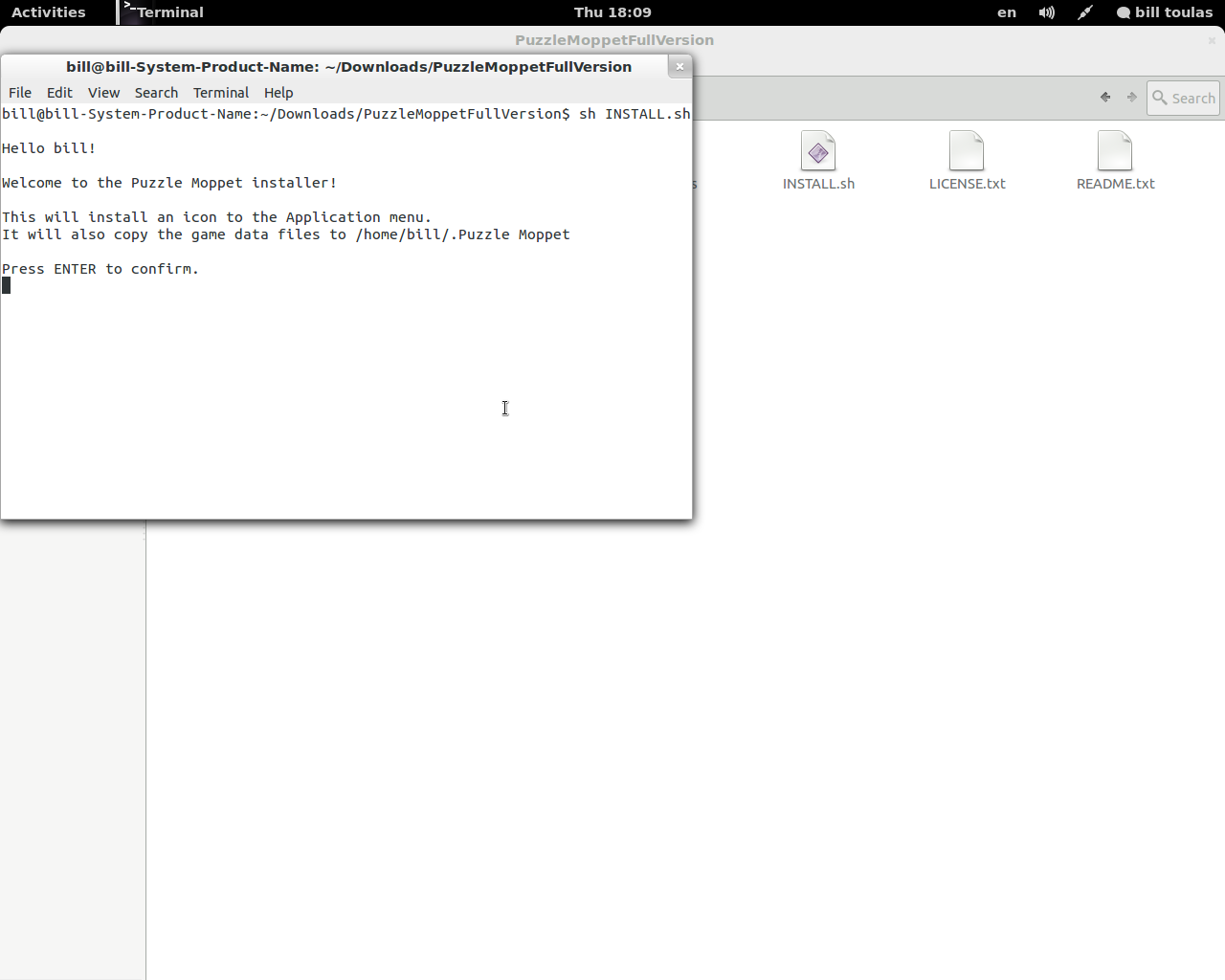
The first thing that I want from a puzzle game, is the puzzles to begin in-game and not at the installation part. Puzzle Moppet met my expectations offering both a very simple installer in which all I had to do was press enter, and the Desura way to install it.
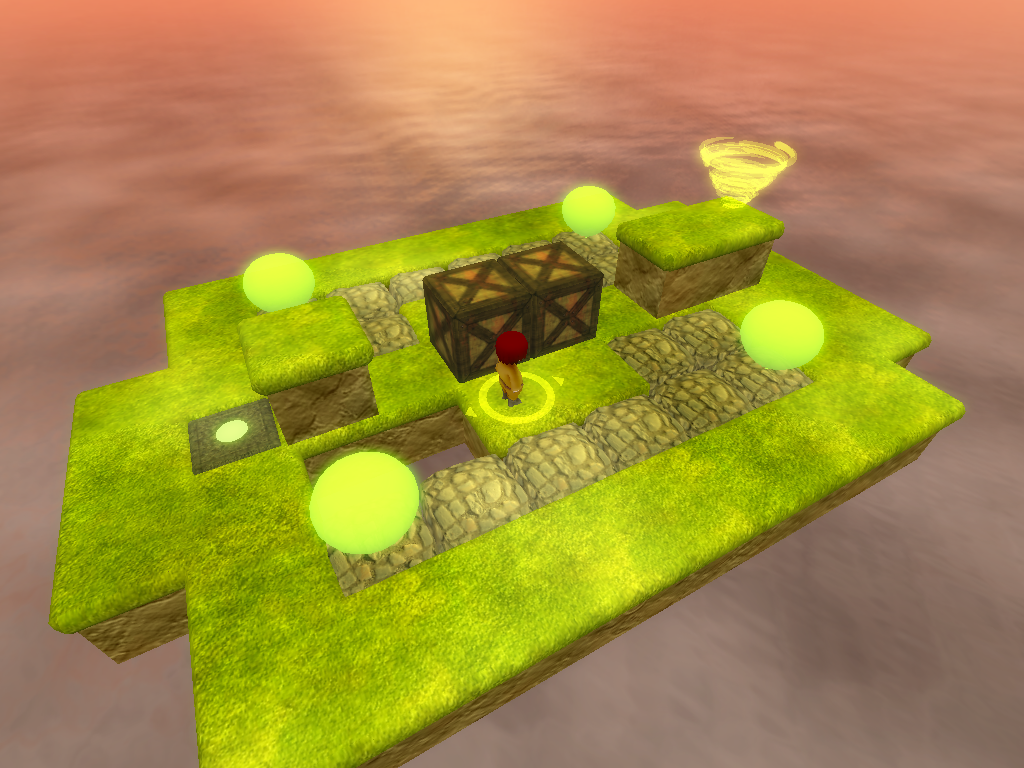
Straight in to the game, you control a moppet that fell from the sky on a platform. I have no clue how and why this happened and I don’t really think it matters much in this kind of games. The platform you are onto consists of fixed and movable blocks. The aim of the game is to drive the moppet to a little hurricane that is placed somewhere in the platform and be teleported to the next platform.
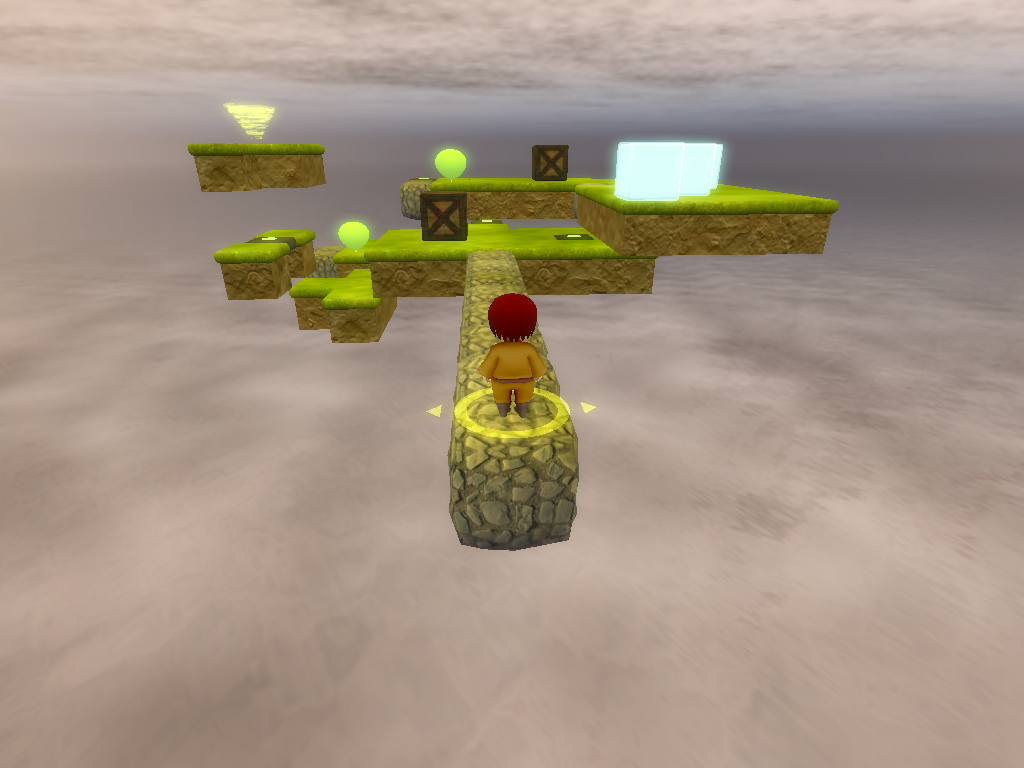
You can move blocks to clear your path, or put them where you need them to be in order to proceed. There are different kind of blocks that can be used in different ways. For example, at some point you will find blocks made of ice that slide till they find an obstacle when pushed.
As the moppet can’t jump, you will have to use elevators to travel between blocks of different height, while you will also find some tractor beams similar to Portal’s that you must use to your benefit somehow…
Download YouTube Video | YouTube Converter
I have to admit that this is a game without story, without feelings, without the astonishing 3D graphics and the atmospheric music, BUT it doesn’t need any of these because it has the one thing that every puzzle game is trying to achieve and that is the enjoyable puzzle design.
I found myself solving and traveling from one puzzle to the other non-stop as Puzzle Moppet offered more difficult and at the same time more intriguing puzzle problems. It encapsulates that element of the “impossible to solve at first sight, but interesting to think about the puzzle deeply”.
So, why did it fail at first place? Its price was 14.95 USD, and no one is going to pay that price for a game that its main worth and value doesn’t show if you don’t play it pass the trial version. Too expensive for no apparent reason. Whatever the case…you can now enjoy it completely free of charge!

Like us on Facebook
This week Top Posts 
Top Things to do After Installing Ubuntu 13.04 ‘Raring Ringtail’ : Ubuntu 13.04 Raring Ringtail final is almost out. The final release it scheduled for release on Apri...0 comment(s) |
Install lamp with 1 command in Ubuntu 12.10, 13.04 Raring Ringtail & LinuxMint13 : Updated: 10/09/2012 :LAMP (Linux, Apache, MySQL and PHP) is an open source Web development platform ...0 comment(s) |
Howto: Upgrade to Ubuntu 13.04 Raring Ringtail from 12.04, 12,10 | Desktop & Server : Updated 05-04-2013: Ubuntu 13.04 Raring Ringtail will be released Soon, If you have ubuntu 12,10, 12...0 comment(s) |
Install and Configure Samba share in Ubuntu 13.04 Raring Ringtail , 12.10, 12.04| Howto : Updated 05-04-2013: One of the most asked features for Samba is a graphical user interface to help w...0 comment(s) |
How to use Remote Desktop in Ubuntu : Sometimes, we need to access our computer from other locations when we’re not at home and such. This...0 comment(s) |
Configure conky-Lua in Ubuntu (12.10 & 13.04 Raring Ringtail), Fedora, debian and LinuxMint | Howto Conky : Updated 05-04-2013: Conky is a free, light-weight system monitor for X, that displays any informatio...0 comment(s) |
Recent Posts
- Automatically change the Desktop wallpaper using Variety on Ubuntu / Linux Mint
- How to find Default Gateway in Linux
- Setup Backup server using rsnapshot on RHEL / CentOS / Ubuntu / Debian
- How to disable/change default PDF viewer in Mozilla Firefox
- Dictionaries in Python
- How to Install uTorrent Client on Ubuntu/Debian/Linux Mint
- Lists in Python
- Argument Handling in Python
- Setup your own Wikipedia like website using MediaWiki
- Administer your Server using Ajenti Server Manager
Recent Comments


cave
| #
it can be used to talk or chat through the internet,
it is using strong encryption.
but for example TOR is using some obfuscation because some countrys try to block all outgoing connections which can not be scanned with DPI
And the TOR Project is facing an arms race in obfuscation and encryption detection.
cave
| #
You can friend someone if you give him your public Certificate.
both peers must friend each other.
i suggest to not enter a valid e-mail address. it is not necessary, but pgp needs a mail addy. something@something.so fits perfectly… :)
http://redd.it/18vsq5 <– faq, featurelist, todo, howto, useful links to manual wiki etc, …
you can connect to chatservers, which will give you access to chatlobby, where always some people are lurking.
#1 https://www.f2f-fr.net/w2c/en/
#2 http://retrosharechatserver.no-ip.org/w2c/en/
and in this rooms, you can find other people to talk and friend.
cave
| #
http://redd.it/18vsq5
please have a look at this link. it is a FAQ, QuickTip, HowTo, etc etc etc …
If you want to make friends, please use the Chatservers.
#1 https://www.f2f-fr.net/w2c/en/
#2 http://retrosharechatserver.no-ip.org/w2c/en/
if you enter your certificate, the chatserver adds you as his friend and shows his certificate too add him to your friends.
After the connection to the chatservers is established, you can join a few chatrooms where the chatserver is lurking.
in this rooms are other people too help you and make first friends and get into the network.
add friends only with wisdom. if you friend some policeman, it will be problematic like in real life.
best is to add only people you trust in real life or trust from other communitys too. and not to add random unkown strangers.
If you have questions, ask them in the chatlobbys, there is always someone to answer them.
please read http://redd.it/18vsq5
or question me here :)
Ladi Oyekanmi
| #
Could you please assist in step by step on how to install nagios on solaris
Adhraa
| #
Greate tutorial :)