

Canonical, the sponsors of Ubuntu have just released the latest version of Ubuntu, giving Linux users yet another chance at using an open source, sophisticated software that offers versatile solutions and is being increasingly adopted for Mainframes and home-users.
Ubuntu 12.04, which is the latest release version, was given the code-name ‘Precise Pangolin’ and will receive five years of support. Besides, this is a major release as it is a Long Term Release (LTS) and is the fourth such release for both Desktop as well as Server version. Typically, a new version is released every six months with periodic LTS. These LTS releases are usually supported for periods of two years. However, with Precise Panglolin, there are some minor changes.
The support goes beyond two years and will infact receive five years. Support periods of five years are generally associated with Server support. However, for Precise Pangolin, developers will support both editions – Desktop as well as Sever Side – for five years.
Precise Pangolin will aggregate development from previous four release cycles. Since a LTS will typically mean greater stability and finesse, Precise Pangolin too offers a polished and easy to use experience.
The one feature for which Precise Pangolin will go down in the annals of Ubuntu history for the inclusion of the break-away users interface called UNITY.
Though, Unity was begun as a netbook shell, in its Unity Desktop Interface version, it has unlimited scope considering the present mobile computing and tablet computing technologies that are based on touch-capacitativeness.
With a long-term support cycle, the focus will be on polishing and improving its features to bring in stability.
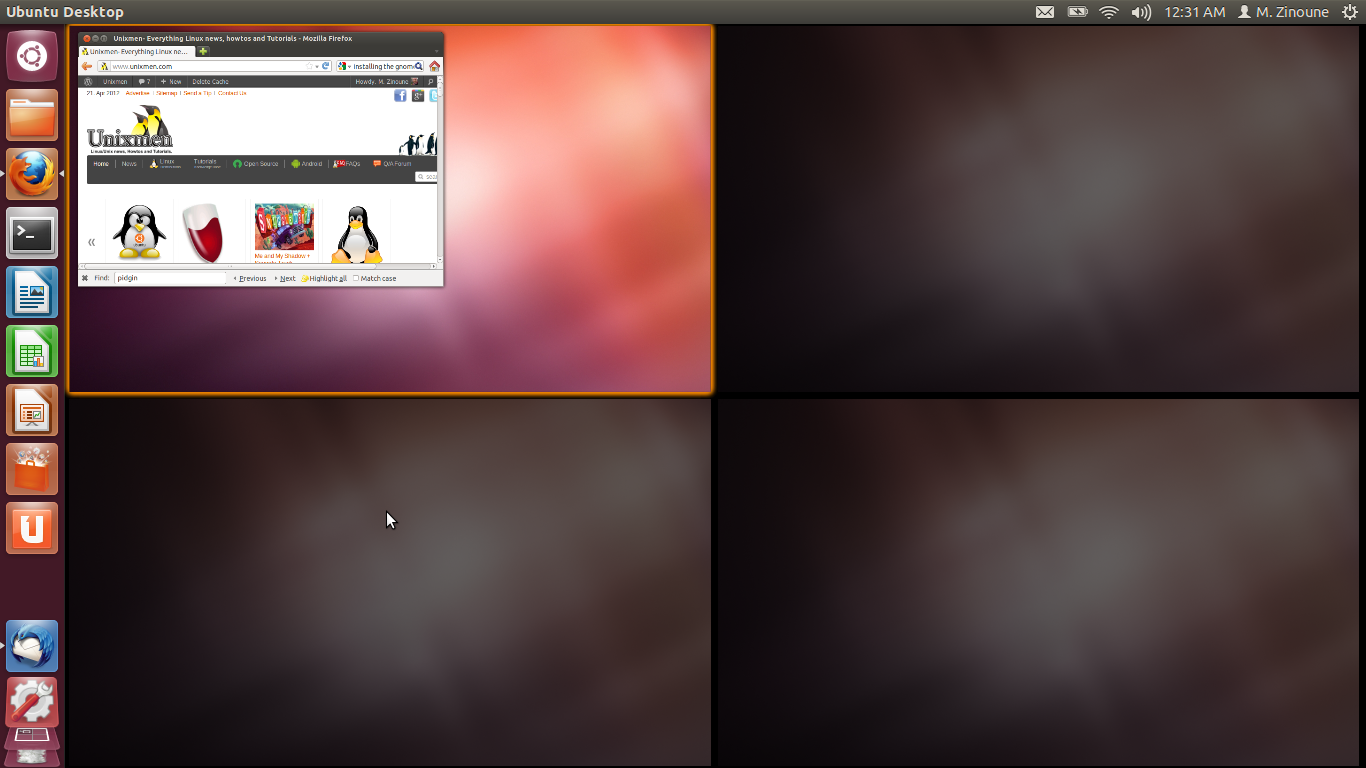
Therefore, Precise will largely revolve around Unity and its development. Starting with the beta version, Precise proved to be stable. Visual effects even on standard low-powered graphics are quicker and include advanced features that will support configuration of multi-monitor setup.
Then there are the much improved notification bubbles. Notifications now take the most enriched color of the wallpaper colors of your desktop, similar to Dash Menu. Dash menu itself includes two new ‘Lenses’ or advanced search filters customized to your needs. The Home lens continues to show Recent Applications/Files and the Video Lens will allow searches for video files on the desktop as well as the Vimeo, You Tube, or other sources on the web. It is now possible in certain locations to play video specific to the area and are generally played on Firefox which will launch the video.
Meanwhile the launcher itself has a ‘quicklist’ that right-clicks on program-icons, allowing direct access to the music player ‘Rhythmbox’ the file manager.
Precise Pangolin is definitely a landmark release and is a milestone that predicts greater growth for Ubuntu and open source software.
Download Ubuntu 12.04 LTS Precise Pangolin


