

Pidgin 2.9.0 has been released!, Pidgin is a chat program which lets you log in to accounts on multiple chat networks simultaneously. This means that you can be chatting with friends on MSN, talking to a friend on Google Talk, and sitting in a Yahoo chat room all at the same time. Pidgin is compatible with the following chat networks out of the box: AIM, ICQ, Google Talk, Jabber/XMPP, MSN Messenger, Yahoo!, Bonjour, Gadu-Gadu, IRC, Novell GroupWise Messenger, QQ, Lotus Sametime, SILC, SIMPLE, MXit, MySpaceIM, and Zephyr. It can support many more with plugins.
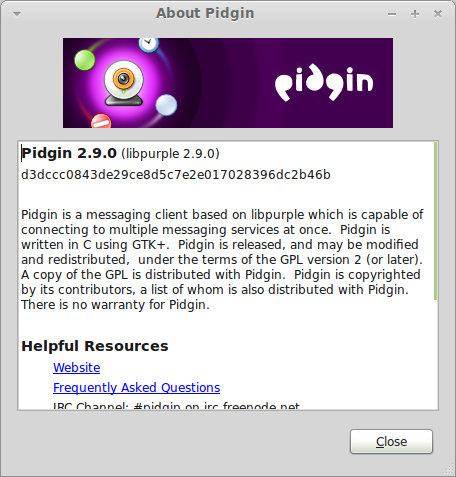
What’s new in Pidgin 2.9.0:
Pidgin:
· Fix a potential remote denial-of-service bug related to displaying buddy icons.
· Significantly improved performance of larger IRC channels (regression introduced in 2.8.0).
· Fix Conversation->Add on AIM and MSN.
· Entries in the chat user list are sorted properly again. This was inadvertenly broken in 2.8.0.
Finch:
· Fix logging in to ICQ.
libpurple:
· media: Actually use the specified TCP port from the TURN configuration to create a TCP relay candidate.
AIM and ICQ:
· Fix crashes on some non-mainstream OSes when attempting to printf(“%s”, NULL).
Plugins:
· The Evolution Integration plugin compiles again.
· Fix a potential remote denial-of-service bug related to displaying buddy icons.
· Significantly improved performance of larger IRC channels (regression introduced in 2.8.0).
· Fix Conversation->Add on AIM and MSN.
· Entries in the chat user list are sorted properly again. This was inadvertenly broken in 2.8.0.
Finch:
· Fix logging in to ICQ.
libpurple:
· media: Actually use the specified TCP port from the TURN configuration to create a TCP relay candidate.
AIM and ICQ:
· Fix crashes on some non-mainstream OSes when attempting to printf(“%s”, NULL).
Plugins:
· The Evolution Integration plugin compiles again.
Install Pidgin via PPA in LinuxMint and Ubuntu 10.10 ,11.04 and 11.10
sudo add-apt-repository ppa:unixmen-com/pidgin
sudo apt-get update
sudo apt-get install pidgin
{module user9-footer|none}


