

Finally Mozilla released its most anticipated Firefox 4! Since its release…. the browser has already been downloaded over 100 million times giving a tough fight to its  competitors notably, Microsoft’s IE9 and Google Chrome freshly updated to its 10th version. In this post we will look at the most prominent features of the browser. A detailed review will be up soon.
The interface!
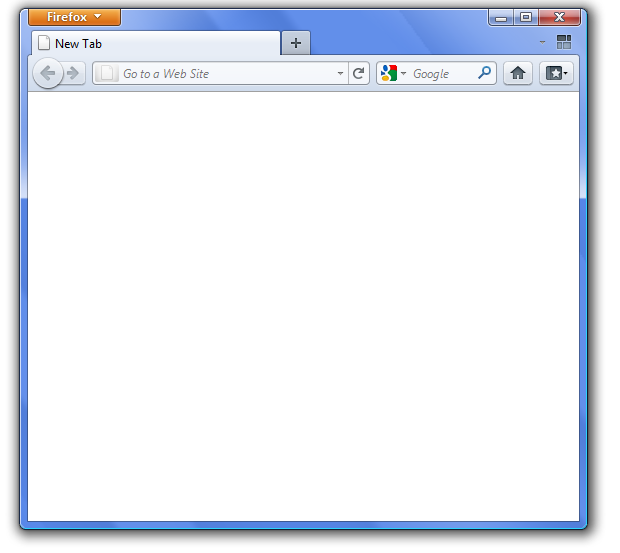
The latest version has a sleek, clean and appealing interface that aims at emphasizing on web-content and giving its users a feel of experiencing internet without a browser itself. The interface is rather a combination of different flavor, prominently chrome is simply splendid!
There is a new App Tab!
It is a very handy addition to the browser that lets you pin your frequently used applications in a small space, guaranteeing quick access to the apps. This feature prominently enhanced my browsing experience.

The tab attractions!
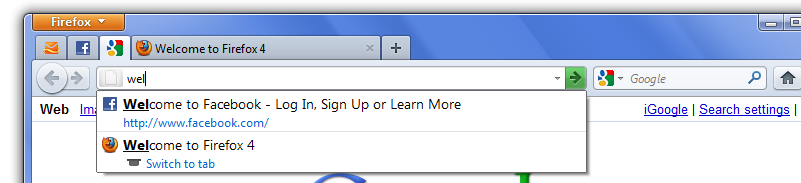
In the new browser, you can simply jump to your desired tab by writing its name into the one-in-all bar. The feature is good, but probably I will still stick to shortcuts for switching tabs or maybe I will reply on some extension for this purpose. Users will certainly take their time to get used to this way of tab switching probably due to inertia.
Make it simple, Group all your tabs!
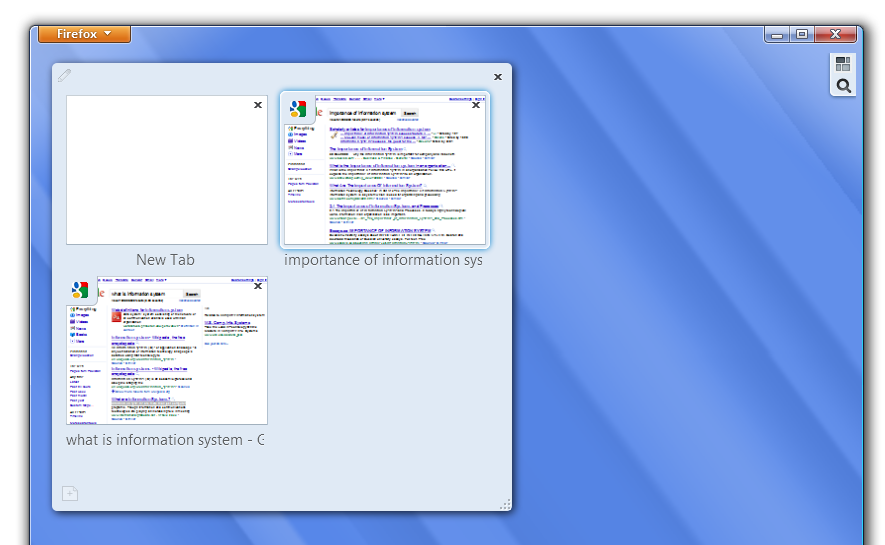
Yet another helpful feature would have been a perfect solution for loads of tabs opened in the browser, if it was a bit more easer! I thought I was good with mouse pad and I would speedily do all the grouping, but grouping ended to a very time-consuming job for me.
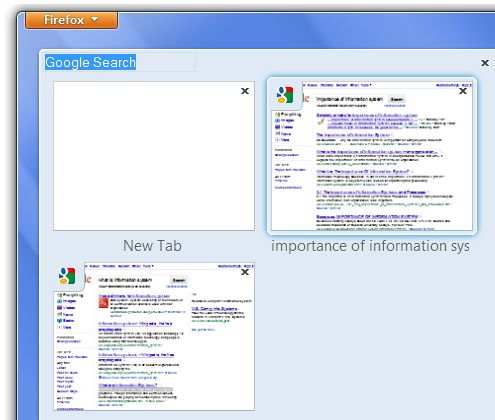
To achieve the herculean tasks of grouping tab you need to open a new screen all the way, drag and drop tabs from the parent browser window and then group them. Nonetheless, when I finished I had a great feeling of accomplishment and my all tabs were cleanly in tidy way under proper heading for each group.
Immense performance improvement
Now, if you were thinking I was being critical with Firefox’s latest release, you will change your view now. I experienced a ways too enhanced performance with Firefox 4! All the pages seemed to download quickly!
Other technical details
Firefox 4 now supports CSS3 transforms and transitions. Firefox 4 supports WebGL 3D graphics, Google’s new WebM open source video codec, and finally OpenType font rendering.
Get the latest version of the most popular browser here, and be among the millions of users of the latest browser and experience a faster internet on the very same machine. The browser is surely a treat for open source lovers and a tight competition to its rivals!
{module user9-footer}


