

Chrome takes up 10 % of worldwide browser share by end of January 2011. The chrome extension gallery features over hundreds of extensions that  facilitate the chrome users by extending the browser’s functionality. You might have already installed and enjoyed extensions such as Google Mail Checker, IE Tab, StumbleUpon, Blog This!,Diggo Bookmark, Fitter Flicker, Orkut and extensions for other social bookmarking websites like twitter, facebook etc but the extensions discussed in this post are relatively new!
Web2PDFconverter
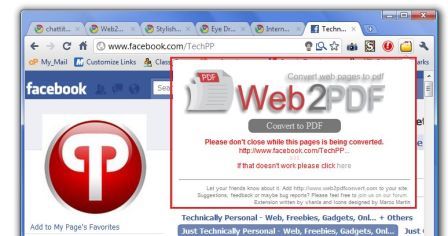
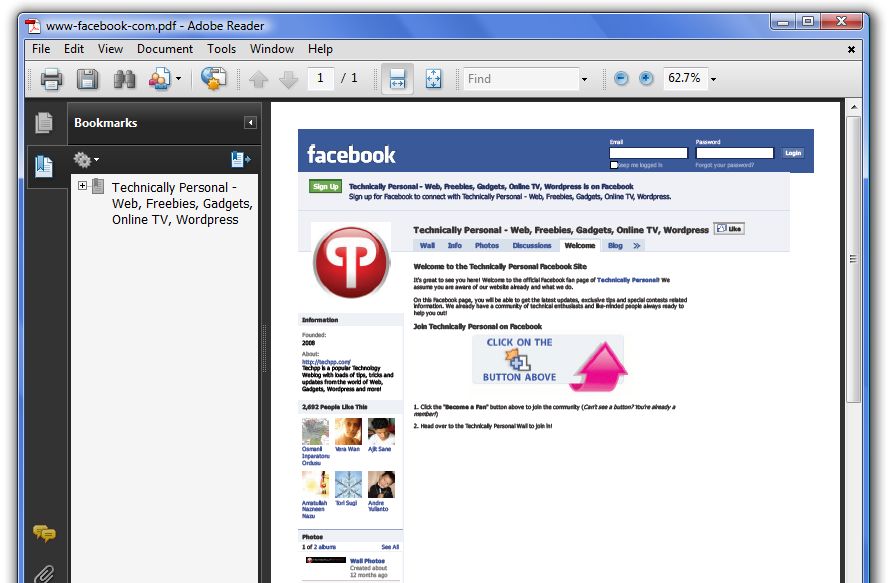
By far the most useful extension that converts your webpage to pdf. You can easily convert most of SSL based website into pdf. [Download]
Turn off the lights
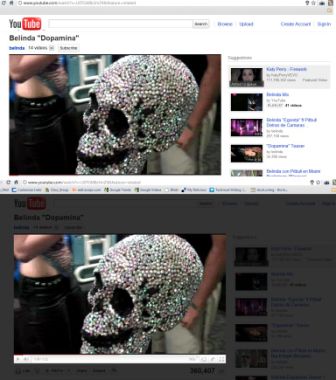
The extensions improve your experience for watching videos in your browser. The extension fades the entire page leaving the video still bright so that the focus is on the video alone, giving the illusion of a cinema. A bulb icon appears in the URL bar, clicked once the background fades and clicked again the background returns to normal color scheme. The extension is available for Firefox and Safari.[Download]
Stylish
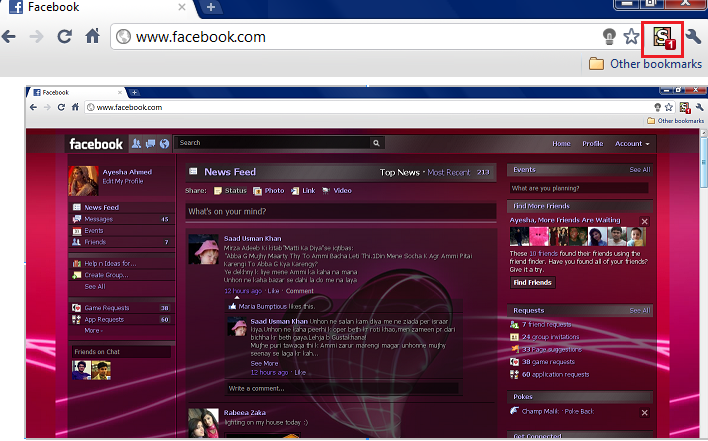
With the Stylish extension customize the look of any websites and set themes for websites like Facebook without getting into tedious coding. Simply install ready-made themes and select the Stylish icon from the toolbar to enable the theme. You can edit the themes as well. [Download]
Panic Button
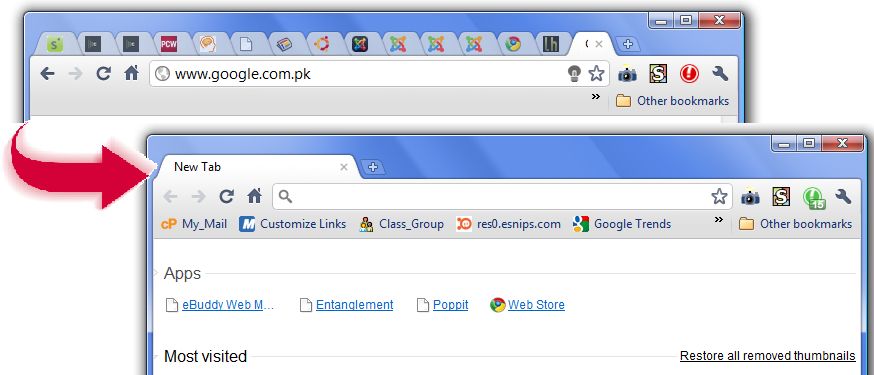
One of my favorite extensions that hides all the opened tabs with a single click! When successfully installed an icon for panic button will appear in the tool bar. In order to hide all the opened tabs click the button once. All the tabs will be apparently closed and a ‘New’ tab will open, in just milliseconds! To restore all the tabs just click the button again. [Download]
Instant Image editor
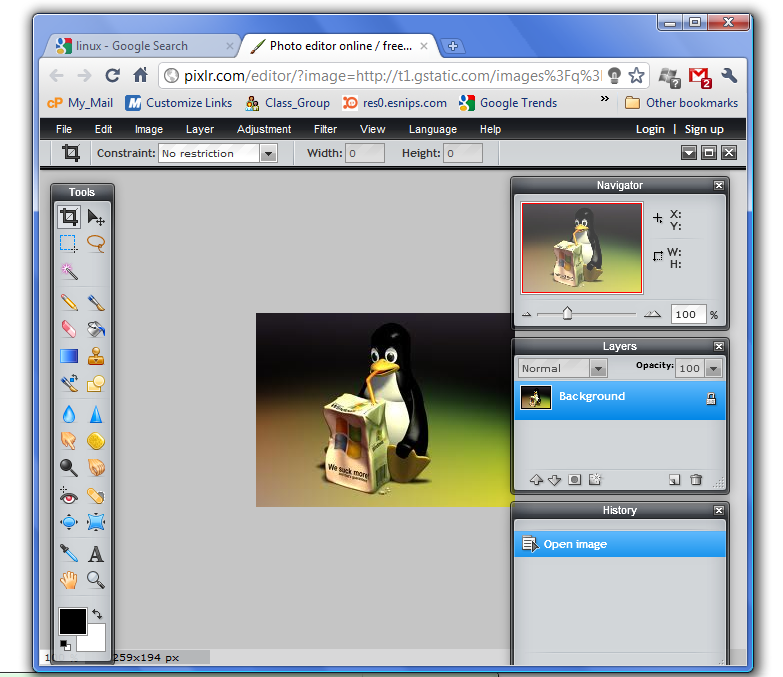
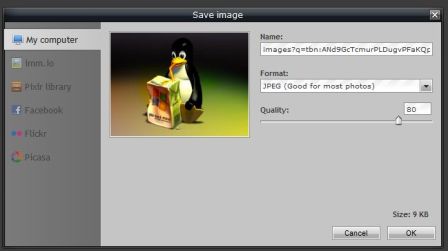
The extension enables you to edit images (even background images) within the browser. To open the image for editing, press Alt+ Right-click in Windows or Ctrl on Linux or Ctrl + right click in Ubuntu 10.04. The image editor is not complex like Photoshop but presents sufficient editing options. You can save the edited image or share it on facebook, flicker, Picasa or Pixlr Library. [Download]
Webpage screenshot
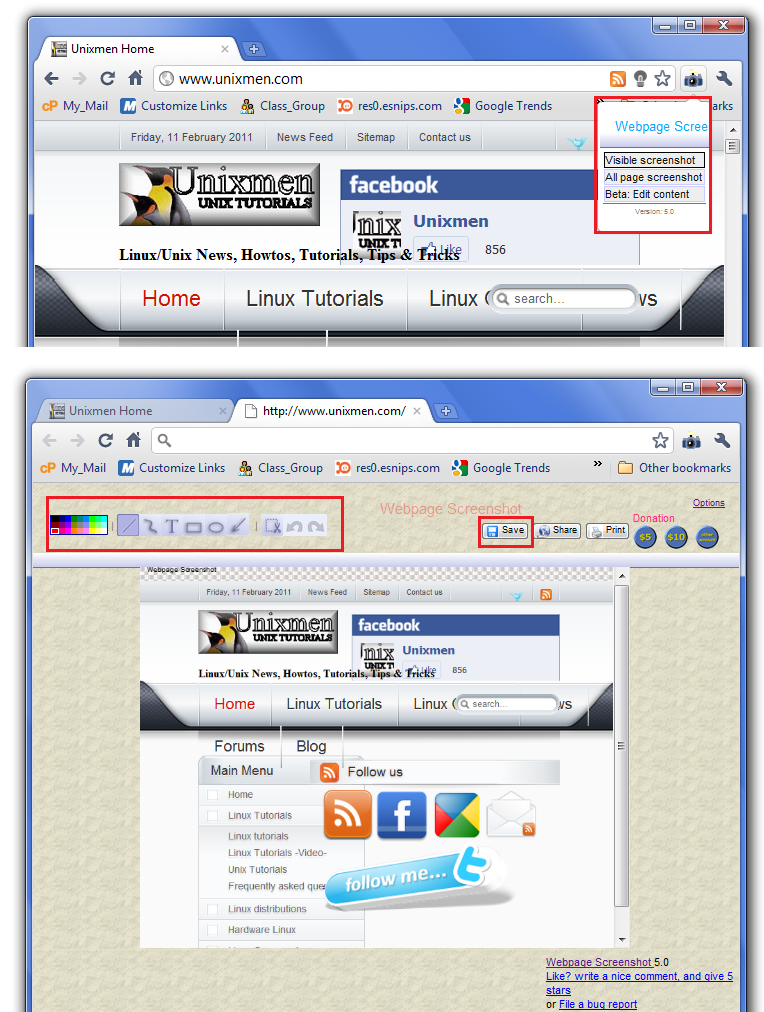
Webpage screenshot lets you take screen shot of the current page or pages open in several tabs of chrome. Extension offers you toolbox with features like crop, color palette, undo, redo, text, rectangular and circular shape and importantly arrow drawing tool. [Download]
Hover Zoom
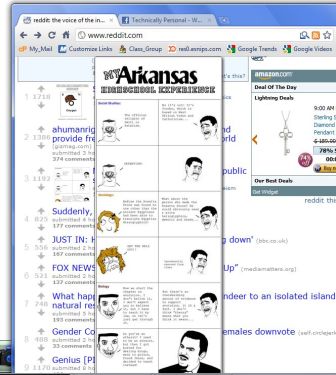
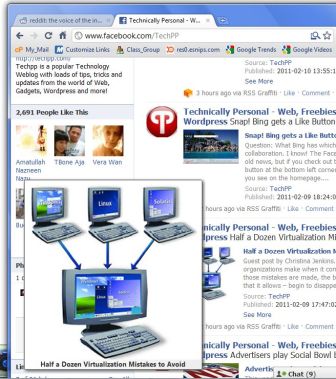
The extension enlarges thumbnails as you hover the mouse over it. Works for almost all websites including facebook, Amazon, Google and reddit. [Download]
Eyedropper
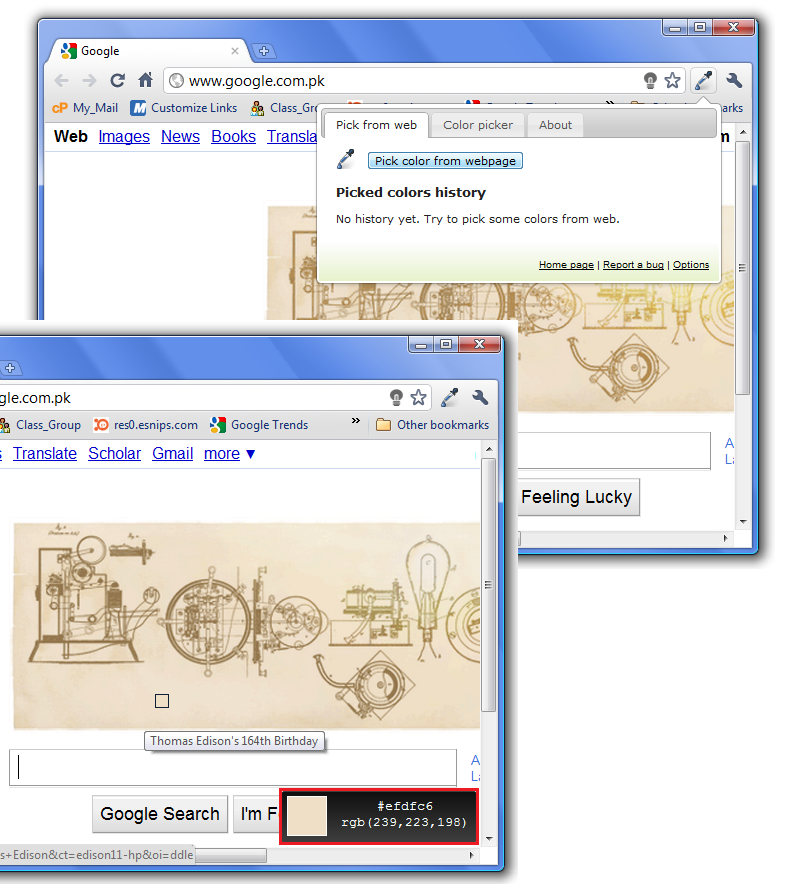
A very useful extension for developers that allows you to pick color from any webpage. [Download]
Rapidshare download helper
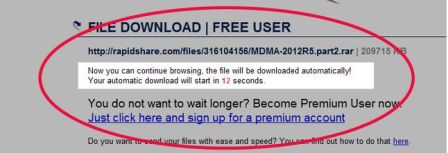
When to download, we often do not sit at the countdown page and start browsing other pages. And very often we happen to forget that we have a countdown running as a consequence the download session expires and you have to wait for another countdown! This extension solves this problem! The extension detects countdowns on the pages and automatically starts to download the content once the countdown is over! Yes, that means no need to sit on one page! A similar extension is available for major websites like megaupload and depositfile. [Download]
NotesAnywhere
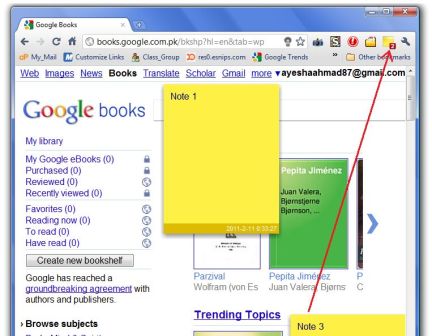
This extension enables you to place multiple notes on one page at any position. However, the notes are discarded once the browser closes. [Download]
Google Aleted
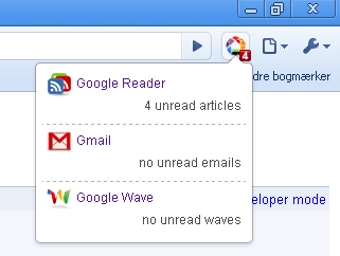
This extension takes care of new messages/ alerts for various google services like Gmail, Google Reader, Google Wave and Google Voice. The extension is under-development to further support Google Apps and Google Calendar. A similar alerter exists for checking emails for gmail account (Google Mail checker) & hotmail account (Hotmail checker). [Download]
Google Shortcuts
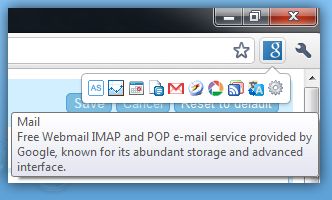
Extension that captures over 150 Google services in a single button. The extension supports Gmail, Google Reader, Google Maps, Google Calendar, and many more. Unlike Google Alerted extension, Google Shortcuts is simply shortcuts and does not display alerts/message notification. [Download]
Chromic Reddit
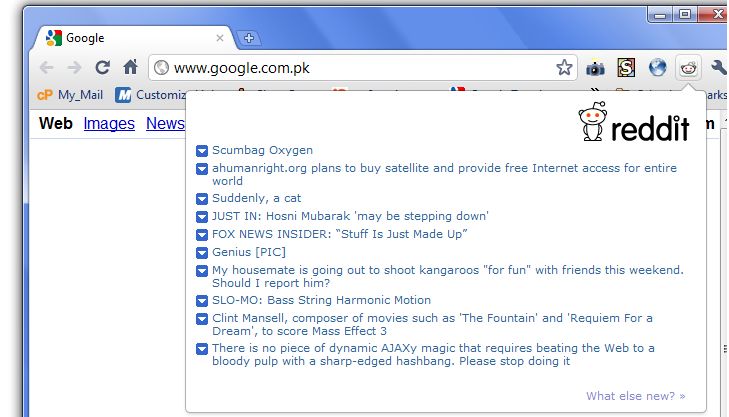
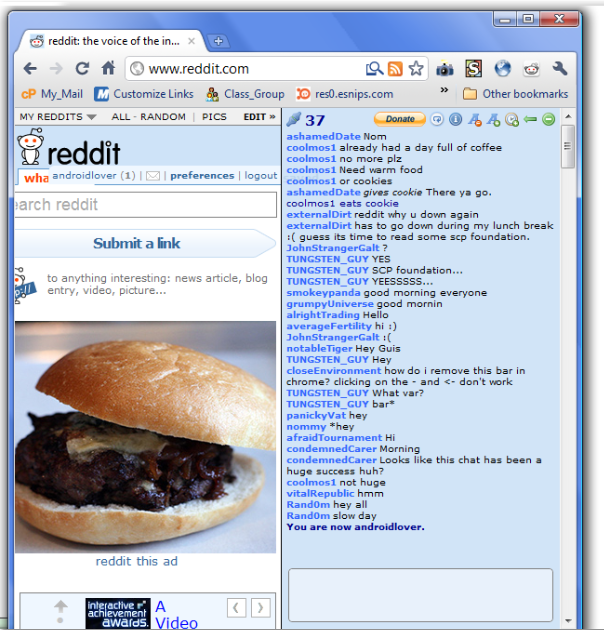
An amazing extension for Reddit lovers. Stay tuned to ‘what’s new’ on reddit with this extension. [Download]
Chattit
Chattit is another extension for Reddit users,Chattit extension creates a unique chatroom for each reddit page. [Download]
Google Chrome to Phone
This extension enables you to send links, maps, and currently selected text and phone numbers to your Android device. The extension also requires you to install the Chrome to Phone Android (‘Chrome to Phone’) application on your phone from Market. Extension supports Android 2.2 (“Froyo”) or later. [Download]
Technology Websites
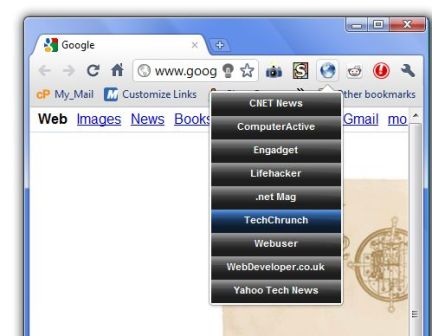
Extensions for tech geeks to access famous technology websites with a single click! [Download]
Vertical Tabs
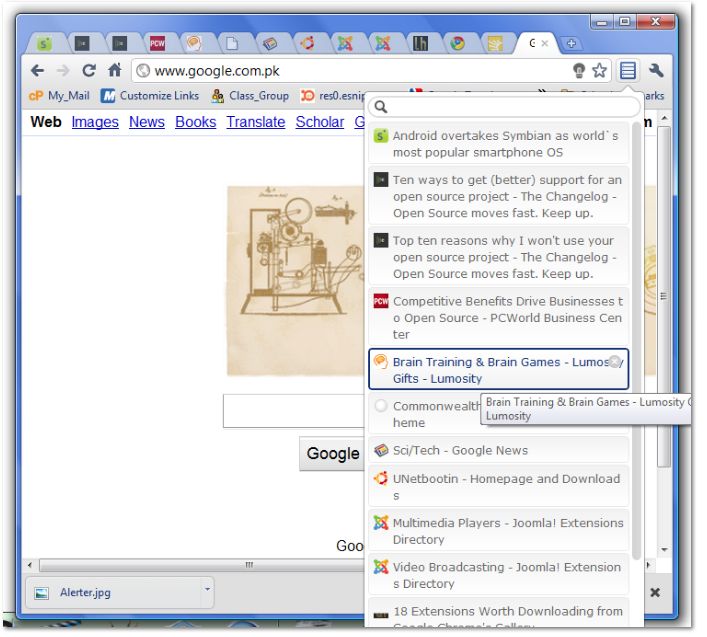
This extension lets you handle tabs in a better and easy way. With the extension you can manage the order of tabs by dragging and dropping them to your desired position. The extension also supports keyboard device making it easy for you to move from page to page! [Download]
Drag2up
Best extension to share files on any website! Simply drag files to upload and share them. Files can be uploaded to imgur, immio, imageshack, snelhest, Flickr, Picasa, TwitrPix, TwitPic, Twitgoo, img.ly, Posterous, gist, Pastebin, Mysticpaste, Chemical Servers, DAFK, min.us, Hotfile, Dropbox, CloudApp, Box.net or Droplr. [Download]
Session Buddy
Are you used to open many tabs in single chrome window? And multiple chrome windows? Then this extension is right for you! Session Buddy enables you to manage you sessions in an effective way, quickly save and restore your session. The sessions are saved according to date and time that implies you can save multiple sessions. The list of session appears in the left corner. Select any session from the list and click Restore to restore the session. You can also re-open one window (out of 2 or 3) or individual pages. [Download]
SpringPad
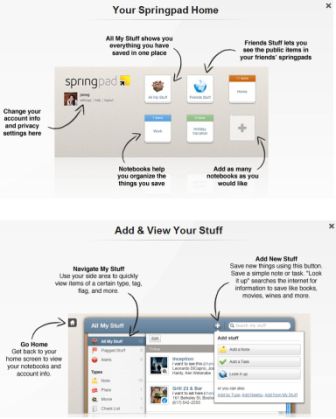
Springpad lets you do much more than a simple scheduler, take as many notes you want,organize and save important tasks and also share your notes with friends! [Download]
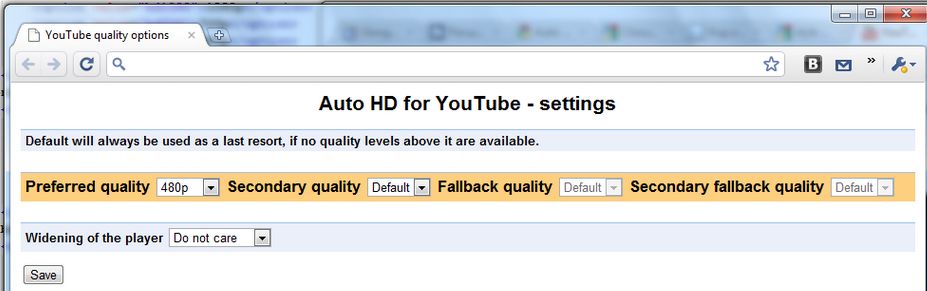
AutoHD forYouTube
This extensions enables you to play HD version of videos on YouTube when available. [Download]
Grab these extensions and have fun! 🙂


