

You will find almost any app in the Android Market to suit your requirement. In this post I have compiled a list of apps that will particularly interest Linux users!  Some apps are intended for mere fun while you will find others helpful for referencing.
You will find a number of apps that provide you with a handy list of commands for Unix/Linux. Below I have highlighted few such notable apps.
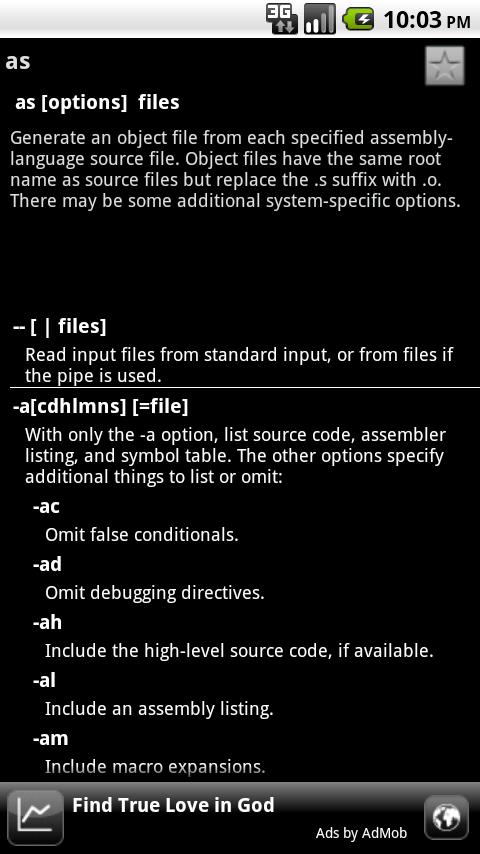
1-Linux Commands
The app contains over 500 Linux commands. Each command is elaborated with syntax, description, and command options in a simple straight forward interface. Among the many apps available in the market for Linux command referencing this app is definitely more comprehensive and elaborated. The commands though do not have examples that most of Linux users might miss. Search feature is also missing. Download remotely.
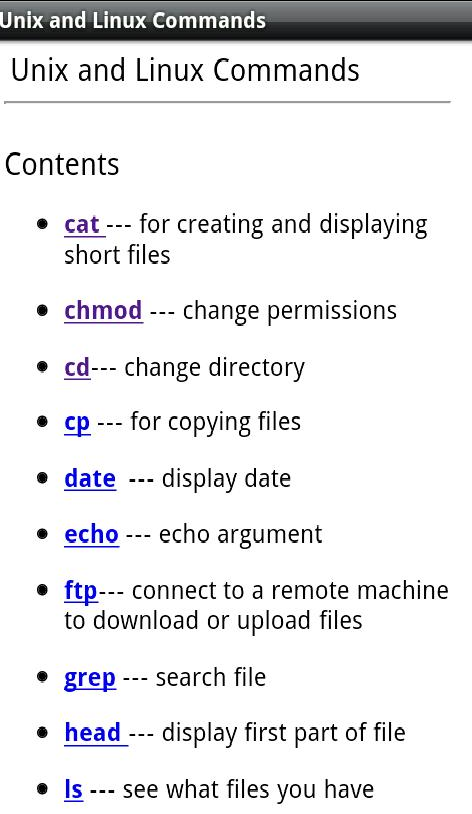
2-Unix and Linux commands
The app will provide you a handy quick reference to Unix/Linux commands. The app can be useful for quick referencing, especially for beginners. The app specifically targets new bees of Linux; expecting more from the app is bit unfair. The app will require you to connect to the internet for working; therefore you may not be able to refer to the app when you do not have an internet connection, this might be very unacceptable attimes. The app also does not have a search option making it a bit tedious to find required command. Download remotely
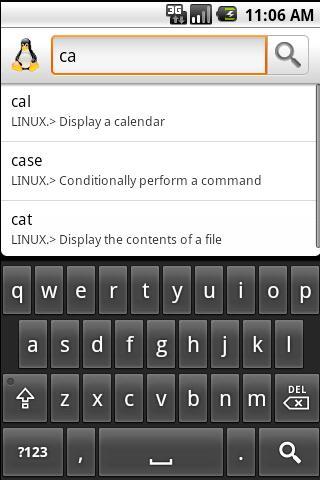
3-Linux command list
Another app to reference Linux commands, yet in its preliminary stages. The app lists relevant suggestions as you search for a particular command. Download Remotely.
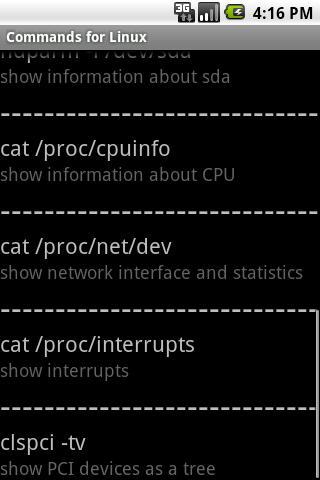
4-Commands for Linux
A simple app that describes commands for Linux. Download Remotely
5-Android Emulator terminal
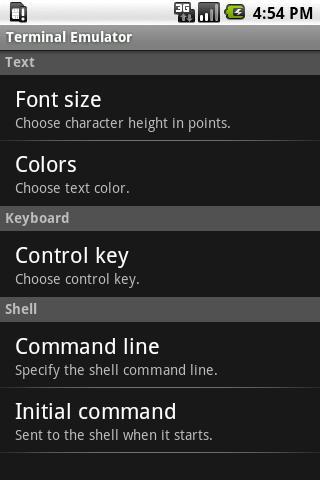
Ever wanted to explore the Linux internals of Android? Or ever wanted to play with the OS, install custom recovery, change the default color of the text on the OS while update… etc and the list extends. The app enables you to run linux command line utilities on your android phone.You will feel this app to be just like a normal Linux terminal. You will enjoy the app if you are a Linux freak! Download Remotely.
6-Fake Linux Emulator
Simple and funny app to play prank on your friends. The app gives an impression that you are running Linux on your Android phone. The app isn’t free! Download Remotely.
Its interesting that some real terminals are free while the fake one cost you a few dollars!
7-LQ Mobile
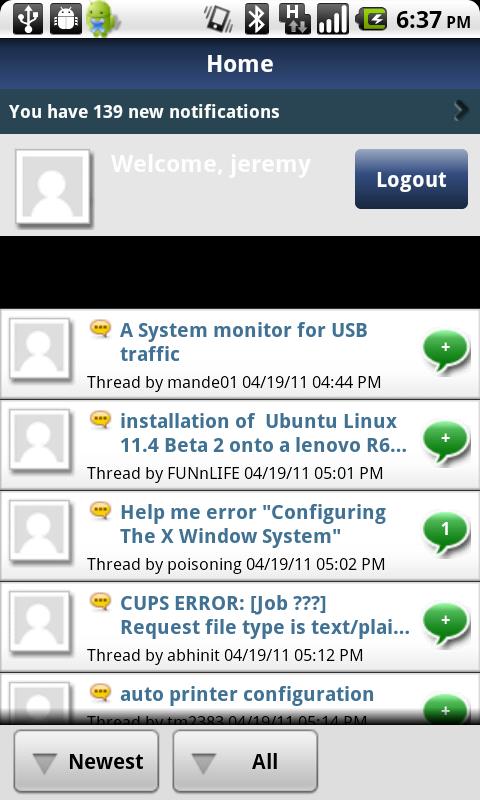
If you are an active Linux developer or are engaged in some Linux learning then this app is just for you. The app provides you with an option to learn about open source and Linux by accessing linuxquestions.org. Using the app to access the website you can engage in Linux related discussions and actively post personal messages and questions to experts. Download Remotely.
8-Linux Con
Linuxcon is official app from Linux foundation. Linuxcon is the industry’s premiere Linux conference. It’s north America’s annual technical conference that provides an unmatched collaboration and education space for all matters Linux. Download Remotely.
9-LPIC & Linux trainer
Preparing a LPI exam? Get mock papers with this app. Note that the app is targeted on people who can reads and understand German language however about 50 questions are also provided in English. The Questions in the app are taken from LPISim. Download Remotely.
10-Unix Epoch Converter
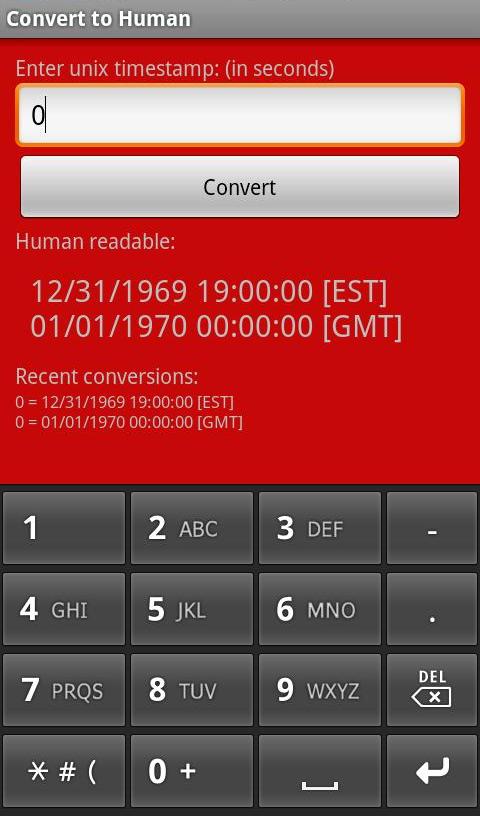
Simple app to convert unix epoch to human conceivable readable time. The app will display the conversion in GMT as well as in device’s default time zone. The App is an open source and the code can be found here.
Another app that works similarly is UNIX Time Converter. This app will also display current UNIX time and will support both portrait and landscape mode. The app is completely free and wont display ads.
11-Chmod
Another simple and handy app to calculate Unix file permission. Download Remotely.
12-chmod calculator.
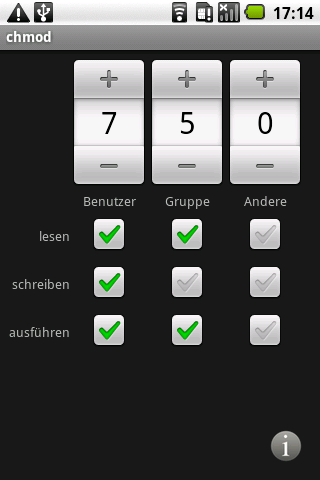
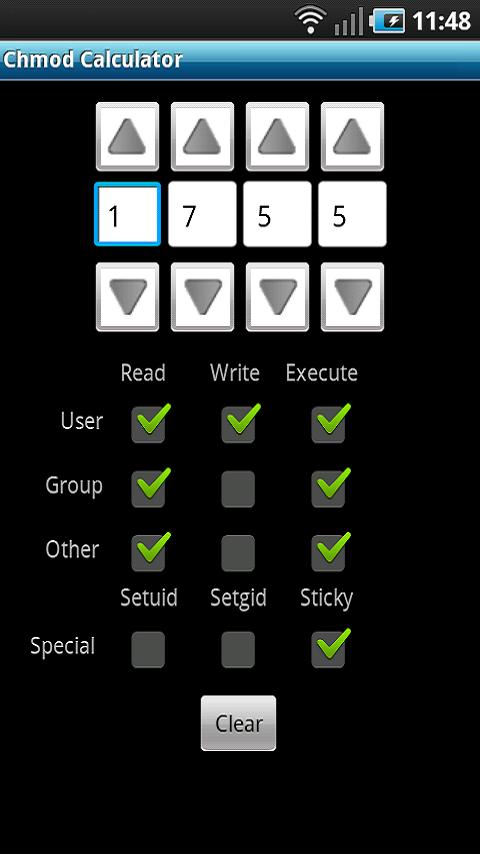
Chmod app will calculate unix and Linux file permission for you, displayed in a nice interface. The app is free and will not display any ads. The app includes support for setuid, setgid and sticky. The app is not only robust but it will also use very little memory and not drain battery. Download Remotely.
13-Unix &Linux News:
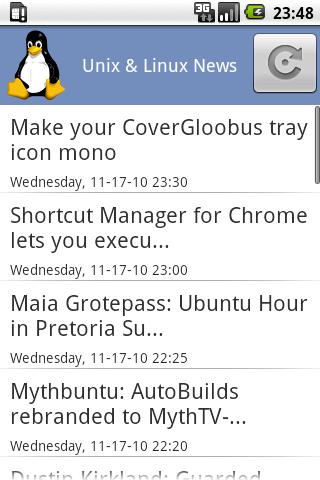
Simple RSS reader for reading feeds about Unix Linux and opensource. The RSS feed is manually selected from various sources to keep you uptodate with latest Unix and Linux news. Download Remotely.
{module user9-footer}


