
No I’m not going to list Angry Birds as one of them. Whenever I search for Android game reviews, they always show me Angry Birds and quite frankly, I have played it enough and got bored of it. So here is my own review of the best free games on Android.
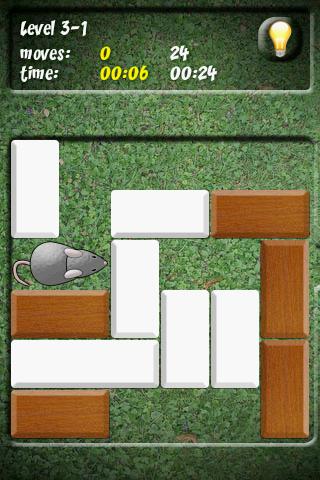
1. Mouse Trap
It is a simple and addictive game that will keep you hooked for long time. It consists of a maze and a mouse that is trapped inside. You have to move the blocks to make the mouse move towards the exit. There are many levels of this game, and you can stay occupied for hours. If you are a fan of puzzle games, this one is certainly for you.
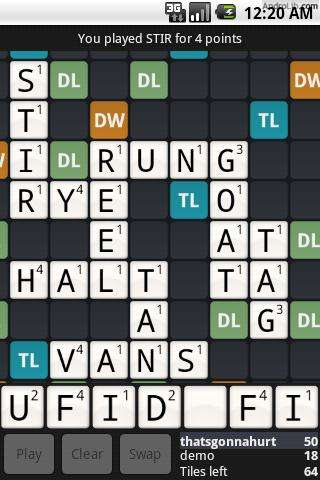
2. Wordfeud
It’s a multiplayer board game that is all about making new words, thus improving your vocabulary. It works on both Android as well as iPhone. You have to place tiles on the tile board and make words. You get many options for this game, and you can play about 30 games simultaneously.
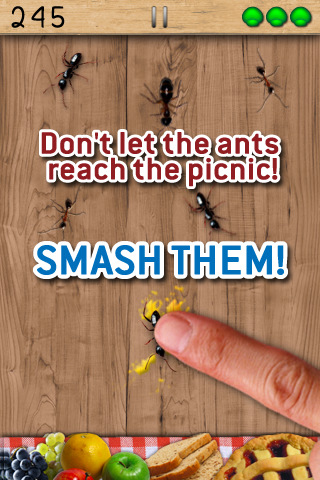
3. Ant Smasher
This game will keep your kids occupied. In this game, ants walk on the screen and you have to smash them by tapping on them. The more ants you smash, the more points you get. But beware of the bee sting. If you touch a bee, you die.
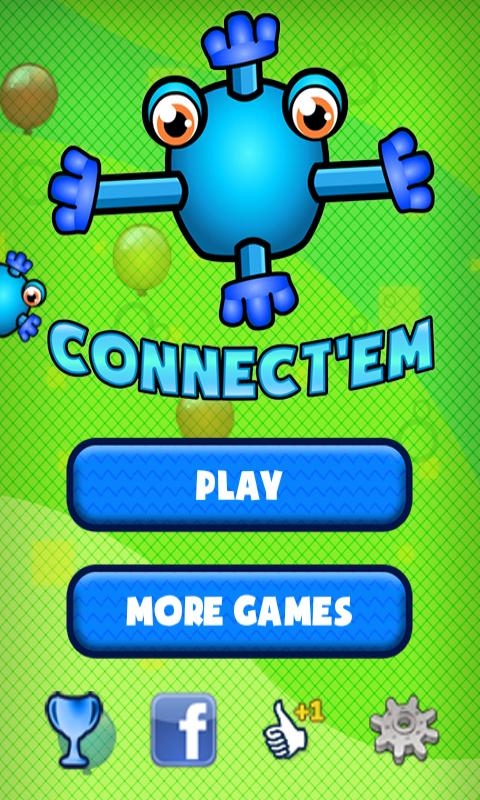
4. Connect’Em
If you like puzzle games, this one is another challenging piece for you. In this game, you have to connect the given blobs. Every blog has some connectors, and you have to connect them in the correct way.
5. Pumpkins v/s Monsters
Save your boundary by throwing pumpkins at monsters. Some monsters die by one pumpkin, some die by two pumpkins, and some are even tougher. Kill monsters and collect coins. You also get special powers.
6. X Construction Lite
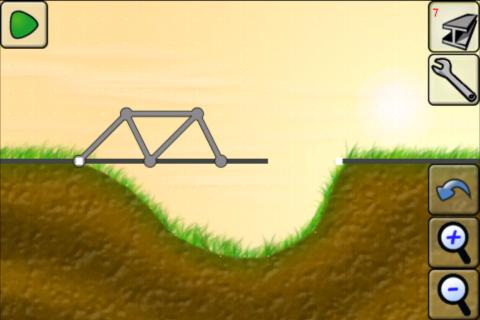
If you like physics, you’ll like this game. Ok so this might not be the most exciting game you’ve seen, but this one will keep you occupied for hours before you uninstall it. You’re a construction engineer who has to make a railway bridge with given material. Make sure the train doesn’t fall!
7. Stupid zombies
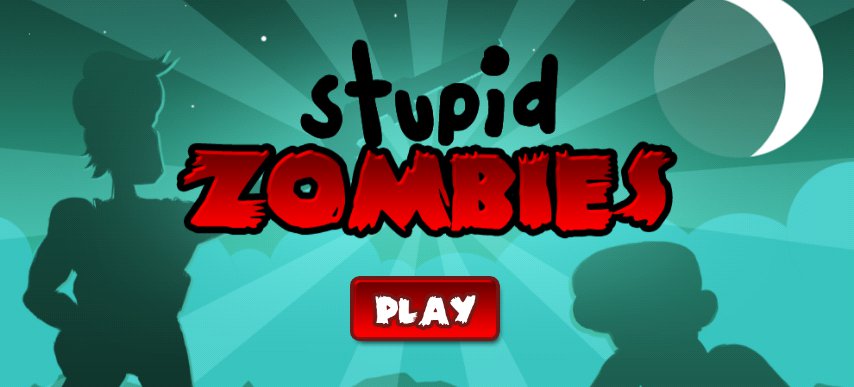
This one is an exciting game that will offer you a bit of blood and gore. You have limited bullets and you have to use them in such a way that all zombies are killed. I had this game installed on my Samsung Galaxy Tab for I don’t know how many months. It’s totally fun!
8. Jewels
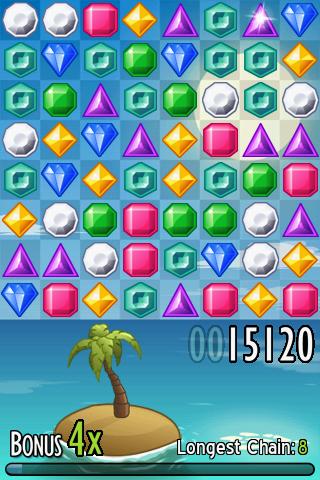
It’s the classic jewel matching game where you match a row of similar jewels. The more jewels you match, the more points you get. Longer rows fetch more points.
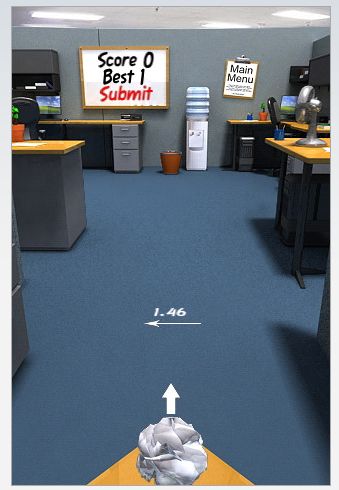
9. Paper toss
Crumple up a piece of paper and toss it in the waste paper bin. You need to have a good aim to do that, especially when there is a fan blowing your paper balls away.
10. Find Differences
You might find it boring at first, but it will soon grab your attention, and you’ll find yourself downloading more image packs, just to keep the game going. I have downloaded two image packs already, and I think it’s a great before-sleeping game.